Curved IPS monitors do exist, but they are less common because curved panels cost more and offer fewer benefits than curved VA displays.
The question “why are there no curved IPS monitors” comes from a real market trend, not a technical limit. Curved IPS monitors are available, but manufacturers often choose VA or OLED panels for curved screens because those technologies fit the design, cost, and viewing needs better. This guide explains the engineering, image quality, price, and production reasons behind that choice.
Curved IPS monitors do exist
The first thing to clear up is simple: curved IPS monitors are not missing from the market. They are less common, but some brands have released curved displays that use IPS or fast IPS panels.
The confusion often comes from online stores. Many curved monitors use VA panels, while most flat gaming and professional monitors use IPS panels. This makes it seem as if IPS and curved screens cannot work together.
Curvature is a shape. IPS is a panel technology. They are separate features.
A monitor can use:
• A flat IPS panel
• A curved IPS panel
• A flat VA panel
• A curved VA panel
• A flat OLED panel
• A curved OLED panel
So, the better question is not “why are there no curved IPS monitors?” It is “why are curved IPS monitors less common?”
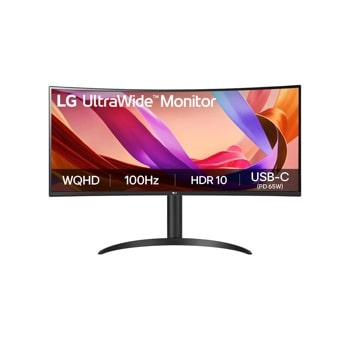
Why are there no curved IPS monitors in large numbers?
There are several reasons. The main ones involve manufacturing cost, panel supply, image performance, and consumer demand.
Curved IPS panels are harder to produce
A normal IPS panel is made as a flat sheet. To create a curved IPS monitor, the panel, backlight, frame, glass, and support structure must work with a bend.
This adds more production steps. It also increases the risk of defects, uneven pressure, and light leakage. A small problem that may be acceptable on a low-cost flat display can become more visible when the screen is curved.
Manufacturers also need special tooling. That tooling costs money, especially when a model sells in smaller numbers.
Curved screens need more careful assembly
A curved screen must keep the same curve across the entire panel. If the frame applies uneven pressure, the panel may show:
• Bright spots
• Clouding
• Uneven backlight
• Edge glow
• Small gaps between layers
IPS panels already have a reputation for glow and backlight variation. These problems are not guaranteed, but a curved design can make quality control more demanding.
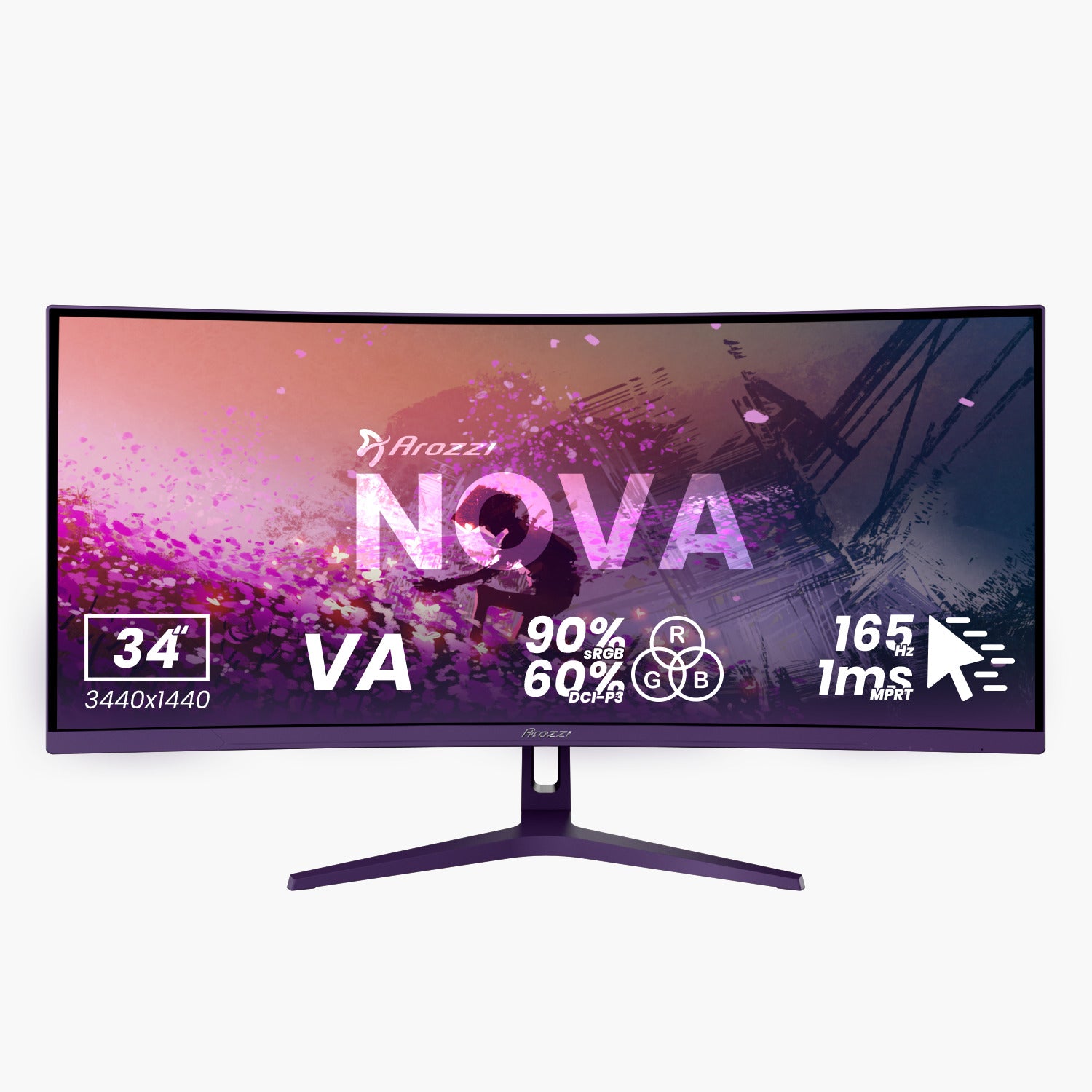
This is one reason brands often use VA for curved screens. VA panels are widely available in curved formats, especially for gaming monitors and ultrawide displays.
IPS is more expensive at similar sizes
IPS monitors often cost more than comparable VA monitors. They usually provide better viewing angles, strong color performance, and fast pixel response, but the production cost can be higher.
Adding curvature can raise the price again. The result may be a curved IPS monitor that costs much more than a curved VA monitor with similar resolution and refresh rate.
Many shoppers care more about refresh rate, screen size, and price than the panel type. Manufacturers follow that demand.
Curved IPS monitors have a smaller target market
A curved screen works best when it is large enough to surround part of your field of view. A gentle curve on a 24-inch or 27-inch monitor may not feel very useful.
A 34-inch ultrawide or 49-inch super ultrawide screen can make better use of curvature. However, large IPS panels are expensive. They also compete with curved VA and OLED models that may offer deeper contrast.
This creates a narrow market:
• Small curved IPS monitors may feel unnecessary.
• Large curved IPS monitors may be expensive.
• Curved VA models offer strong value.
• Curved OLED models offer excellent contrast and response time.
The role of IPS technology
IPS stands for In-Plane Switching. It describes how liquid crystal cells move inside the panel.
IPS monitors are popular because they usually offer:
• Wide viewing angles
• Consistent color across the screen
• Good color accuracy
• Fast response on modern models
• Strong performance for work, games, and creative tasks
The liquid crystal layer itself does not prevent a screen from bending. The challenge comes from the complete display stack.
A finished monitor includes more than the IPS layer. It may contain a polarizer, color filters, electrodes, glass, a backlight, diffuser sheets, a cover layer, and a frame. Every part must handle the curve without reducing image quality.
Think of it like bending a sandwich. The bread, filling, and wrapper may each bend in a different way. If one layer shifts, the whole sandwich becomes uneven.
Does bending damage IPS performance?
Not automatically. A well-made curved IPS monitor can display a sharp image with accurate color.
The risk is that curvature may make certain flaws more noticeable. For example, pressure on the panel can affect uniformity. The curve may also create more reflection in a bright room, depending on the screen coating and viewing angle.
The quality of the design matters more than the word “curved” alone.
Why VA is more common in curved monitors
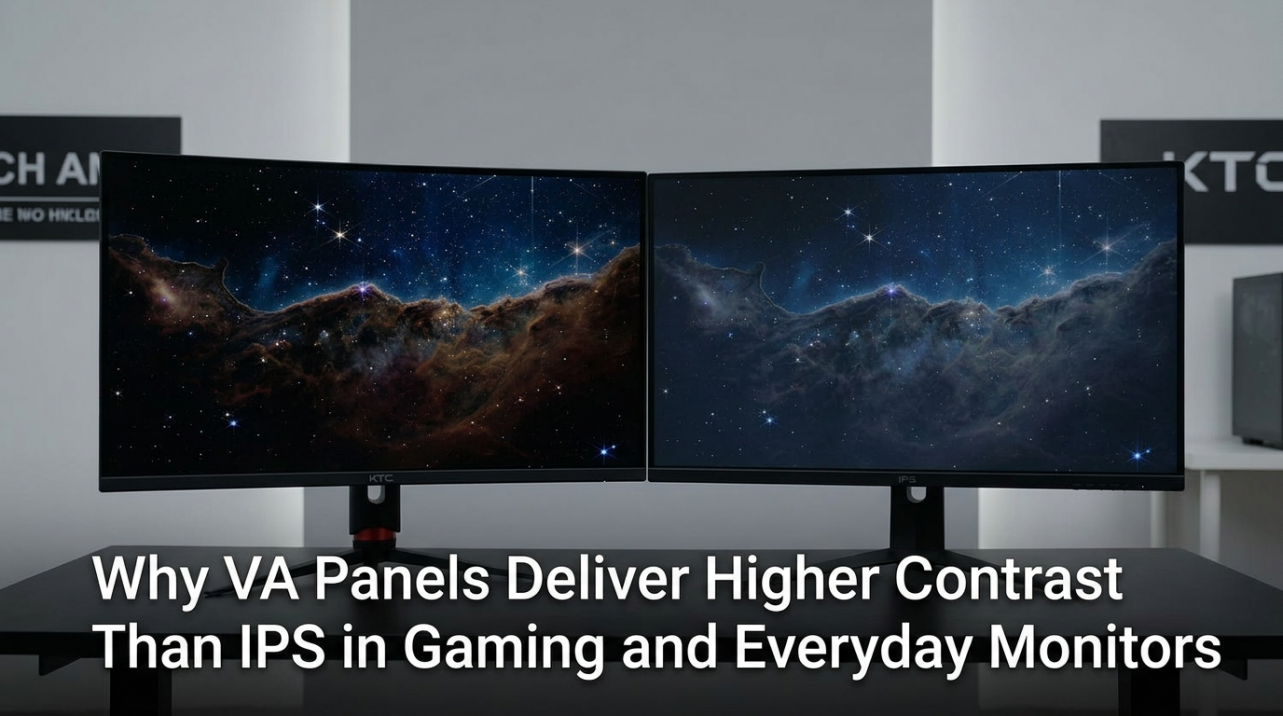
VA stands for Vertical Alignment. VA panels are known for much higher native contrast than typical IPS panels.
A common IPS monitor may have a contrast ratio near 1,000:1. A VA monitor may reach around 2,000:1 to 4,000:1, depending on the panel and model. These numbers vary, but the general difference is clear.
Higher contrast helps curved gaming monitors because:
• Dark scenes look deeper.
• Movies appear more cinematic.
• Ultrawide screens feel more immersive.
• Black areas look less gray in a dim room.
VA also has a large supply chain for curved television and monitor panels. Curved VA manufacturing became common in gaming displays, so brands can often buy these panels at competitive prices.
That does not mean VA is always better. VA panels can suffer from dark-level smearing, especially in fast games. IPS usually provides more consistent motion clarity and wider viewing angles.
The market has simply matched each panel type with its strongest selling point. IPS is often marketed for speed and color. VA is often marketed for contrast and immersion.
Curved IPS versus curved VA
When comparing curved IPS monitors with curved VA monitors, look beyond the curve. The panel type affects daily use more than the shape.
| Feature | Curved IPS | Curved VA |
|---|---|---|
| Viewing angles | Usually excellent | Good, but color can shift more |
| Contrast | Usually moderate | Usually much higher |
| Color consistency | Strong across the screen | Can vary more at wider angles |
| Dark-scene motion | Often cleaner | May show black smearing |
| Price | Often higher | Often more affordable |
| Availability | Limited | Very common |
| Best use | Mixed work, gaming, design | Gaming, movies, immersive use |
For office work, photo editing, and shared viewing, IPS may be the better choice. For movies and dark games, VA can look more impressive.
A curved IPS monitor is most useful when you want both wide viewing angles and a large immersive display. It is less compelling when the screen is small or when you sit far away.
Why flat IPS monitors remain popular
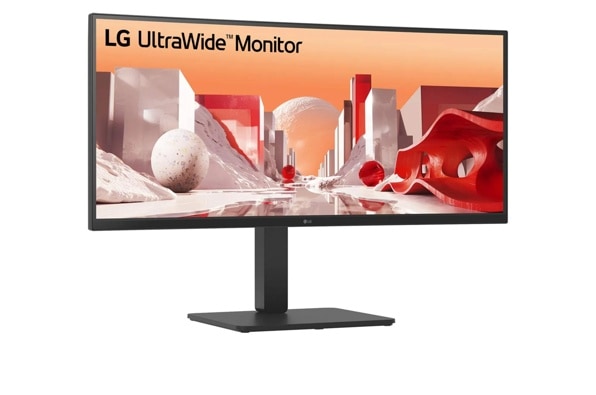
Flat IPS monitors fit more desks, workspaces, and viewing habits. Many users sit close to a 24-inch or 27-inch display. At that distance, a curve may offer little benefit.
Flat panels also work well for:
• Text editing
• Coding
• Web browsing
• Spreadsheet work
• Graphic design
• Photo editing
• Multi-monitor setups
A flat screen is easier to place beside another display. It also avoids the slight visual distortion that some people notice when working with straight lines near the edge.
For professional work, a flat IPS monitor can be more predictable. A designer may prefer a straight canvas, especially when creating layouts, technical drawings, or documents.
Curved IPS monitors can still work for productivity. However, their value depends on screen size, viewing distance, and personal preference.
Why curved IPS monitors can be useful
Although they are less common, curved IPS monitors have real advantages.
Better immersion on wide screens
A curve can bring the left and right edges closer to your eyes. This may reduce the need to turn your head on an ultrawide monitor.
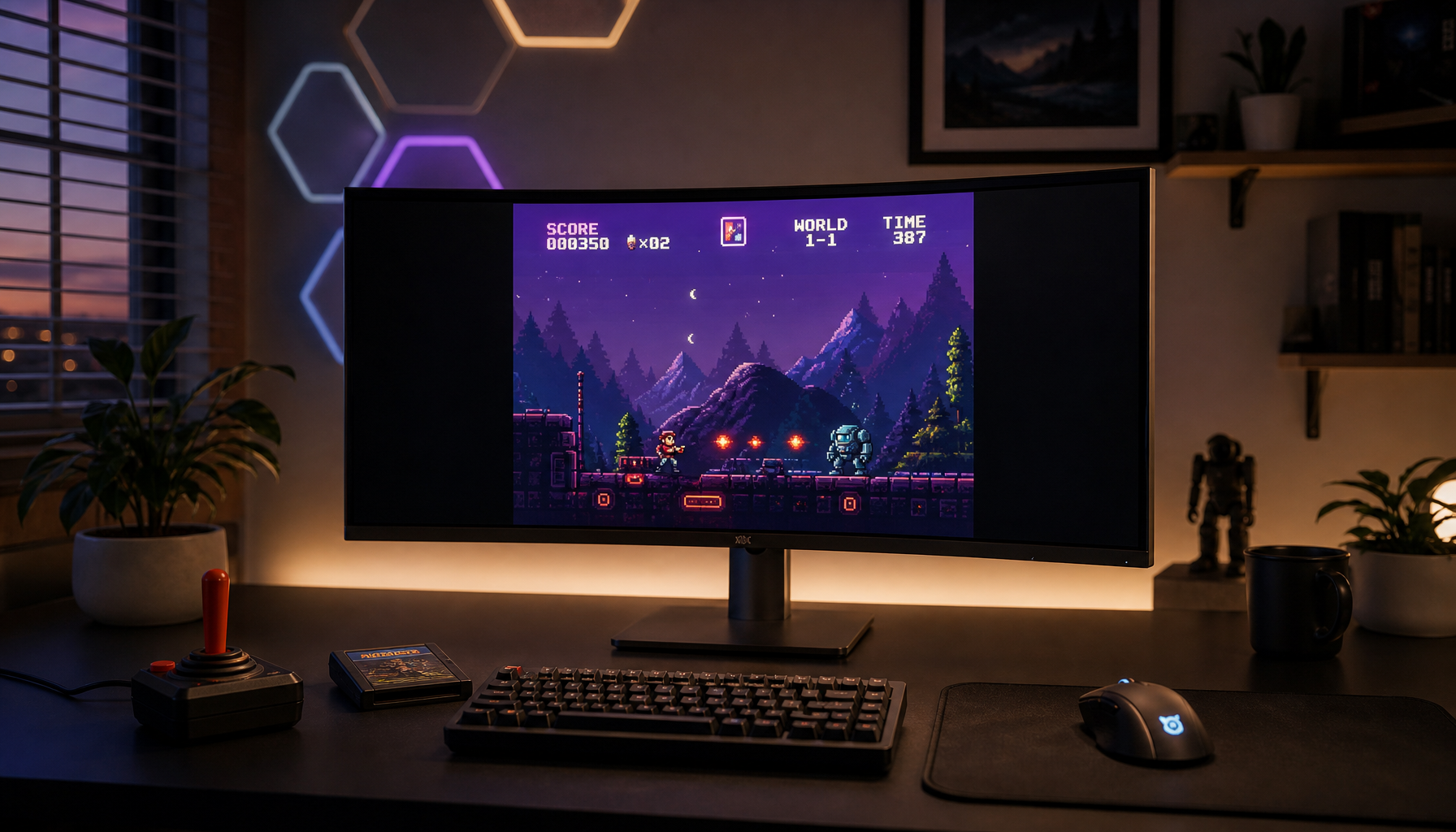
For racing games, flight simulators, role-playing games, and panoramic video, the effect can feel natural. It is similar to sitting in the front row of a small theater instead of looking at a flat poster.
Consistent color from the sides
IPS panels maintain color better when viewed off-center. This matters on a large screen because the edges sit at a wider angle from your eyes.
A curved IPS panel can combine two benefits:
• The curve points more of the screen toward you.
• IPS keeps color shifts low across the viewing area.
Good performance for mixed use
A curved IPS monitor may suit someone who plays games but also edits photos, works with documents, or watches content.
Fast IPS panels can provide high refresh rates, such as 144 Hz, 165 Hz, 240 Hz, or more. Exact performance depends on the model, overdrive settings, and response-time testing.
The limitations of curved IPS monitors
Curved IPS screens are not perfect. Their limitations explain why many buyers still choose flat IPS or curved VA.
IPS glow can remain visible
IPS glow is a bright haze that may appear near the corners of a dark screen. It changes as you move your head.
A curved design does not remove IPS glow. In some cases, the screen shape may make corner brightness more noticeable from a close viewing position.
The amount varies between individual units. This is called panel variance. Two monitors with the same model number can have slightly different glow or backlight uniformity.
Curved screens need more desk space
A curved monitor may extend farther toward the user. Its stand can also take up more room.
Before buying one, measure:
• Desk depth
• Wall distance
• Monitor arm reach
• Speaker placement
• Viewing distance
A large curved IPS monitor can feel cramped on a shallow desk.
Curvature is not always helpful for design work
The curve can make straight lines near the edge appear different from the center. This is usually mild, but it may matter for design, architecture, spreadsheets, or video editing.
This does not make curved monitors unsuitable for creative work. It simply means you should test the layout and viewing angle before buying.
Common curvature ratings explained
Monitor curvature is shown with numbers such as 1000R, 1500R, 1800R, or 3000R. The “R” means radius in millimeters.
A 1000R curve follows a tighter circle. A 3000R curve is gentler.
In simple terms:
• 1000R feels strongly curved.
• 1500R provides a noticeable gaming curve.
• 1800R is more moderate.
• 3000R feels subtle.
A stronger curve may feel immersive on a large ultrawide monitor. A gentle curve may be easier for work and general use.
Curvature is a personal choice. Sit at the distance you plan to use, then imagine the edges of the screen entering your peripheral vision. This gives a better idea than judging the number alone.
How to choose a curved IPS monitor
If you want a curved IPS monitor, check the full specification sheet. Do not rely only on the product title.
Look at panel details
Check the following:
• Native resolution
• Refresh rate
• Response-time behavior
• Contrast ratio
• Color gamut
• Factory calibration
• HDR certification
• Adaptive sync support
• Backlight uniformity
• Warranty terms
A monitor can claim “1 ms” response time while needing an aggressive overdrive mode that creates bright trails. Independent testing is more useful than a single marketing number.
Match size to curvature
A 27-inch curved IPS monitor may not provide much immersion. A 34-inch ultrawide model usually makes better use of the curve.
For a 34-inch ultrawide screen, a 1500R or 1800R curve is common. A 49-inch screen may benefit from a stronger curve, such as 1000R.
These are general guidelines, not strict rules.
Check return policies
Panel uniformity varies. A good return policy protects you from severe glow, dead pixels, uneven backlighting, or damage from shipping.
This is one of the most practical lessons from comparing monitors: specifications tell you what a display should do, but a real unit tells you how well it does it.
Are curved IPS monitors good for gaming?
Yes, curved IPS monitors can be excellent for gaming, especially when they combine a large ultrawide format with a high refresh rate.
They may offer:
• Clear motion
• Strong color
• Wide viewing angles
• A more natural view across a wide screen
• Support for variable refresh rate
The best choice depends on the games you play. Competitive players may prefer a flat 24-inch or 27-inch screen because it is easier to scan quickly. Immersion-focused players may prefer a curved ultrawide.
For dark games, a curved VA monitor may look better because of its higher contrast. For bright competitive games, IPS may provide cleaner motion and more consistent color.
Are curved IPS monitors good for office work?
They can be, but the answer depends on your tasks.
A large curved IPS monitor can reduce the need to turn your head across a wide desktop. It may also make side-by-side windows feel more comfortable.
However, a flat IPS display may be better for:
• Long documents
• Precision layout work
• Multi-monitor setups
• Small desks
• Shared viewing
• Straight-line design
Text should remain sharp on a curved IPS monitor when the resolution and scaling are correct. Still, some people need a short adjustment period before the curve feels normal.
What the market may look like in the future
Curved IPS monitors may become more common if large IPS panel production becomes cheaper or if more buyers demand wide screens with consistent color.
OLED is also changing the market. Curved OLED monitors offer near-black blacks, fast response times, and strong contrast. This gives manufacturers another premium option for curved gaming displays.
Mini-LED backlights may also improve curved IPS models by increasing contrast and HDR performance. Mini-LED does not change the IPS panel itself, but it can make the overall display more competitive with OLED and VA.
Still, curved IPS monitors will likely remain a specialized category. Flat IPS panels are easier to manufacture and sell to a wider audience.
Frequently Asked Questions About Why Are There No Curved IPS Monitors
Are there actually curved IPS monitors?
Yes. Curved IPS monitors exist, especially in large ultrawide and gaming formats. They are simply less common than curved VA monitors and flat IPS monitors.
Why are there no curved IPS monitors in many stores?
Manufacturers often use VA for curved models because VA offers high contrast, strong availability, and lower production costs. Curved IPS models may cost more while appealing to a smaller group of buyers.
Is curved IPS better than curved VA?
Neither is always better. IPS usually offers wider viewing angles and cleaner color consistency, while VA generally provides deeper contrast and darker blacks.
Do curved IPS monitors have IPS glow?
They can. IPS glow is related to the panel design and viewing angle, and curvature does not remove it. The amount varies from one monitor unit to another.
Are curved IPS monitors good for gaming?
Yes, especially for ultrawide gaming. They can combine fast refresh rates, strong color, wide viewing angles, and a more immersive field of view.
Is a flat IPS monitor better for work?
A flat IPS monitor is often the safer choice for documents, design layouts, and multi-monitor setups. A curved IPS display can still work well if you prefer a large, single-screen workspace.
Conclusion
The answer to “why are there no curved IPS monitors” is that they do exist, but they face a tougher business case. Curved IPS panels can cost more to build, require stricter quality control, and compete with curved VA and OLED displays that offer stronger contrast or lower prices.
Choose a curved IPS monitor when you want wide viewing angles, consistent color, fast gaming performance, and an immersive large screen. Choose flat IPS for simple desk setups and precision work, or curved VA when deep contrast and value matter most.
Compare the full specifications, measure your desk, and check independent reviews before buying. If you have used a curved IPS monitor, share your experience in the comments and help other readers make a smarter choice.