Dell offers reliable devices, strong support, flexible options, and value for home, school, and business users.
Choosing a computer brand is about more than speed or a low price. It is about trust, service, security, comfort, and how well a device fits your daily work. This guide explains why choose Dell through practical examples, product insights, benefits, limits, and buying tips.
Why choose Dell for your next computer?
Dell is one of the best-known computer brands in the world. Its product range includes laptops, desktops, monitors, workstations, servers, and business tools. This wide choice is a key reason why choose Dell when you need one brand for many needs.
Dell also serves many types of users. A student may need a light laptop for class. A remote worker may want a clear webcam and strong battery life. A business may need secure systems that IT teams can manage at scale.
Here are the main reasons people choose Dell:
• Broad product range for home, school, work, and gaming
• Strong business laptop and workstation families
• Many configurations and price points
• Reliable support and warranty options
• Good focus on security and device management
• Large service network in many regions
• Long history in the computer industry
Dell is not always the cheapest brand. It also does not make every model perfect. Still, it often offers a balanced mix of performance, features, support, and dependability.

Dell offers a wide range of products
One major answer to why choose Dell is product variety. You can find a Dell device for simple web use, creative work, gaming, engineering, or large business operations.
Dell laptops for everyday use
Dell Inspiron laptops are built for common tasks such as:
• Web browsing
• Video calls
• Office work
• Streaming
• Online learning
• Light photo editing
They usually offer several screen sizes and hardware choices. This makes it easier to match your budget with the features you need.
Dell XPS laptops for premium use
The XPS line is known for a sleek design, high quality screens, and strong performance. These laptops often suit professionals, creators, and users who want a more polished experience.
An XPS model can be a good fit if you value:
• A sharp display
• A slim design
• Fast processors
• A comfortable keyboard
• Premium materials
Dell Latitude for business users
Latitude laptops focus on work, security, durability, and easy management. Many companies choose Latitude systems because they can standardize devices across teams.
Business features may include:
• Fingerprint readers
• Smart card support
• Webcam privacy controls
• Strong docking support
• Business grade warranties
• Remote management tools
Dell Precision workstations
Precision systems are made for demanding work. They can support fields such as architecture, engineering, video production, science, and 3D design.
These systems often use professional graphics cards and certified drivers. That matters because professional software may need tested hardware for stable performance.
Dell monitors and accessories
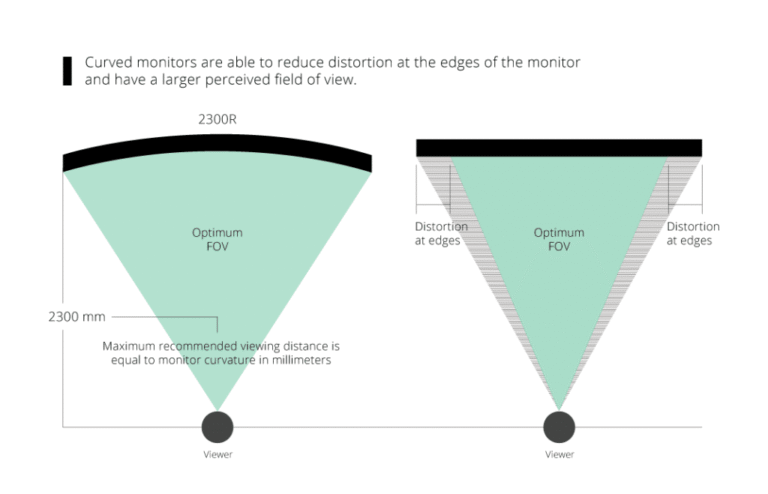
Dell also makes monitors, docks, keyboards, mice, webcams, and other accessories. Using products from one brand can simplify setup and support.
For example, a Dell laptop paired with a Dell USB C dock and monitor can create a clean desk setup. This can help remote workers move from travel mode to office mode with one cable.
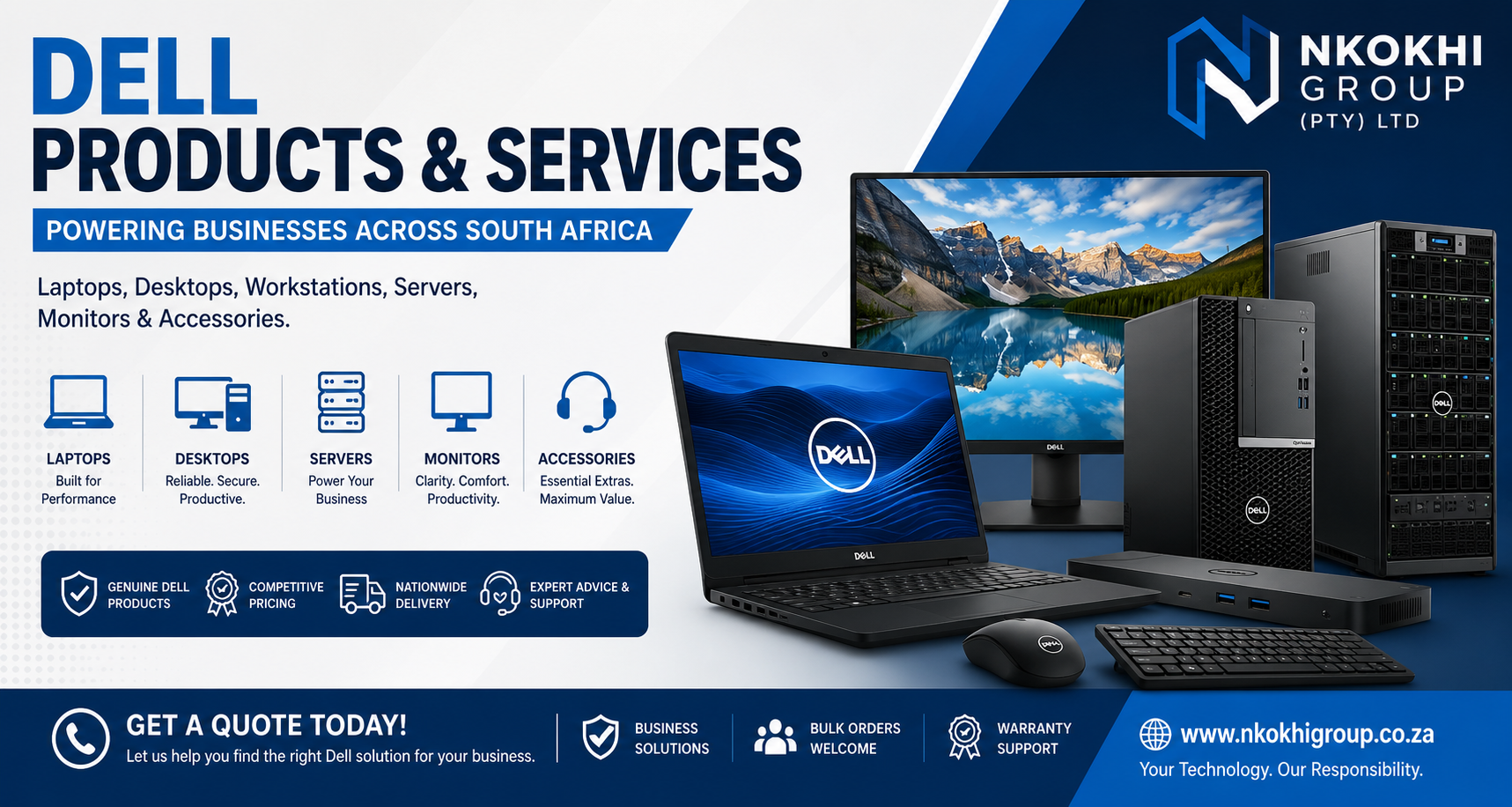 balances performance and price”
style=”max-width: 100%; height: auto; border: 2px solid black; border-radius: 10px; display: block; margin: 0 auto;”
loading=”lazy”
/>
Dell balances performance and price
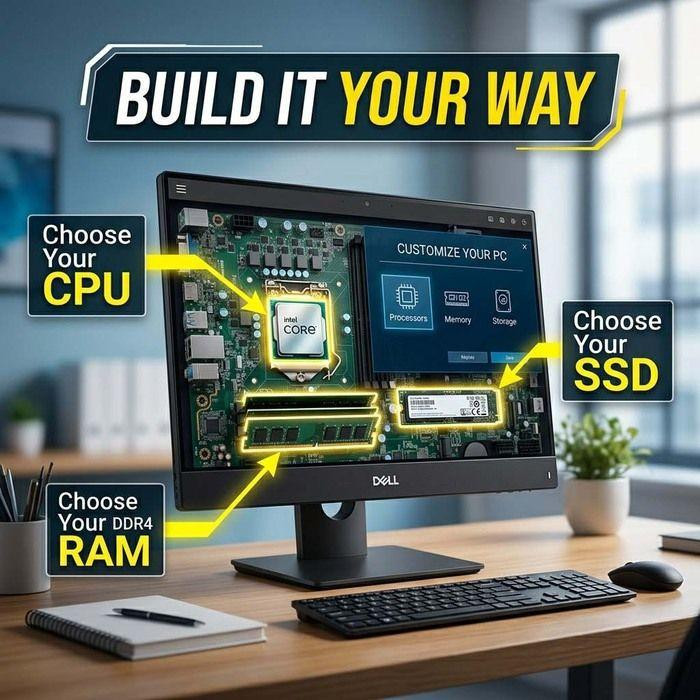
Another important reason why choose Dell is the number of hardware options. Many models let you select the processor, memory, storage, screen, and warranty level.
A casual user may not need a powerful processor or a large amount of memory. A developer, designer, or analyst may need more power. Dell gives both users a way to choose a suitable configuration.
For most people, these specifications matter:
• Processor: Controls how quickly the computer handles tasks
• Memory: Helps with multitasking and many open apps
• Storage: Holds files and affects startup speed
• Display: Influences comfort, color quality, and sharpness
• Battery: Affects how long you can work away from a charger
• Graphics: Helps with games, design, video, and 3D work
A common buying mistake is paying for features you will never use. For example, a basic office user may gain more from a bright screen and good keyboard than from a high-end graphics card.
A practical starting point is:
• 8 GB of memory for basic tasks
• 16 GB for regular work and multitasking
• 512 GB of solid-state storage for many users
• A modern Intel Core or AMD Ryzen processor
• Full HD resolution or better for daily comfort
These needs can change over time. If you keep a laptop for five years, buying a little more memory and storage may help it stay useful longer.
Dell is a strong choice for business and professional use
Businesses often ask why choose Dell instead of a consumer-focused brand. The answer usually involves device management, security, support, and predictable product lines.
IT teams need more than fast computers. They need systems that are easy to deploy, repair, track, and protect. Dell business devices often support tools that help companies manage many computers at once.
Important business benefits can include:
• Central device management
• BIOS and firmware controls
• Security features for user identity
• Docking and monitor compatibility
• Standardized hardware across departments
• On-site or extended support plans
Dell ProSupport and similar service options may help businesses reduce downtime. Service terms vary by product, location, and contract, so buyers should read the details before purchase.
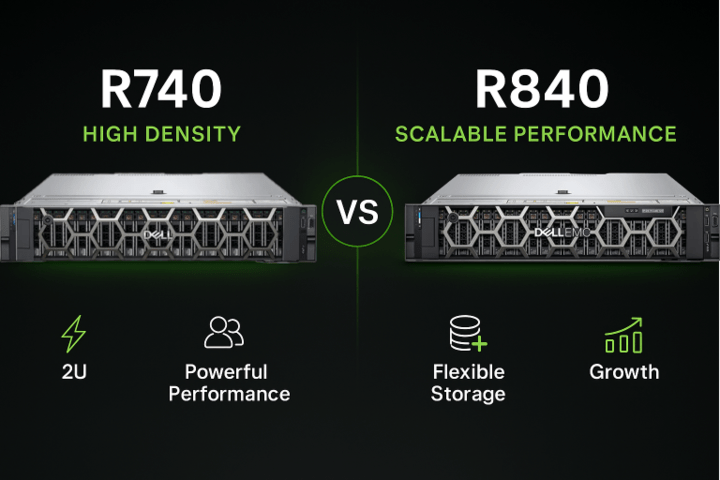
Dell servers and storage products also support business data centers and cloud environments. The company’s enterprise products are used in areas such as education, health care, finance, manufacturing, and government.
For a small business, this can create a simple path. You may start with a few business laptops and later add monitors, docks, workstations, and server solutions from the same provider.
Dell focuses on security and privacy
Security is another major factor in why choose Dell. A computer stores personal data, work files, passwords, photos, and financial information. Good security helps protect that data from theft and misuse.
Depending on the model, Dell devices may offer:
• Trusted Platform Module security
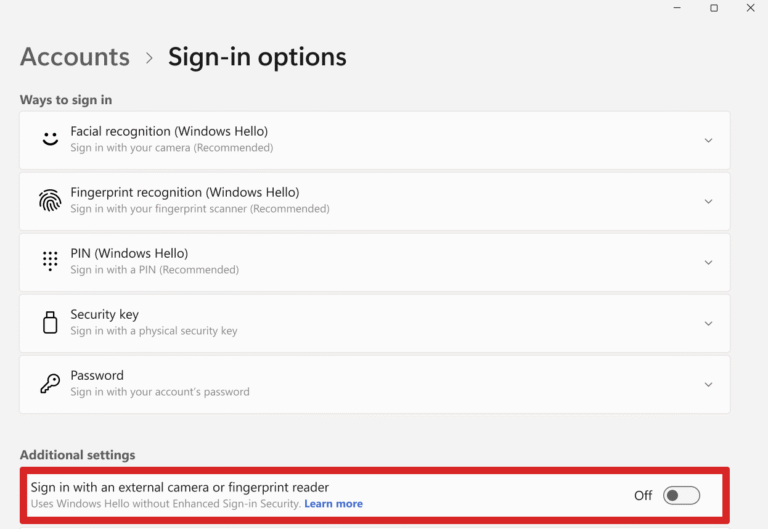
• Fingerprint or facial login
• Secure boot support
• BIOS protection
• Webcam shutters
• Smart card readers
• Hardware based security controls
Dell business systems may also work with security and management tools used by corporate IT departments. These tools can help detect changes, update firmware, and apply policies.
Still, no brand can make a computer completely safe. Users must also take simple steps:
-
Install operating system and firmware updates.
-
Use a strong password or passkey.
-
Turn on multifactor authentication.
-
Back up important files.
-
Avoid unknown downloads and links.
-
Lock the screen when leaving the device.
The best security works like a locked house. The door matters, but so do the windows, alarm, and habits of the people inside.
Dell provides useful support options
Support is one of the clearest answers to why choose Dell. Even a reliable computer can have a problem. A broken charger, failed drive, or display issue can disrupt school or work.
Dell offers support choices that may include:
• Basic limited warranties
• Accidental damage coverage
• Extended warranty plans
• On-site service
• Phone and online support
• Driver and diagnostic tools
• Replacement parts for supported products
Support quality can differ by country, product line, and service plan. Business customers often receive faster or more complete options than standard consumer buyers.
Before purchasing, check:
• Warranty length
• What parts are covered
• Whether labor is included
• Repair location
• Expected response time
• Accidental damage terms
• Battery coverage
A lesson many buyers learn too late is that the lowest price may not be the lowest total cost. A slightly higher price with better support can save time and stress, especially when the computer is used for income.
Dell can support better workplace comfort
A computer is part of your daily environment. The screen, keyboard, weight, and ports can affect comfort over many hours.
Dell offers displays with different sizes, resolutions, refresh rates, and panel types. Some models focus on color accuracy. Others focus on smooth motion, office use, or eye comfort.
When choosing a Dell laptop or monitor, consider:
• Screen brightness for your room
• Matte or glossy display finish
• Keyboard travel and layout
• Weight for daily travel
• Number of USB ports
• HDMI or DisplayPort support
• USB C charging and docking
• Webcam quality
For remote work, a good monitor and dock may improve comfort more than a faster processor. In real desk setups, the biggest improvement often comes from raising the laptop screen and using a full-size keyboard.
This is a useful example of why choose Dell beyond technical specifications. A well-planned setup can make daily work feel easier and less tiring.
Dell has sustainability and recycling programs
Environmental impact is now part of many buying decisions. Dell has published sustainability goals and offers recycling services in various markets. It also uses recycled and renewable materials in some products and packaging.
Programs and materials can change over time. Buyers should check current product information for exact details. Third-party systems such as ENERGY STAR and EPEAT can also help compare energy use and environmental attributes when a product carries the relevant certification.
You can make a more responsible purchase by:
• Choosing a device that meets your real needs
• Keeping it longer through upgrades or care
• Repairing it when practical
• Recycling it through an approved program
• Buying a model with efficient power use
A durable computer can reduce waste because it may not need to be replaced as quickly. However, durability depends on the model, use, repair access, and maintenance.
What are the limitations of choosing Dell?
A balanced answer to why choose Dell must include possible drawbacks. Dell is a large company, but every product family has strengths and weaknesses.
Some buyers may notice:
• Product quality can vary between model lines
• Entry-level models may use basic displays or plastic bodies
• Premium configurations can become expensive
• Customer service experiences may differ by region
• Some parts may be difficult to replace
• Preinstalled software may require cleanup
• Design changes can affect ports and upgrade options
Reviews are useful, but they should be read carefully. A review of an XPS laptop may not apply to an Inspiron model. A business Latitude laptop may have different goals from a gaming desktop.
Also, online prices change often. A Dell computer may be a good value during a sale but less attractive at its regular price. Compare the full specifications, warranty, shipping cost, and return terms before ordering.
How to choose the right Dell device
The best way to understand why choose Dell is to match the product with your actual needs. Start with your work, not the brand name.
Use this simple process:
-
List your main tasks. Include work, study, games, design, calls, and travel.
-
Set a realistic budget. Include a monitor, dock, software, and warranty if needed.
-
Choose the right size. A 13 or 14 inch laptop is easier to carry. A 15 or 16 inch model gives more screen space.
-
Check memory and storage. Avoid buying less than you need for the next few years.
-
Review ports. Make sure the device supports your monitor, drive, headset, and other tools.
-
Compare battery claims carefully. Real use may differ from laboratory tests.
-
Read the warranty terms. Confirm what happens if the device fails.
-
Check the return policy. This is helpful if the keyboard, screen, or weight does not suit you.
Here are simple matches:
• Student: Inspiron or a basic Latitude with 16 GB of memory
• Office worker: Latitude with a dock and external monitor
• Creator: XPS or Precision with a high-quality display
• Gamer: Alienware or a Dell gaming desktop
• Engineer: Precision workstation with certified graphics support
• Small business: Standardized Latitude laptops with business support
This approach prevents a common mistake: buying a powerful computer that does not fit your daily routine.
Practical lessons from using Dell systems
In hands-on computer testing and everyday setup work, one lesson appears again and again: the small details often matter most. A fast laptop can still feel frustrating if it has a poor keyboard, weak battery, limited ports, or a dim screen.
Another lesson is to plan for accessories. Many thin laptops now rely on USB C docks. That can be convenient, but it adds cost and creates another device to carry or replace.
Before buying, I recommend checking:
• The exact model number
• The processor generation
• The screen type and brightness
• The number of memory slots
• Whether storage can be upgraded
• Charger size and connector type
• Webcam quality
• Fan noise under load
Do not assume that two laptops with similar names have the same parts. Configuration details can change by region and retailer. This is one of the most important practical tips for anyone researching why choose Dell.
Frequently Asked Questions About Why Choose Dell
Is Dell a good computer brand?
Dell is a strong choice for many users because it offers broad product lines, business support, security features, and different price levels. Quality varies by model, so compare the exact specifications before buying.
Why choose Dell over other laptop brands?
People choose Dell for its mix of product choice, support, business features, and established service network. Another brand may be better for a specific need, such as the lightest design, the longest battery, or a lower price.
Is Dell good for students?
Yes, Dell offers laptops that suit note-taking, web research, video calls, and school software. Students should focus on weight, battery life, keyboard comfort, warranty coverage, and at least enough memory for their study habits.
Is Dell good for business?
Dell is widely used in business because its systems can support security controls, device management, docking, and service plans. Latitude laptops and Precision workstations are common choices for professional environments.
Are Dell laptops reliable?
Many Dell laptops can provide years of dependable use when properly maintained. Reliability depends on the product family, parts, workload, heat, battery care, and the quality of the support plan.
Does Dell offer good customer support?
Dell offers several support and warranty options, including online help and service plans. The actual experience can vary by region and contract, so review the terms before purchase.
Is Dell better than HP or Lenovo?
There is no single winner for every buyer. Dell, HP, and Lenovo all make strong systems, so compare the exact model, price, keyboard, display, support, and upgrade options.
Conclusion
Dell remains a practical choice because it serves many users and needs. Its strengths include broad product selection, business-ready features, security options, support plans, and flexible configurations.
The best answer to why choose Dell depends on your priorities. Define your tasks, compare the exact model, review the warranty, and avoid paying for features you will not use. Explore Dell’s current lineup, compare trusted reviews, and choose the system that fits your work and budget.