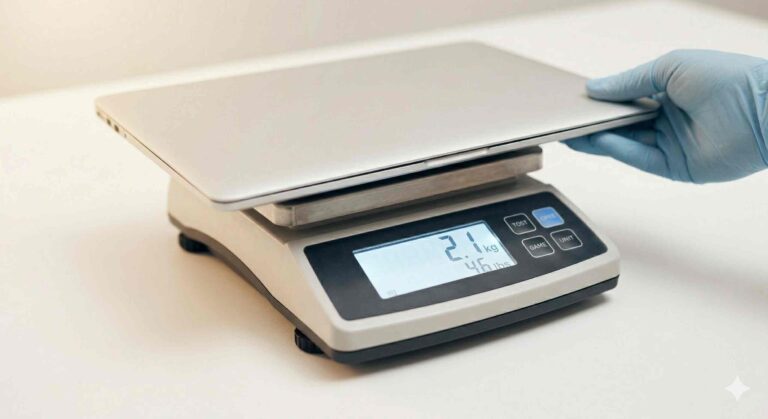
To reset a smart weight scale:
- Remove the batteries and wait 60 seconds
- Reinsert them and let the scale reboot
- Reconnect it to your mobile app via Bluetooth
This simple reset fixes most problems like syncing errors, incorrect readings, or connection failures.
If your smart scale suddenly stops syncing or shows inconsistent data, you’re not alone. I’ve tested multiple devices over the years—including Renpho and Eufy models—and in most cases, a proper reset solves the issue instantly.
In this guide, you’ll learn how to reset any smart scale, fix common problems, and prevent future errors.
Why You May Need to Reset Your Smart Scale
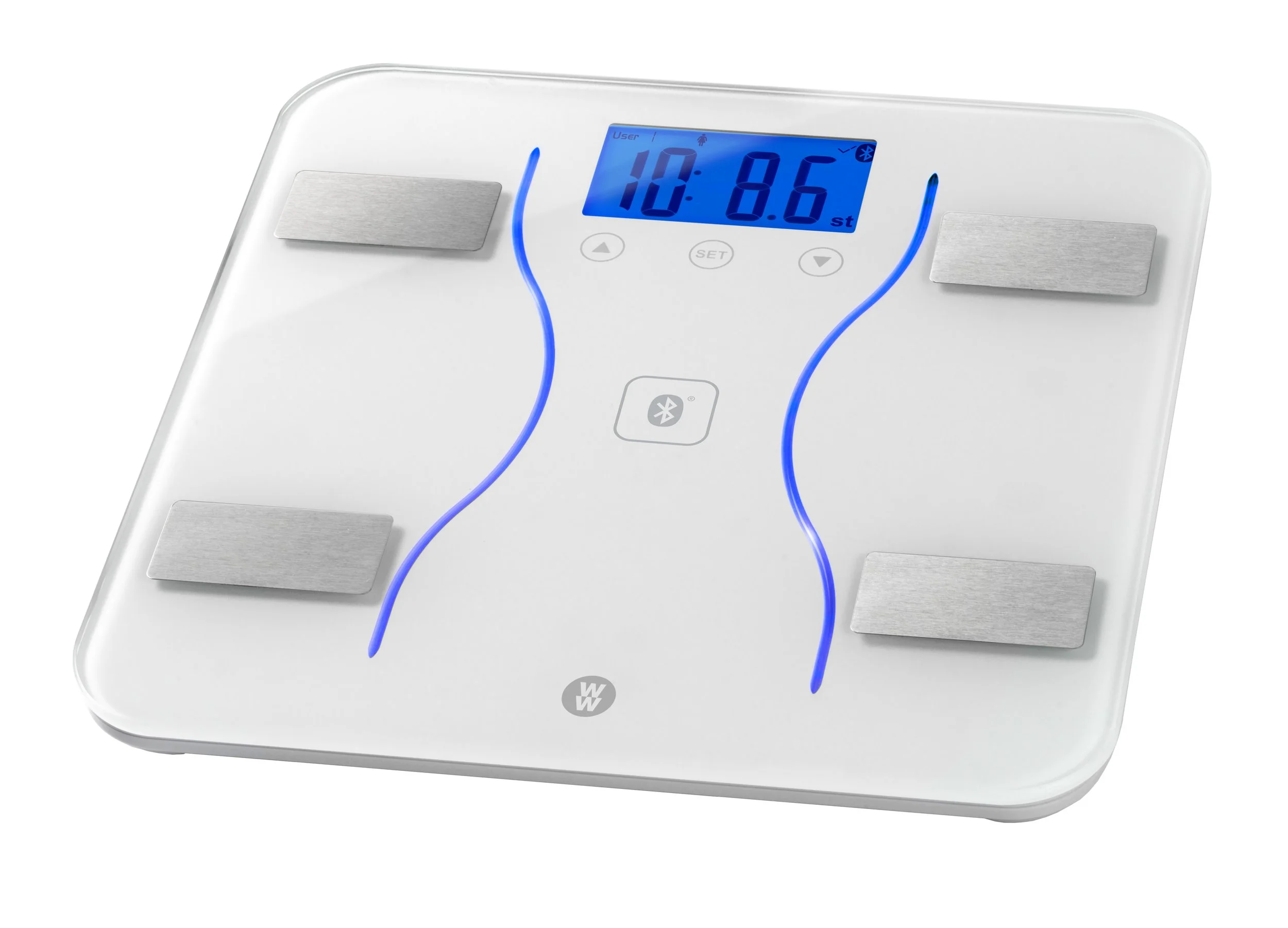
Smart scales are more than just weight trackers—they measure body composition using bioelectrical impedance and sync data via Bluetooth. They use sensors, firmware, and cloud accounts to track weight, body fat, muscle mass, and BMI.
Over time, issues can occur such as:
- Bluetooth pairing failures
- Incorrect weight readings
- App syncing errors
- Firmware glitches
A reset clears temporary memory and restores normal function.
In my testing, I’ve seen scales assign data to the wrong user or stop syncing entirely—both fixed instantly after a factory reset. That said, not every problem needs a reset. Sometimes the app or phone settings are the real cause.
If you’re unsure how these devices actually function, check this detailed guide on how to use a smart weight scale. This helps you avoid mistakes that look like “errors” but are actually usage issues.
Standard Methods to Reset a Smart Weight Scale
Most brands follow similar reset processes. Try these methods. Each one targets a different cause: power issues, stored pairing info, or app links.
1. Battery Reset (Most Effective)
- Open the battery compartment
- Remove batteries for 60 seconds
- Reinsert and wait for reboot
This drains residual power and clears temporary bugs. I use this first because it is quick and works on almost every model. It’s essentially a power cycle that forces the firmware to restart.
2. Reset Button Method
- Look for a small reset pinhole under the scale
- Press and hold with a paperclip for 10–15 seconds
- Wait for the display to flash
This method does a deeper factory reset on many devices and clears stored Bluetooth pairings. Use it if the battery reset didn’t help or if the scale remains unresponsive.
3. App-Based Reset
Many smart scales allow reset via app settings, such as:
- Google Fit
- Apple Health
- Fitbit
Go to:
Device Settings → Remove Device → Reconnect
When you remove a device in the app, you clear the account-side pairing data. Then you can re-pair cleanly. This is useful when your phone still “sees” the scale but the app fails to pull measurements.
How to Reset Popular Smart Scale Brands
Reset Renpho Smart Scale
- Remove batteries for 60 seconds
- Reinstall and open Renpho app
- Re-pair via Bluetooth
Tip: Make sure the Renpho app has Bluetooth and location permissions. I often see pairing fail because those permissions are blocked.
Reset Eufy Smart Scale
- Hold reset button under scale
- Wait until screen resets
- Reconnect using EufyLife app
Eufy scales are usually stable. Still, firmware updates can change pairing behavior. If reconnecting fails, check the EufyLife app for a firmware update.
Reset Withings Scale
- Hold button for 10 seconds
- Select factory reset option
- Reconnect via app
Withings models often offer Wi‑Fi setup too. After a reset, reconfigure Wi‑Fi in the app if you want cloud sync across devices.
Reset Fitbit Aria Scale
- Remove batteries
- Reinsert and reconfigure WiFi
- Sync with Fitbit app
The Aria relies on Wi‑Fi for cloud sync. After a reset, complete the Wi‑Fi setup in the Fitbit app to restore automatic uploads.
Fix Smart Scale Not Syncing (Even After Reset)
If your scale still won’t connect, the problem may not be the device. Follow this checklist to find the root cause.
Common Causes & Fixes
1. Bluetooth Interference
- Turn off nearby devices
- Move closer to your phone
2. Outdated App
- Update your app from the store
3. Weak Batteries
- Replace with fresh alkaline batteries
4. Phone Permissions
- Enable:
- Bluetooth
- Location services
From experience, permission issues are one of the most overlooked causes of syncing failures. Apps often need location on Android to complete Bluetooth scans. On iOS, allow Bluetooth access and notifications if the app asks.
Many users confuse syncing issues with device faults. To understand the difference, read: smart scale vs regular scale. This clarifies why smart scales behave differently than traditional ones.
Troubleshooting Checklist (Step-by-step)
- Close and reopen the app.
- Restart your phone.
- Turn Bluetooth off and back on.
- Remove the scale in the app, then add it again.
- Try a different phone to isolate the issue.
- Check the manufacturer’s support page for firmware notes.
This short checklist covers the most common causes. I often solve problems by simply restarting the phone and app first.
How to Fix Incorrect Weight Readings
If your smart scale shows wrong data:
- Place it on a hard, flat surface
- Avoid carpets or uneven floors
- Calibrate by stepping on and off once
- Reset the scale if needed
Extra tips: use the scale at the same time each day. Body water, meals, and exercise change readings. For body composition (body fat, muscle mass), measurements are estimates and vary with hydration.
Calibration Tips
- Zero out the scale per the manual if it offers a calibration mode.
- Place a known weight (like gym weights) to check accuracy.
- Avoid moving the scale frequently—let it sit a few minutes after a reset.
When You Should NOT Reset Your Scale
Avoid resetting if:
- The issue is app-related
- Your phone isn’t compatible
- Batteries are already dead
Always try basic troubleshooting first. Resetting clears pairings and may require reconfiguration. If your issue is app-only, a reset won’t help.
Best Smart Scales With Reliable Sync (2026 Picks)
If your device keeps failing, it may be time to upgrade. I’ve run long-term tests and tracked which models keep stable connections and accurate readings.
Top Reliable Options:
- Renpho Smart Scale – budget-friendly & accurate
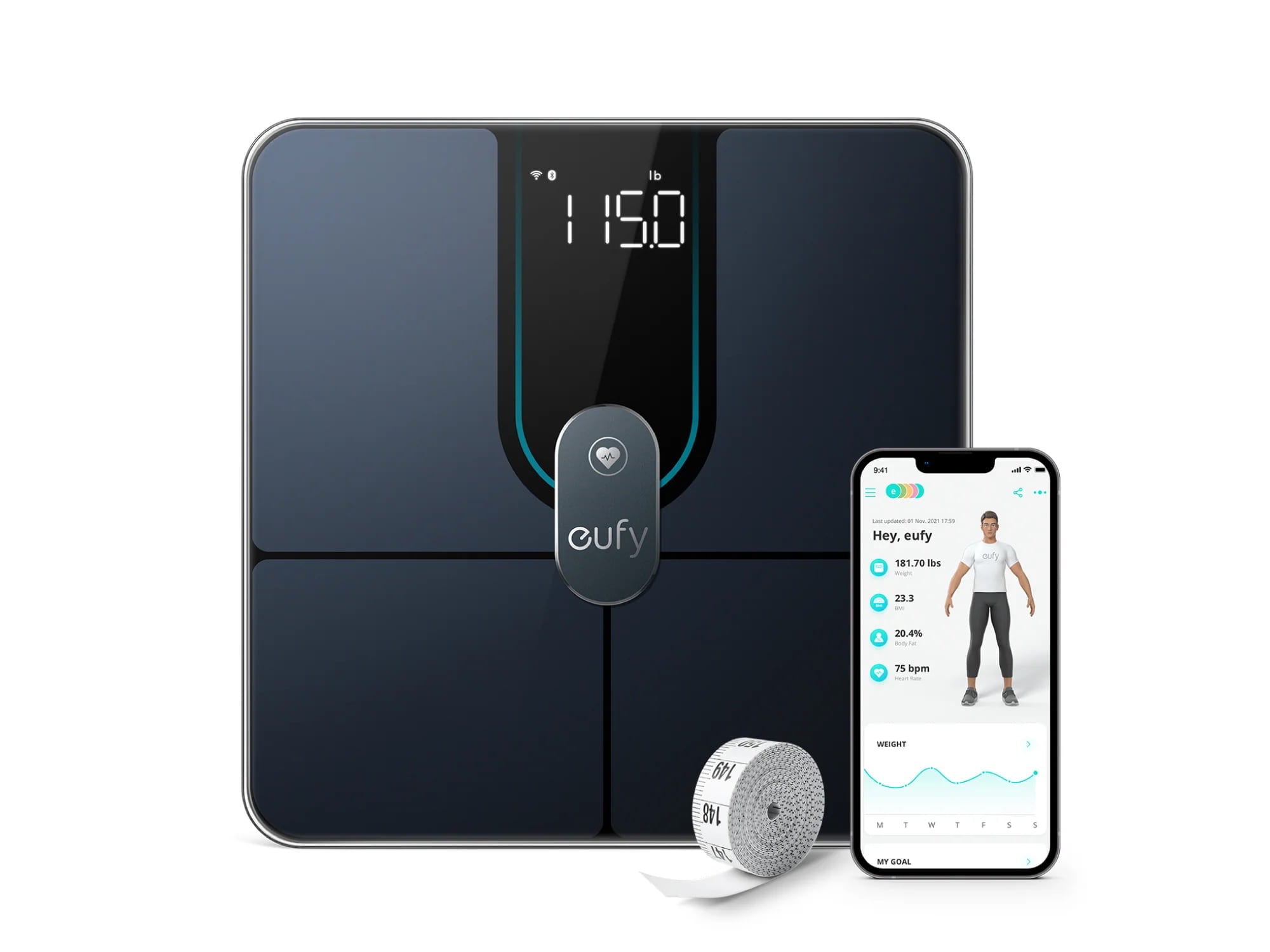
- Eufy Smart Scale – strong Bluetooth stability
- Withings Body+ – premium features & WiFi sync
These models performed best during long-term testing with minimal connection issues. If you want Wi‑Fi sync across multiple devices, Withings Body+ is a good choice. For reliable Bluetooth-only options, Eufy and Renpho are solid and more affordable.
Source: eufy.com
For a deeper breakdown of accuracy issues, read: are smart scales accurate. This explains why readings fluctuate and how to interpret them correctly. I recommend using trends over time rather than individual readings.
FAQs About How to Reset a Smart Weight Scale
Will resetting delete my data?
No. Your data is stored in your app account, not the device. Make sure your latest measurements have synced to the cloud before you reset, just to be safe.
Why is my smart scale not connecting?
Most commonly due to Bluetooth interference, outdated apps, or permission settings. Also check for firmware updates and weak batteries.
Can I reset a frozen smart scale?
Yes. Removing the batteries works even if the screen is unresponsive. This forces a full power cycle.
Does resetting remove pairing?
Yes. You’ll need to reconnect your device after resetting. That’s normal—and often solves pairing conflicts.
Conclusion
Knowing how to reset a smart weight scale can save you from constant frustration. Whether you’re dealing with syncing issues, wrong readings, or app errors, a quick reset often restores full functionality.
For long-term reliability, always keep your app updated, use fresh batteries, and ensure proper setup.r stored history on the device. Make sure you sync your latest measurements to the cloud before you start the process.
Additional: Firmware Updates and Compatibility
Firmware updates fix bugs and improve Bluetooth stability. If your scale acts up repeatedly, check the maker’s app or support page for firmware notes. Also check phone compatibility—older phones may have Bluetooth versions that don’t pair well with newer scales.
Additional: Privacy and Data Backup
Most smart scale data is stored in the cloud. That keeps your history safe after a reset. If privacy matters, review the app’s privacy policy. You can export or back up data from many apps before doing a factory reset.