1080p OLED monitors are rare because panel costs, pixel density, and market demand favor higher resolutions.
If you have searched for a 1080p OLED monitor, you may have noticed a strange gap in the market. OLED laptops, TVs, phones, and gaming monitors are common, yet desktop OLED displays usually start at 1440p or 4K. The reason is not a technical limit. It comes down to panel size, manufacturing costs, image sharpness, text clarity, and what buyers expect from OLED technology.
This guide explains why there are no 1080p OLED monitors in the mainstream market, where 1080p OLED panels still appear, and whether waiting for one makes sense. It also covers gaming performance, burn-in, pixel density, and practical alternatives.
Do 1080p OLED monitors actually exist?
The short answer is yes, but they are uncommon. A few small portable displays, laptop screens, industrial panels, and specialized products use 1080p OLED technology. They are not widely sold as standard desktop monitors, though.
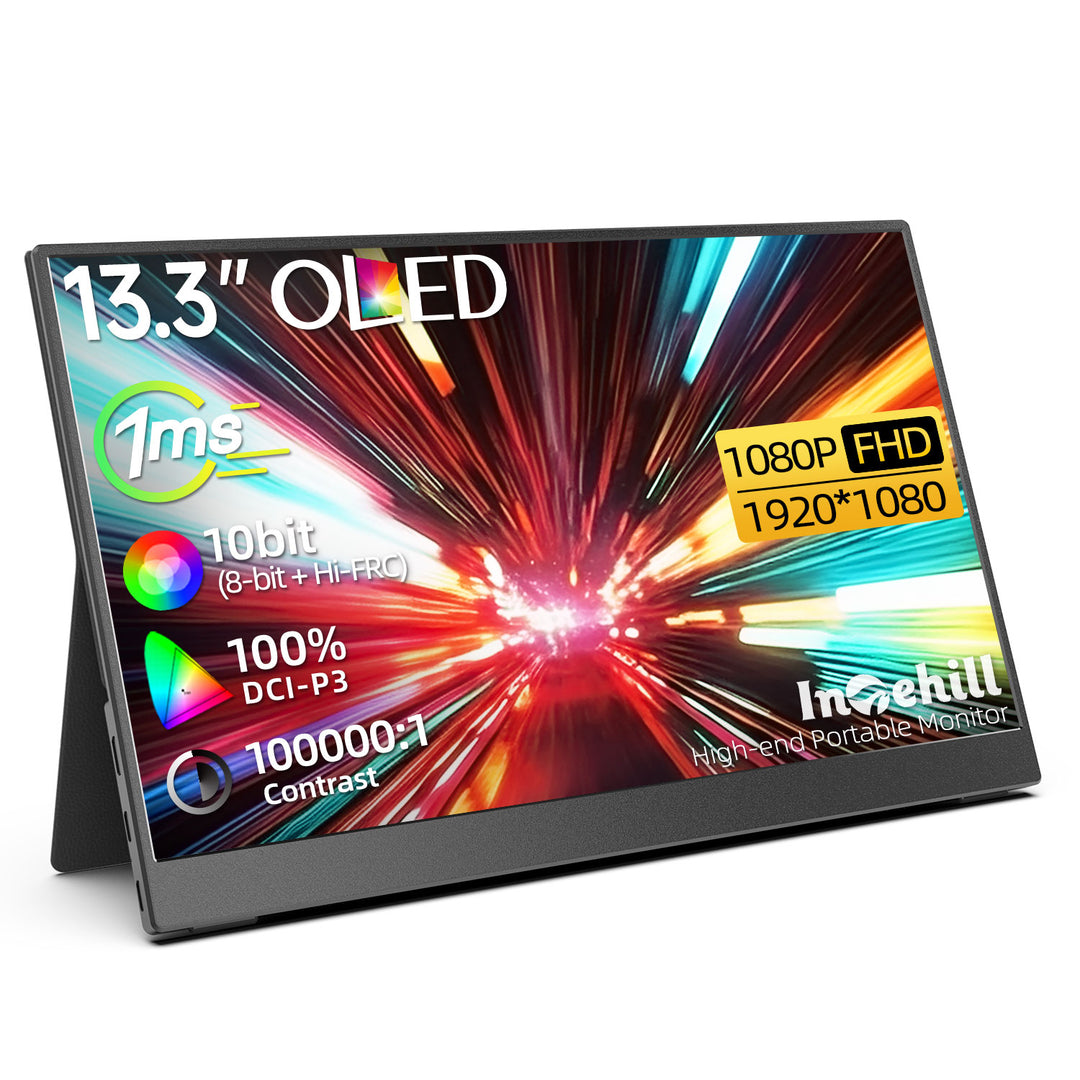
Most 1080p OLED products use screen sizes below 24 inches. Some are built into laptops or portable USB-C displays. These products can make better use of a low resolution because they sit closer to your eyes or serve a more specific purpose.
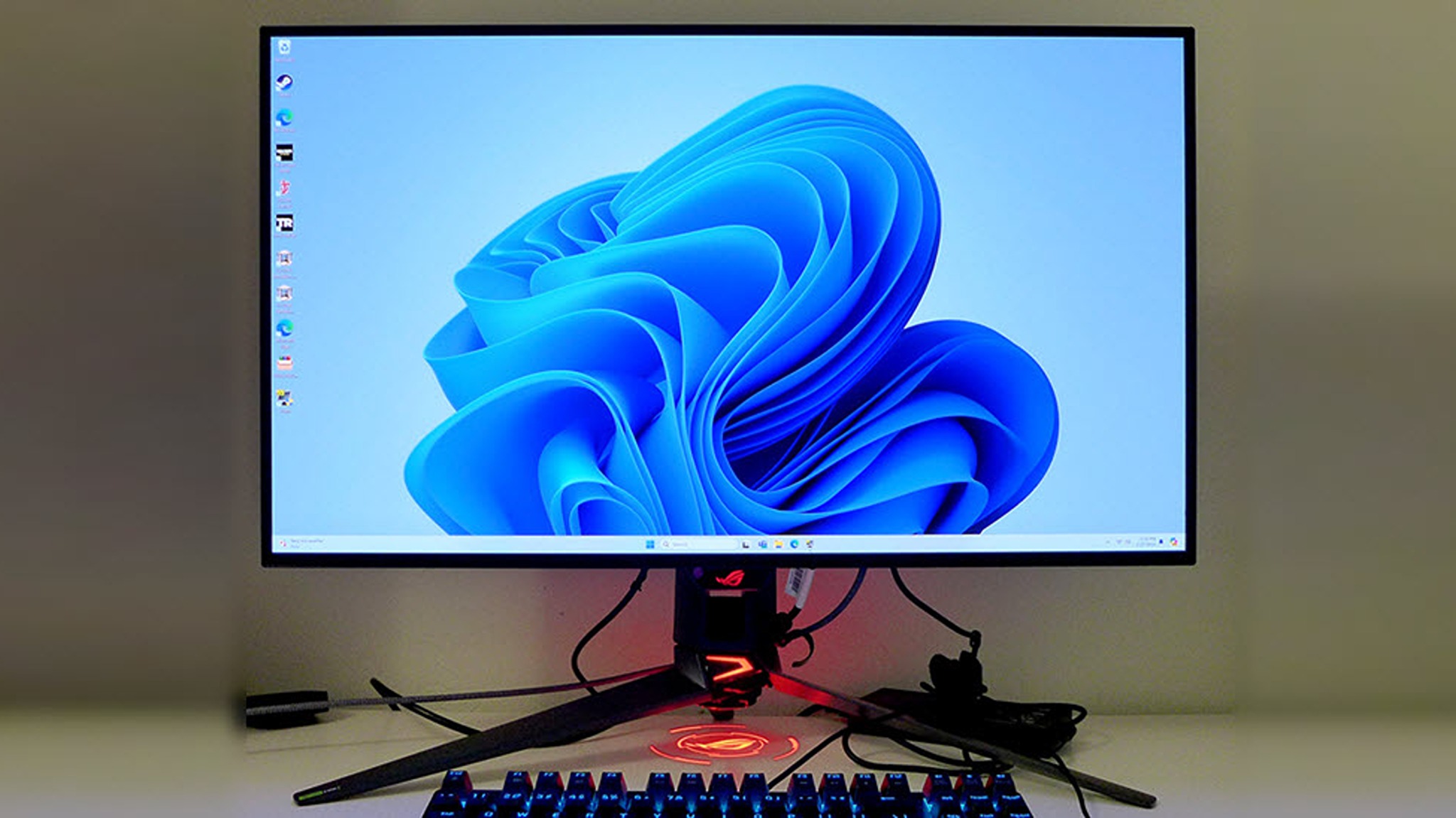
A typical desktop monitor is larger. It may measure 24, 27, or 32 inches. At those sizes, 1080p looks less sharp than 1440p or 4K. That makes a 1080p OLED monitor feel less premium, even though OLED can deliver perfect black levels and excellent contrast.
So, the better question is not “Can manufacturers make one?” They can. The real question is “Can they sell one at a price that makes business sense?”

Why are there no 1080p OLED monitors in the mainstream market?
Several forces work together. OLED panel production is costly, and manufacturers want to use that expense on products with strong demand and high profit potential. A 1080p OLED monitor would also compete with affordable IPS and VA displays.
Here are the main reasons:
• Higher production costs make OLED harder to price against LCD.
• 1080p looks less sharp on larger desktop screens.
• Buyers expect premium OLED monitors to offer 1440p or 4K resolution.
• Manufacturers already target competitive gamers with fast 1440p OLED panels.
• Text fringing and pixel layout issues become more visible on a large 1080p OLED display.
• Many shoppers would choose a cheaper LCD instead of paying extra for OLED at 1080p.
This creates a market problem. The screen would not be cheap enough to challenge LCD models, but its resolution might not feel advanced enough to justify a premium price.
That is the core answer to why there are no 1080p OLED monitors in most stores.

OLED panel costs make 1080p a difficult value proposition
OLED panels use organic materials that emit their own light. Unlike an LCD, an OLED does not need a separate backlight. This gives OLED displays deeper blacks, very high contrast, and fast pixel response times.
However, OLED manufacturing has strict quality requirements. A panel may contain dead pixels, uneven brightness, or other flaws. Manufacturers must test panels carefully, and some panels become waste during production. These costs affect the final price.
A 1080p LCD panel is cheap and easy to produce in large numbers. A 1080p OLED panel would still need expensive materials, equipment, testing, and quality control. It would then enter a market where consumers can buy a 24-inch 1080p IPS monitor for a much lower price.
That price gap is hard to explain to shoppers. OLED offers better contrast and motion response, but many people buying a 1080p monitor are focused on low cost. Manufacturers may see stronger returns by selling a 1440p OLED monitor instead.
In simple terms, building a premium engine for a budget car does not always create a good product. The technology may be excellent, but the price and purpose do not match.

Pixel density is a major problem
Pixel density describes how many pixels fit into each inch of a screen. It is measured in pixels per inch, or PPI.
A 24-inch 1080p monitor has about 92 PPI. That is acceptable for gaming and general use. A 27-inch 1080p monitor drops to about 82 PPI, which can look soft for text and detailed images. A 32-inch 1080p screen falls to roughly 69 PPI, where individual pixels are easier to notice.
OLED makes this issue more important. OLED screens are often bought for a premium viewing experience. Users expect sharp images, smooth motion, and clean text. A large 1080p OLED monitor may deliver perfect contrast but still look blurry compared with a 1440p LCD.
For reference:
• 24-inch at 1080p: about 92 PPI
• 27-inch at 1080p: about 82 PPI
• 27-inch at 1440p: about 109 PPI
• 32-inch at 4K: about 138 PPI
This explains why manufacturers often pair OLED with 1440p at 27 inches or 4K at 32 inches. Those combinations better match what buyers expect from a high-end display.

Why are there no 1080p OLED monitors for competitive gaming?
At first, 1080p OLED monitors sound perfect for esports. OLED pixels switch very quickly, which can reduce motion blur. A 1080p resolution also requires less graphics power than 1440p or 4K.
Still, competitive gaming does not depend on resolution alone. Players also care about refresh rate, input lag, screen size, graphics card performance, and price.
Many esports players use 24-inch 1080p displays because that size provides a clear enough image and allows very high frame rates. They also tend to choose affordable TN or IPS monitors. Paying a large premium for OLED may not improve their results enough to justify the expense.
There is another issue: OLED manufacturers now have better ways to produce fast 1440p panels. A 1440p OLED monitor can serve both competitive gamers and people who want a sharper image for work. That gives it a wider audience than a 1080p model.
This is another reason why there are no 1080p OLED monitors in the main gaming lineup. The 1440p category offers a better balance between speed, sharpness, and profit.

Text clarity and OLED subpixel layouts
OLED monitors can have text clarity issues because of their subpixel layout. Many OLED panels use a triangular or unusual arrangement of red, green, and blue subpixels. Some use a layout called QD-OLED, while others use WOLED technology.
Operating systems often expect a standard RGB stripe layout. When the layout differs, text may show colored edges or appear less crisp. This effect is usually called color fringing.
It is not always obvious. In games and movies, you may never notice it. On spreadsheets, web pages, and documents, it can be easier to see. A 1080p OLED monitor would already have fewer pixels than a 1440p model, so the combination could make text look even less refined.
Manufacturers can improve this issue through newer panel designs and software settings. Display scaling also helps. Still, a high-resolution OLED panel gives designers more pixels to work with, which can reduce the visible impact of subpixel limitations.
For a monitor used mostly for office work, 1440p OLED or 4K OLED is usually the safer choice.
OLED burn-in makes manufacturers cautious
OLED pixels can age over time. Pixels that show bright, static elements for many hours may wear unevenly. This can create temporary image retention or permanent burn-in.
Modern OLED monitors include protection features such as:
• Pixel shifting
• Panel refresh cycles
• Logo dimming
• Static image detection
• Automatic brightness limits
• Screen savers and power-saving modes
These tools reduce the risk, but they do not remove it completely. A monitor with a permanent taskbar, browser bar, or spreadsheet open all day faces a different workload from a display used for games and movies.
Manufacturers must balance this risk with warranty costs. If a lower-resolution OLED monitor is sold as a budget product, the company may have less room to include long warranty coverage and advanced protection systems.
This does not mean OLED burn-in is guaranteed. Many users enjoy OLED monitors for years without serious problems. It simply adds another cost and support concern to a product that may already have limited profit potential.

Why are there no 1080p OLED monitors at affordable prices?
Price is perhaps the strongest reason. A 1080p IPS monitor can be very inexpensive because LCD production is mature and highly competitive. Manufacturers produce huge numbers of these panels for offices, schools, gaming systems, and general home use.
OLED cannot match that price yet. It offers clear benefits, including:
• True black levels
• Very high contrast
• Near-instant pixel response
• Excellent motion performance
• Strong color range on many models
But not every buyer needs those benefits. If someone wants a basic second screen, a school display, or a low-cost gaming monitor, a standard LCD is often the logical choice.
A 1080p OLED monitor might need to cost far more than a 1080p LCD to cover its production costs. At that point, many consumers would rather spend a little more on a 1440p LCD or save money with a 1080p IPS display.
That pricing trap explains why there are no 1080p OLED monitors in the mass market, even though the panel technology itself is possible.

Where can you find 1080p OLED displays?
Although desktop models are rare, 1080p OLED displays are available in other product categories.
Laptops
Some laptops use 1920 × 1080 OLED panels. These screens are often 13 to 15 inches, so their pixel density is much better than a 27-inch 1080p monitor. A 15.6-inch 1080p display has about 141 PPI, which can look sharp at normal viewing distance.
Laptop OLED panels also benefit from close viewing distances and integrated power management. Manufacturers can design the entire device around the panel rather than selling it as a separate desktop accessory.
Portable monitors
Some portable monitors use small OLED screens with 1080p resolution. They are useful for travel, gaming consoles, photography previews, and laptop work.
These displays are often 13 to 16 inches. Their smaller size makes 1080p look more detailed than it would on a large desktop monitor.
Industrial and specialty displays
Medical tools, cameras, test equipment, and other professional systems may use small OLED panels. These products are sold for specific purposes, so their pricing does not need to compete directly with mainstream gaming monitors.
Older OLED televisions
Some older or smaller OLED televisions used lower resolutions, but modern OLED TVs generally focus on 4K. Large screens benefit greatly from higher pixel density, especially when viewers sit close to them.
Would a 1080p OLED monitor be good for gaming?
It could be excellent for certain gamers. OLED gives fast response times and strong contrast, which can make dark scenes clearer and motion feel more immediate. At 1080p, midrange graphics cards can also reach high frame rates more easily.
A 1080p OLED monitor would make the most sense if you:
• Play esports games such as Counter-Strike 2, Valorant, or Overwatch 2
• Prefer a 24-inch screen
• Want very high refresh rates
• Sit fairly close to the monitor
• Have a modest graphics card
• Value motion clarity more than desktop sharpness
It would be less attractive if you:
• Read text for many hours
• Use a 27-inch or larger screen
• Edit photos or videos
• Want one monitor for work and gaming
• Expect a premium high-resolution image
For many players, a fast 1080p IPS monitor remains the better value. A 1440p OLED monitor is more flexible if your budget and graphics card allow it.
Should you buy a 1440p OLED monitor instead?
For most desktop users, yes. A 27-inch 1440p OLED monitor offers a strong mix of sharpness, speed, contrast, and screen space. It is much clearer than 1080p at the same size and usually feels like a genuine upgrade from a standard LCD.
A 32-inch 4K OLED monitor is better for creative work, detailed games, and high-end systems. It costs more and demands a stronger graphics card, but the extra resolution improves text and fine detail.
A 1080p IPS monitor may still be the best choice when value matters. It avoids OLED burn-in concerns, costs less, and can deliver high refresh rates.
Before buying, consider:
-
Measure your desk and choose the right screen size.
-
Match resolution to your graphics card.
-
Check the monitor’s burn-in warranty.
-
Read reviews about text clarity and subpixel layout.
-
Look at real response-time tests instead of relying only on advertised numbers.
-
Decide whether you need OLED contrast for your daily work.
During display comparisons, one common mistake is focusing only on black levels. OLED contrast is impressive, but a screen must also suit your viewing distance, software, lighting, and workload.
Why are there no 1080p OLED monitors likely to change soon?
The market could change if OLED production becomes cheaper or if manufacturers develop smaller, high-refresh OLED panels at lower cost. A compact 24-inch 1080p OLED monitor could appeal to esports players and people who want excellent motion clarity.
However, current product trends point toward higher resolutions. Panel makers are investing heavily in 1440p and 4K OLED displays because those products fit premium gaming, creative work, and entertainment markets.
Demand also shapes supply. If shoppers keep choosing 1440p OLED models, manufacturers have little reason to develop a separate 1080p product. The technology may exist, but product planning follows sales forecasts.
There may also be hybrid solutions. Manufacturers could release 1080p OLED panels with extremely high refresh rates, such as 360Hz or higher. That would target a narrow but passionate gaming audience. Even then, the price would need to fall before the category becomes mainstream.
What to check before buying an OLED gaming monitor
OLED can be a great choice, but it is not automatically the right choice for everyone. Use this checklist before spending your money:
• Resolution: Choose 1440p for most 27-inch gaming setups.
• Refresh rate: Look for at least 144Hz for smooth gaming.
• Response time: Confirm performance through independent testing.
• Burn-in protection: Check for pixel shifting, panel refresh, and warranty coverage.
• Brightness: OLED brightness can vary by screen size and picture mode.
• Room lighting: A matte LCD may look better in a bright room.
• Text use: Try to view the monitor in person if you read or write all day.
• Adaptive sync: Check compatibility with FreeSync, G-Sync, or HDMI VRR.
• Ports: Make sure the monitor supports the connection and refresh rate your computer needs.
A good display should fit your habits. The best gaming monitor is not always the one with the strongest specifications. It is the one that performs well in the games and tasks you actually use.
Frequently Asked Questions
Why are there no 1080p OLED monitors?
There are a few 1080p OLED displays, but they are mostly found in laptops, portable monitors, and specialty devices. Mainstream desktop models are rare because 1080p looks less sharp on larger screens and cannot easily justify OLED’s higher price.
Is 1080p OLED better than 1440p IPS?
For contrast, black levels, and pixel response, 1080p OLED can be better. However, 1440p IPS usually provides sharper text, more desktop space, lower cost, and no typical OLED burn-in concern.
Is 1080p enough for a 24-inch OLED monitor?
Yes, 1080p can look acceptable on a 24-inch screen, especially for fast games. It is less suitable if you want very sharp text or sit close to the display for long work sessions.
Can OLED monitors suffer from burn-in?
Yes, OLED monitors can develop permanent image retention after long periods of uneven pixel use. Modern protection features lower the risk, and many brands now offer specific burn-in warranty coverage, but users should still avoid leaving static images on screen for many hours.
Will manufacturers release more 1080p OLED monitors?
It is possible, especially for esports models with very high refresh rates. Still, current demand favors 1440p and 4K OLED monitors, so a large expansion of the 1080p OLED market does not appear likely in the near term.
Are 1080p OLED laptop screens sharper than desktop models?
Usually, yes. A laptop screen is smaller, so its pixels are packed more closely together. A 15.6-inch 1080p OLED panel has much higher pixel density than a 27-inch 1080p desktop monitor.
Conclusion
The main reason why there are no 1080p OLED monitors in most stores is simple: the technology is expensive, while 1080p desktop screens are expected to be affordable. On larger monitors, 1080p also looks less sharp, which weakens the value of OLED’s premium contrast and fast response.
Small 1080p OLED displays do exist, especially in laptops and portable monitors. For a desktop setup, 1440p OLED is usually the better balance, while 1080p IPS remains the smart budget choice for competitive gaming.
Think about your screen size, viewing distance, games, work habits, and budget before buying. Compare real reviews, check burn-in coverage, and choose the resolution that fits your daily use. If you are still weighing your options, explore more monitor guides and share your preferred resolution in the comments.