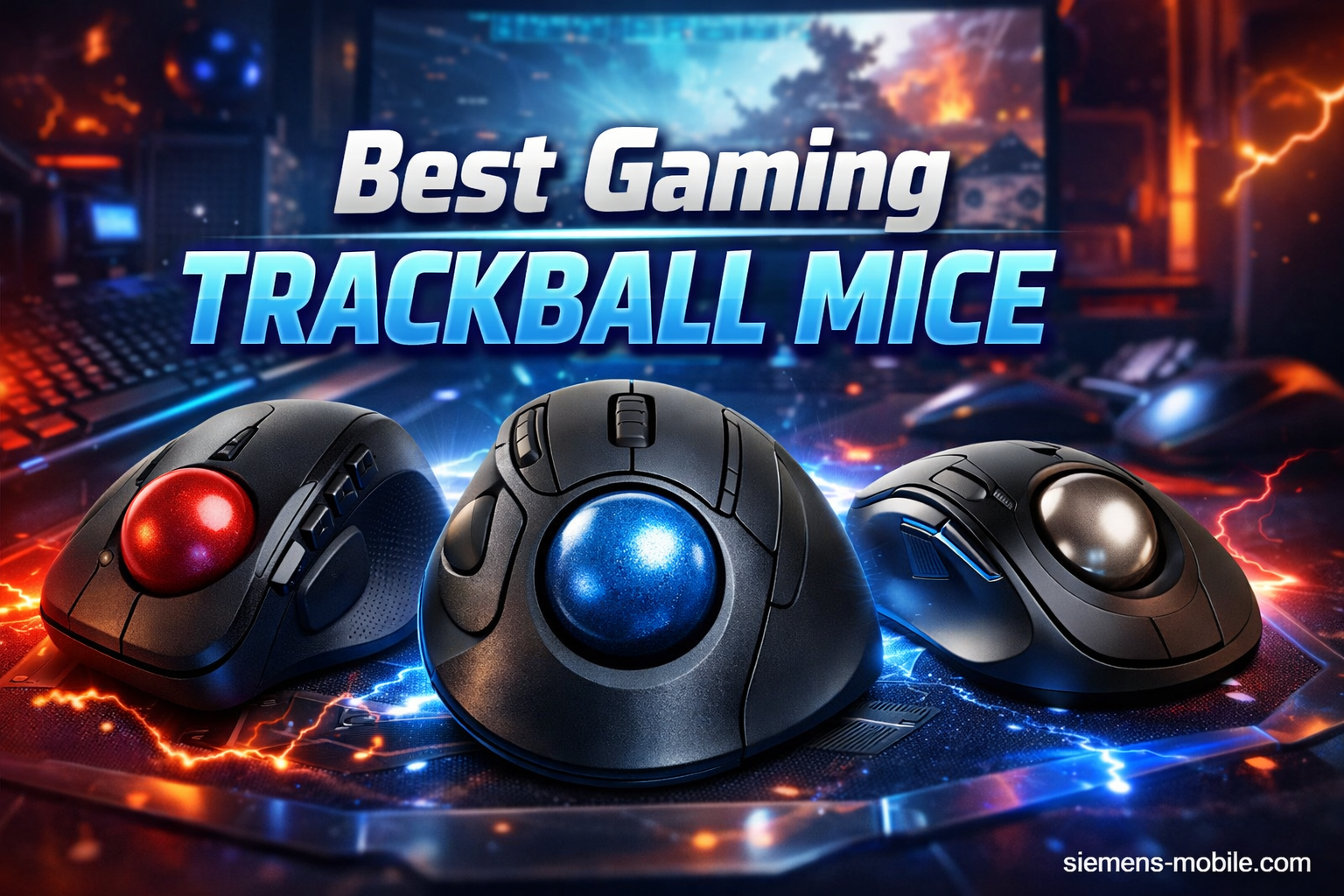
A trackball mouse can work for gaming, but it is not the best choice for every player. It can be useful for strategy games, slower-paced titles, and gamers who prefer reduced wrist movement, while traditional gaming mice usually remain better for fast FPS aiming.
In the United States, PC gamers have traditionally relied on lightweight optical gaming mice for competitive titles such as Valorant, Counter-Strike, Fortnite, and Apex Legends. However, some players are exploring trackball mice as an alternative because they offer a different control method that uses finger or thumb movement instead of moving the entire mouse across a desk.
Gaming with a trackball mouse requires an adjustment period because the control mechanics are different from a standard mouse. A trackball can provide benefits such as reduced desk space requirements, consistent hand positioning, and potential ergonomic advantages, but it also has limitations for rapid aiming and certain competitive genres.
Source: Bing
What Is a Trackball Mouse and How Does It Work for Gaming?
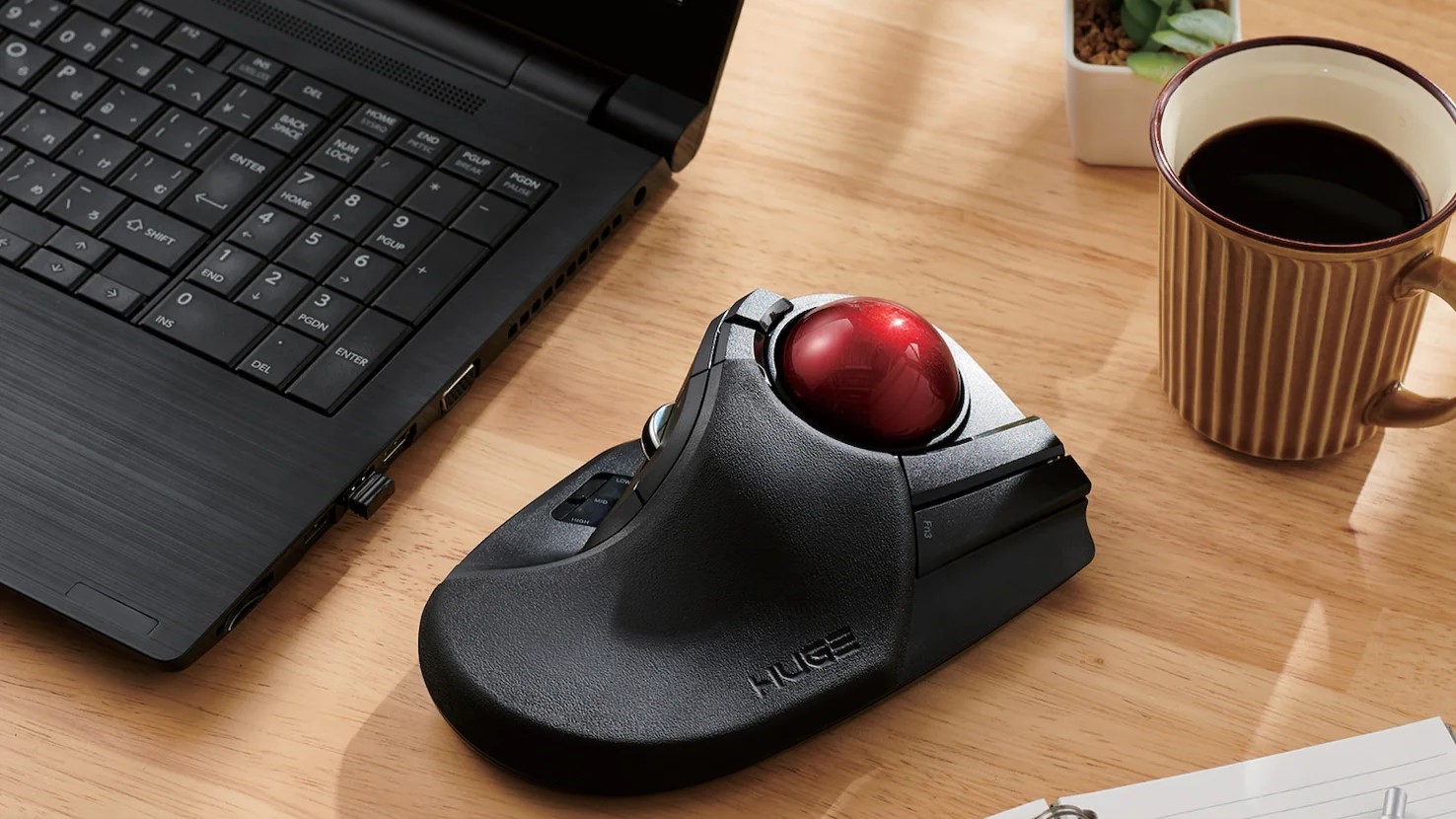
A trackball mouse is a pointing device that uses a rotating ball controlled by the thumb or fingers to move the cursor. Unlike a traditional mouse, the device itself stays stationary while the user moves the ball.
For gaming, this changes the way players control movement and aim. Instead of moving the entire mouse for large cursor movements, gamers rely on precise finger or thumb motions to adjust position.
Source: Bing
Stationary design
The mouse remains in one place, which can help gamers with limited desk space or those who prefer less arm movement.
Ball-based control
Cursor movement depends on the speed and accuracy of rotating the trackball.
Different learning curve
Players usually need time to develop precision because the control method differs from a standard mouse.
How Trackball Controls Differ From Regular Gaming Mice
A traditional gaming mouse uses arm and wrist movements to position the sensor across a mouse pad. A trackball relies mostly on finger or thumb movement, which creates a different aiming experience.
This difference can feel unusual at first, especially in games that require fast reactions, but some players appreciate the precision available for small cursor adjustments.
Less desk movement
Trackballs do not require large sweeping motions across a mouse pad.
Is Gaming With a Trackball Mouse Good?
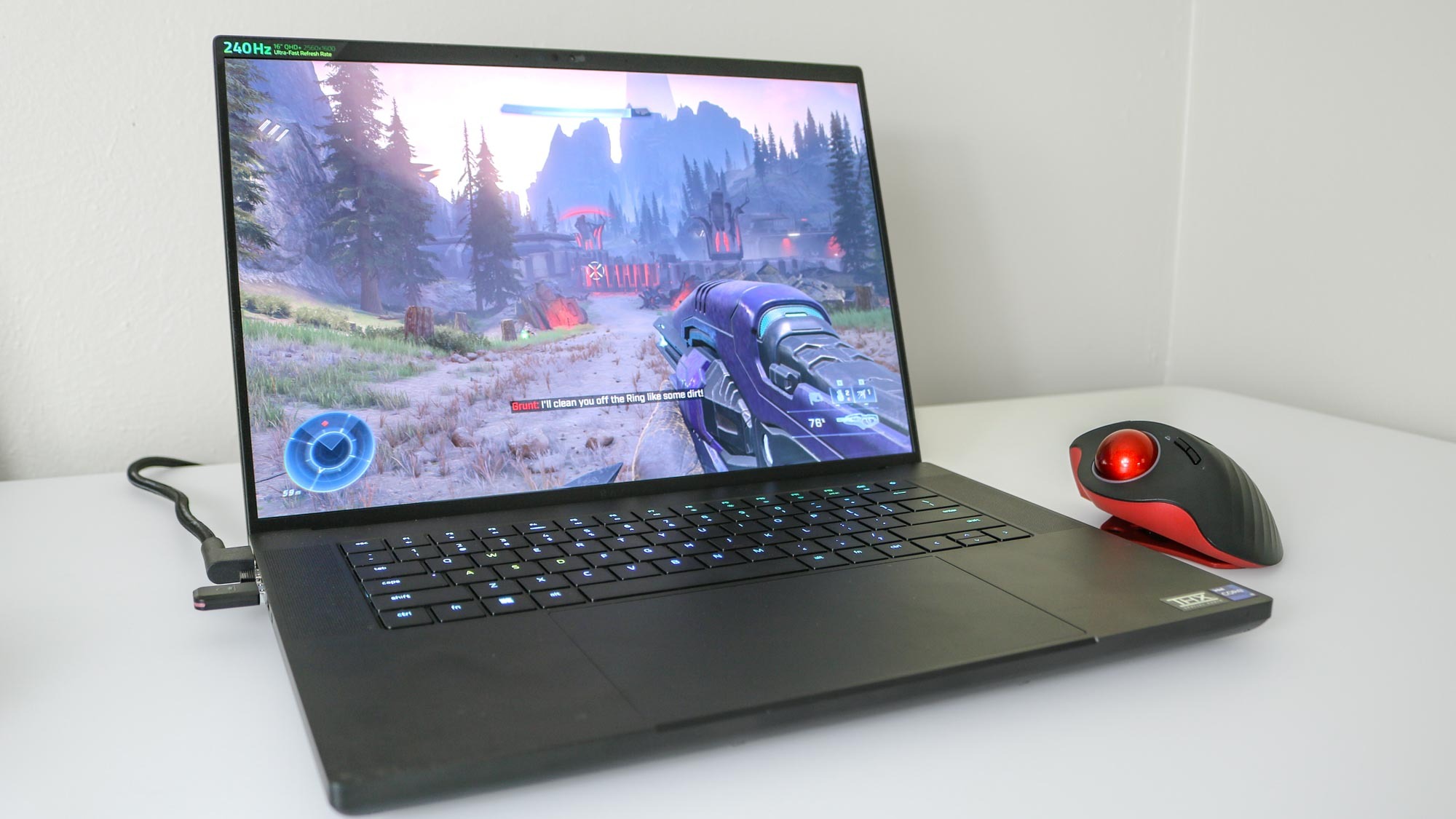
Gaming with a trackball mouse can be good when the game type matches the strengths of the device. It is especially suitable for games where precision, comfort, and controlled movements matter more than extremely fast aiming.
The answer depends heavily on the player’s preferred genres. A trackball may feel natural for one gamer and frustrating for another.
Source: Bing
Good matches
Real-time strategy games, simulation games, role-playing games, MMOs, and productivity-focused gaming setups can work well with trackballs.
Challenging matches
Fast competitive FPS games may be harder because rapid camera turns and flick shots require a different motion style.
Games Where Trackballs Can Perform Well
Games that involve menus, inventory management, map navigation, or slower aiming often allow trackball users to take advantage of precise cursor control.
Players who spend long sessions in strategy or simulation games may also value the stationary design.
Strategy games
Precise cursor placement can help when managing units, buildings, and menus.
MMO games
Many MMO actions rely on buttons and menus rather than constant aiming.
Advantages of Using a Trackball Mouse for Gaming
Trackball mice offer several practical benefits that can make them attractive to certain gamers. These advantages are mostly related to comfort, workspace, and control style rather than raw competitive speed.
Source: Bing
Requires less space
Because the mouse stays stationary, players can use a trackball on smaller desks or crowded setups.
Consistent hand position
The hand stays in the same location, which some users find more comfortable during long sessions.
Useful for mixed gaming and work
Many trackball users choose them because the same device can support both gaming and productivity tasks.
Ergonomic Considerations
A trackball may reduce the amount of wrist and arm movement needed for cursor control. However, comfort depends on the individual’s hand size, grip preference, and setup position.
A trackball is not automatically more ergonomic for everyone. Proper posture, desk height, and hand placement remain important factors.
Personal fit matters
Different players may experience different comfort levels with the same trackball design.
Disadvantages and Limitations of Trackball Gaming
Trackball mice are not designed around the same performance priorities as many competitive gaming mice. Their biggest limitations appear in games requiring extremely fast and large movements.
Source: Bing
Harder FPS adaptation
Players used to low-sensitivity mouse aiming may need significant practice to develop similar speed with a trackball.
Fewer gaming-focused options
The trackball market has fewer devices designed specifically for esports compared with traditional gaming mice.
Learning period
New users often need time to build muscle memory and accuracy.
Why Some FPS Players Avoid Trackballs
FPS games often reward quick mouse movements, rapid turns, and precise flick shots. Traditional gaming mice are commonly preferred because players can use their arm and wrist together for larger movements.
A skilled player can still use a trackball for FPS gaming, but it usually requires adapting sensitivity settings and developing a different aiming technique.
Competitive disadvantage possibility
Players seeking maximum esports performance may prefer equipment commonly used in competitive environments.
How to Start Gaming With a Trackball Mouse
New trackball users should expect an adjustment period. The best approach is to begin with comfortable settings and gradually improve accuracy rather than immediately copying traditional mouse sensitivity values.
Source: Bing
Choose the right trackball style
Thumb-controlled and finger-controlled trackballs provide different movement feels. Select the design that matches your comfort preference.
Adjust sensitivity
Experiment with cursor speed and acceleration settings until movement feels controlled.
Practice gradually
Start with slower games or aim training exercises before using a trackball in competitive matches.
Signs Your Setup Is Working
A good trackball setup should feel predictable. You should be able to place the cursor accurately, maintain comfort during sessions, and avoid constantly correcting your grip.
Improved accuracy
Small cursor movements become easier to control over time.
Comfortable sessions
Your hand and arm should feel relaxed during normal gaming periods.
Frequently Asked Questions
Q
Can you play FPS games with a trackball mouse?
Yes, you can play FPS games with a trackball mouse, but the experience may require more adjustment than using a traditional gaming mouse. Fast aiming and large movements can be more challenging for many players.
Q
Are trackball mice better for gaming than normal mice?
Trackball mice are not universally better. They can be better for comfort, limited desk space, and certain genres, while regular gaming mice often provide advantages for competitive action games.
Q
How long does it take to get used to a trackball mouse?
The adjustment period varies by person. Some users adapt quickly, while others may need several weeks of regular practice to develop accurate control.
Q
Can a trackball mouse reduce wrist movement while gaming?
Yes, a trackball can reduce the need to move the entire mouse across a desk because cursor control comes from rotating the ball instead.
Q
Should beginners buy a trackball mouse for gaming?
Beginners should choose based on their preferred games and comfort needs. A trackball can be a good option for casual and strategy-focused gamers but may not be ideal for competitive FPS players.
✦ Wrapping Up
Conclusion
Gaming with a trackball mouse is a realistic option for many players, but it is a specialized choice rather than a universal replacement for traditional gaming mice. Its strengths are comfort, reduced desk movement, and precise control in suitable game genres.
Players who focus on competitive FPS performance may still prefer conventional gaming mice, while strategy, simulation, MMO, and comfort-focused gamers may find trackballs worth considering.
💡 Key Takeaway
Choose a trackball mouse if its control style matches your games and comfort needs. Test the adjustment period before deciding whether it improves your gaming experience.
Kimberly ensures every piece of content is clear, helpful, and user-friendly. She focuses on creating guides that are easy to read while maintaining accuracy and trust.
Learn why your SimpliSafe Smart Lock is not responding and how to fix battery, keypad, connection, app, and setup issues with practical troubleshooting steps.
Learn how to install a smart lock on a sliding door with this detailed guide covering compatibility checks, tools, installation steps, troubleshooting, and safety tips for US homes.
Learn how to reset tire pressure monitoring system (TPMS) after adjusting tire pressure, replacing sensors, or fixing warning lights. Follow safe reset steps and troubleshooting tips.