Yes, ergonomic mouses can be good for gaming, especially for players who prioritize comfort during long sessions, but they are not automatically better than traditional gaming mice for every game or grip style.
In the United States, many PC gamers spend several hours each week playing competitive titles, single-player adventures, and online multiplayer games where mouse comfort can affect long-term enjoyment. An ergonomic gaming mouse can reduce awkward wrist positioning and provide better hand support, which may make extended gaming sessions feel more comfortable.
However, gaming performance depends on more than shape. Sensor quality, weight, button placement, grip compatibility, responsiveness, and personal preference often matter more than whether a mouse is labeled ergonomic. A well-designed ergonomic mouse can be an excellent choice for some gamers, while others may perform better with a lightweight traditional gaming mouse.
Source: Bing
What Is an Ergonomic Gaming Mouse?
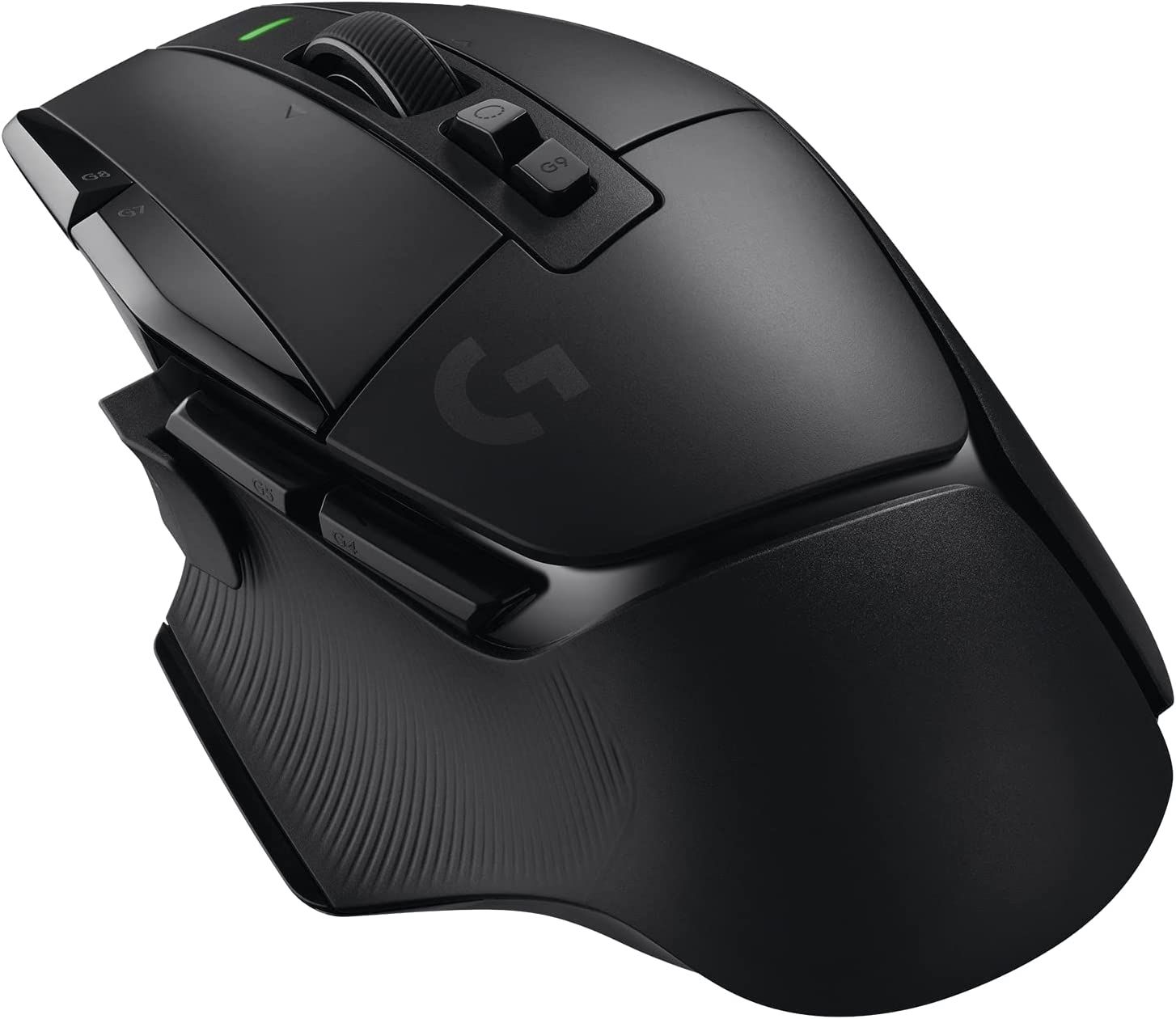
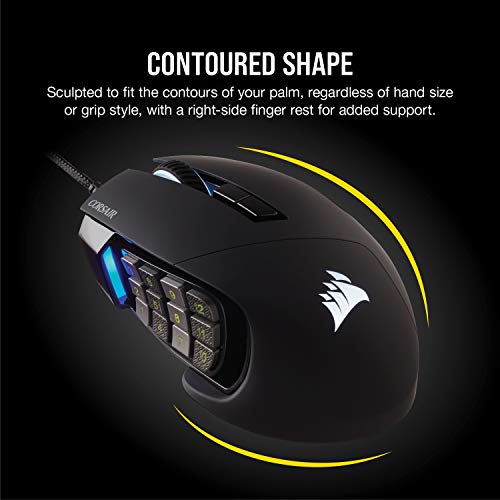
An ergonomic gaming mouse is designed to reduce unnecessary strain by shaping the device around a more natural hand position. Unlike traditional flat mice, ergonomic models often use angled bodies, thumb rests, wider shapes, or vertical designs that encourage a different wrist posture.
For gaming, an ergonomic mouse still needs the features expected from a gaming device, such as accurate sensors, adjustable sensitivity settings, responsive buttons, and reliable connection options. The ergonomic design mainly affects comfort and hand positioning rather than directly increasing gaming skill.
Source: Bing
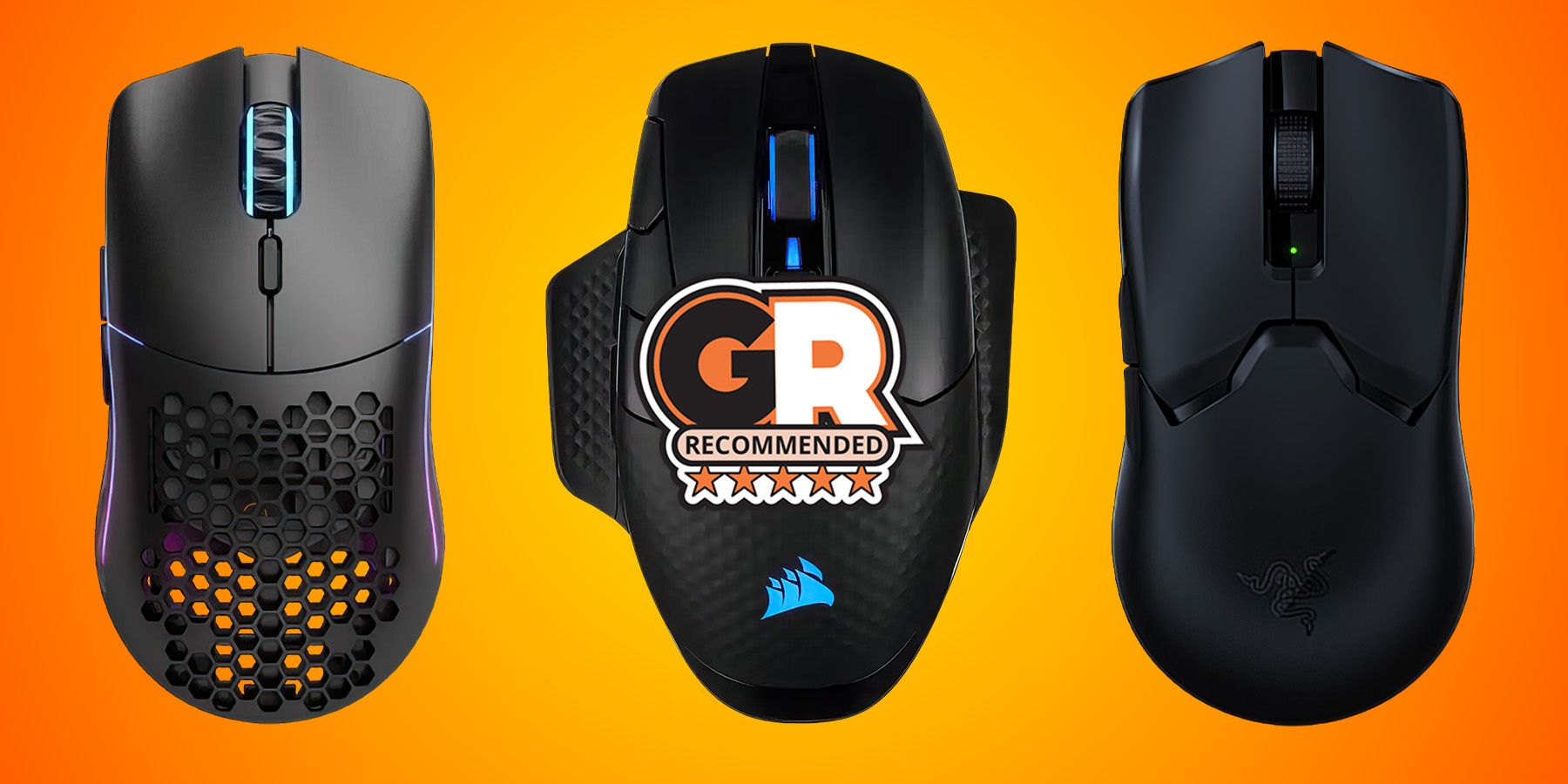
Traditional gaming mouse
Usually has a flatter design focused on speed, low weight, and competitive performance.
Ergonomic gaming mouse
Usually focuses on hand support, reduced twisting, and comfort during extended use.
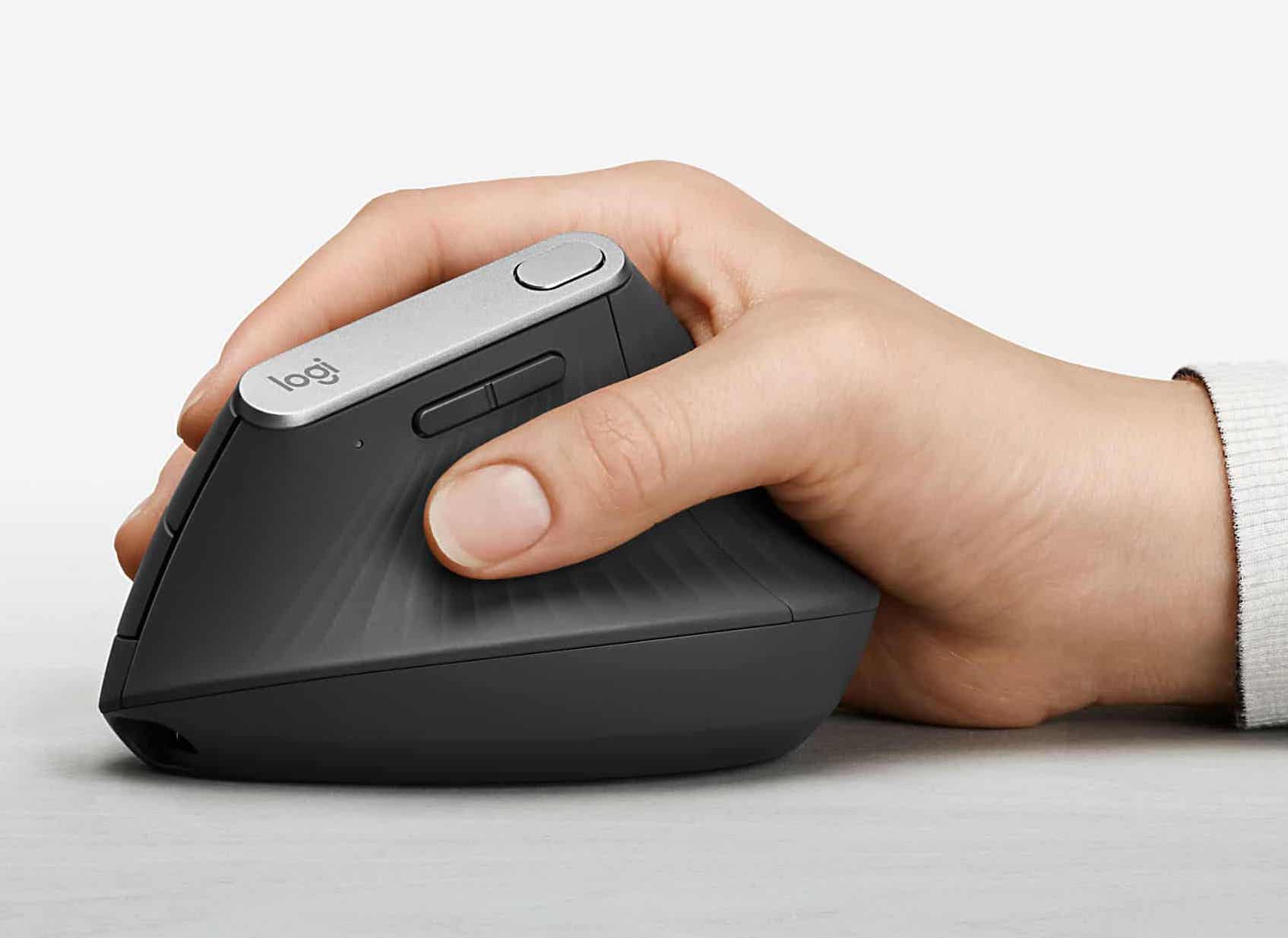
Vertical ergonomic mouse
Positions the hand in a handshake-like angle to reduce forearm rotation.
How Ergonomic Design Changes Hand Position
The main difference is the angle and shape of the mouse body. Many ergonomic designs allow the hand to rest in a more relaxed position instead of forcing the palm to face downward for long periods.
Reduced wrist rotation
A more natural angle may feel more comfortable for some users during extended computer use.
Better palm support
Larger shapes can distribute contact pressure across more areas of the hand.
Are Ergonomic Mouses Better for Gaming Performance?
Ergonomic mouses are not automatically better for gaming performance. They can improve comfort and reduce fatigue, but competitive performance depends on whether the mouse design matches the player’s needs.
Fast-paced games such as first-person shooters often reward lightweight mice with quick movement and precise control. Some ergonomic models are heavier or larger, which may require more adjustment for players who rely on rapid aiming movements.
Source: Bing
Comfort advantage
A comfortable grip can help players maintain control during longer sessions.
Possible adjustment period
Changing from a traditional mouse shape may require time before movements feel natural.
Game genre matters
Ergonomic designs may work especially well for strategy, MMO, productivity-heavy gaming, and casual gaming.
When an Ergonomic Mouse Can Be a Good Choice
An ergonomic mouse can be a strong option if you frequently experience discomfort during long gaming sessions or prefer a palm grip with more hand support.
Long gaming sessions
Extra support may improve comfort during several-hour play periods.
Palm grip users
Larger ergonomic bodies often match users who rest most of their hand on the mouse.
Ergonomic Mouse vs Traditional Gaming Mouse
The right choice depends on your priorities. Ergonomic mice usually focus on comfort, while traditional gaming mice often prioritize speed, low weight, and competitive features.
The table below compares common differences to help you decide which design matches your gaming habits.
Source: Bing
Comfort
Ergonomic mice generally provide more hand support, especially for palm grip users.
Speed
Traditional lightweight gaming mice often have an advantage for fast aiming movements.
Learning curve
Ergonomic shapes may require adjustment when switching from a standard mouse.
Choosing Based on Your Grip Style
Your grip style strongly influences whether an ergonomic mouse feels natural. Palm grip users often prefer larger supportive designs, while claw and fingertip grip users may prefer smaller and lighter shapes.
Palm grip
Usually works well with larger ergonomic mice that support most of the hand.
Claw grip
May require a balance between comfort and quick movement.
Fingertip grip
Often favors lightweight designs with minimal contact.
Potential Drawbacks of Ergonomic Gaming Mice
Ergonomic mice have limitations. A shape that feels comfortable for one player may feel restrictive for another. Testing the size, angle, and button layout is important before making a long-term switch.
Some vertical ergonomic mice may not provide the same quick movement experience preferred by competitive esports players, especially in games requiring rapid aiming.
Source: Bing
Larger size
Some ergonomic designs may feel bulky for users with smaller hands.
Adjustment period
Muscle memory developed with a traditional mouse may take time to change.
Limited competitive options
The market has fewer ergonomic designs compared with standard gaming mice.
Common Buying Mistakes
Many buyers choose a mouse only because it looks comfortable or has gaming features. The better approach is to match the mouse shape, weight, and controls with your actual usage.
Ignoring hand size
A mouse that is too large or small can reduce comfort.
Choosing features over fit
Extra buttons and lighting do not replace a comfortable shape.
How to Choose an Ergonomic Mouse for Gaming
The best ergonomic gaming mouse should match your hand size, grip style, preferred games, and comfort needs. Consider practical features before focusing on appearance or extra functions.
Source: Bing
Check the shape
Choose a design that supports your natural resting position.
Consider weight
Lower weight may help fast movements, while heavier models can feel more stable.
Review sensor performance
A reliable sensor is important for accurate cursor control.
Match button placement
Extra buttons should be easy to reach without changing your grip.
Signs You Chose the Right Mouse
A good ergonomic gaming mouse should feel natural after regular use. Your hand should rest comfortably, buttons should be accessible, and movements should feel controlled.
Comfort during long sessions
Your hand feels supported rather than forced into an awkward position.
Consistent control
You can aim and navigate without fighting the shape of the mouse.
Frequently Asked Questions
Q
Can an ergonomic mouse improve gaming accuracy?
An ergonomic mouse may improve comfort and control for some players, but it does not automatically increase accuracy. Accuracy depends on the mouse sensor, settings, practice, and personal fit.
Q
Are vertical ergonomic mice good for FPS gaming?
Vertical mice can be comfortable for some users, but many competitive FPS players prefer lighter traditional gaming mice because fast aiming movements may feel easier with those designs.
Q
Is an ergonomic mouse better for long gaming sessions?
An ergonomic mouse can be better for long sessions if its shape matches your hand and grip style. Comfort benefits vary between users.
Q
Do professional gamers use ergonomic mice?
Many professional gamers use traditional lightweight gaming mice because competitive games often prioritize speed and precision. However, ergonomic preferences differ among players.
Q
Should I switch from a normal gaming mouse to an ergonomic mouse?
Consider switching if your current mouse feels uncomfortable or causes fatigue during extended use. If your current mouse feels natural and performs well, changing may not provide a meaningful benefit.
✦ Wrapping Up
Conclusion
Ergonomic mouses can be good for gaming when comfort and long-term hand support are important priorities. They are especially useful for players who prefer supportive shapes and spend many hours at their computer.
They are not automatically better than traditional gaming mice. The best option depends on your grip style, hand size, favorite games, and personal comfort preferences.
💡 Key Takeaway
Choose an ergonomic gaming mouse based on fit and usability rather than the label alone. A comfortable mouse that matches your gaming style is more valuable than a feature-heavy design that does not feel natural.
Kimberly ensures every piece of content is clear, helpful, and user-friendly. She focuses on creating guides that are easy to read while maintaining accuracy and trust.