Curved monitors can hurt gaming through glare, viewing-angle issues, desk limits, and a poor fit for some games.
The question “why are curved monitors bad for gaming” has no single answer. A curved screen can feel smooth and immersive, but its shape may also create real problems with glare, image geometry, viewing distance, and game support. After comparing curved and flat displays across fast shooters, racing games, strategy titles, and everyday use, I find that the best choice depends more on your setup than on the curve itself.
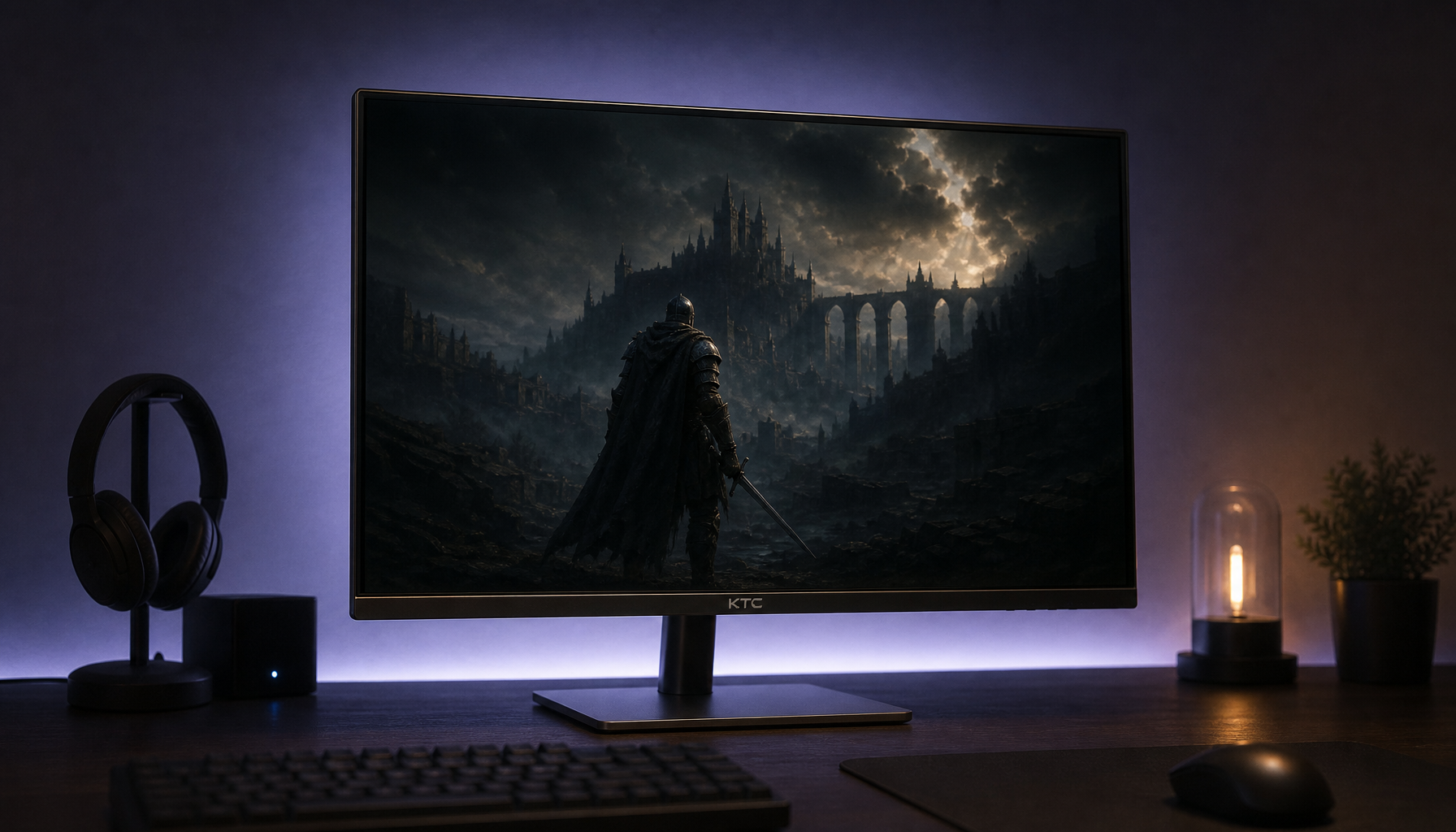
Why are curved monitors bad for gaming?
A curved gaming monitor bends the display toward your eyes. The goal is to make the screen feel wider and more natural, especially on large ultrawide models. However, this design is not perfect for every player, room, or game.
The main reasons some gamers dislike curved monitors include:
• Reflections can become more noticeable.
• The screen may look distorted from the wrong seat.
• Small curved screens may offer little real benefit.
• Flat games and menus can feel unusual.
• Wall mounting and desk placement can be harder.
• Curved models often cost more than similar flat monitors.
A curved display does not automatically reduce frame rate, response time, or image quality. Those features depend on the panel, refresh rate, resolution, graphics card, and monitor settings. The curve mainly changes how the image reaches your eyes.
This point matters because many buyers blame the curve for problems caused by a poor panel. For example, ghosting comes from slow pixel response, while screen tearing comes from a mismatch between the monitor refresh rate and the GPU output. Neither issue is caused by the curve alone.
Viewing distance can make the curve uncomfortable
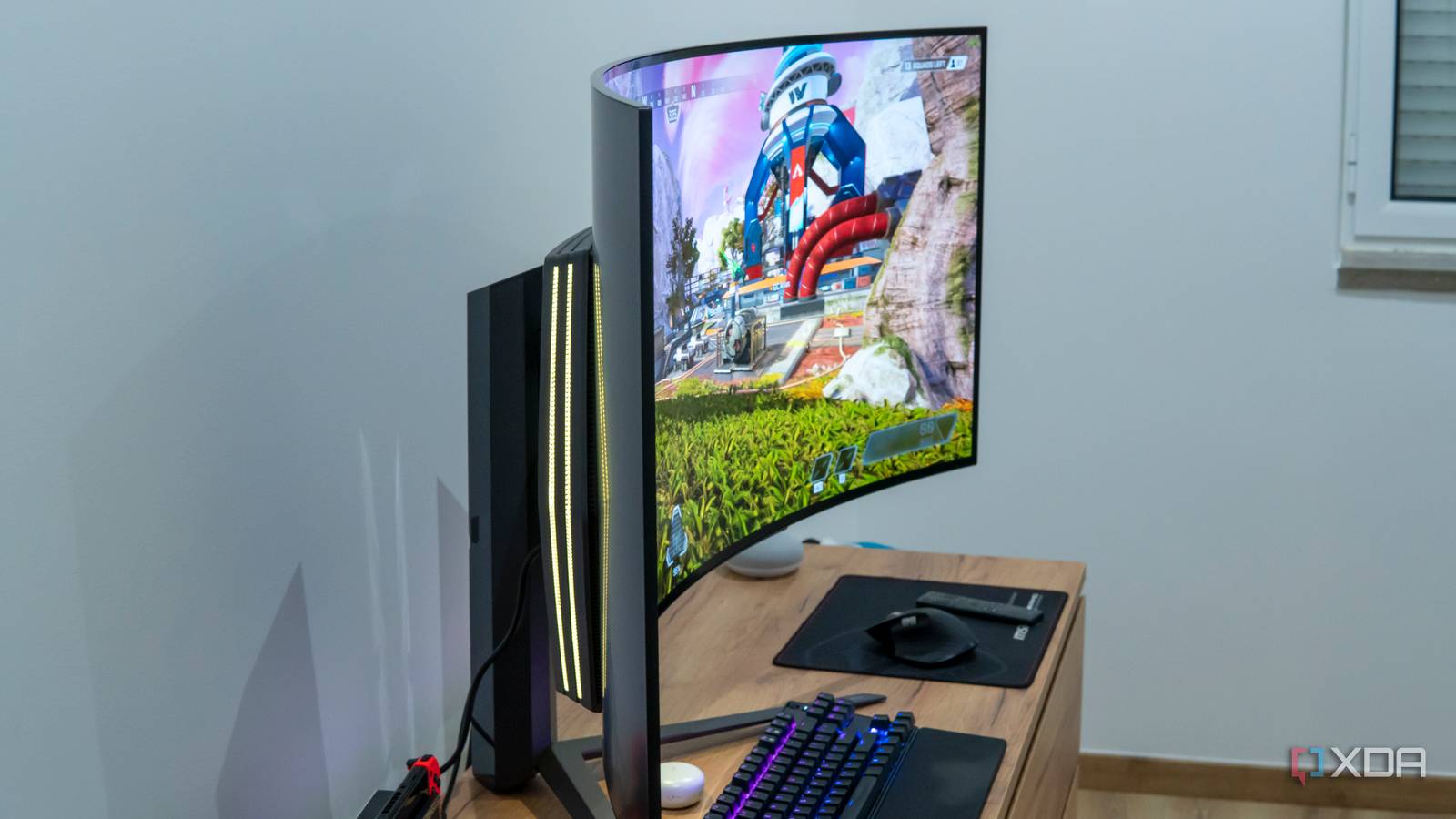
The curve works best when your eyes sit at a suitable distance from the center of the screen. If you sit too close, the edges may feel exaggerated. If you sit too far away, the curve may not add much immersion.
This is one reason why are curved monitors bad for gaming is often a setup question. A 32-inch curved display may feel natural at a normal desk distance, but a smaller 24-inch model may look oddly bent without creating a useful wider view.
Curvature is often listed as a number such as 1000R, 1500R, or 1800R. The lower the number, the stronger the curve.
• A 1000R monitor has a tighter curve.
• A 1500R monitor has a moderate curve.
• A 1800R monitor has a gentler curve.
A tight curve can work well on a large ultrawide screen. On a small screen, it can feel more like a visual trick than a practical upgrade.
Your seating position also matters. If you move around often, sit off-center, or share the monitor with another person, a flat screen may feel more consistent. The farther you move from the center, the less the curve matches your eyes.
Glare and reflections are common problems
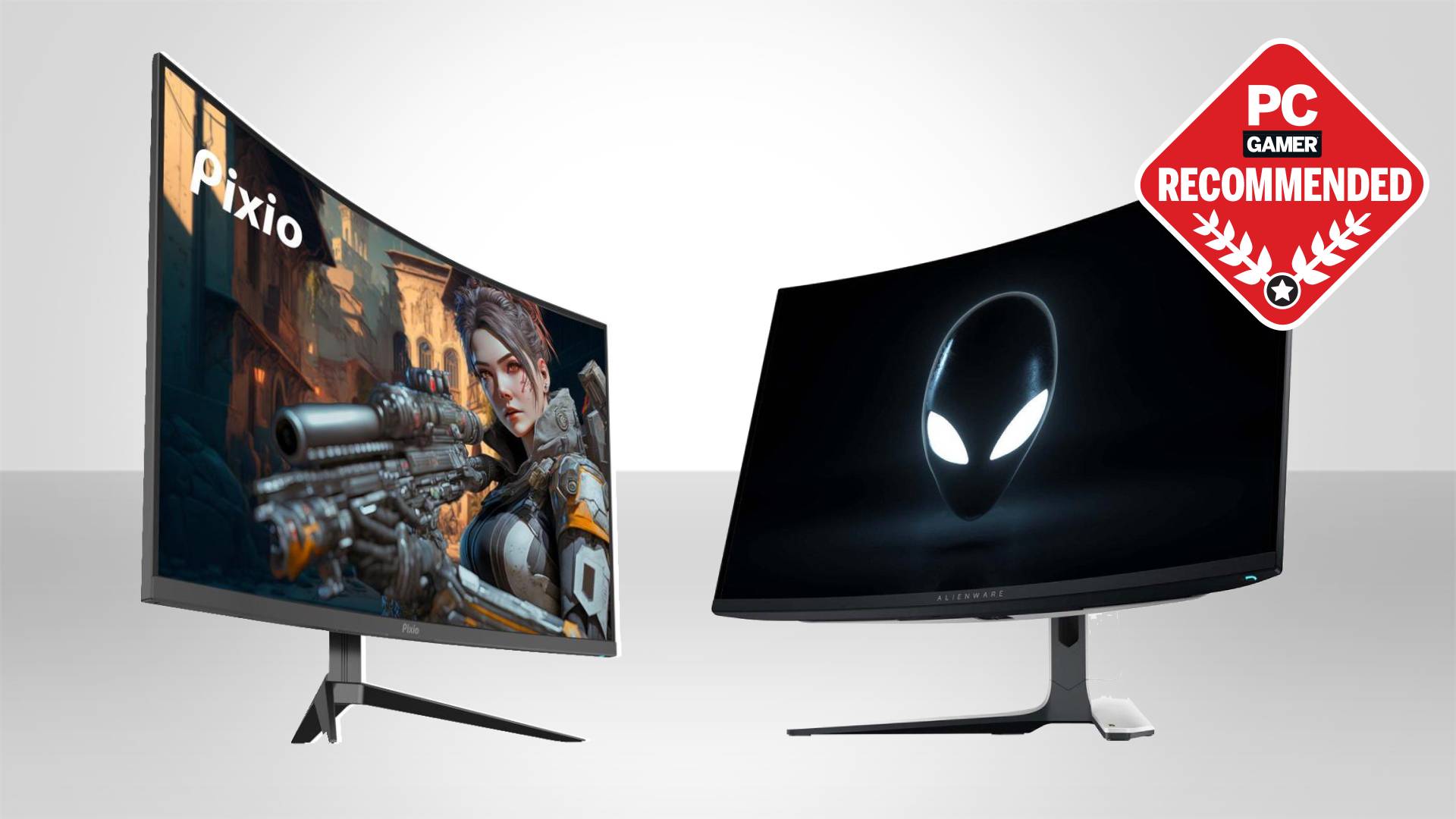
Glare is one of the clearest answers to why are curved monitors bad for gaming. A curved panel can reflect light from windows, ceiling lamps, and desk lights toward your eyes from several angles.
A flat screen can also create glare, of course. Yet its surface is easier to position against a light source. With a curved display, reflections may stretch across the screen or appear in more than one area.
This problem becomes worse in bright rooms. Dark games are especially affected because black scenes act like a mirror. You may see a window or lamp during a night mission, horror game, or space simulation.
To reduce glare, try these changes:
• Place the monitor at a right angle to nearby windows.
• Move lamps behind the display or to the side.
• Use soft room lighting instead of a bright overhead bulb.
• Choose a matte screen coating when possible.
• Avoid placing a bright light directly behind your chair.
A matte coating helps, but it does not remove every reflection. Some coatings can also make the image look slightly less sharp. This is a trade-off, not a perfect fix.
Curved screens may show image distortion
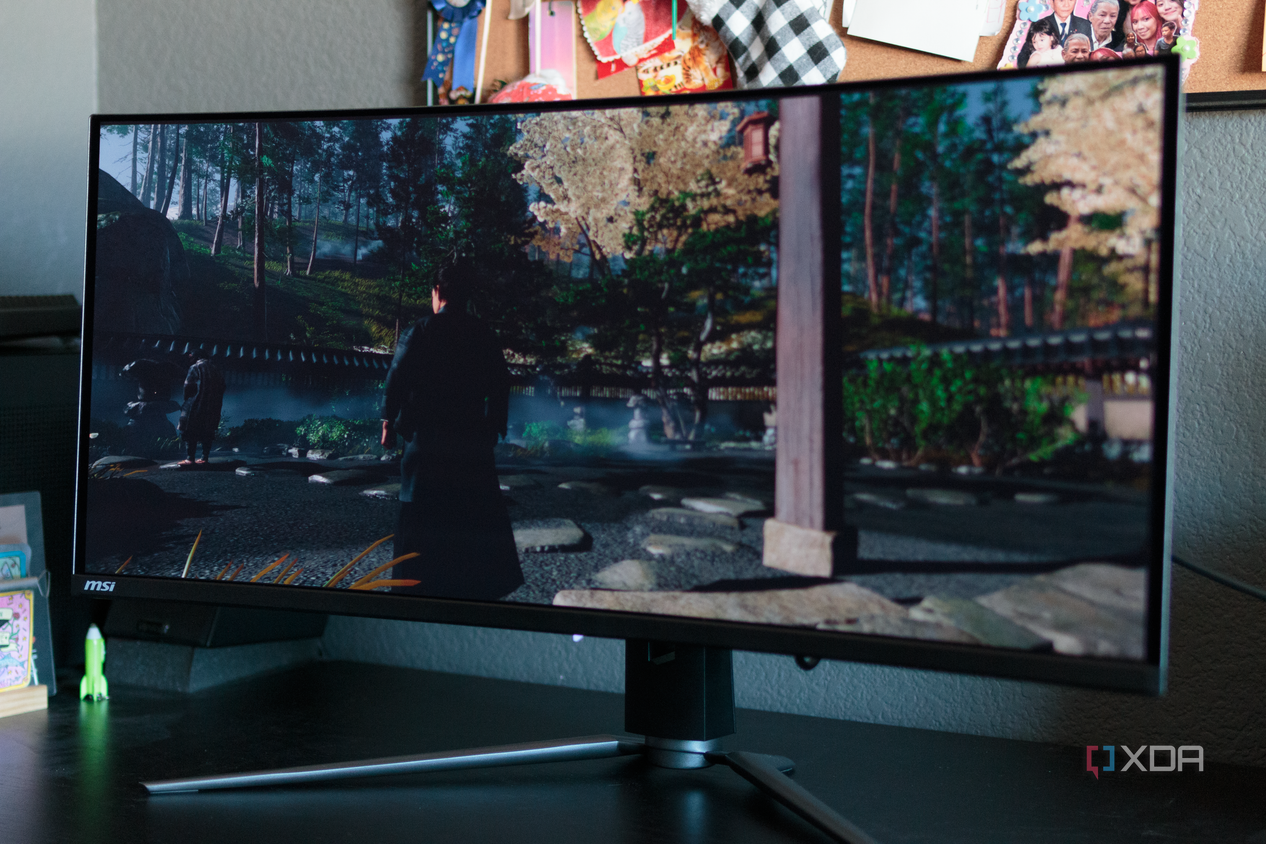
A curved screen can make straight lines appear unusual when you sit at the wrong angle. This is most visible in desktop apps, maps, strategy games, racing game menus, and older titles that were not built for ultrawide displays.
The image is not always truly distorted. Your eyes are simply viewing different parts of the panel at different angles. The curve changes the way the image appears across the screen.
In modern games with proper ultrawide support, this effect may be minor. In games with poor support, you may notice:
• Stretched menus
• Cropped cutscenes
• Black bars
• Incorrect field of view
• Wide character models near the edges
• Aiming that feels different from the center to the sides
This is a major part of why are curved monitors bad for gaming for players who enjoy older PC games. Some titles use fixed menus or fixed camera settings. Others may require community patches or custom field-of-view settings.
Competitive players should also check how a game handles ultrawide displays. Some esports games limit the visible area to keep players from gaining a wider view. In those cases, the curved screen may offer less gaming value than expected.
Curved monitors can be less useful for competitive gaming
Fast competitive games reward clear movement, stable tracking, and quick visual checks. A curved monitor can help some players keep the edges within their field of view, but it can also make rapid scanning feel unfamiliar.
This is especially true for players who have always used flat screens. Your eyes and brain learn the shape of your display over time. Switching to a curve can require several days or weeks of adjustment.
A flat monitor may be better if you mainly play:
• Counter-Strike-style tactical shooters
• Fighting games
• Real-time strategy games
• Older console games
• Sports games with fixed camera views
• Games that do not support ultrawide resolutions
For esports, the most important features are usually refresh rate, response time, input lag, resolution, and motion clarity. The curve is much lower on the list.
A 24-inch or 27-inch flat monitor with a high refresh rate may be a smarter choice than a curved monitor with weaker motion performance. A 240Hz flat screen with fast pixel response can feel better in a shooter than a 165Hz curved screen with visible ghosting.
This explains why are curved monitors bad for gaming is not the same as asking whether curved monitors are technically slow. Many are very fast. They simply may not match the habits of competitive players.
Some games benefit less from a curved screen
Curved monitors are often marketed as immersive gaming displays. That claim is fair for certain genres, but it does not apply equally to every game.
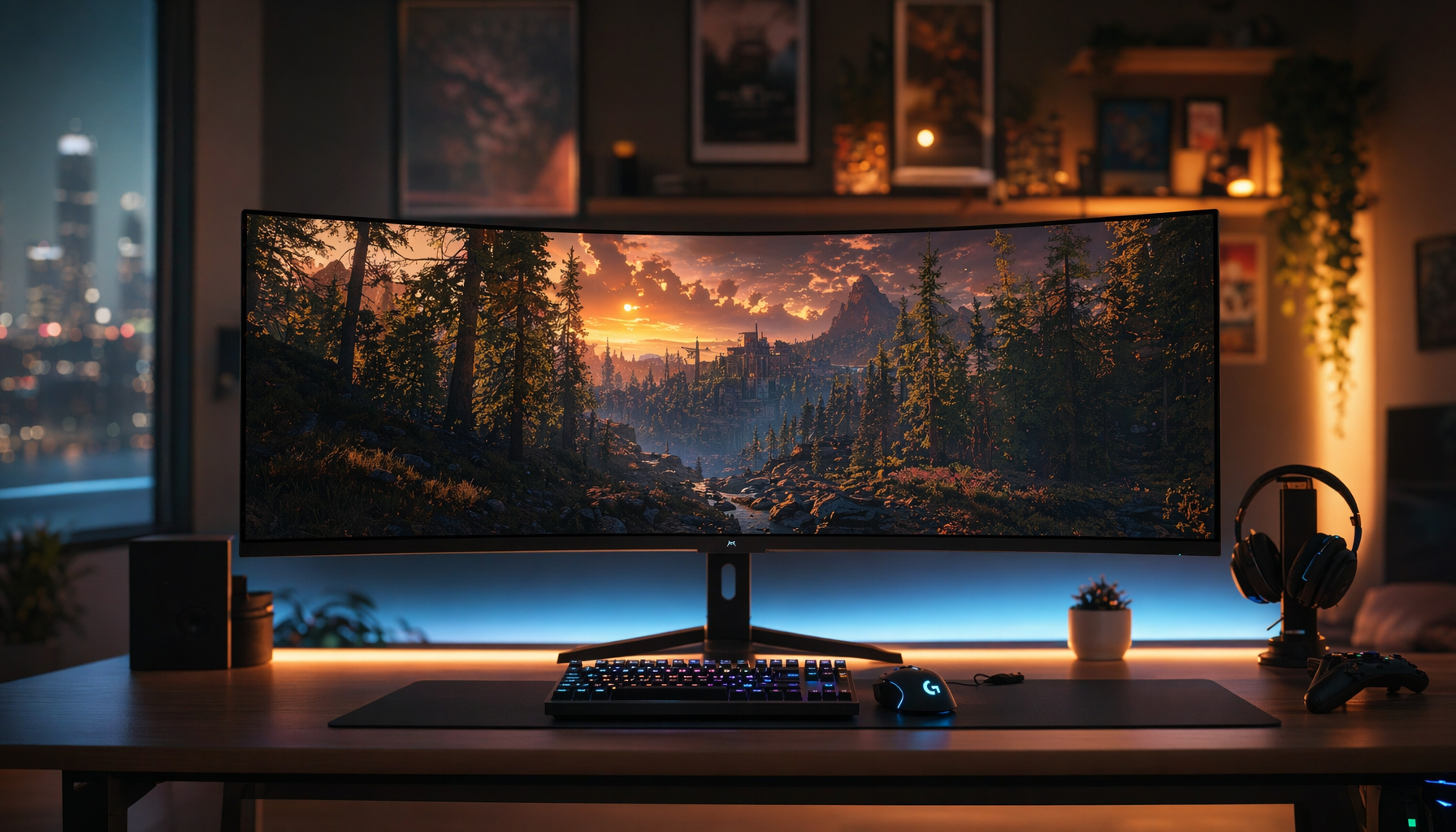
Racing games, flight simulators, open-world games, and space simulators can benefit from a wider field of view. The curve can make the edges feel closer and reduce the need to turn your head.
The experience is different in games built around a fixed central view. A curve may not improve the gameplay at all. It can even make menus and maps feel slightly strange.
Think of the monitor as a windshield. A wide curved windshield can help you see more of the road. But if the game only shows a small road in the center, making the windshield curved adds little value.
Before buying, check whether your favorite games support:
• Ultrawide resolutions such as 3440 × 1440
• Correct field-of-view adjustment
• Stable menus at wide aspect ratios
• Proper cutscene scaling
• Competitive display rules
A game forum, technical guide, or trusted hardware review can help you confirm this. Do not assume that every modern game handles ultrawide screens well.
Desk space and mounting can create trouble
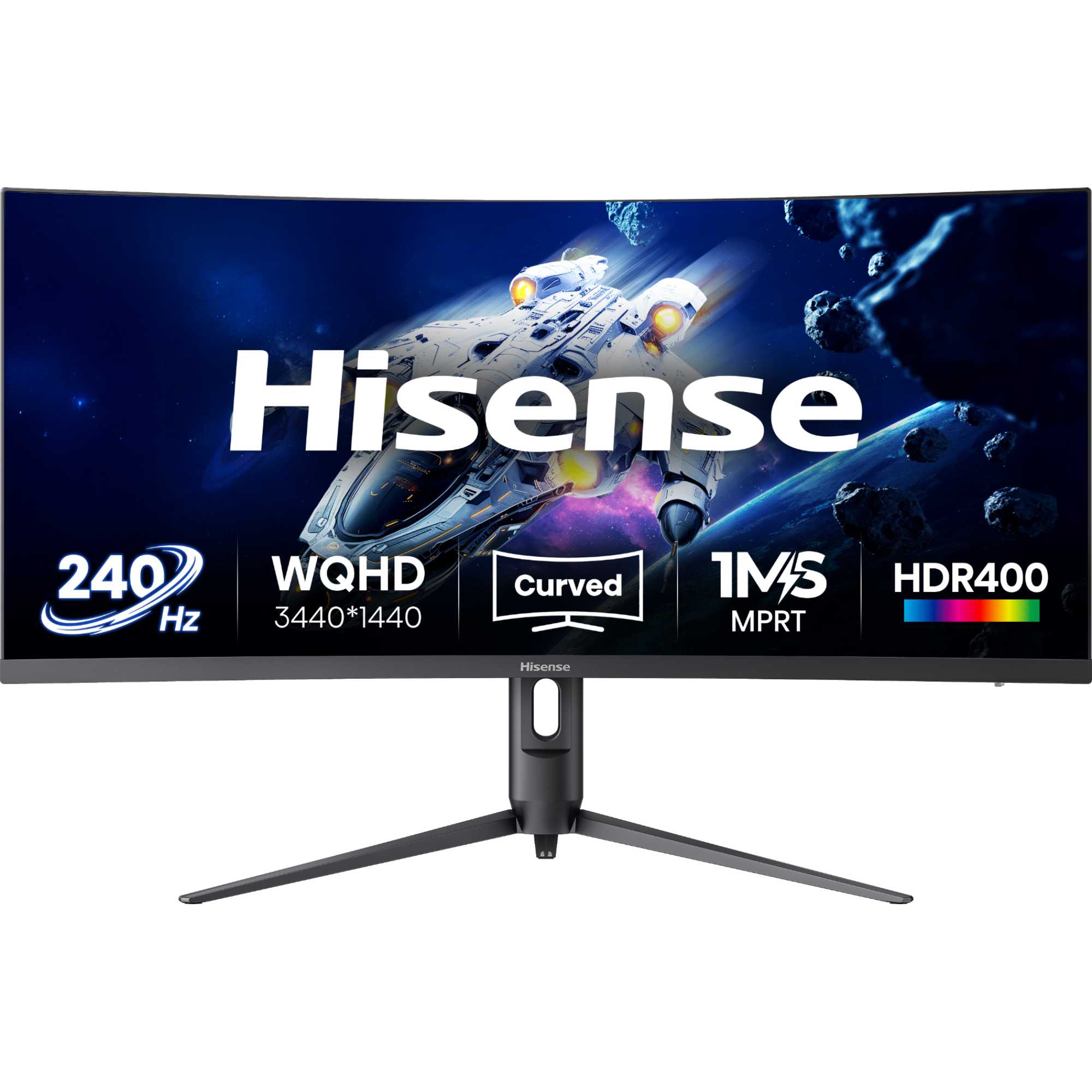
Curved monitors often need more desk depth than flat monitors. The back of the display may extend toward you, and the stand may have a wide footprint.
This can matter in a small bedroom, home office, or shared study space. You may also have less room for speakers, a microphone arm, a laptop, or a second display.
Wall mounting can be harder too. A curved monitor may sit farther from the wall, and its shape can look less clean when placed beside a flat screen. A dual-monitor setup can also have a visible gap or mismatched viewing angles.
Before buying, measure:
• Desk width
• Desk depth
• Monitor stand size
• Distance from your eyes to the screen
• Wall space
• Cable reach
One practical lesson from comparing desk setups is simple: measure first. A monitor can look perfect in a product photo and still overwhelm a shallow desk. This is one of the easiest mistakes to avoid.
Curved monitors can cost more without adding performance
A curved gaming monitor may cost more than a flat monitor with the same resolution and refresh rate. The extra price can be worthwhile if you value immersion, but it is not always linked to better gaming performance.
For example, two displays may offer:
• The same 1440p resolution
• The same 165Hz refresh rate
• Similar response times
• The same adaptive sync support
The curved model may still cost more because of its design, size, or brand position. That extra money may be better spent on a faster graphics card, stronger monitor stand, or higher-quality panel.
When thinking about why are curved monitors bad for gaming, compare the full specification list rather than the shape alone. Look for measured response time, brightness, contrast, color accuracy, adaptive sync support, and input lag.
Be careful with advertised response times. A monitor may claim a very low number under ideal conditions, but real results can vary by overdrive mode and refresh rate. Independent testing is more useful than a large number printed on the box.
Curved versus flat monitors for gaming
Neither design wins in every situation. The right display depends on your games, space, and viewing habits.
| Feature | Curved monitor | Flat monitor |
|---|---|---|
| Immersion | Strong on large screens | More neutral |
| Glare control | Can be more difficult | Usually easier |
| Desk placement | May need more depth | Often simpler |
| Shared viewing | Less consistent off-center | More predictable |
| Ultrawide gaming | Often a good match | Still works well |
| Competitive gaming | Depends on preference | Common and familiar |
| Wall mounting | May be less simple | Usually easier |
| Price | Can cost more | More choices at every price |
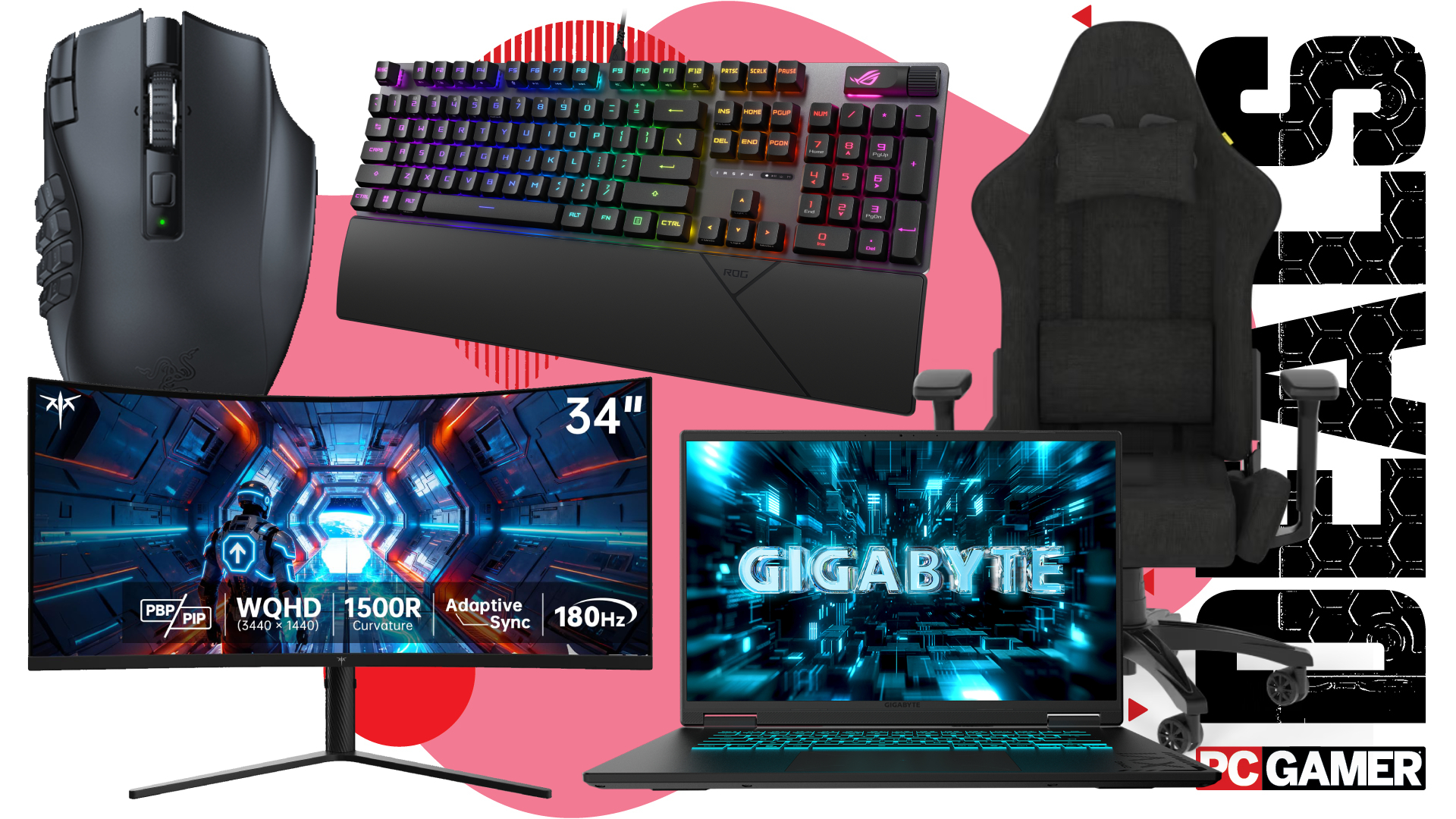
A large 34-inch ultrawide curved display can be excellent for racing games and open-world adventures. A 27-inch flat 1440p display may be better for shooters, office use, and mixed gaming.
The answer to why are curved monitors bad for gaming often comes down to value. If the curve does not improve your favorite games, it may not justify the extra cost or setup limits.
How to decide if a curved monitor suits you
Use your gaming habits as the starting point. Do not buy based only on a product photo or a popular recommendation.
Ask yourself these questions:
-
How far will I sit from the screen?
-
Do I play games that support ultrawide resolutions?
-
Is my room bright or easy to control?
-
Do I often move off-center while gaming?
-
Do I need a second monitor?
-
Is my desk deep enough?
-
Would the same money buy a better flat monitor?
A curved monitor may suit you if you want a large screen, sit in the center, control your room lighting, and play games that support a wide field of view.
A flat monitor may suit you better if you play competitive titles, use design software, share the screen, or need simple desk placement.
If possible, view the exact screen size in a store before buying. Pay attention to straight lines, text, reflections, and how the edges look from your normal chair. A short hands-on test can reveal more than a long specification sheet.
Tips to make a curved gaming monitor work better
If you already own a curved display, you may not need to replace it. Small changes can make the experience much better.
• Sit near the center of the screen.
• Keep your eyes about an arm’s length away, then adjust for comfort.
• Set the monitor height so your eyes rest near the upper third of the display.
• Reduce room glare before changing brightness.
• Use the recommended resolution and aspect ratio.
• Adjust the field of view inside each game.
• Try different overdrive settings to reduce ghosting.
• Enable FreeSync or G-SYNC when supported.
• Keep the screen clean to reduce haze and reflections.
Do not increase sharpness too far. Excessive sharpness can create bright outlines around text and objects. Also, avoid using an extreme field of view just because the screen is wide. A very high setting can make the image look stretched and may reduce aiming comfort.
If your game has black bars, that does not always mean the monitor is faulty. It may simply lack native ultrawide support. In that case, a flat 16:9 monitor may provide a cleaner experience.
Are curved monitors bad for your eyes?
Curved monitors are not generally known to damage healthy eyes. Eye discomfort usually relates to brightness, glare, viewing distance, dry eyes, poor posture, or long gaming sessions rather than the curve itself.
Some users report less eye strain because the edges feel closer to their natural view. Others feel discomfort during the adjustment period. If pain, headaches, or blurred vision continue, take breaks and consider an eye examination.
The 20-20-20 rule can help: every 20 minutes, look at something about 20 feet away for at least 20 seconds. Regular breaks, good room lighting, and correct monitor height also support comfortable use.
Frequently Asked Questions About Why Are Curved Monitors Bad for Gaming
Are curved monitors worse than flat monitors for gaming?
Not always. Curved monitors can improve immersion on large ultrawide screens, while flat monitors may be better for competitive games, small desks, and shared viewing.
Why are curved monitors bad for gaming in bright rooms?
Their shape can reflect windows and lamps across the screen from several angles. Good monitor placement, soft lighting, and a matte coating can reduce this problem.
Do curved monitors cause lower FPS?
No. Frame rate depends on resolution, game settings, and graphics card performance. A curved monitor may use a larger or ultrawide resolution, which can require more GPU power, but the curve itself does not reduce FPS.
Are curved monitors good for first-person shooters?
They can be good if you enjoy the feel and the game supports the screen’s aspect ratio. Many competitive players still prefer flat screens because they are familiar, simple, and common in tournament setups.
Is a 27-inch curved monitor worth buying?
It depends on your preference and price. The curve may feel subtle on a 27-inch screen, so compare its refresh rate, response time, resolution, and cost with flat alternatives.
Can a curved monitor cause image distortion?
It can make straight lines or wide game elements look unusual from an off-center position. Correct viewing distance and proper game scaling reduce the effect.
Are curved monitors harder to mount?
They can be. Check VESA support, mount weight limits, cable clearance, and the distance from the wall before purchasing a mounting arm.
Conclusion
Curved monitors are not automatically bad for gaming. They can deliver strong immersion in racing games, simulators, and ultrawide open-world titles, but glare, viewing distance, image scaling, desk space, and extra cost may reduce their value.
The best answer to why are curved monitors bad for gaming depends on your setup and play style. Choose a flat monitor if you want simple placement, reliable compatibility, and competitive performance. Choose a curved model if you sit centered, control your lighting, and want a wide, immersive view.
Compare real test results, measure your desk, and check support for your favorite games before you buy. Share your monitor setup or explore more display guides to make your next gaming upgrade a smart one.