Laptop screens are fragile because thin glass, delicate layers, and flexible hinges leave little room for impact.
If you have ever opened a laptop and found a black spot, bright line, or spiderweb crack, you may wonder why are laptop screens so fragile compared with phone screens or older computer monitors. The answer comes down to design trade-offs: modern laptops are thin, light, and energy efficient, but their displays must also move thousands of times without adding much weight. This guide explains the materials, pressure points, common causes, repair options, and simple habits that help protect your screen.

Why Are Laptop Screens So Fragile?
Laptop screens are fragile because they combine several thin parts into one compact panel. Unlike a desktop monitor, a laptop display must fit inside a narrow lid and survive constant opening and closing. It has little space for thick protective layers or a strong outer frame.
Most laptop screens use a liquid crystal display, or LCD, or an organic light-emitting diode, known as OLED. These panels contain thin layers that control light and color. They may look solid from the outside, but the working parts inside are sensitive to pressure, bending, and sharp impact.
A typical laptop display can include:
- A protective glass or plastic surface
- A touch-sensitive layer on touchscreen models
- A liquid crystal or OLED panel
- Thin-film transistors that control individual pixels
- A backlight and diffuser layers on LCD models
- A flexible display cable
- A metal or plastic frame
Each layer has a job. Yet each added layer can also increase thickness and weight. This helps explain why are laptop screens so fragile: manufacturers must balance strength with portability, battery life, cost, and appearance.
A laptop lid is also much larger than a phone screen. When the lid bends, even slightly, the force can spread across a wide area. A small twist near the corner may place stress on the center of the panel.
The Main Materials That Make a Laptop Display Vulnerable
Understanding the materials helps explain why are laptop screens so fragile in daily use. The outer surface may resist light scratches, but it does not make the entire display impact-proof.
Glass and plastic layers
Many premium laptops use glass over the display. Glass can feel smooth and resist scratches, but it can crack when struck or bent. A touchscreen may use stronger cover glass, yet even strong glass has limits.
Some budget laptops use a plastic display surface. Plastic is less likely to shatter, but it can scratch and flex more easily. Bending the surface may damage the layers beneath it even when no crack appears.
Liquid crystal panels
LCD panels use a thin layer of liquid crystals between other layers. The liquid crystals do not usually break like glass, but the panel around them can suffer permanent damage from pressure.
A damaged LCD may show:
- Black blotches
- Colored lines
- Flickering
- Bright or dark patches
- A spreading “ink” effect
- A completely blank image
OLED panels
OLED screens use tiny light-producing pixels. They can be thin and bright, but they still have delicate layers and a flexible electronic structure. A hard impact can create dead pixels, lines, or a dark area.
OLED burn-in is a different issue. It results from uneven pixel wear over time, not from a cracked screen. Knowing this difference helps avoid confusing physical damage with normal panel aging.

Why Laptop Hinges and Frames Increase Screen Stress
The hinge is one of the most important reasons why are laptop screens so fragile. It connects the display to the base and carries force each time you open, close, or adjust the lid.
A good hinge should move smoothly. If it becomes stiff, the user may apply extra force to the screen. That force can travel through the frame and into the panel.
A weak or damaged hinge can also pull on the display cable. This cable carries image data from the computer to the screen. Repeated stress may cause flickering, a screen that works only at certain angles, or sudden image loss.
Thin laptop frames create another problem. A narrow bezel leaves less material around the panel to absorb impact. A thicker frame may offer more protection, but it also makes the laptop heavier and less sleek.
A simple rule helps: always open a laptop from the center of the lid, not from one corner. Centered pressure is more even. Corner pressure can twist the frame.
Common Causes of Laptop Screen Damage
The question why are laptop screens so fragile often comes up after an accident. In many cases, the screen was not hit directly. It was damaged by pressure from another object or by a twisted lid.
Common causes include:
- Closing the lid on a pen, earbud, or charging cable
- Carrying the laptop by the screen
- Placing books or other items on a closed laptop
- Dropping the laptop inside a bag
- Opening the lid from one corner
- Using a stiff or misaligned hinge
- Pressing the display while cleaning it
- Packing the laptop tightly between hard objects
- Leaving the laptop in extreme heat or cold
- Bending the lid while moving the computer
One of the most common repair-bench lessons is the “forgotten object” accident. A small item on the keyboard can create a pressure point when the lid closes. The display may crack immediately, or it may develop a dark patch later.
A laptop bag helps, but it does not make a laptop indestructible. A bag with no padding can still allow a drop or squeeze to transfer force to the screen.

Why a Laptop Screen Can Break Without a Visible Crack
A laptop display can fail even when the outer glass looks normal. This is another key part of understanding why are laptop screens so fragile.
The inner panel may crack beneath the surface. The damage can appear as a black mark, colored line, or patch that slowly grows. Pressure can also break tiny connections between the panel and its control circuits.
Some damage may affect the display cable instead of the panel. If the cable is pinched near the hinge, the screen may flicker when you move the lid. In this case, replacing the entire display may not be necessary.
Use these clues to narrow down the problem:
- A black ink-like area often means internal panel damage.
- A single vertical line may point to panel or cable damage.
- Flickering that changes with lid movement may involve the cable.
- A completely black screen with a faint image may indicate a backlight fault.
- A normal image on an external monitor suggests a laptop display problem.
Before ordering parts, connect the laptop to an external monitor. This test can show whether the computer itself is working normally.

Are Laptop Screens More Fragile Than Phone Screens?
Laptop screens are not always made from weaker materials than phone screens. However, they face different design limits. This is why are laptop screens so fragile when compared with many modern smartphones.
Phones often use thick cover glass, strong frames, and tightly bonded layers. Their smaller size also helps reduce bending. A laptop needs a large display that opens on a hinge, so its panel has more room to flex.
Phones are also designed to handle touch and daily impact. Laptops are designed mainly for viewing, typing, and portability. A laptop may have a tough outer lid, but the display inside can still be thin.
This does not mean every phone is stronger. A phone can crack from a drop, and some laptop screens use durable glass or metal frames. The main difference is the amount of flex, the hinge design, and the size of the display.
How to Prevent Laptop Screen Damage
Good habits can greatly reduce the chance of a broken laptop screen. Prevention matters because screen replacement can cost a large share of the laptop’s value.
Follow these steps:
- Open and close the lid from the center.
- Check the keyboard before closing the laptop.
- Keep pens, coins, and cables away from the display.
- Carry the laptop by its base, not its lid.
- Use a padded laptop sleeve or case.
- Avoid stacking heavy items on the closed computer.
- Keep the hinges clean and do not force them.
- Adjust screen brightness through software instead of pressing the panel.
- Clean with a soft microfiber cloth.
- Shut the laptop gently without slamming the lid.
Do not spray cleaner directly onto the screen. Liquid can run into the bezel and damage the display or electronics. Put a small amount of suitable screen cleaner on the cloth instead.
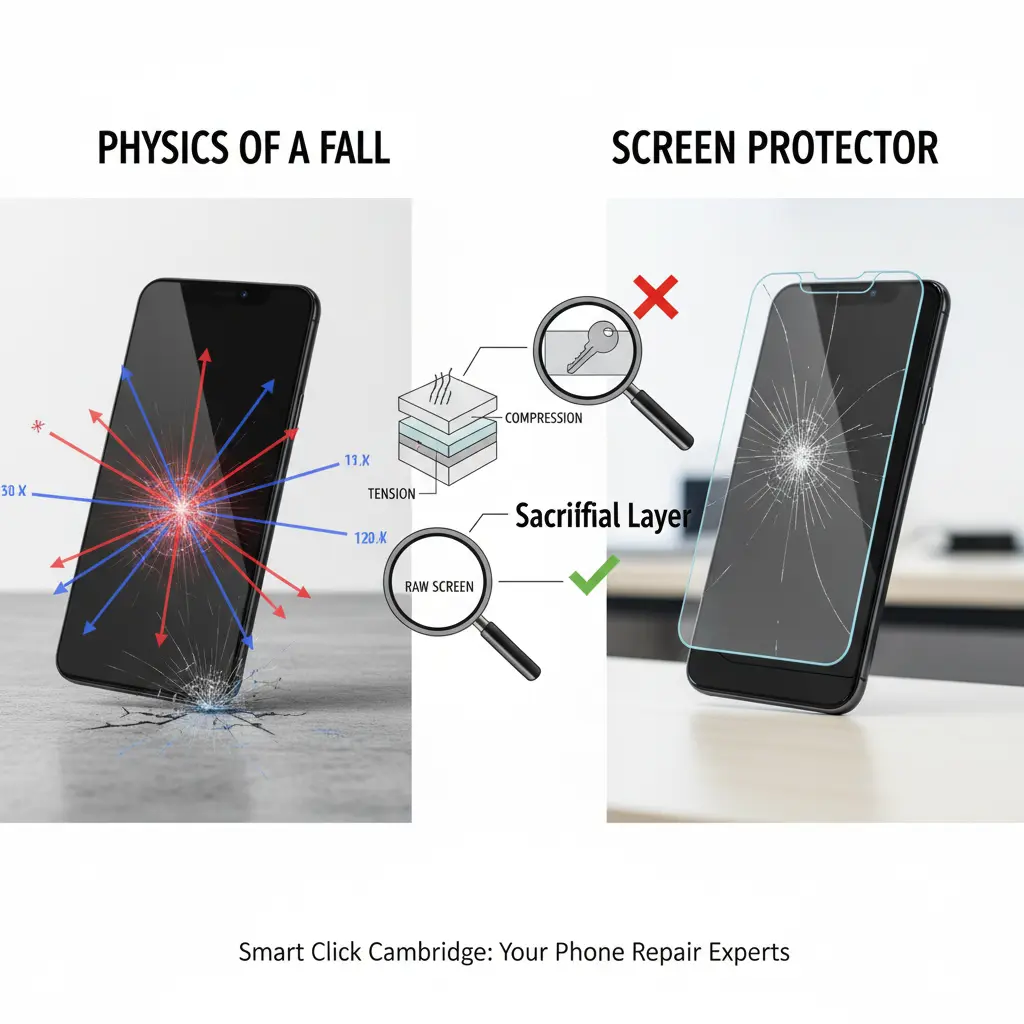
A screen protector may reduce scratches, but it will not stop every crack. On some laptops, a thick protector can create extra pressure when the lid closes. Check the laptop maker’s guidance before installing one.
The Right Way to Clean a Laptop Screen
Cleaning seems harmless, but too much pressure is a common answer to why are laptop screens so fragile. The display does not need hard scrubbing.
First, turn off the laptop and unplug it. This makes dust and smudges easier to see and lowers the risk of electrical problems.
Then follow these steps:
- Use a clean, soft microfiber cloth.
- Wipe with light pressure.
- Move in small circles or straight strokes.
- Use a cleaner made for screens when needed.
- Keep liquid away from ports and the screen edge.
- Let the display dry before closing the lid.
Paper towels can leave small scratches or fibers. Household glass cleaner may contain chemicals that damage coatings, especially anti-glare finishes.
If a mark does not come off with gentle cleaning, do not press harder. It may be a damaged pixel or coating rather than dirt.
How to Tell If a Laptop Screen Needs Replacement
Not every display problem requires a new screen. The repair depends on the type and location of the damage.
A replacement panel is often needed when you see:
- A visible crack
- A spreading black patch
- Large areas of missing image
- Many permanent lines
- Severe color distortion after impact
- A broken touchscreen layer
A cable repair may be possible when the image changes as you move the lid. A software setting, graphics driver, or loose connection may cause some flickering problems.
Before paying for a repair, check:
- Whether an external monitor displays a normal image
- Whether the problem appears during startup
- Whether the laptop suffered a drop or pressure
- Whether the hinge feels stiff or uneven
- Whether the issue changes when the lid moves
Back up important files before repair. A screen replacement usually does not erase data, but accidents during service can still create risk.
For a newer, expensive laptop, professional repair may be worthwhile. For an older budget model, compare the repair price with the cost of a replacement computer. Some modern laptops also use displays that are difficult to replace because parts are glued or tightly integrated.
Can You Repair a Broken Laptop Screen Yourself?
Experienced users can replace some laptop screens at home. The process may involve removing the bezel, disconnecting the battery, releasing the display cable, and installing a compatible panel.
However, DIY repair has risks. You can break the bezel, damage the cable, strip a screw, or puncture the panel. Touchscreen laptops and thin premium models can be especially difficult.
If you try a repair, use the exact model number, not just the laptop’s brand name. Two laptops from the same product line may use different connectors, resolutions, refresh rates, or mounting points.
A repair shop is often the safer choice when:
- The laptop has a touchscreen.
- The hinge is also damaged.
- The display uses a special connector.
- The frame is bent.
- The computer is under warranty.
- You are not comfortable working with small cables.
Do not assume a cracked display is covered by a standard warranty. Many warranties cover manufacturing defects but exclude accidental damage. An extended protection plan may have different rules and deductibles.
What Does Laptop Screen Repair Cost?
The cost varies by laptop type, screen size, resolution, refresh rate, touch support, and labor rates. A basic non-touch display is usually less expensive than a high-resolution OLED or touchscreen panel.
The total bill may include:
- The replacement screen
- Labor
- A new bezel or adhesive
- A display cable
- Hinge or frame repairs
- Shipping and diagnostic fees
A cracked screen is usually a hardware problem, not a software problem. Updating drivers may help with flickering or incorrect colors, but it will not repair broken glass or internal panel damage.
Ask the repair provider for an itemized estimate. Also ask whether the replacement is original equipment or a compatible third-party part. A compatible panel may work well, but its brightness, color, or viewing angles may differ.
What I Have Learned From Common Laptop Damage Cases
A useful lesson from real-world laptop repairs is that small habits often matter more than dramatic accidents. Many damaged screens come from rushed movements, crowded bags, or closing the lid with one small object in the way.
Another repeated lesson is to respect the hinge. When a hinge becomes stiff, people often keep using it until the frame bends or the screen cracks. Treat stiffness as an early warning, not a minor annoyance.
The most practical habit is simple: move the laptop by its base and support the lid when adjusting it. This reduces twisting and protects the hinge area.
It also helps to inspect a laptop before buying a used one. Open and close the lid several times, check for lines or dark spots, and test the screen at different angles. A problem that appears only when the lid moves may become worse later.
Frequently Asked Questions About Why Are Laptop Screens So Fragile
Why are laptop screens so fragile compared with desktop monitors?
Laptop screens must be thin and light because they are built into a portable computer. Desktop monitors usually have thicker frames and do not need a hinge, battery, or lightweight lid.
Can pressing a laptop screen damage it?
Yes. Strong or repeated pressure can damage the internal display layers even if the outer surface does not crack. Avoid touching the screen with force, especially near the corners.
Will a laptop screen crack if I close it too hard?
It can. Slamming the lid creates sudden stress, and an object left on the keyboard can create a damaging pressure point.
Can a laptop screen break from heat?
High heat may weaken adhesives, affect display layers, or worsen existing damage. Normal operating warmth is usually safe, but do not leave a laptop in a hot car or direct sun.
Is a black spot on a laptop screen repairable?
A black, spreading spot often means the internal panel is cracked. Cleaning or software updates will not fix it, so the display usually needs replacement.
Can a laptop screen be protected with a screen protector?
A protector can help prevent scratches, but it cannot guarantee protection from drops, bending, or pressure. Use one only if it fits correctly and does not press against the closed lid.
Conclusion
Why are laptop screens so fragile? Their large, thin panels must fit inside a light lid that bends, moves on hinges, and leaves little room for impact protection. Glass, LCD, OLED layers, display cables, and narrow frames all contribute to their sensitivity.
You can lower the risk by opening the lid from the center, carrying the laptop by its base, checking the keyboard before closing it, and using a padded case. If damage appears, test an external monitor and get an itemized repair estimate before choosing between repair and replacement.
Treat the screen gently, and it can provide years of reliable service. Share your own laptop protection tips or explore more device care guides for practical ways to keep your technology working longer.