Use a wooden toothpick, a soft brush, and an alcohol swab to clear debris safely.
I have cleaned dozens of phones and fixed charging problems for friends and clients. This guide on how to clean iphone port without air duster shows safe tools, clear steps, and tips from real experience so you can restore proper charging fast.

Why cleaning the iPhone port matters
A blocked iPhone port can stop charging or make connections flaky. Lint, dust, and pocket debris build up over time and can bend pins or block the lightning connector. Knowing how to clean iphone port without air duster helps you fix the issue at home and avoid costly repairs. I will explain causes, signs, and real-life examples so you know when to act.
Tools and items you can use without an air duster
Use simple tools you likely already have. Each item below is safe when used gently.
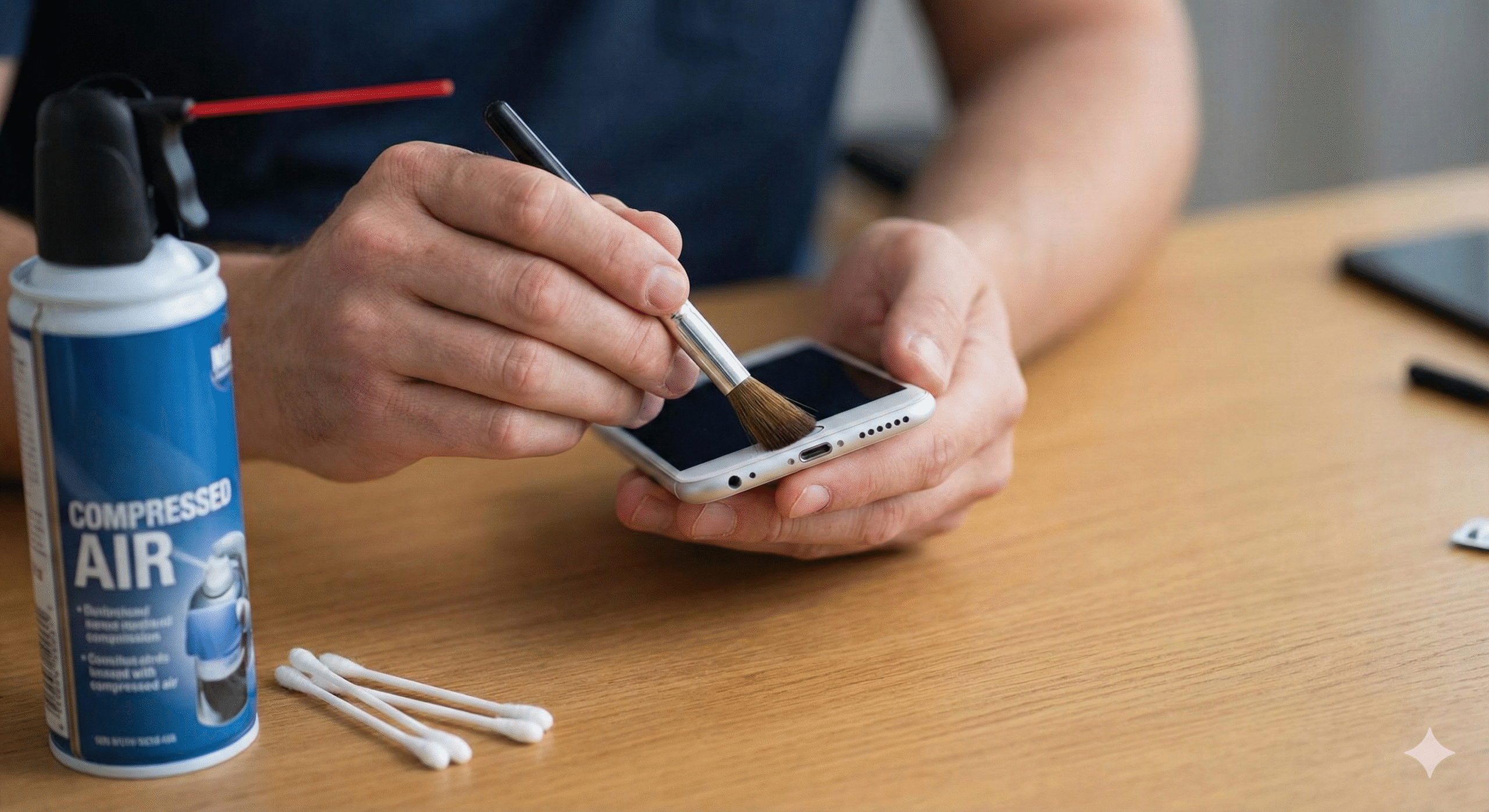
- Wooden toothpick — firm but soft enough to avoid scratching pins.
- Soft-bristled toothbrush or clean paintbrush — to sweep out loose lint.
- Tweezers with rounded tips — for larger debris, used carefully.
- Cotton swab and 90%+ isopropyl alcohol — for cleaning contacts and removing oils.
- Adhesive putty or tape — to lift lint by touch.
- Flashlight or magnifier — to inspect the port before and after cleaning.
I recommend keeping tools clean and dry. Avoid metal picks or sharp objects that can damage pins. These items let you clean an iPhone port without air duster safely and cheaply.

Step-by-step: how to clean iphone port without air duster
Follow these steps slowly and with care. Pause if you see corrosion or broken parts.
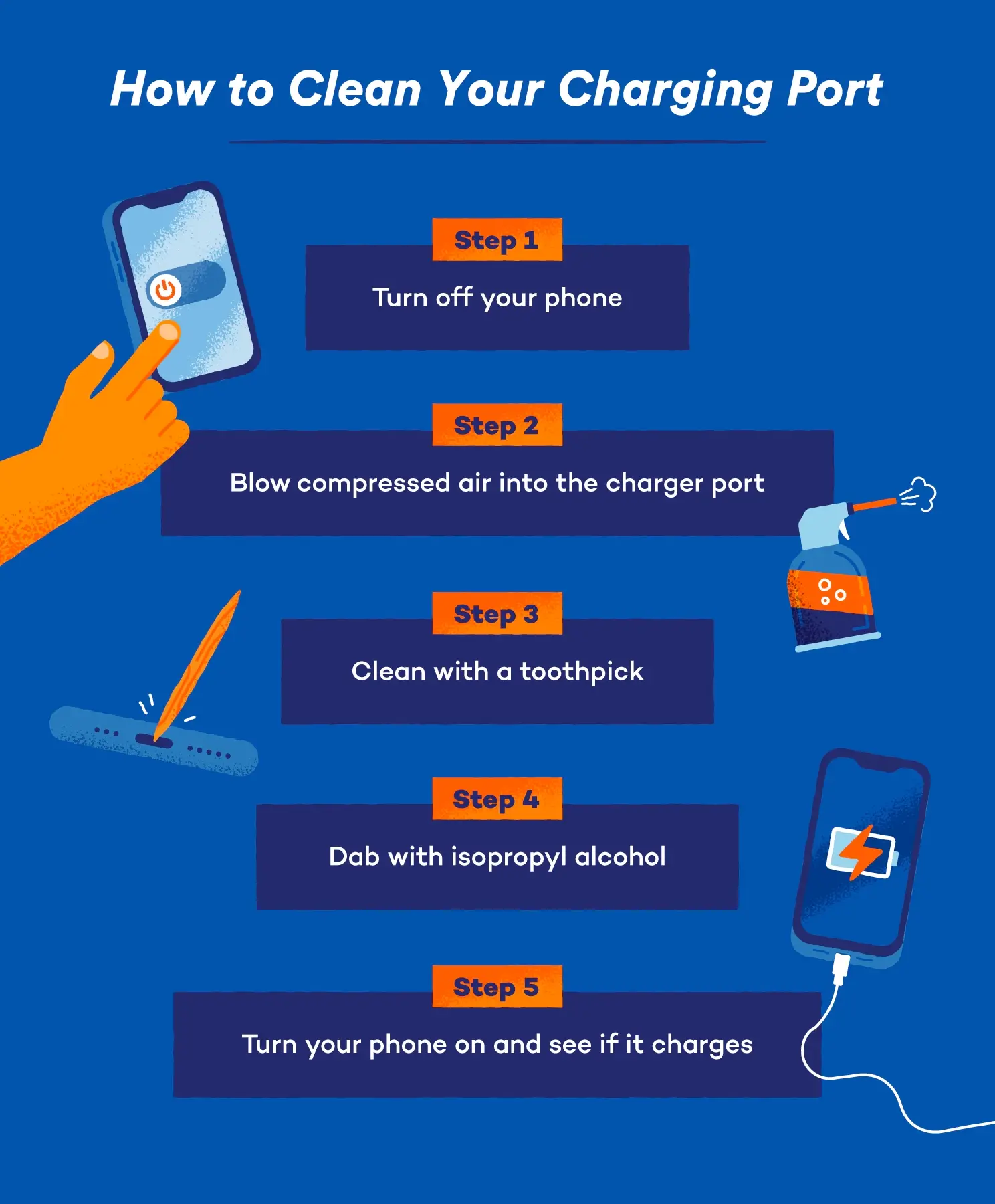
- Power off the iPhone.
- Turn off the phone to avoid short circuits. Remove any case first.
- Inspect the port.
- Use a flashlight or magnifier. Note lint, small debris, or bent pins.
- Remove large debris gently.
- Use rounded-tip tweezers or a toothpick. Work from the outer edge inward. Pull straight out to avoid damaging pins.
- Sweep loose lint with a soft brush.
- Brush outward in short strokes. Do not push debris further into the port.
- Use tape or putty for stubborn lint.
- Lightly press adhesive putty or tape onto a toothpick tip and dab into the port. Lift gently to pull lint out.
- Clean contacts with isopropyl alcohol.
- Dip a cotton swab lightly in 90%+ alcohol and squeeze out excess. Gently rub the contacts. Let dry fully (a few minutes).
- Final inspection and test.
- Check the port with a light. Power on and test charging and data connection.
I have used the tape method and saved phones that would not charge. Work slowly. If you feel resistance while probing, stop and inspect again.
Safety tips and precautions
Safety matters to avoid worse damage. Keep steps short and clear.
- Do not use metal picks or needles that can bend or short pins.
- Avoid blowing into the port; moisture from breath can cause corrosion.
- Use high-concentration isopropyl alcohol and allow full drying time to avoid residue.
- Do not insert liquids into the port. Apply alcohol only to a swab, not directly.
- If you see corrosion or liquid damage, stop and seek professional help.
These precautions help you clean iphone port without air duster while lowering risk.

Common mistakes to avoid
Avoid these errors that can make problems worse.
- Pushing debris deeper by using blunt force.
- Using sharp metal tools that scratch or bend contacts.
- Skipping inspection before and after cleaning.
- Rushing and not letting alcohol dry fully.
- Using low-concentration cleaners that leave residue.
From my work, rushing is the top cause of repeat visits. Slow, light actions work best.
When to seek professional help
You should stop DIY cleaning and get help when any of these appear.
- Visible corrosion, green or white residue inside the port.
- Bent or broken pins that do not align with the connector.
- Persistent charging failure after careful cleaning.
- Signs of liquid damage elsewhere in the phone.
Professionals can replace the port or repair internal damage. If unsure, a repair shop can diagnose without voiding recent warranties.

Frequently Asked Questions of how to clean iphone port without air duster
What is the safest tool to remove lint from the iPhone port?
A wooden toothpick or a soft-bristled brush is the safest. They are firm enough to move lint but soft enough to avoid bending pins.
Can I use a metal pin if I am very careful?
No. Metal pins can scratch or bend contacts and may short the circuit. Use non-metal tools instead.
How often should I clean the iPhone port?
Check the port every few months or sooner if charging becomes intermittent. Regular light cleaning prevents big buildups.
Will isopropyl alcohol damage my iPhone?
High-purity isopropyl alcohol (90%+) evaporates quickly and is safe in small amounts. Use it sparingly on a swab and let the port dry fully.
My iPhone still won’t charge after cleaning. What next?
Try a different cable and charger first. If that fails, look for corrosion or bent pins and consider professional repair.
Conclusion
Knowing how to clean iphone port without air duster gives you a quick way to fix charging problems at home. Use soft, non-metal tools, work slowly, and always inspect the port before and after cleaning. If you find corrosion or the phone still fails to charge, seek expert help.
Take action today: check your iPhone port, gather safe tools, and try the gentle cleaning steps above. If this guide helped you, leave a comment or subscribe for more simple phone care tips.