Hold the earbuds’ power button until the LEDs flash, then choose the earbuds on your device to pair.
I’ve helped dozens of people set up earbuds and fixed pairing headaches for many brands. This guide shows clear, tested steps for how do I put my earbuds into pairing mode, why it matters, and how to solve common problems. You’ll get simple instructions, model variations, and real tips I learned from hands-on troubleshooting. Read on to pair your earbuds fast and stay connected.

What pairing mode is and why it matters
Pairing mode is a simple state that earbuds use to let phones, laptops, or tablets find them. When earbuds enter pairing mode, they broadcast a Bluetooth signal and often blink a light. Knowing how do I put my earbuds into pairing mode saves time. It also prevents accidental connections and battery waste.
Pairing matters because it links devices securely. Without pairing, audio won’t route from your device to the earbuds. Many connection problems come from not entering pairing mode correctly. Follow the steps below to avoid that.

Step-by-step: How do I put my earbuds into pairing mode
Below are general steps that work for most earbuds. I keep the steps short so you can try them fast.
- Check the battery
- Charge both earbuds and the case for a few minutes.
- Low battery can block pairing.
- Power off first
- Turn off earbuds if they are on or connected.
- This clears old connections.
- Enter pairing mode
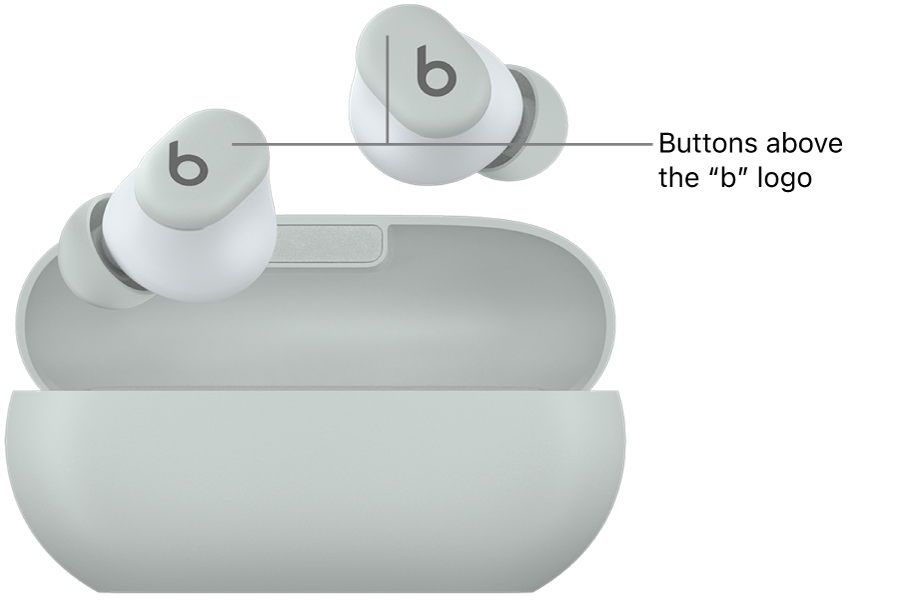
- Hold the power or multifunction button for 3–8 seconds until LEDs flash.
- Some earbuds blink white, blue, or red/blue alternately.
- Find on your device
- Open Bluetooth on your phone, tablet, or computer.
- Tap the earbuds name when it appears to pair.
- Confirm and test
- Accept any pairing prompts.
- Play audio to check left and right sound.
How do I put my earbuds into pairing mode if one step fails? Try a reset or consult the quick steps below for common designs.
Common designs and exact steps (true wireless, single-button, case-based)
True wireless earbuds (both buds separate)
- Most models: Take both earbuds out and long-press both touch areas or both buttons for 4–7 seconds.
- If only one bud blinks: put it back and retry. I found one brand needed 8 seconds, not 4.
Earbuds with a single button
- Press and hold the button on the bud or case.
- Release when light flashes rapidly. Then search on your phone.
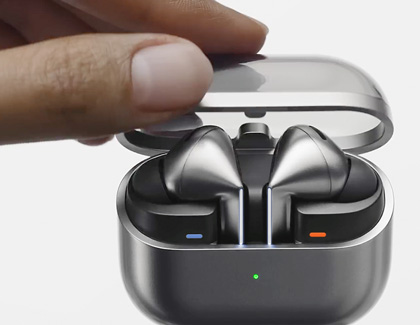
Earbuds that use the charging case
- With earbuds inside, open the case and hold the case button for 3–6 seconds.
- Lights on the case or earbuds will flash to show pairing mode.
Earbud as single/monaural
- Power on the earbud you want to use alone and hold its button for a few seconds.
- Pair from your device; the earbud will act like a regular Bluetooth headset.
How do I put my earbuds into pairing mode when the brand uses a companion app? Open the app and use its “pair” or “connect” tool if manual pairing fails. The app often forces pairing mode.

Troubleshooting: why pairing fails and how to fix it
If pairing fails, try each fix below. Short, clear steps work best.
- Restart devices
- Turn off phone and earbuds. Turn both on and try again.
- Forget device and retry
- In Bluetooth settings, remove the earbuds from the device list. Then re-enter pairing mode.
- Reset earbuds
- Many models reset by holding both earbud buttons for 10–15 seconds. After reset, repeat pairing steps.
- Move closer and remove interference
- Keep devices within 3 feet. Turn off nearby Bluetooth devices or Wi-Fi that may interfere.
- Update firmware
- Use the earbud app or manufacturer tool to update firmware. Updated firmware fixes many pairing bugs.
PAA-style question: How do I put my earbuds into pairing mode if they won’t flash?
- Try a full reset, charge for 15 minutes, then hold the power button longer. If still dead, the battery or hardware may be faulty.
PAA-style question: Can I pair earbuds with two devices at once?
- Some earbuds support multipoint. Check the manual. If supported, enter pairing mode on each device following the brand’s instructions.
Tips, best practices, and real-world lessons
Short tips that save time and frustration.
- Keep firmware updated
- Updates can fix Bluetooth bugs and improve pairing stability.
- Learn your LEDs
- Colors and blink patterns tell pairing status. I keep a note for each brand I use.
- Use one device at a time to diagnose
- If multiple devices try to connect, pairing may fail. Turn off other Bluetooth devices while pairing.
- Clean contacts and keep dry
- Dirty charging pins can stop earbuds from powering on. A dry cotton swab fixes many problems.
- Label your earbuds
- Rename the earbuds in Bluetooth settings so you pick the right one fast.
From my experience: One pair failed repeatedly until I updated the firmware. Another set needed the case closed for three seconds before opening to trigger pairing. Small brand quirks matter.
Frequently Asked Questions of how do I put my earbuds into pairing mode
How long should I hold the button to enter pairing mode?
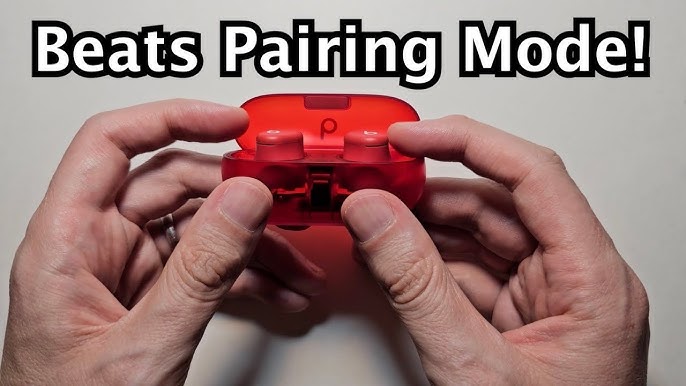
Most earbuds respond after 3–8 seconds of holding the power or multifunction button. If nothing happens, try 10–15 seconds or consult the manual.
My earbuds pair with one device but not another. What now?
Forget the earbuds on the failing device, reboot the device, then enter pairing mode again. Interference or saved profiles often cause this.
Can I pair earbuds without the case?
Yes, many earbuds pair without the case by holding the bud buttons. Some models require the case to trigger pairing. Try both methods.
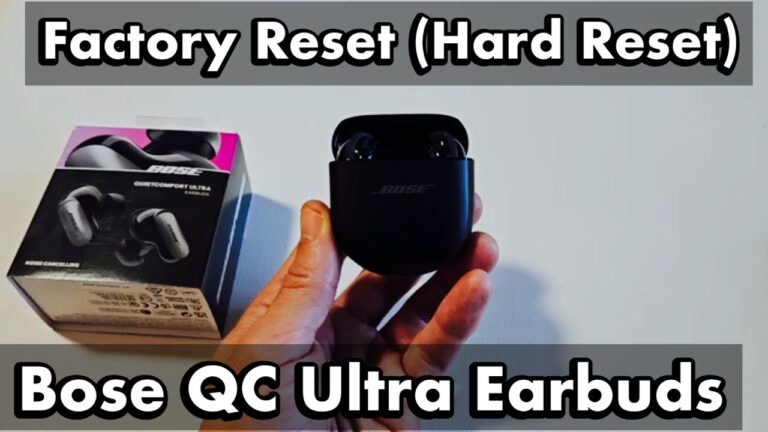
How do I reset my earbuds to factory settings?
Reset methods vary. Commonly, hold both earbud buttons and/or the case button for 10–15 seconds until LEDs flash in a reset pattern. Check the brand guide if unsure.
Why do my earbuds keep reconnecting to an old device?
They likely auto-connect to the last paired device. Turn Bluetooth off on that device, or forget the earbuds there, then pair with your chosen device.
Are there safety tips for pairing earbuds?
Keep volume low while pairing and avoid pairing while driving. Pair in a quiet, safe spot to confirm audio and fit.
Conclusion
You now have clear, tested steps for how do I put my earbuds into pairing mode and how to fix the usual problems. Start with charging, a simple long-press, and a device scan. If issues persist, reset, update firmware, and try again. Take action now: try the steps with your earbuds, note the LED pattern, and save the method that works for your model. If this helped, leave a comment or share your brand and problem so others can learn from your experience.