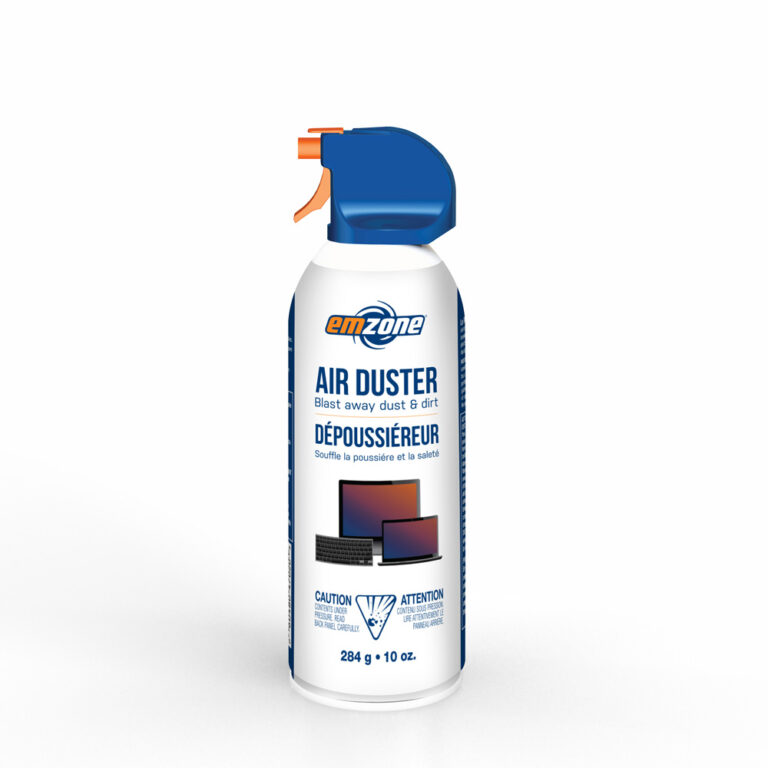
Air duster can break PC parts by freezing, spraying liquid, creating static, and dislodging fragile components.
I’ve spent years building, repairing, and cleaning PCs, so I know how tempting it is to grab an air duster for a fast cleanup. This article explains exactly how can air duster break pc parts, the physics and failure modes involved, real-world examples from my workbench, and clear steps to clean safely. Read on to protect your hardware and avoid costly mistakes.
How air duster can break pc parts: mechanisms and definitions
Air duster is a canned product that blasts gas to remove dust. The gas is stored under pressure and expands rapidly when released. When used on a PC, three main hazards appear: liquid discharge, extreme cold, and electrostatic effects. Each hazard can harm a PC in a different way.
Liquid discharge happens if the can is tilted or shaken. The propellant can spray as a cold liquid that contacts circuits. Rapid cooling occurs because the gas expands and absorbs heat. Electrostatic discharge can form from friction or charged surfaces during a blast. Together, these mechanisms explain how can air duster break pc parts.

Common parts at risk and typical damage types
Some components are more fragile than others. Knowing which parts are vulnerable helps you avoid damage.
- Fans: Bearings can stop if liquid gets inside, and blades can spin too fast from a blast and break.
- Heatsinks and CPU coolers: Sudden cold can warp thermal paste or loosen contact.
- Motherboard components: Caps and MOSFETs can crack under thermal shock or short from liquid.
- PCIe cards and GPUs: Cold condensing and static can damage delicate chips.
- Connectors and sockets: Blows of air can bend pins or push dust deeper into contacts.
- SSDs and hard drives: While less likely to fail instantly, sudden shocks and static can harm electronics.
How can air duster break pc parts? By combining these effects into events that stress or short circuits hardware. Small, cheap parts can fail quickly, and critical parts can be ruined silently.
Unsafe usage scenarios that increase risk
Certain habits multiply the danger. Avoid these common mistakes.
- Spraying while the PC is powered on: Live blasts can spin fans at unsafe speeds and create voltage spikes.
- Tilting the can or shaking it: This increases liquid discharge risk and explains many sudden failures.
- Holding the nozzle close to components: Concentrated cold and force cause more harm.
- Using on sensitive areas like bare PCB pads or exposed capacitor tops: These get damaged easily.
- Blasting for long continuous bursts: Heat and pressure change suddenly and can cause condensation.
I once saw a client bring a board that failed after a deep blast while powered. The GPU VRM caps had micro-cracks. That board never booted again.
How to spot damage from an air duster and quick diagnostics
Early detection helps save parts. Check these signs.
- Visible residue or wet spots on the board after cleaning.
- Fans that no longer spin freely or make grinding noises.
- Intermittent boot issues or random shutdowns after a cleaning session.
- Burnt smell or visible scorch marks near power delivery circuits.
- Corrosion or white deposits around connectors days after use.
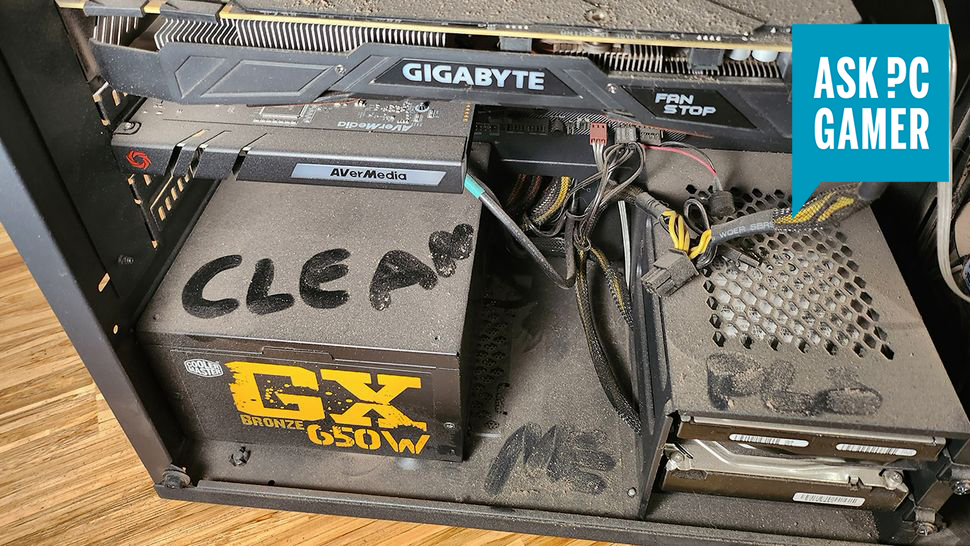
If you suspect damage, power down immediately and let the device dry for 24–48 hours in a warm, dry place. Use a magnifier to inspect solder joints and caps. Run hardware diagnostics once dry to confirm functionality.

Safe cleaning alternatives and best practices
You can clean PCs without risking parts if you follow safe steps. These methods work and are simple.
- Power off and unplug the PC: Always disconnect power and peripherals first.
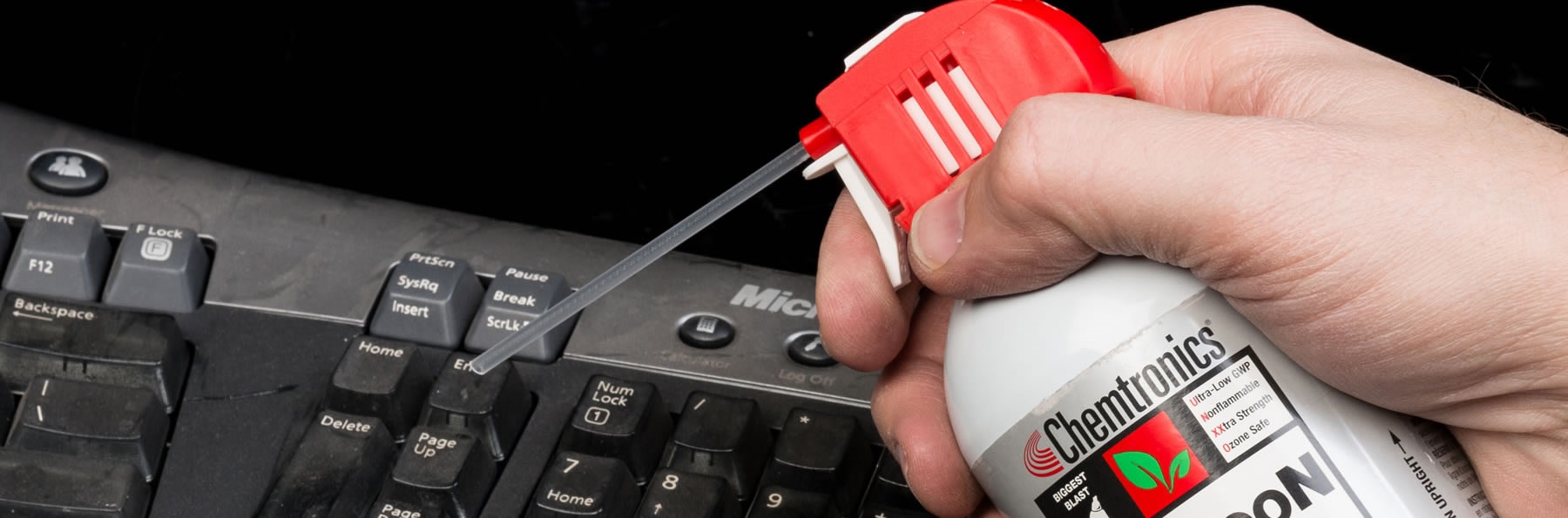
- Use short, controlled bursts: Keep the can upright and hold 30–40 cm away.
- Hold fans to stop free spin: Use a finger or a tool gently to prevent overspinning.
- Use a soft brush first: A small anti-static brush loosens dust before air.
- Use a vacuum designed for electronics at low power: Keep it external to avoid static.
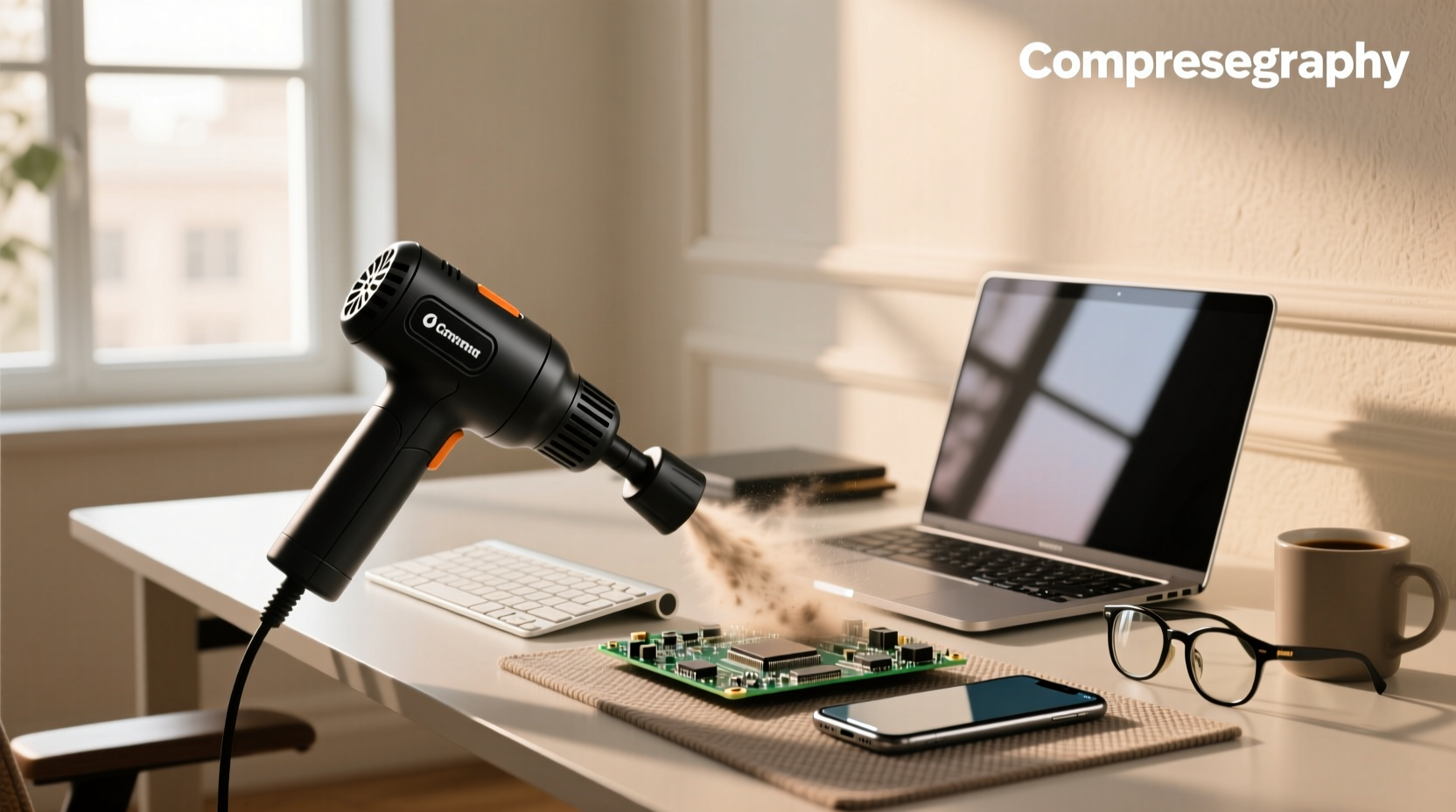
- Consider compressed air systems or an electric air blower with regulated pressure: These provide dry air without propellant risk.
I switched to an electric blower for my shop. It gives steady, warm air and no risk of liquid propellant. That change cut accidental board damage to zero.
Real-world examples, lessons learned, and mistakes to avoid
I’ve repaired dozens of machines harmed by air duster misuse. Here are distilled lessons.
- A laptop keyboard stopped working after a long blast; liquid propellant pooled beneath the membrane. Lesson: Never tilt the can.
- A gaming PC began crashing only after cleaning. The tech had spun the fans with long bursts and stressed the bearings. Lesson: Stop fans from spinning freely.
- A server board developed corrosion weeks later. The propellant caused condensation that trapped dust and moisture. Lesson: Allow full drying and avoid enclosed spaces.
These stories show how subtle mistakes lead to lasting damage. Treat canned air as a tool that requires care.
Troubleshooting steps if you think your PC was damaged by an air duster
Follow a calm, stepwise approach to limit harm and possibly recover parts.
- Power off and unplug. Wait at least 24 hours in a dry, warm spot.
- Remove battery (for laptops) and detachable drives. Let everything dry.
- Inspect visually with a bright light and magnifier. Look for liquid, residue, or cracked parts.
- Reseat connectors and modules gently. Clean contacts with isopropyl alcohol if needed.
- Test minimally: boot with only essential components to isolate failures.
- If you find corrosion or burnt parts, plan for replacement rather than risky repairs.
These steps helped me salvage several boards. But some damage is irreversible. Be honest with the cost-benefit before spending on parts.
Preventive maintenance plan to avoid future problems
A small routine keeps systems clean and safe. Try this schedule.
- Monthly: External dusting with a soft brush and low-power blower.
- Every 3–6 months: Open case and clean filters, fans, and heatsinks carefully.
- Yearly: Replace thermal paste, check caps, and deep-clean with safe tools.
- Always: Keep the PC in a clean, low-humidity room and avoid smoking near gear.
Following these steps reduces dependence on aggressive air duster use and lowers risk of damage.
Frequently Asked Questions of how can air duster break pc parts
Can air duster cause permanent damage to a motherboard?
Yes. If the propellant sprays liquid or causes condensation, it can short circuits or crack solder joints. Damage may be immediate or appear later as corrosion.
Is it safe to use air duster while the PC is running?
No. Blasting a powered system can spin fans too fast and create electrical spikes, increasing the risk of failure. Always power down first.
How far should I hold a can from components?
Keep the can upright and hold it about 12–16 inches (30–40 cm) away for short bursts. This reduces liquid discharge and extreme cold exposure.
What if my air duster sprayed liquid onto a board?
Power off immediately and remove power sources. Let the board dry fully for 24–48 hours in a dry, warm place before testing. Consider alcohol cleaning for residue.
Are electric blowers better than canned air?
Electric blowers avoid propellant risks and liquid discharge, making them safer for repeated use. They must still be used carefully to avoid static and excessive force.
Conclusion
Understanding how can air duster break pc parts helps you protect your gear and save money. Use controlled bursts, keep cans upright, stop fans from overspinning, and prefer safer tools when possible. If damage occurs, power down, inspect, and follow the troubleshooting steps above. Try one preventive change today—switch to a brush-first routine or an electric blower—and see how much smoother your maintenance goes. Share your experiences, ask questions below, or subscribe for more hands-on PC care tips.