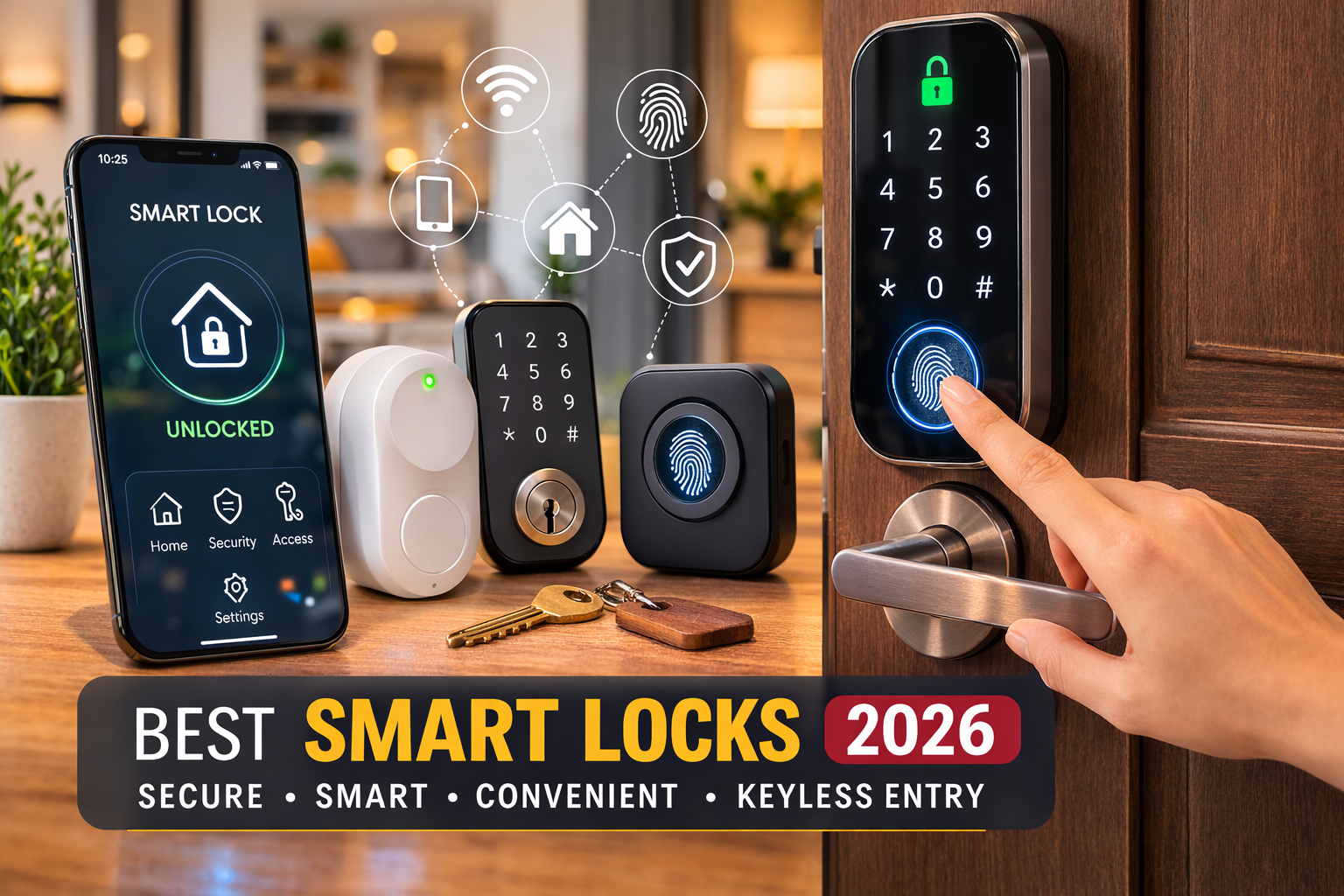
Smart locks improve home access control by replacing traditional keys with digital credentials, allowing homeowners to manage entry permissions, monitor access activity, and control who can enter their homes.
In the United States, homeowners increasingly use smart home technology to improve convenience and security, and smart locks are becoming a key part of modern entry management. Instead of relying only on physical keys, smart locks allow residents to unlock doors with methods such as smartphone apps, PIN codes, fingerprints, or connected devices.
Smart locks improve access control because they give homeowners more visibility and control over door activity. They can create temporary access for guests, remove access instantly, and review certain entry events depending on the lock model and connected system. However, smart locks are not a replacement for all security measures and should be installed, configured, and maintained correctly.
Source: Bing
What Smart Locks Are and How They Change Home Access Control
A smart lock is an electronic locking device that allows a door to be controlled through digital authentication methods instead of only a traditional key. Depending on the model, users may unlock doors through mobile apps, keypad codes, biometric verification, Bluetooth connections, Wi-Fi, or smart home platforms.
Traditional locks mainly control access through possession of a physical key. Smart locks add management features by allowing homeowners to decide who has access, when access is available, and how entry activity is monitored.
Source: Bing
Digital credentials
Smart locks allow users to replace physical keys with PIN codes, smartphone access, or biometric options.
Remote management
Connected smart locks may allow homeowners to manage access settings from a mobile application.
Access visibility
Some models record activity information, helping users understand when access events occur.
Why access control matters in modern homes
Home access control focuses on managing who can enter a property and under what conditions. Smart locks support this goal by making permissions easier to update compared with traditional key systems.
Reduced key sharing
Digital access can reduce the need to copy or physically exchange keys with family members, cleaners, or service providers.
Ways Smart Locks Improve Home Access Management
The main advantage of smart locks is that they give homeowners more control over entry permissions. Instead of one key working for anyone who possesses it, digital access can often be assigned to specific people and adjusted when circumstances change.
Source: Bing
Custom user permissions
Homeowners can create separate access codes for family members, guests, or service workers instead of sharing one key.
Temporary access
Many smart locks support time-limited codes that can expire after a specific period.
Instant access removal
Lost keys usually require replacement or rekeying, while digital credentials can often be deleted through the lock application.
Better household convenience
Residents can enter without carrying keys and may use connected devices for easier access.
Smart locks for families, rentals, and service access
Different households use smart locks for different access needs. Families may create individual codes, while rental property owners may use temporary credentials for guests. Homeowners should verify local rules and platform requirements before using smart locks for rental management.
Family access
Separate credentials help identify which household members have authorized entry.
Guest access
Temporary codes can provide entry without handing over a permanent key.
Smart Lock Features That Support Better Security Decisions
Smart lock features vary significantly between models. A higher number of features does not automatically mean better protection. Homeowners should choose based on compatibility, reliability, security settings, and their actual access requirements.
Source: Bing
Mobile app control
Apps may allow users to lock, unlock, and manage settings remotely when supported by the lock and network setup.
Automatic locking
Some smart locks can automatically lock after a set period, helping reduce accidental unlocked-door situations.
Integration options
Certain models connect with smart home systems, allowing access control alongside other connected devices.
Important limitations to understand
Smart locks depend on electronics, batteries, software, and sometimes internet connections. A device failure, weak battery, poor installation, or incorrect configuration can affect performance.
Battery maintenance
Users should monitor battery levels and understand emergency access methods provided by the manufacturer.
Cybersecurity practices
Strong passwords, software updates, and secure home networks help reduce digital security risks.
Smart Locks Compared With Traditional Locks
Smart locks and traditional locks both serve the basic purpose of securing an entry point, but they differ in how access is managed. The right option depends on the homeowner’s priorities, budget, and comfort with connected technology.
Source: Bing
Traditional locks
Traditional locks are simple, widely used, and do not require batteries or software management.
Smart locks
Smart locks add digital access control features but require electronic components and ongoing maintenance.
Choosing between smart and traditional access
Homeowners who need flexible access management, guest permissions, or smart home integration may benefit from smart locks. Those who prefer simple mechanical systems may choose traditional locks.
Best fit for smart locks
Useful for households needing multiple users, remote management, or digital access tracking.
Best fit for traditional locks
Suitable for users who prefer basic operation without connected features.
Common Smart Lock Mistakes and How to Avoid Them
Smart locks can improve access control, but poor setup decisions may reduce their effectiveness. Proper installation, account security, and regular maintenance are necessary for reliable operation.
Source: Bing
Ignoring compatibility
Check door type, existing hardware, smart home platform support, and installation requirements before purchasing.
Using weak account passwords
A smart lock account should use a strong, unique password and available security features such as multi-factor authentication.
Skipping maintenance
Regular battery checks and software updates help maintain dependable performance.
Frequently Asked Questions
Q
Do smart locks make homes more secure?
Smart locks can improve access management by providing features such as unique user credentials and access controls. They do not guarantee complete home security and should be used with other security practices.
Q
Can smart locks work without Wi-Fi?
Some smart locks can operate through Bluetooth or keypad systems without Wi-Fi. Wi-Fi is generally needed for certain remote control features.
Q
What happens if a smart lock battery dies?
Most smart locks provide backup options, which may include physical keys, emergency power methods, or external battery connections depending on the model.
Q
Can smart locks be hacked?
Like other connected devices, smart locks can face digital security risks. Using strong passwords, updates, and secure networks helps reduce those risks.
Q
Are smart locks difficult to install?
Installation difficulty depends on the lock model and existing door hardware. Some retrofit models are designed for simpler installation, while others may require professional assistance.
✦ Wrapping Up
Conclusion
Smart locks improve home access control by giving homeowners more flexibility over who can enter, when they can enter, and how access permissions are managed. Features such as digital credentials, temporary codes, and remote controls provide practical advantages over traditional key sharing.
The best smart lock choice depends on the home’s door setup, desired features, security habits, and maintenance preferences. A smart lock works most effectively when combined with secure account practices and regular device care.
💡 Key Takeaway
Before installing a smart lock, evaluate your access needs, confirm compatibility with your door, secure your digital account, and choose features that solve your specific home access challenges.
Kimberly ensures every piece of content is clear, helpful, and user-friendly. She focuses on creating guides that are easy to read while maintaining accuracy and trust.
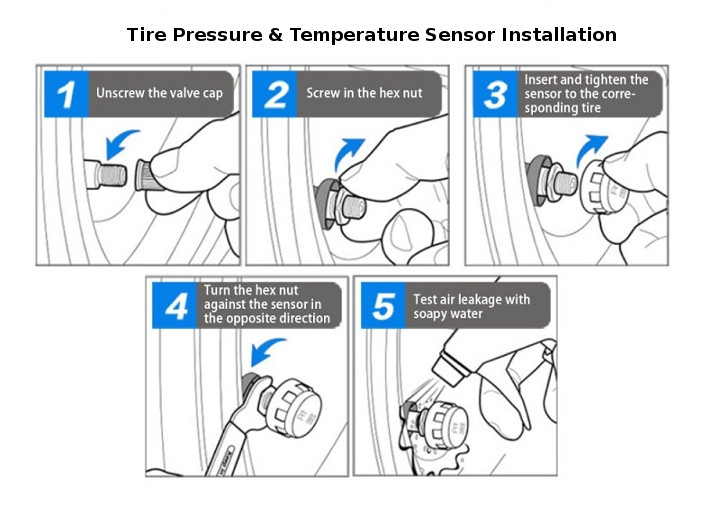
Learn how to install a tire pressure monitor sensor with this step-by-step guide. Understand TPMS sensor types, tools needed, installation steps, relearn procedures, and common mistakes.
Learn how to perform a Cadillac tire pressure monitoring system reset, relearn TPMS sensors, fix warning lights, and troubleshoot common Cadillac tire pressure issues.