Cameras stay on during meetings to improve connection, communication, focus, and trust when visual context matters.
The question of why have cameras on during meetings has no one-size-fits-all answer. In my experience supporting remote and hybrid teams, video can make a discussion feel more human, but only when leaders use it with care. This guide explains the benefits, limits, etiquette, and best practices so your team can make a smart choice instead of following a rigid rule.
Why Have Cameras on During Meetings?
The main reason to have cameras on during meetings is to add visual context to a conversation. Facial expressions, eye contact, posture, and gestures can help people understand meaning that words alone may miss.
A video call without cameras can feel like a group phone call. That format may work for a short update, but it can make teamwork harder during complex talks. When people can see one another, the meeting often feels more active and personal.
Here are the main reasons teams choose to use video:
• Build stronger human connection: Seeing a face can make remote work feel less distant.
• Improve nonverbal communication: A nod, pause, or puzzled look can show whether someone follows the discussion.
• Support better participation: Team members may feel more present when others can see them.
• Increase accountability: Video can encourage people to stay focused during key discussions.
• Strengthen trust: Open communication often feels easier when people can see one another.
• Reduce confusion: A speaker can notice when a point needs more explanation.
Video is especially useful for introductions, team building, interviews, coaching, conflict talks, and sensitive decisions. It is less important for meetings that only share information.
The Benefits of Using Cameras in Meetings
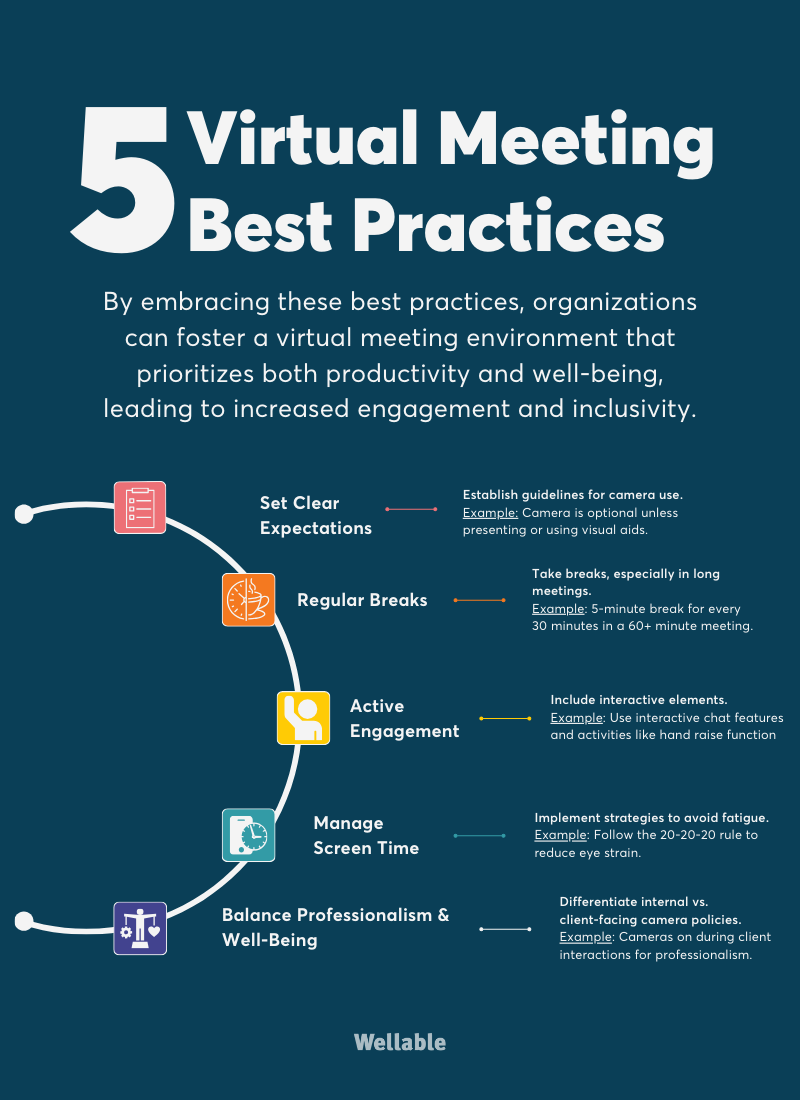
Understanding why have cameras on during meetings starts with looking at the practical benefits. Video does not solve every remote work problem, but it can support several parts of good communication.
1. Cameras help people read nonverbal signals
Communication includes more than words. A person’s tone, facial expression, and posture can change the meaning of a sentence.
For example, someone may say, “That sounds fine,” while looking worried or confused. With the camera on, the meeting host can ask, “Would you like to talk through any concerns?” Without video, that signal may never appear.
This does not mean facial expressions are always easy to read. Culture, personality, disability, lighting, and technology can affect visual signals. Still, video provides extra context that audio alone cannot offer.
2. Cameras can make remote teams feel closer
Remote workers often miss small social moments. In an office, people may greet one another, share a quick smile, or notice when someone needs help. Video cannot fully replace these moments, but it can create a stronger sense of presence.
A team that sees one another during a weekly check-in may feel more connected than a team that only exchanges messages. This matters for new employees, distributed teams, and people who work across time zones.
3. Cameras support trust and openness
Trust grows when people feel visible, heard, and respected. A camera can help create that feeling during conversations that require care.
For example, a manager giving feedback may seem more approachable on video than through a silent chat message. A client may also feel more comfortable when they can connect a name with a face.
However, trust does not come from cameras alone. It comes from honest communication, reliable actions, and respectful behavior. Video is a tool, not a shortcut.
4. Cameras may improve focus
A camera-on meeting can encourage participants to stay involved. People may be less likely to check email, scroll through social media, or leave the room when they know others can see them.
Still, this benefit has limits. Constant video can create pressure and fatigue. A focused meeting with clear goals is better than a long meeting where everyone simply watches a screen.
5. Cameras help speakers adjust in real time
A presenter can often tell when the audience is engaged or lost. A blank expression, raised hand, or quick nod can guide the next step.
For example, if several people look confused after a technical explanation, the presenter can pause and use a simpler example. This feedback can make meetings more useful and inclusive.
When Should Cameras Be On?
The best answer to why have cameras on during meetings depends on the meeting’s purpose. Not every call needs the same level of visual contact.
Cameras are often helpful during:
• First meetings with new clients or coworkers
• Job interviews and hiring discussions
• Team introductions and welcome sessions
• Coaching, mentoring, and performance conversations
• Brainstorming sessions
• Conflict resolution and sensitive discussions
• Presentations that depend on visual feedback
• Team celebrations and social events
• Meetings where people must make a shared decision
Cameras may be less important during:
• Routine status updates
• Long training sessions
• Meetings with many participants
• Calls that mainly share documents or announcements
• Focus-heavy work sessions
• Meetings held during a power, internet, or device problem
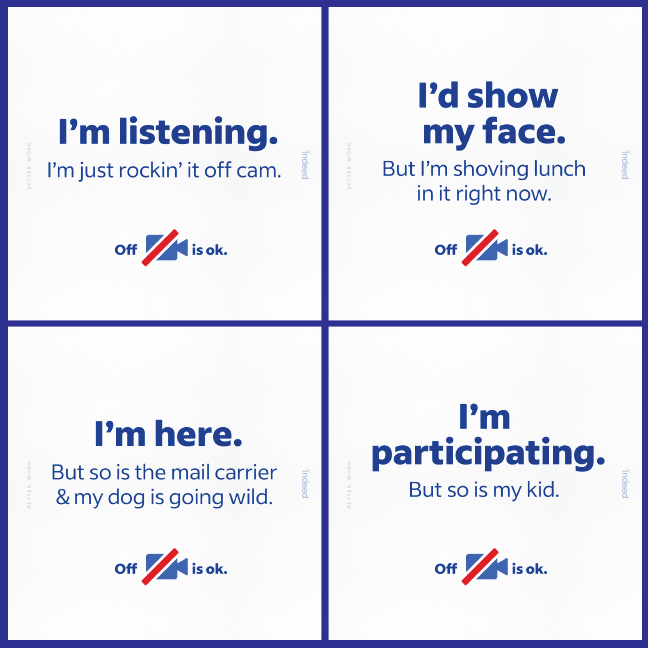
• Calls where someone has a health, privacy, or accessibility concern
A useful rule is to match the camera expectation to the meeting goal. If the meeting needs connection and discussion, video may help. If it only needs information sharing, audio or chat may be enough.

Why Cameras Should Not Always Be Required
A balanced answer to why have cameras on during meetings must include the downsides. Mandatory video can create stress, privacy concerns, and unfair pressure.
Video fatigue is real
Watching faces on a screen for hours can be tiring. People may feel they must monitor their own face, posture, background, and appearance while also listening to the discussion.
Research on video conference fatigue has linked heavy video use with tiredness and reduced attention. The effect can vary by person, meeting length, camera size, and the level of social pressure.
A camera break can help. Participants may listen more carefully when they are not also managing their appearance on screen.
Cameras can expose private spaces
A home office may also be a bedroom, kitchen, or shared family space. Requiring video can reveal details that an employee prefers to keep private.
Virtual backgrounds and blur tools can help, but they are not perfect. A company should not assume that every worker has a quiet office, professional backdrop, or strong internet connection.
Video may create accessibility barriers
Some people may have disabilities or conditions that make video difficult. For example, migraines, anxiety, facial differences, hearing needs, and sensory concerns can affect a person’s comfort with video calls.
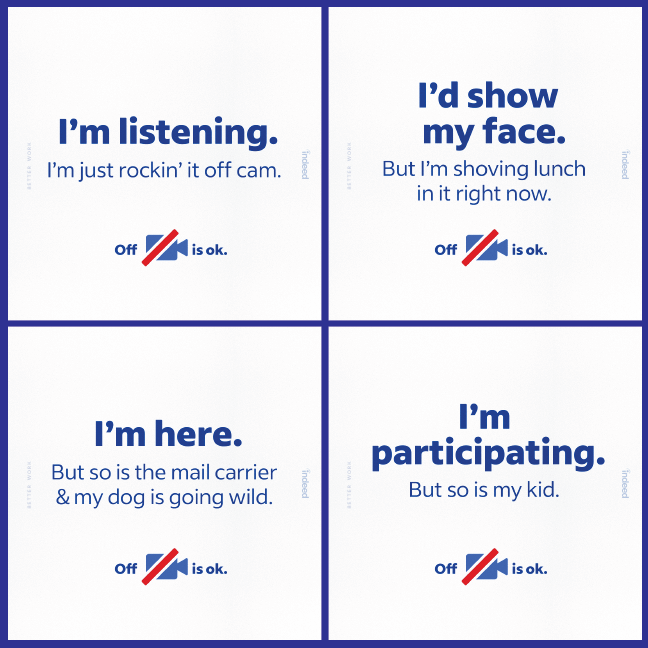
A camera policy should allow reasonable flexibility. People should be judged by their work and participation, not by whether they appear on screen at all times.
Video can increase bias
Visual information may lead people to form quick opinions about appearance, age, race, clothing, home setting, or body language. These judgments may happen without conscious intent.
Audio, chat, shared documents, and structured turn-taking can sometimes create a fairer discussion. Leaders should focus on ideas and results rather than visual performance.
Internet problems can affect participation
Video uses more bandwidth than audio. A weak connection can cause frozen images, delays, and dropped calls. In these cases, turning off the camera may improve the meeting for everyone.
A respectful policy should treat technical limits as normal. No one should be embarrassed for choosing a stable audio connection.
Cameras On During Meetings and Workplace Culture
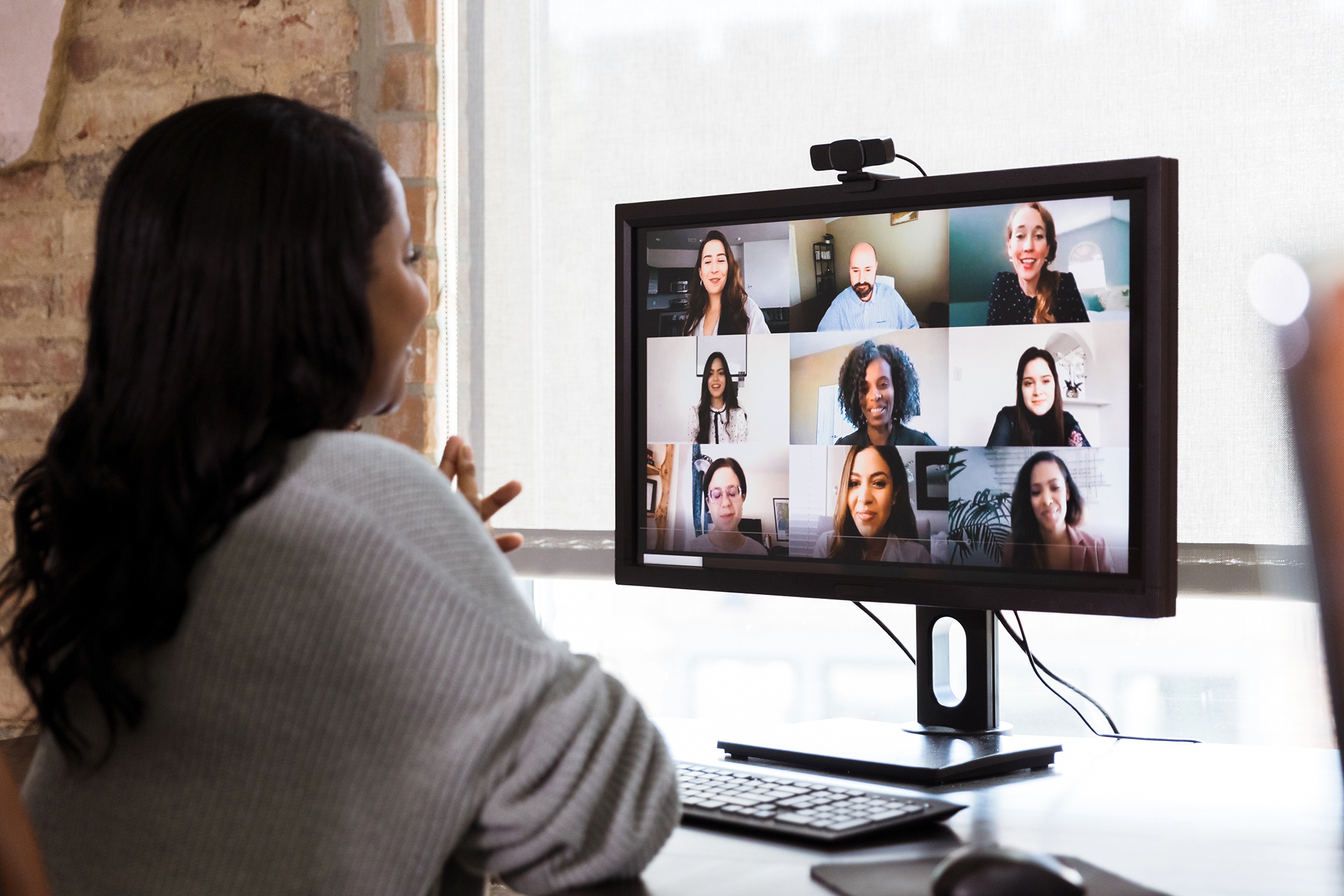
Camera use often reflects company culture. A strict camera-on policy may suggest that leaders value visible presence. A flexible policy may suggest that they value trust, results, and personal choice.
Neither approach is automatically right. The real question is whether the policy supports clear communication without creating unnecessary pressure.
Strong workplace policies usually include these ideas:
• Explain why video is useful for a specific meeting.
• Give people notice before a camera-on call.
• Allow camera-off options when there is a valid reason.
• Avoid treating video as proof of productivity.
• Let participants use audio, chat, reactions, or shared documents.
• Consider time zones, caregiving duties, and home environments.
• Keep meetings short enough to protect attention.
• Ask for feedback and review the policy over time.
Leaders should model the behavior they expect. If a manager demands cameras on but often multitasks, joins late, or ignores participants, the policy will feel unfair.
The strongest culture treats video as an invitation to connect, not a test of obedience.
How Cameras Improve Communication in Hybrid Meetings
Hybrid meetings are more complex than fully remote meetings. Some people sit together in a conference room while others join online. Without planning, remote participants can become invisible.
Cameras can help remote workers see who is speaking and follow the group’s reactions. But one laptop camera at the end of a table may not show every person clearly. Good hybrid communication needs more than video.
Use these practices:
-
Place a camera where remote participants can see the room.
-
Use a microphone that captures every speaker.
-
Ask people in the room to say their names before speaking.
-
Include remote participants at the start of each topic.
-
Pause for online questions before moving forward.
-
Use chat and hand-raising tools.
-
Share documents on screen instead of pointing to paper.
-
Avoid side conversations that remote workers cannot hear.
-
Record or summarize key decisions when appropriate.
-
Check whether remote and in-person participants have equal chances to speak.
In my experience, the biggest hybrid meeting mistake is not a camera problem. It is a room design problem. People in the room naturally talk to one another, while online guests become small faces on a screen. A good facilitator must actively bring them into the conversation.

Practical Camera Etiquette for Meetings
Knowing why have cameras on during meetings is useful, but good camera habits matter just as much. Small choices can make video calls more comfortable for everyone.
Prepare your camera and sound
Check your camera angle, lighting, and microphone before the meeting. Place the camera near eye level so the view feels natural.
Face a light source instead of sitting with a bright window behind you. Use headphones when possible to reduce echo.
Keep your background simple
A clean background can reduce distractions. You do not need a perfect home office. A plain wall, soft blur, or neutral virtual background is usually enough.
Be careful with virtual backgrounds that flicker or hide parts of your face. A simple real background may look more professional.
Look at the camera at key moments
You do not need to stare into the lens for the entire meeting. Look at the screen when listening and glance at the camera when speaking. This creates a sense of eye contact for others.
Mute when needed
Mute yourself when there is background noise, a phone call, or a private conversation nearby. Unmute before speaking so others can hear you clearly.
Avoid multitasking
If the camera is on, your actions may be visible. More importantly, multitasking reduces listening quality. Close unrelated tabs and keep notes in one place.
Signal when you need a break
If you need to step away, use chat or a quick message. You can also turn off the camera for a moment without leaving the meeting.
Respect camera-off choices
Do not ask someone to explain a private reason in front of the group. A simple “No problem, join in when you can” creates a safer and kinder environment.

How Leaders Can Create a Fair Camera Policy
A good camera policy should be clear, flexible, and tied to the work. It should answer when video helps, when it is optional, and how people can participate without it.
A practical policy might say:
“Cameras are encouraged for introductions, group discussions, coaching, and client meetings. They are optional for listening sessions, long meetings, and routine updates. Team members may turn off video for privacy, accessibility, health, caregiving, technical, or personal reasons.”
This type of language provides guidance without treating adults like children.
Leaders should also track outcomes. Ask whether video meetings lead to better decisions, clearer communication, or stronger relationships. If the answer is no, the team may need shorter meetings, better agendas, or fewer calls.
Useful meeting measures include:
• How often meetings reach their stated goal
• Whether decisions are clear
• Whether all participants have a chance to speak
• How tired people feel afterward
• Whether remote workers feel included
• Whether meeting time affects productive work
A camera policy should serve these outcomes. It should not become the outcome.

Personal Lessons From Using Cameras in Meetings
One lesson I have learned from remote and hybrid meetings is that camera use works best when it has a clear purpose. At the start of a project, cameras helped our team build trust quickly. We learned names, faces, communication styles, and small personal details that made later work easier.
The opposite happened during long calls with no agenda. Everyone kept their cameras on, but attention dropped. People looked tired, stopped speaking, and began checking other screens. The video created the appearance of engagement without the substance.
Another mistake was assuming that a camera-off participant was not paying attention. In one meeting, a teammate turned off video because of a poor connection but gave some of the clearest ideas in the discussion. That experience reinforced an important point: participation is more than appearance.
The most useful habits were simple:
• Explain the reason for video.
• Make camera use optional when visual contact adds little value.
• Keep interactive meetings short.
• Give people permission to take breaks.
• Use chat and reactions as real participation tools.
• Judge contribution by the quality of work and ideas.
These lessons apply to almost every remote team. A camera can open a door, but it cannot replace respect, planning, or good listening.
Camera-On Meeting Alternatives
Some teams need the benefits of connection without requiring constant video. Several alternatives can support communication while reducing pressure.
• Use profile photos during routine calls.
• Begin with a brief video check-in, then allow cameras off.
• Turn cameras on only for introductions or decision points.
• Use live reactions, polls, and chat.
• Share short video updates instead of holding every meeting live.
• Use collaborative documents for brainstorming.
• Schedule optional social calls for relationship building.
• Meet in person when a topic truly needs deep connection.
These options can be especially helpful for large meetings. When 50 people are on camera, the screen can become crowded and tiring. A smaller discussion group or a clear written summary may work better.
The goal is not to keep every face visible. The goal is to help people understand one another and complete the work.
Frequently Asked Questions About Why Have Cameras on During Meetings
Why have cameras on during meetings at work?
Cameras can improve personal connection, show nonverbal signals, and help people feel included. They are most useful when a meeting involves discussion, trust, coaching, or relationship building.
Is it rude to keep your camera off during a meeting?
No. Camera-off participation can be reasonable because of privacy, health, accessibility, caregiving, technical, or personal needs. You can still participate through your voice, chat, reactions, and shared work.
Do cameras improve productivity in meetings?
Cameras may increase focus for some people, but they do not guarantee productivity. A clear agenda, active facilitation, and a useful meeting goal usually matter more than video.
Should cameras be on for every virtual meeting?
No. Routine updates, long sessions, and information-only calls may work well with cameras off. Video should match the meeting’s purpose rather than follow a blanket rule.
How can I look better on camera during meetings?
Use front-facing light, place the camera near eye level, and keep the background simple. Test your microphone and camera before the call, and use headphones if your room creates echo.
Can employers require cameras during meetings?
Rules vary by workplace, location, contract, and the reason for the meeting. Employers should consider privacy, disability accommodations, technical limits, and local employment requirements before creating a strict policy.
What should I do if video makes me anxious?
Tell the meeting host that you need a camera-off option when possible. You can still contribute through audio, chat, notes, or a follow-up message, and you may benefit from shorter calls or planned breaks.
Conclusion
The best answer to why have cameras on during meetings is simple: video can improve connection and communication when people need to work through ideas together. It can help teams read visual cues, build trust, welcome new members, and stay engaged.
At the same time, cameras are not proof of attention or performance. Privacy, accessibility, fatigue, bias, and internet limits all matter. The strongest approach is flexible: use video when it adds value, allow other forms of participation, and focus on meaningful results.
Try matching your camera expectations to each meeting’s goal this week. Share your team’s experience in the comments, and explore more practical guides for better remote and hybrid work.