HDMI 2.1 monitors cost more because they need faster chips, higher bandwidth, advanced panels, and stricter testing.
If you have searched for a 4K 120Hz display, you may wonder why are HDMI 2.1 monitors so expensive compared with standard HDMI models. The answer is not just the port itself. Panel quality, signal processing, gaming features, manufacturing volume, and certification all raise the final price. This guide explains where the extra cost comes from and how to decide whether HDMI 2.1 is worth it for you.
What Makes HDMI 2.1 Different?
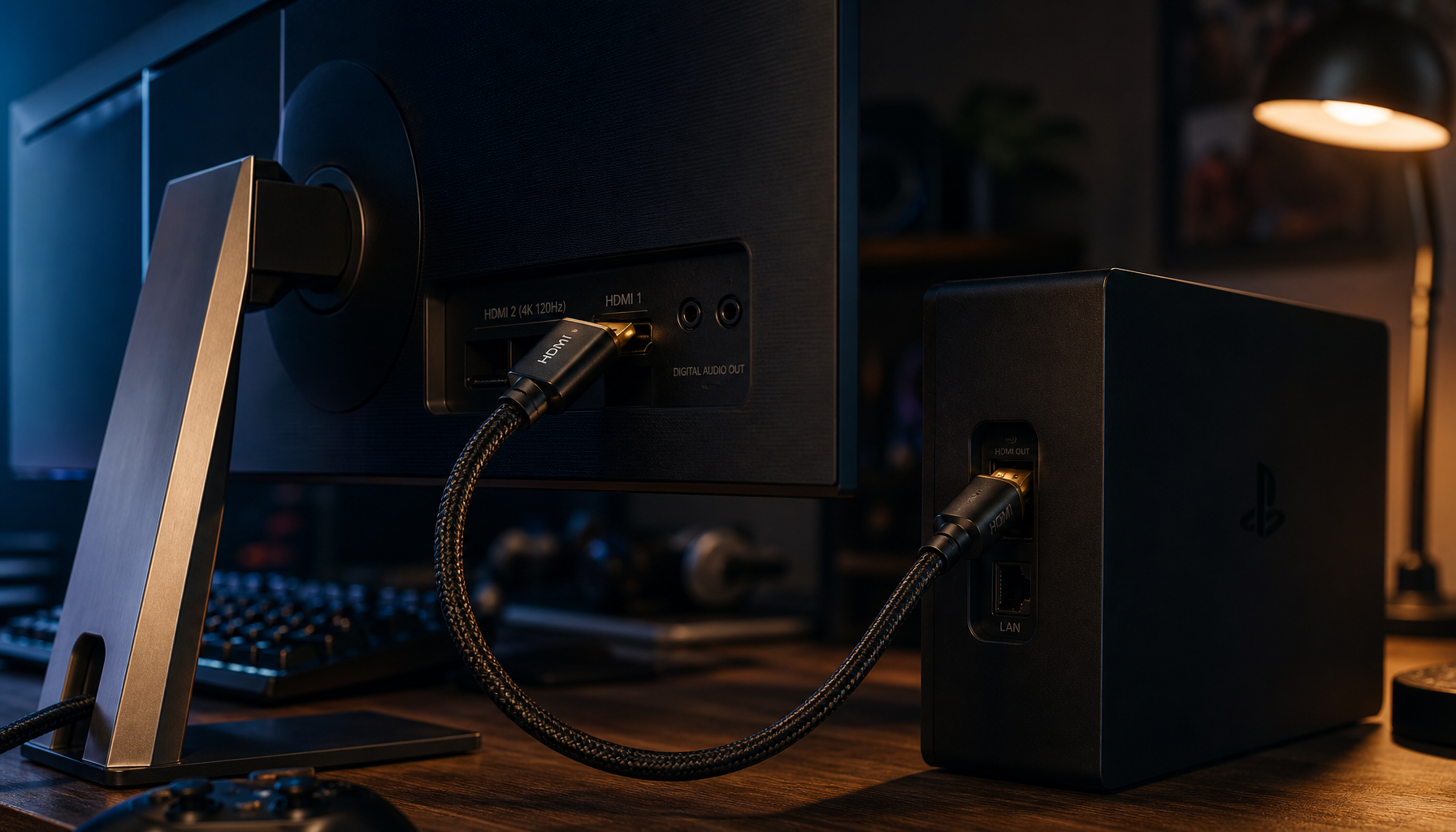
HDMI 2.1 is a major step up from HDMI 2.0. It can support up to 48 Gbps of bandwidth, while HDMI 2.0 supports up to 18 Gbps. That extra bandwidth allows a monitor to handle higher resolution, faster refresh rates, and more advanced gaming features.
For example, HDMI 2.1 can support combinations such as:
• 4K resolution at 120Hz or higher
• 8K resolution at lower refresh rates
• Variable refresh rate, or VRR
• Auto Low Latency Mode, or ALLM
• Dynamic HDR formats
• Enhanced Audio Return Channel, or eARC
• Better support for modern game consoles and graphics cards
These features need more than a new socket. A monitor needs a compatible HDMI receiver, a powerful scaler, updated firmware, a stronger circuit board, and careful testing.
This is the first major reason why are HDMI 2.1 monitors so expensive. The port is only the visible part of a much larger hardware upgrade.
It also helps to understand that “HDMI 2.1” does not always mean the same thing on every monitor. Manufacturers can offer selected HDMI 2.1 features instead of the full 48 Gbps specification. Always check the exact bandwidth and supported modes before buying.

Why Are HDMI 2.1 Monitors So Expensive?
The cost comes from several parts working together. Some add only a little to the price, while others can increase the cost by hundreds of dollars.
Faster HDMI chipsets cost more
A monitor with HDMI 2.1 needs a receiver chip that can process much more data than an HDMI 2.0 chip. That chip must read the signal, manage color data, support copy protection, and send the image to the panel with very little delay.
Higher-speed chips also create more design challenges. The circuit board must maintain signal quality at high frequencies. Poor design can cause flicker, black screens, dropped signals, or failed 4K 120Hz output.
High-speed circuit design is harder
A 48 Gbps signal is less forgiving than an 18 Gbps signal. Small issues with trace length, shielding, connectors, or electrical noise can affect performance.
Manufacturers may need:
• Better circuit board materials
• More precise signal routing
• Higher-quality HDMI ports
• Stronger electromagnetic shielding
• More complex testing equipment
• Extra engineering time
These costs are built into the monitor’s price, even though customers cannot see them.
Premium panels are often included
Many HDMI 2.1 monitors also use high-end panels. These may include:
• 4K IPS panels with fast response times
• Mini-LED backlights
• OLED panels
• High refresh rates of 144Hz, 160Hz, or more
• Wide color coverage
• Local dimming
• High contrast and HDR performance
This creates an important point. The HDMI 2.1 port may not be the main reason a monitor costs $800 or more. The panel can be the bigger expense.
A basic 1080p monitor with HDMI 2.0 is cheap because its panel and processing needs are simple. A 4K OLED monitor with HDMI 2.1 is expensive because nearly every part is more advanced.
HDMI 2.1 monitors are made in lower numbers
Standard HDMI monitors serve a huge market. They are used in offices, schools, homes, and budget gaming setups.
HDMI 2.1 monitors target a smaller group:
• Competitive console gamers
• PC gamers with powerful graphics cards
• 4K 120Hz users
• Home theater enthusiasts
• Professional creators who need high resolution and speed
Lower production volume usually means higher cost per unit. A company can spread research, tooling, and testing costs across millions of standard monitors. It may sell far fewer flagship HDMI 2.1 models.
This economy-of-scale issue is a major part of why are HDMI 2.1 monitors so expensive.
More testing is required
A monitor may claim to support 4K 120Hz, HDR, VRR, and HDCP, but those features must work together. Testing all combinations takes time.
A reliable HDMI 2.1 monitor should work with devices such as:
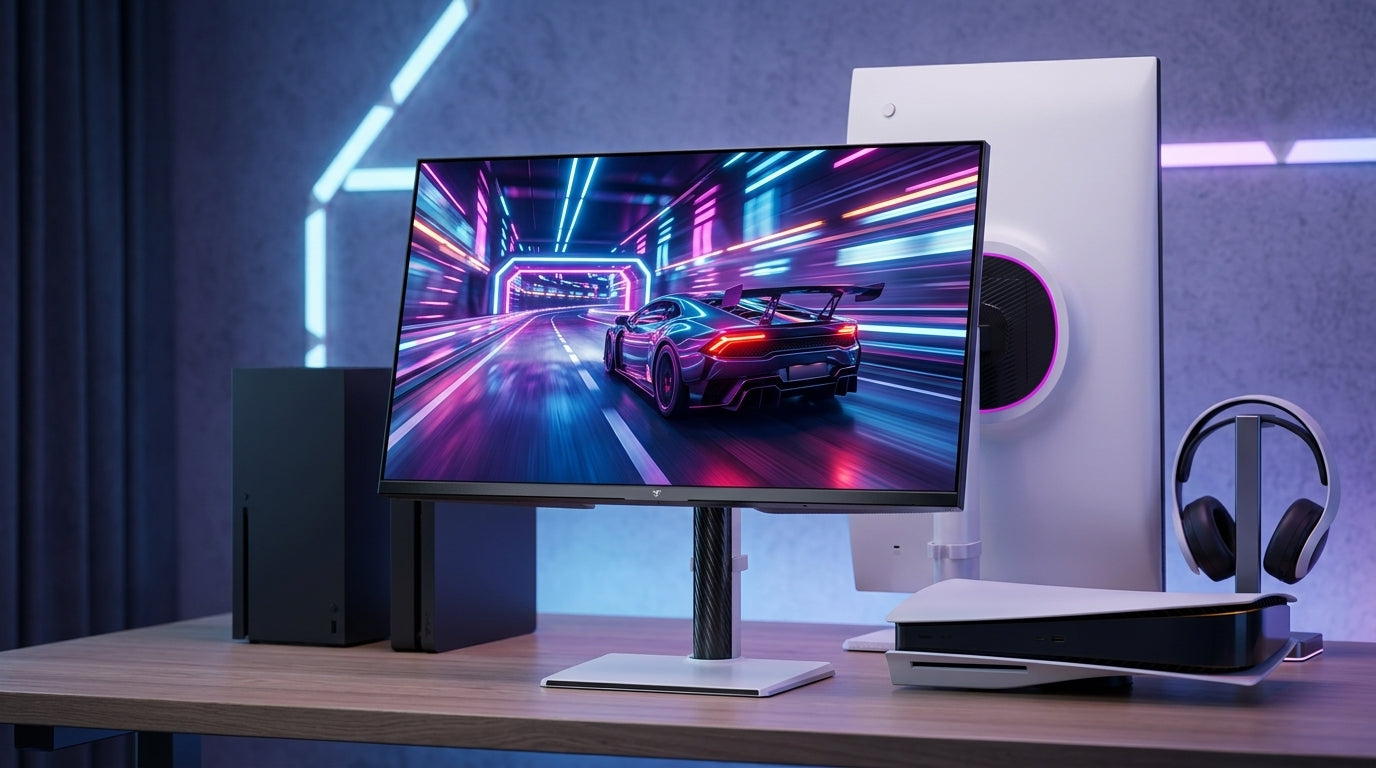
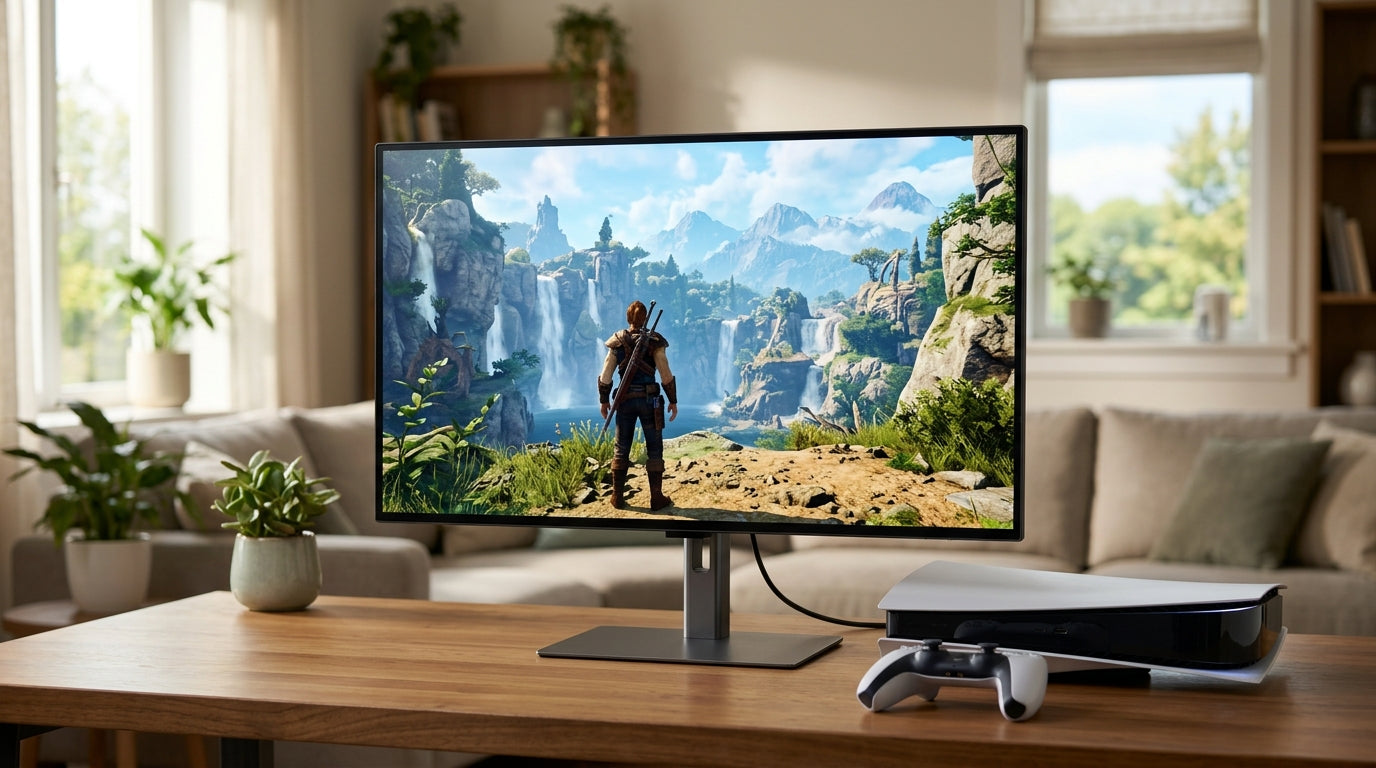
• PlayStation 5
• Xbox Series X
• Gaming PCs with recent GPUs
• AV receivers
• Streaming boxes
• Ultra HD Blu-ray players
Each device may use a different timing mode, color format, or copy protection version. Good testing helps prevent compatibility problems, but it adds labor and development costs.
HDMI 2.1 Features That Raise the Price
The value of HDMI 2.1 depends on the features you plan to use. Some features matter greatly for gaming, while others may not affect your daily work.
4K at 120Hz
This is one of the biggest reasons people buy HDMI 2.1 monitors. HDMI 2.0 often cannot carry an uncompressed 4K 120Hz signal with full quality.
With HDMI 2.1, compatible devices can send smoother 4K video. This is useful for fast games, racing titles, sports games, and action scenes.
However, your device must also support 4K 120Hz. A monitor cannot create extra frames if your console or graphics card cannot produce them.
Variable refresh rate
VRR synchronizes the monitor’s refresh rate with the frame rate from your console or PC. It can reduce screen tearing and make uneven frame rates look smoother.
Common VRR systems include:
• HDMI VRR
• AMD FreeSync
• Nvidia G-SYNC Compatible
A monitor may support one or more of these systems. Check the specifications carefully, since VRR ranges can differ.
Auto Low Latency Mode
ALLM allows a console or other device to switch the display into a low-latency mode automatically. This can make setup easier.
The feature is helpful, but it is not always essential. You can often select a game mode manually on many monitors.
HDR and higher color quality
HDMI 2.1 can carry enough data for advanced HDR settings. Yet HDMI 2.1 alone does not guarantee good HDR.
HDR quality also depends on:
• Peak brightness
• Local dimming
• Black levels
• Panel contrast
• Color accuracy
• HDR format support
A cheap HDMI 2.1 monitor with weak brightness may look worse than a strong HDMI 2.0 monitor with better image quality.
Enhanced Audio Return Channel
eARC can send high-quality audio from a display to a soundbar or AV receiver. This matters more in a home theater setup than at a desk.
If you use headphones or desktop speakers, eARC may provide little value. It is one more feature that can raise the product’s appeal, but it should not be your main buying reason.

Is HDMI 2.1 Worth the Extra Cost?
HDMI 2.1 is worth the extra cost when your devices and games can use it. It is less useful when you mainly browse the web, edit documents, or play older games.
You should strongly consider HDMI 2.1 if:
• You own a PlayStation 5 or Xbox Series X
• You want 4K gaming above 60Hz
• You have a modern high-end graphics card
• You plan to keep the monitor for many years
• You use VRR and HDR regularly
• You need one display for both a console and a gaming PC
You may not need it if:
• You play at 1080p or 1440p
• Your games rarely exceed 60 frames per second
• You use an older console
• You mainly perform office work
• Your computer cannot render 4K at high frame rates
• You already have a good DisplayPort connection
DisplayPort 1.4 with Display Stream Compression can support many high-resolution, high-refresh modes. DisplayPort 2.1 can offer even more bandwidth on compatible hardware. For PC gaming, the best connection may not always be HDMI 2.1.
A practical lesson from comparing gaming displays is simple: buy the features you can use today, not only the features listed on the box. A fast port cannot compensate for a weak panel or an underpowered GPU.
Hidden Costs Behind HDMI 2.1 Monitors
The retail price also includes costs that are easy to overlook.
Licensing and compliance
HDMI is a licensed technology. Manufacturers pay for the right to use the standard and must meet technical requirements.
The exact business costs vary by company and product. Still, licensing, compliance, and certification add to the cost of every supported product.
Firmware development
Modern monitors are small computers. Their firmware manages input switching, HDR, VRR, refresh rates, USB functions, and on-screen controls.
HDMI 2.1 products often need more firmware work because they support more signal types. Firmware updates may fix issues such as:
• Intermittent black screens
• VRR flicker
• HDR switching problems
• Console compatibility errors
• Incorrect refresh rate detection
This software work takes engineers and long-term support.
Power and heat management
High-speed processing and bright HDR panels use more power. A monitor may need better power delivery, larger heat sinks, or improved internal airflow.
OLED and mini-LED displays can also require complex power control. The extra components may not seem related to HDMI 2.1, but they are common in the same premium products.
More expensive cables may be needed
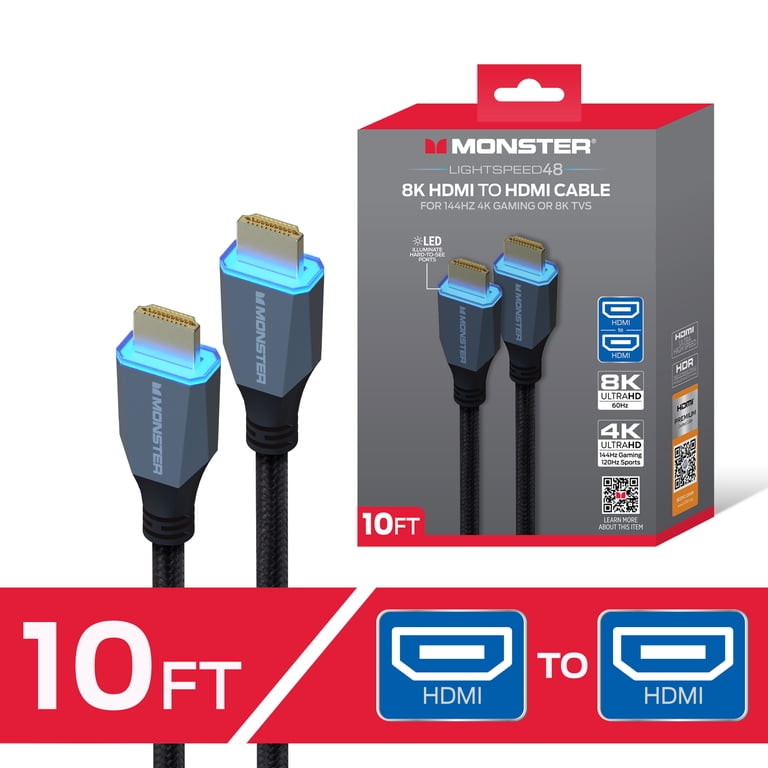
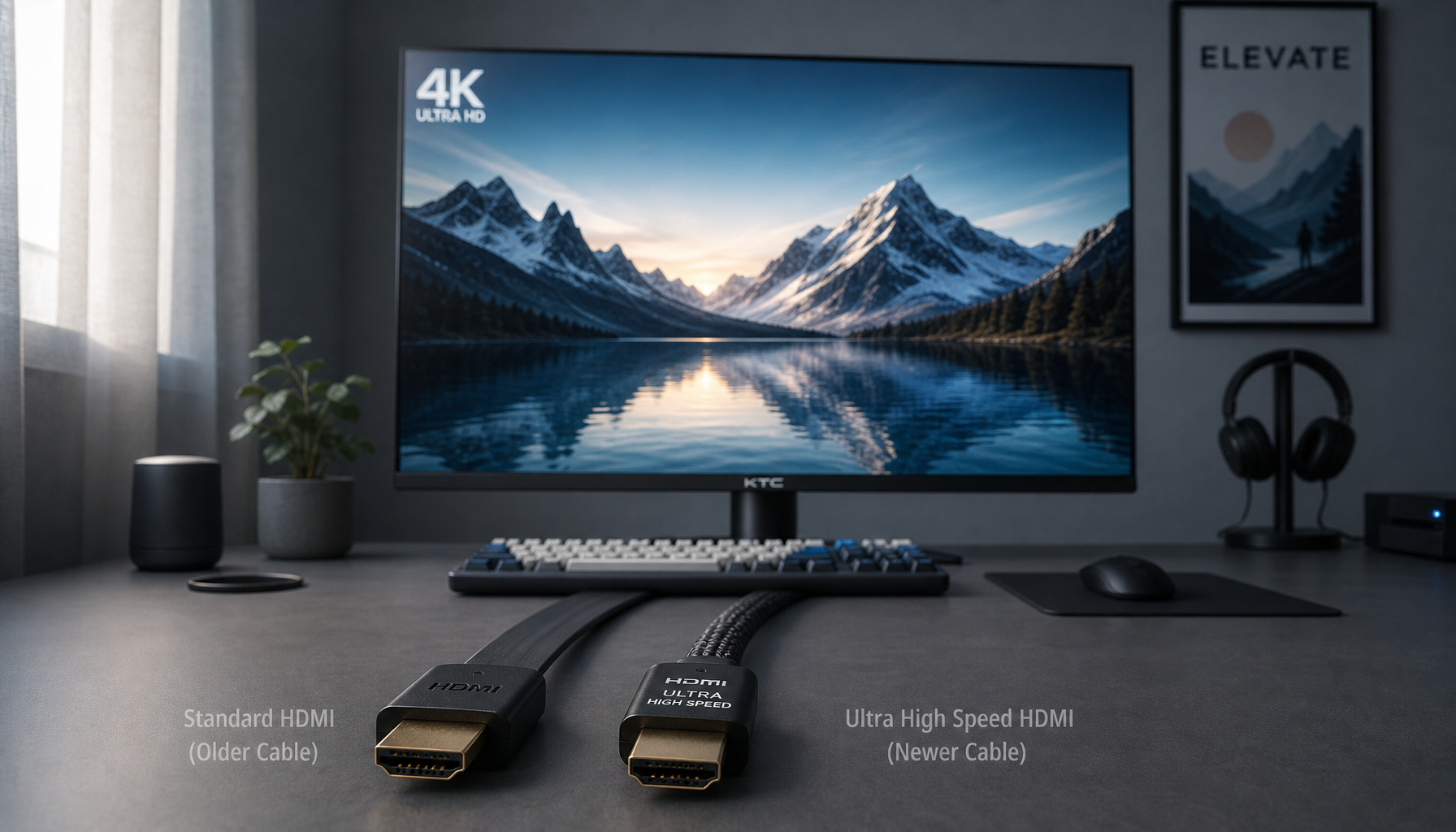
A certified Ultra High Speed HDMI cable is designed for the full HDMI 2.1 bandwidth. A poor or very long cable may cause signal loss.
You do not always need the most expensive cable. A short, certified cable from a trusted brand is usually enough. Avoid paying extra for gold-plated marketing claims when the cable already meets the required certification.

How to Check Whether a Monitor Has Real HDMI 2.1
Product listings can be unclear. Use this checklist before you buy.
-
Check the listed bandwidth. Look for 40 Gbps or 48 Gbps if you want the highest performance.
-
Confirm the exact 4K refresh rate. Make sure the monitor supports 4K at 120Hz or higher through HDMI, not only through DisplayPort.
-
Review VRR support. Check whether it supports HDMI VRR, FreeSync, G-SYNC Compatible, or a combination.
-
Check HDR performance. Look for brightness, local dimming, and a clear HDR rating.
-
Confirm HDCP support. This matters for protected video from consoles and streaming devices.
-
Read the manual. The manual often gives more accurate information than a store listing.
-
Check independent reviews. Reviews can reveal black-screen issues, VRR flicker, input lag, and poor HDR performance.
A common buying mistake is seeing “HDMI 2.1” and assuming the monitor offers the full feature set. Some models use the label for a limited HDMI 2.1 input that supports only certain resolutions or refresh rates.
How to Save Money on an HDMI 2.1 Monitor
You do not need to buy the most expensive model. A few simple choices can reduce the price.
• Choose a 4K 120Hz model instead of a 4K 240Hz model if you use a console.
• Consider IPS instead of OLED if you want a lower price and less concern about image retention.
• Skip eARC if you do not use a soundbar or AV receiver.
• Compare HDMI bandwidth, not just the HDMI version number.
• Look for last-generation models after a new product launches.
• Buy during major sales periods and manufacturer promotions.
• Check whether your graphics card can actually use 4K high refresh rates.
• Prioritize panel quality over extra software features.
For many console players, a reliable 4K 120Hz IPS monitor is a better value than an expensive 4K 240Hz OLED display. The cheaper model may deliver nearly the same gaming experience on a console.
Common Problems With Expensive HDMI 2.1 Monitors
Even premium monitors are not perfect. Understanding the limits can help you set realistic expectations.
HDMI 2.1 does not guarantee low input lag
Input lag depends on the monitor’s processing, refresh rate, and selected picture mode. HDMI 2.1 gives the monitor enough bandwidth, but it does not automatically make the display faster.
HDMI 2.1 does not guarantee perfect HDR
A monitor can have HDMI 2.1 and still have low brightness or weak local dimming. Always judge HDR by the full display specification.
VRR can cause flicker
Some OLED and VA monitors show brightness flicker when the frame rate changes sharply. Firmware updates may help, but they do not always remove the issue.
High refresh rates need strong hardware
A 4K 144Hz monitor can display a high refresh rate, but your system must produce enough frames. In demanding games, even powerful graphics cards may need upscaling technologies to reach those speeds.
Compatibility can vary
A monitor may work well with a PC but behave differently with a console, AV receiver, or long cable. Testing with your own equipment is the best way to confirm performance.

Frequently Asked Questions About Why Are HDMI 2.1 Monitors So Expensive
Why are HDMI 2.1 monitors so expensive compared with HDMI 2.0 monitors?
HDMI 2.1 monitors need faster signal processors, stronger circuit design, and more testing. They are also often paired with premium 4K, OLED, mini-LED, or high-refresh-rate panels.
Are HDMI 2.1 monitors worth it for PS5 and Xbox Series X?
Yes, HDMI 2.1 can be useful because both consoles support 4K gaming at up to 120Hz in compatible titles. You also benefit from features such as VRR and ALLM.
Do HDMI 2.1 monitors support 4K at 144Hz?
Many do, but not all. Check the product manual because some monitors support 4K 144Hz only through DisplayPort, while HDMI may be limited to 4K 120Hz.
Is a 48 Gbps HDMI 2.1 monitor better than a 24 Gbps model?
A 48 Gbps model offers more bandwidth and greater flexibility. However, a 24 Gbps monitor can still be excellent if it uses compression or supports the resolution and refresh rate you need.
Can an HDMI 2.1 monitor work with an HDMI 2.0 device?
Yes, HDMI is backward compatible. The monitor will operate at the highest resolution, refresh rate, and feature level supported by both the monitor and the connected device.
Do you need a special HDMI cable for an HDMI 2.1 monitor?
For full HDMI 2.1 bandwidth, use a certified Ultra High Speed HDMI cable. A short, certified cable is usually sufficient, and expensive cosmetic features do not guarantee better performance.
Is HDMI 2.1 better than DisplayPort for PC gaming?
Neither is always better. HDMI 2.1 is especially useful for modern consoles, while DisplayPort is often more common and flexible on gaming PCs.
Conclusion
Why are HDMI 2.1 monitors so expensive? The main reasons are faster receiver chips, complex circuit design, premium panels, higher testing costs, firmware development, licensing, and lower production volume. The HDMI 2.1 port is only one part of the price.
For console gaming and 4K high-refresh PC gaming, HDMI 2.1 can be a smart investment. For office work, older consoles, or 1440p gaming, a quality HDMI 2.0 or DisplayPort monitor may offer better value.
Before buying, compare real bandwidth, 4K refresh support, VRR, HDR brightness, panel quality, and compatibility. Choose the monitor that fits your hardware and habits, then explore independent reviews and share your experience with other readers.