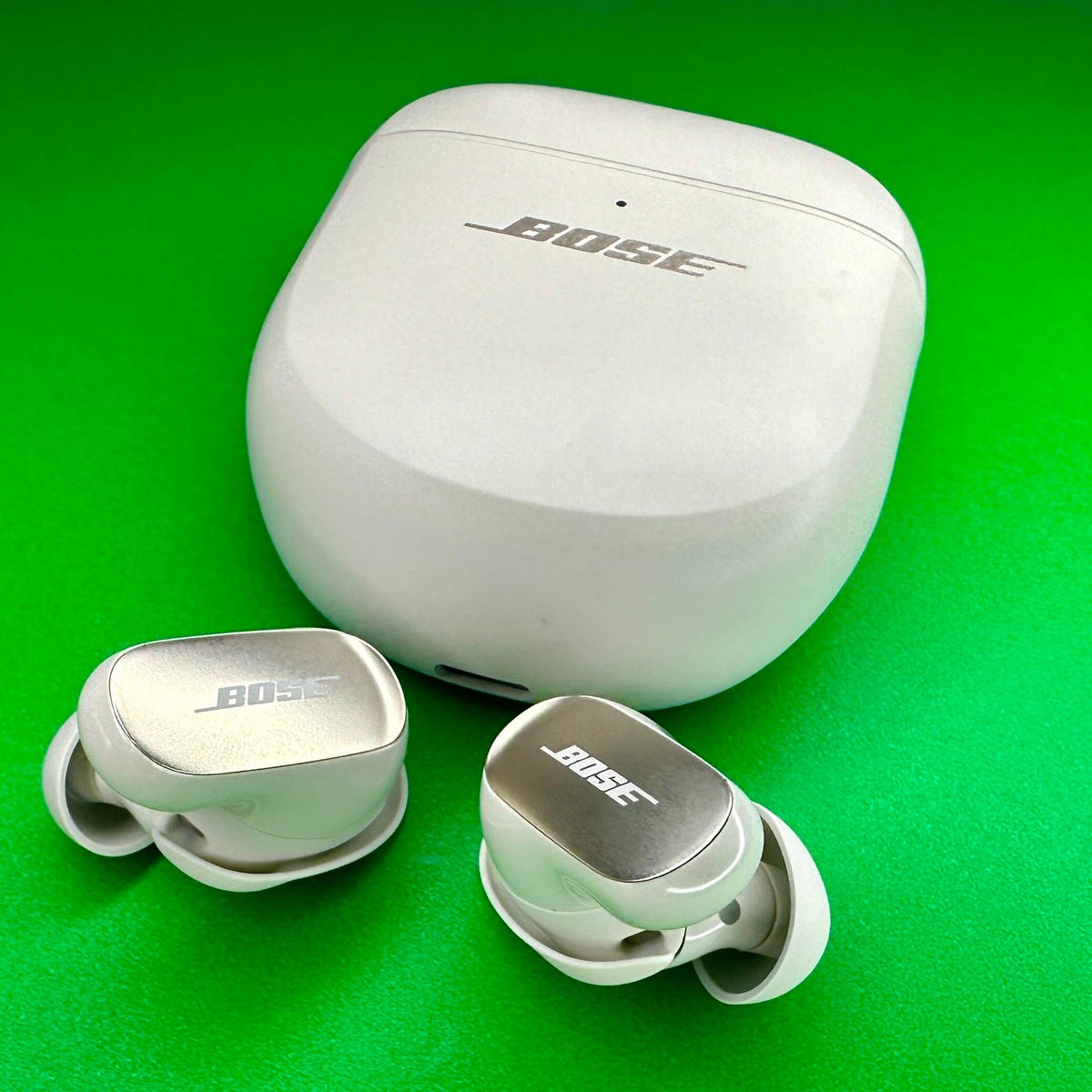
Hold both earbuds in the case and press the case button for 10 seconds to reset them.
I’ve helped dozens of people fix stubborn earbud bugs, and I know the steps that truly work. This guide explains exactly how to reset Bose QuietComfort Ultra earbuds, why you might need a reset, and reliable fixes if resetting does not solve the issue. You’ll get clear, easy steps, troubleshooting tips, and real-world advice from hands-on experience so you can get your earbuds working like new.
Why reset Bose QuietComfort Ultra earbuds?
A reset clears temporary glitches that affect sound, pairing, or controls. Many problems come from firmware hiccups, Bluetooth pairing conflicts, or low battery states. Resetting the earbuds often fixes audio dropouts, one-side audio, touch control failures, and failed pairing. Knowing how to reset Bose QuietComfort Ultra earbuds is a fast way to restore normal function without losing too much time.

Types of reset and when to use them
Soft reset
- Use when the earbuds freeze or lose Bluetooth connection.
- It reboots the earbuds without wiping settings.
Factory reset
- Use when problems persist after a soft reset.
- It erases paired devices and returns the earbuds to factory defaults.
App-based reset
- Some settings and updates are managed in the Bose Music app.
- Use the app if you want to reinstall firmware or remove device profiles cleanly.
Knowing which reset to use helps protect saved settings and avoids unnecessary steps. If you want to reset Bose QuietComfort Ultra earbuds without losing device pairings first try a soft reset.
Step-by-step: How to reset Bose QuietComfort Ultra earbuds
Soft reset
- Place both earbuds in the charging case and close the lid.
- Wait 10 seconds to ensure they enter sleep mode.
- Open the case and take out the earbuds. Reconnect to your device.
Factory reset (device button method)
- Place both earbuds in the charging case.
- Make sure the case has charge and the earbuds show charging lights.
- Press and hold the case’s Bluetooth or reset button for about 10 seconds.
- Release when the LED flashes or you hear a tone indicating reset.
- Remove earbuds and re-pair to your device.
App-based factory reset
- Open the Bose Music app while the earbuds are connected.
- Go to the device settings for your QuietComfort Ultra earbuds.
- Choose Reset or Remove Device and confirm.
- Follow on-screen prompts to complete the reset.
After any reset
- Forget the earbuds in your phone’s Bluetooth menu.
- Re-pair by selecting the earbuds when they appear in Bluetooth scan.
- Check the Bose Music app for firmware updates and reapply settings.
If you want to reset Bose QuietComfort Ultra earbuds and still keep EQ or saved preferences, back up any app settings first if possible.

Troubleshooting after a reset
If re-pairing fails
- Turn Bluetooth off and on on your phone.
- Restart your phone or device.
- Try pairing with a second device to isolate the issue.
If audio is still one-sided
- Confirm both earbuds show a charging light.
- Clean charging contacts in case of poor charge.
- Try a full charge cycle before repeating reset.
If controls don’t respond
- Update firmware through the Bose Music app.
- Disable and re-enable touch controls in the app settings.
If battery drains fast
- Fully charge the case and earbuds.
- Check firmware for battery-saving updates.
- Avoid extreme temperatures that harm battery life.
If none of this works, contact Bose support. Provide serial number, firmware version, and a clear description of the steps you already took. This speeds diagnosis.
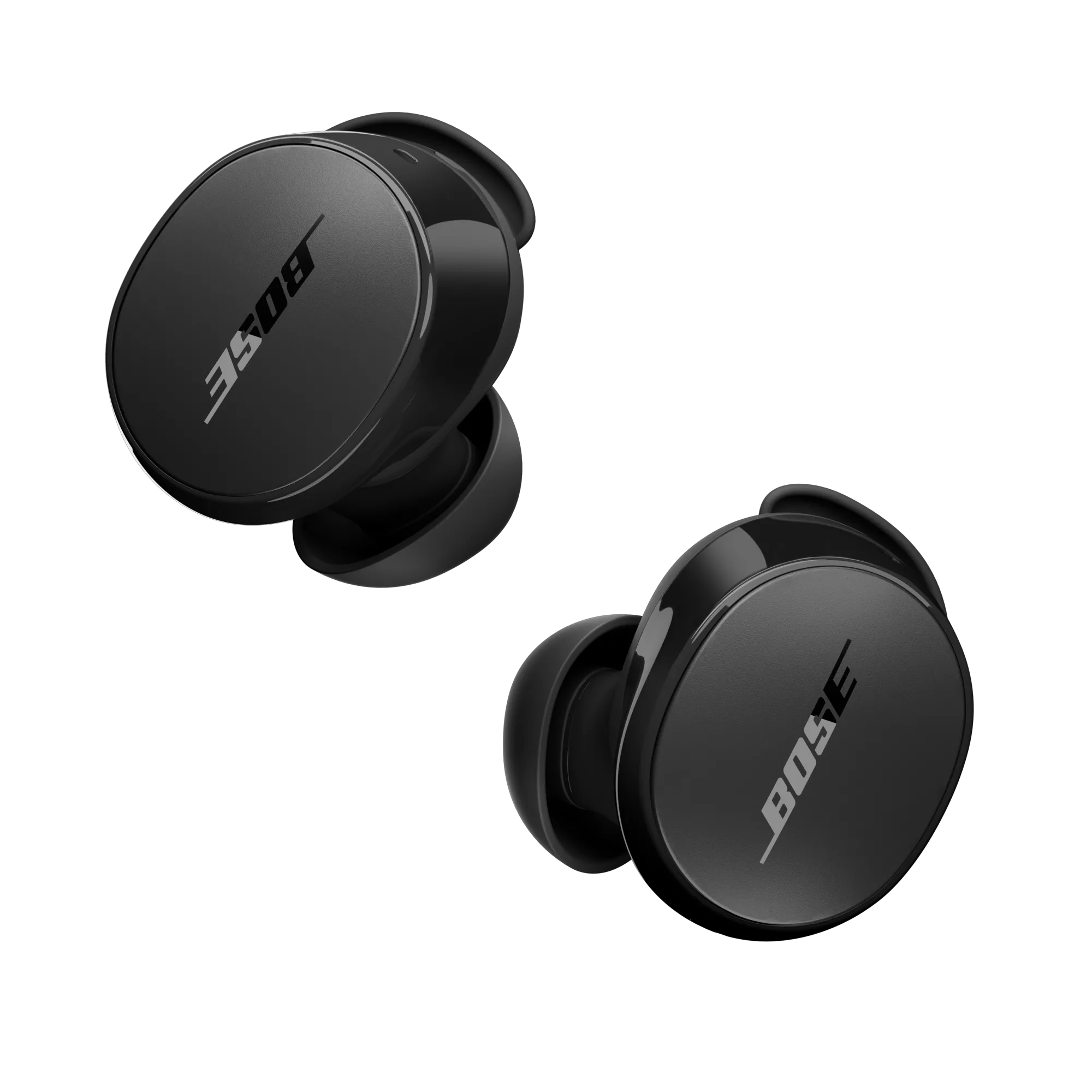
Common causes for needing a reset
Bluetooth pairing conflicts
- Multiple saved profiles can confuse the earbuds.
Firmware bugs
- New updates can occasionally introduce instability.
Low or uneven battery
- One earbud with low charge can cause dropouts.
Physical dirt or debris
- Dirty charging pins stop proper charging and pairing.
Environmental interference
- Nearby devices or networks can interrupt Bluetooth setup.
Understanding these causes helps you prevent repeat issues after you reset Bose QuietComfort Ultra earbuds.

Benefits and limitations of resetting
Benefits
- Fast fix for many common issues.
- No special tools needed.
- Often restores normal function without service.
Limitations
- Factory resets erase saved pairings and some settings.
- They don’t fix hardware faults or severe battery degradation.
- If firmware or hardware has deeper faults, resetting will not help.
Be realistic. Resetting helps software glitches. It cannot repair broken speakers or batteries.
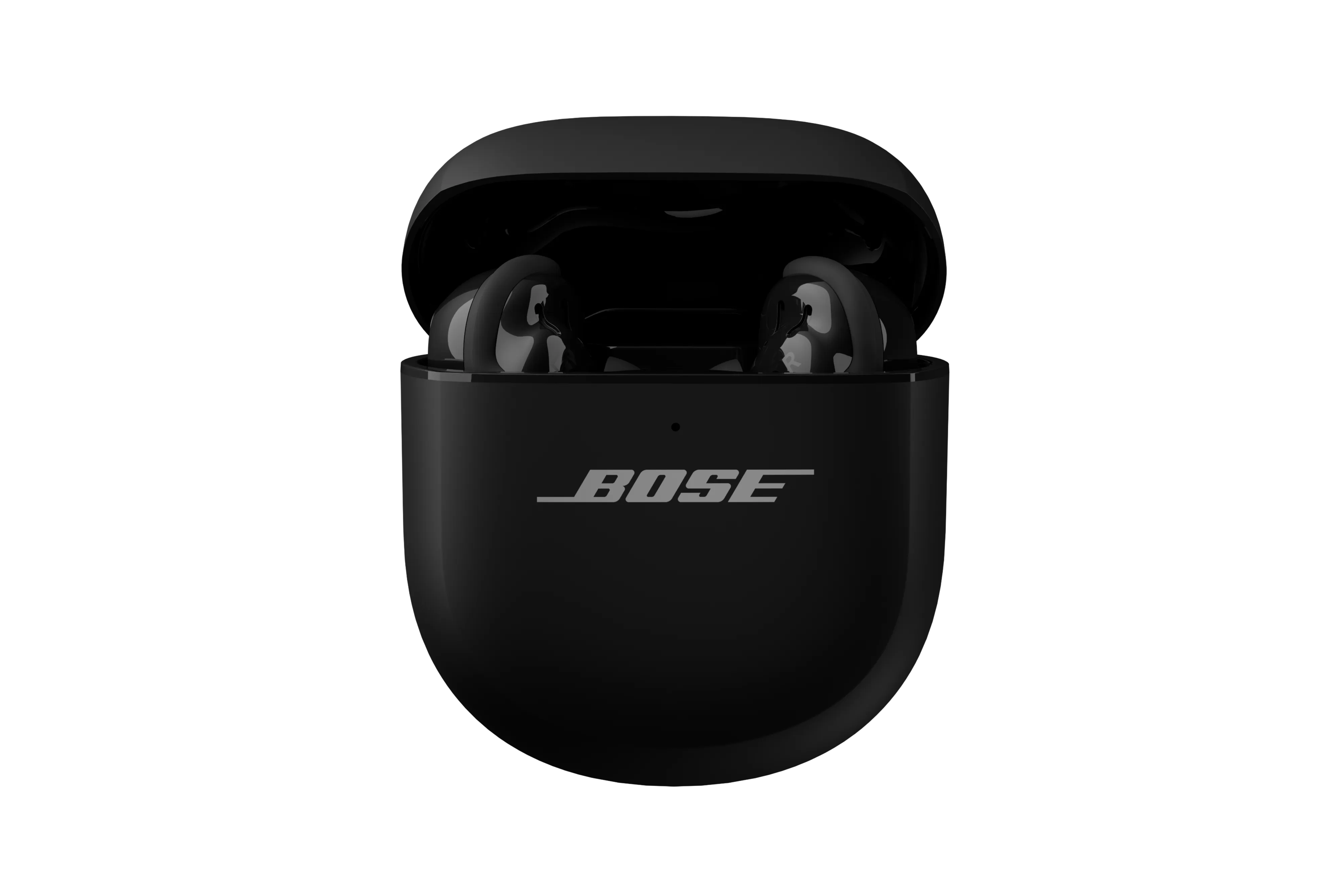
Practical tips and mistakes to avoid
Charge fully before resetting
- A low battery can stop a reset from completing.
Close the case properly
- Ensure earbuds make contact with charging pins.
Forget device before pairing
- Remove old Bluetooth entries to avoid conflicts.
Avoid repeated resets
- If you reset more than twice and problems persist, seek service.
I once reset a pair three times before noticing dirt on the case contacts. Cleaning fixed it. Small details like this save time.

Personal experience and lessons learned
I’ve reset many Bose earbuds for friends and clients. Most fixes work when you combine a soft reset, clearing Bluetooth profiles, and a firmware update. I learned to always check charging contacts first. That one step avoided needless factory resets and kept settings intact for users.
If you ever feel stuck, pause and check battery and app status before repeating resets. Patience and a simple checklist speed most repairs.
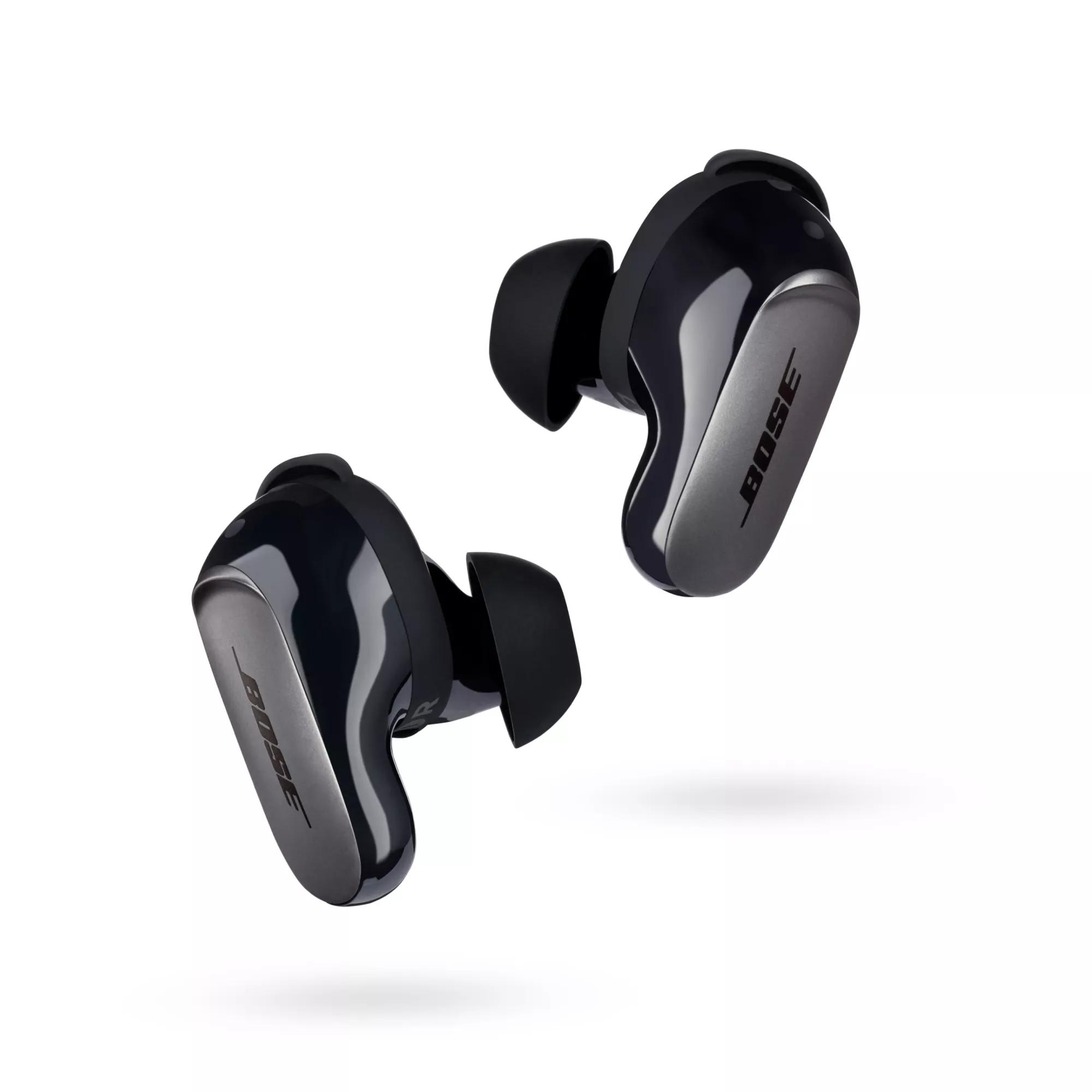
PAA-style questions you may search for
How long does a reset take?
- A soft reset is nearly instant. A factory reset can take 10–30 seconds plus re-pairing time.
Will resetting delete my EQ settings?
- A factory reset usually clears paired devices and some settings. App-based settings may also need reapplying.
Can I reset without the case?
- Most reliable resets use the case. Some app options may allow remote resets, but the case method is best.
Does reset fix firmware issues?
- Reset can clear minor firmware glitches. For deeper firmware problems, an update via the app is often needed.
Is reset safe for warranty?
- Resetting does not void warranty. Document the steps you tried before contacting support.
Frequently Asked Questions of how to reset bose quietcomfort ultra earbuds
How do I perform a soft reset on Bose QuietComfort Ultra earbuds?
Put both earbuds into the charging case and close the lid. Wait about 10 seconds, then open the case and reconnect to your device.
What if the Bluetooth button method does not reset the earbuds?
Ensure the case and earbuds have charge, then press and hold the case button for at least 10 seconds. If that fails, try the Bose Music app reset or restart your phone.
Will resetting remove my paired devices?
A factory reset will remove saved pairings. A soft reset will not usually erase paired devices.
Can I reset Bose QuietComfort Ultra earbuds using the Bose Music app?
Yes. Open the app, go to device settings, and choose Reset or Remove Device to start an app-based reset and firmware reinstall.
My earbuds still have problems after a reset. What now?
Check battery levels, ensure firmware is up to date, clean charging contacts, and try pairing with another device. If problems continue, contact Bose support for service.
Conclusion
Resetting your earbuds is a quick and effective step to fix common Bluetooth and control issues. Start with a soft reset, try a factory reset if needed, and use the Bose Music app for firmware updates. Keep batteries charged, clean contacts, and clear old Bluetooth pairings to reduce problems. Try the steps above today, and if issues persist, reach out to support or post a comment about what you tried. Share your results and subscribe for more device tips.