Smaller monitors can improve focus, reduce eye movement, and make fast gaming action easier to track.
If you have ever lost a target near the edge of a wide display, you already understand part of why are smaller monitors better for gaming. A compact screen can keep more action inside your central view, reduce desk clutter, and offer a sharper image at the same resolution. Still, screen size is not the only factor. Resolution, refresh rate, viewing distance, panel quality, and the type of games you play all matter.
This guide explains why are smaller monitors better for gaming, where they have limits, and how to choose the right size for your setup.
What Counts as a Smaller Gaming Monitor?
A smaller gaming monitor usually measures between 22 and 27 inches diagonally. For many PC gamers, a 24-inch monitor is the classic compact choice, while a 27-inch model offers a little more space without feeling oversized.
Screen size is measured from one corner to the opposite corner. It does not describe the monitor’s width alone. A 24-inch 16:9 monitor is about 21 inches wide, while a 27-inch model is about 24 inches wide.
Common smaller gaming monitor sizes include:
• 22 to 24 inches: Best for tight desks and competitive gaming
• 24.5 inches: Popular for esports and high refresh rates
• 27 inches: A balanced choice for gaming, work, and media
• Under 22 inches: Useful for very small spaces, but less common today
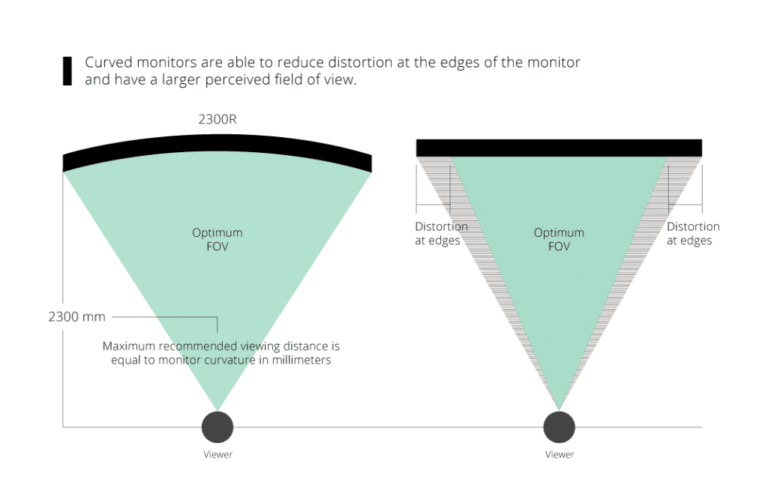
The answer to why are smaller monitors better for gaming depends on how far you sit from the screen. A 24-inch display may feel ideal at 20 to 28 inches away. A 27-inch monitor often works better from about 24 to 36 inches away.
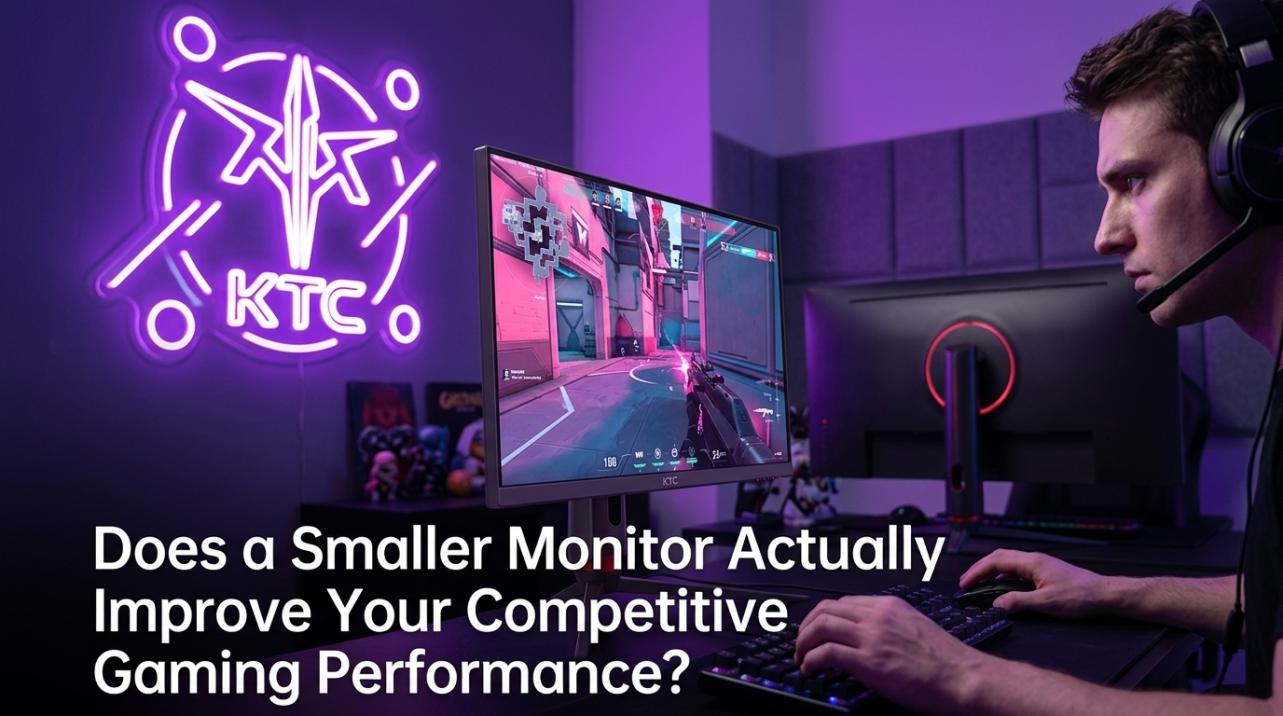
Why Are Smaller Monitors Better for Gaming?
Smaller monitors can offer several useful advantages. These benefits are most clear in fast games, small rooms, and setups where the player sits close to the screen.
1. They Keep More Action in Your Central Vision
Your eyes notice the center of the screen with the least effort. On a smaller monitor, the edges sit closer to your main focus area. This can make it easier to watch an enemy, map, health bar, or crosshair at the same time.
A large screen can spread important details across a wider area. You may need to move your eyes, or even your head, more often. That small delay may not matter in a slow role-playing game, but it can matter in a quick first-person shooter.
This is one of the clearest answers to why are smaller monitors better for gaming: they help reduce the distance your eyes must travel.
2. They Can Improve Competitive Focus
Competitive games reward fast reactions and strong visual focus. In games such as Counter-Strike 2, Valorant, Overwatch 2, and Fortnite, players often track small movements in a busy scene.
A smaller display can feel like a focused window into the game world. It may help you keep your crosshair, opponent, and key interface elements within one comfortable view.
Professional esports players often choose 24-inch or 24.5-inch monitors. This does not mean every player will perform better on that size. It shows that compact screens can support a focused, low-distraction setup.
3. They Often Deliver Higher Pixel Density
Pixel density, measured in pixels per inch, describes how tightly pixels are packed on a display. A smaller monitor with the same resolution as a larger monitor usually has higher pixel density.
For example:
• A 24-inch 1080p monitor has about 92 pixels per inch.
• A 27-inch 1080p monitor has about 82 pixels per inch.
• A 27-inch 1440p monitor has about 109 pixels per inch.
A higher pixel density can make text, edges, and distant objects look sharper. This is another reason why are smaller monitors better for gaming when you are comparing screens with the same resolution.
However, resolution still matters. A 27-inch 1440p monitor can look sharper than a 24-inch 1080p monitor, even though it is larger.
4. They May Reduce Eye and Head Movement
A smaller screen does not automatically prevent eye strain. Brightness, glare, poor posture, and long sessions are often bigger problems. Yet a compact display can reduce the amount of scanning needed during play.
This matters when the game places information near the corners. Constantly checking a mini-map, ammo count, or team list on a large screen may feel tiring if you sit close.
Good habits still matter:
• Place the top of the monitor near eye level.
• Sit at a comfortable distance.
• Match screen brightness to the room.
• Use a matte screen in a bright space.
• Take short breaks during long sessions.
5. They Fit Better on Small Desks
A smaller monitor leaves more space for your keyboard, mouse, speakers, and other gear. This is useful for gamers who use a low mouse sensitivity and need a wide area for arm movement.
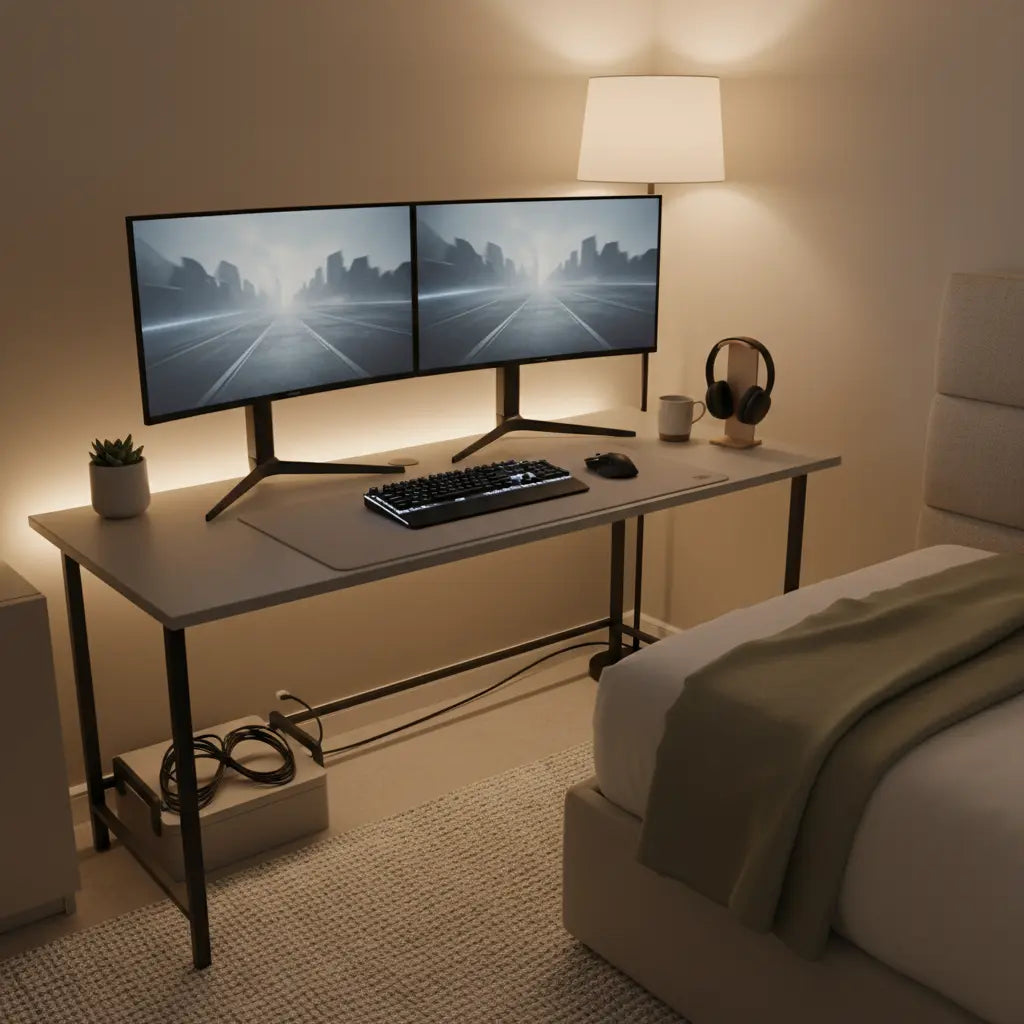
A compact screen can also make cable management easier. You may have more room for a microphone arm, a laptop, a game console, or a second display.
This practical benefit is easy to overlook. The best gaming monitor is not helpful if it forces your keyboard into an awkward position or leaves no room for your mouse.
6. They Can Cost Less
Smaller monitors often cost less than larger models with similar features. The price gap is not always large, but it can help you spend more on parts that affect gaming performance.
You might use the savings for:
• A faster graphics card
• More system memory
• A better gaming mouse
• A higher refresh rate
• A stronger monitor arm
A 24-inch 1080p monitor with a 144 Hz or 180 Hz refresh rate can provide a smooth experience at a reasonable price. The best value depends on the full feature set, not size alone.

Smaller Monitors and Competitive Gaming Performance
A smaller monitor cannot improve your aim by itself. It does not increase your skill, reaction speed, or game knowledge. It can, however, create a layout that supports those skills.
Many competitive players prefer 24-inch displays because they can see the whole screen without much eye movement. This can be helpful when every frame matters. High refresh rates, low input lag, and fast response times are usually more important than the physical size.
For competitive gaming, look for:
• At least 144 Hz for a smooth modern experience
• Low measured input lag
• A fast pixel response time
• Adaptive sync support
• A stand with height adjustment
• A resolution your graphics card can drive well
A 24-inch 1080p monitor may be a better competitive choice than a 32-inch 4K model if your goal is high frame rates and quick target tracking. This explains why are smaller monitors better for gaming in esports, but it does not make them the best choice for every genre.
Smaller Monitors Can Make High Refresh Rates Easier to Use
Refresh rate tells you how many times the display updates each second. A 144 Hz monitor refreshes 144 times per second, while a 240 Hz monitor refreshes 240 times per second.
The monitor size does not directly create a higher refresh rate. Smaller monitors are simply more likely to use resolutions that a mid-range graphics card can drive at high frame rates.
For example, running a game at 1080p is usually less demanding than running it at 1440p or 4K. A compact 1080p monitor may allow your computer to reach 200 frames per second more easily than a large 4K display.
This can create a smoother image and lower control delay. The benefit depends on your computer, game settings, and frame rate. A high refresh rate monitor cannot show its full value if your system produces only 60 frames per second.

Are Smaller Monitors Better for Image Sharpness?
They can be, especially when comparing the same resolution. A smaller 1080p monitor has more pixels packed into each inch than a larger 1080p monitor.
Sharpness also depends on viewing distance. If you sit farther away, individual pixels become harder to see. If you sit close, a low pixel density display may look soft or show visible pixel structure.
Use this simple guide:
• 24 inches at 1080p: Sharp enough for many gamers
• 27 inches at 1080p: Can look less crisp up close
• 27 inches at 1440p: A strong balance of detail and size
• 32 inches at 4K: Detailed, but more demanding on your graphics card
This is why are smaller monitors better for gaming for some 1080p users. They can deliver a cleaner image without requiring a more powerful graphics card.
When a Larger Monitor Is Better
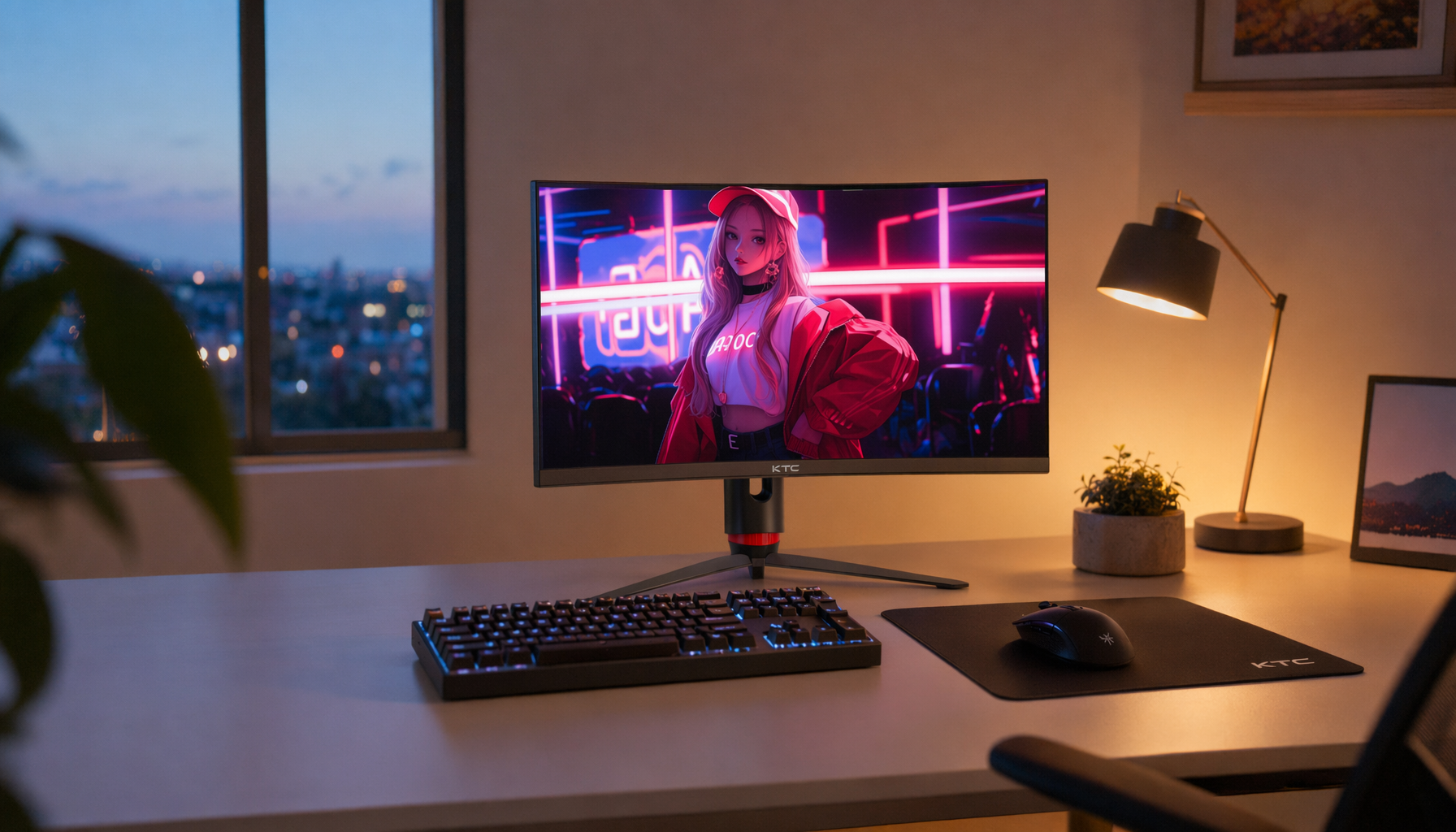
Smaller monitors have limits. A larger display may be better for open-world games, racing titles, strategy games, simulation games, and cinematic single-player adventures.
A 27-inch, 32-inch, or ultrawide monitor can make a game world feel more immersive. Larger screens also provide more room for split-screen play, streaming tools, and creative work.
Choose a larger monitor if you:
• Play mostly story-driven games
• Prefer immersion over esports focus
• Sit far from your desk
• Need space for editing or multitasking
• Want a wider field of view
• Have a powerful graphics card
There is also a risk with large displays. If you sit too close, you may need to scan the screen more often. A large monitor can feel like sitting in the front row of a movie theater. It is exciting, but not always comfortable.
The Best Monitor Size by Game Type
Different games benefit from different screen sizes. There is no single answer to why are smaller monitors better for gaming without considering the game itself.
First-Person Shooters
A 24-inch or 24.5-inch monitor is often a strong choice. It keeps targets near the center and supports high refresh rates at 1080p.
Battle Royale Games
A 24-inch to 27-inch display works well. The choice depends on whether you value competitive focus or a wider, more immersive view.
Role-Playing Games
A 27-inch or larger monitor can make landscapes, characters, and menus easier to enjoy. A higher resolution can also improve visual detail.
Racing and Flight Simulators
Larger or ultrawide monitors usually provide a better experience. They can show more of the track or cockpit and create a wider sense of space.
Strategy and Simulation Games
A larger screen gives menus, maps, and units more room. A 27-inch or 32-inch monitor may reduce the need to zoom and scroll.
Fighting Games
A 24-inch or 27-inch monitor is usually enough. Input lag, response time, and refresh rate matter more than extra screen size.
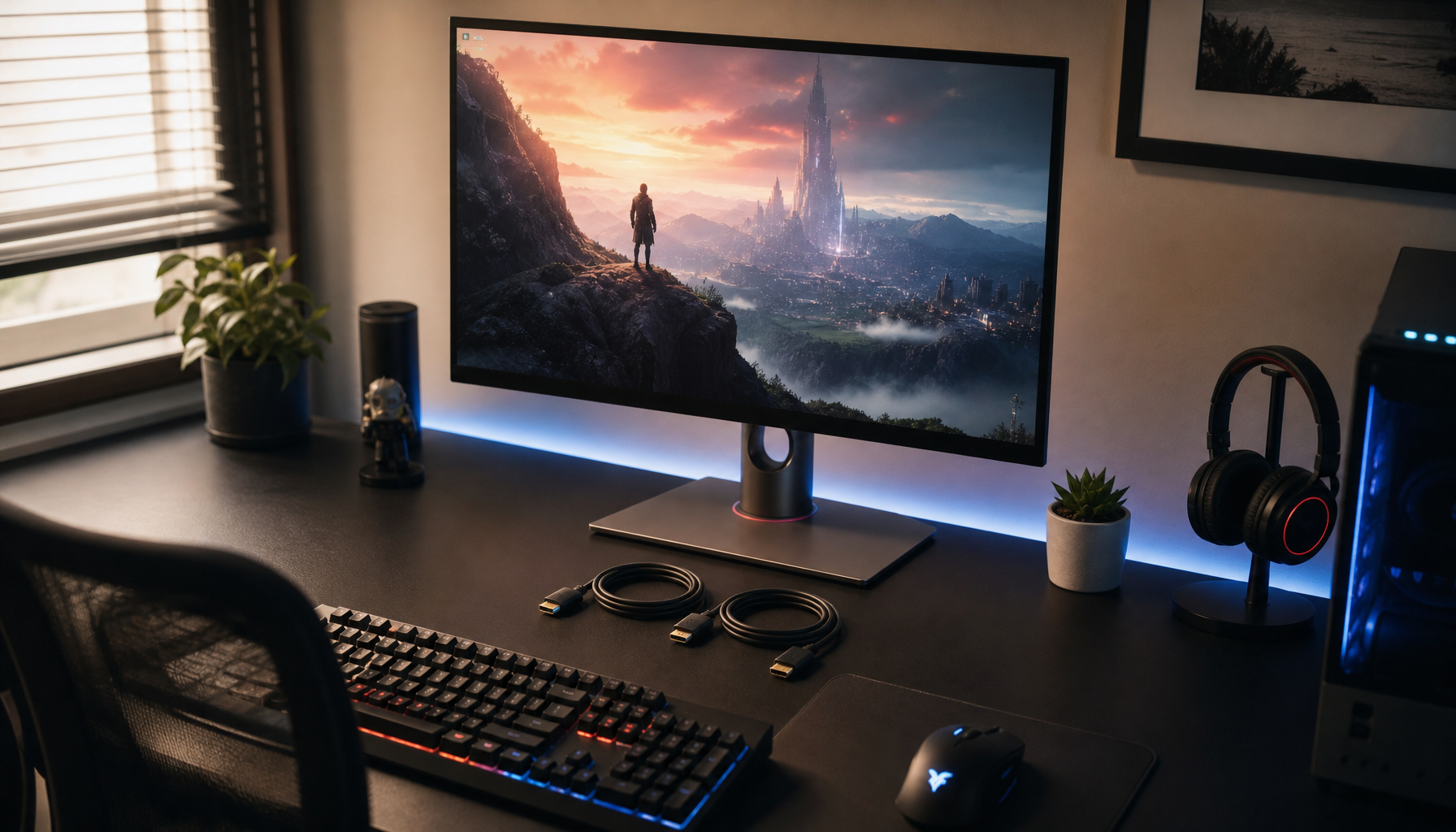
Smaller Monitor Limitations to Consider
The benefits of a smaller monitor should not hide its weaknesses. A compact display may feel cramped when you use it for work, media, or local multiplayer.
Possible drawbacks include:
• Less immersive gameplay
• Smaller menus and subtitles
• Less room for multiple windows
• Fewer premium panel choices at some resolutions
• A smaller image when sitting far away
• Less benefit from high resolutions above 1440p
A 24-inch 4K monitor may also create scaling issues. Windows and game menus can appear small unless you increase the scaling level. In many cases, 1080p at 24 inches or 1440p at 27 inches offers a more practical match.

How to Choose the Right Small Gaming Monitor
Start with your graphics card and the games you play. Do not buy a monitor that demands more performance than your computer can provide.
Follow these steps:
-
Pick the resolution. Choose 1080p for affordable high frame rates, or 1440p for sharper detail.
-
Pick the refresh rate. Aim for 144 Hz or higher if you play fast games.
-
Check response performance. Look for independent testing, not only the advertised “1 ms” figure.
-
Measure your desk. Make sure the display leaves enough room for your mouse and keyboard.
-
Check the stand. Height, tilt, and swivel adjustments improve comfort.
-
Compare panel types. IPS panels often offer strong color and viewing angles, while OLED panels provide excellent contrast but may cost more.
-
Consider adaptive sync. Compatible technologies can reduce tearing when frame rates change.
-
Read trusted measurements. Input lag, brightness, contrast, and response time can vary between models.
When I review a gaming setup, one common mistake stands out: people focus on size but ignore viewing distance. A well-placed 24-inch monitor can feel better than a poorly placed 32-inch screen. Position matters as much as the number printed on the box.
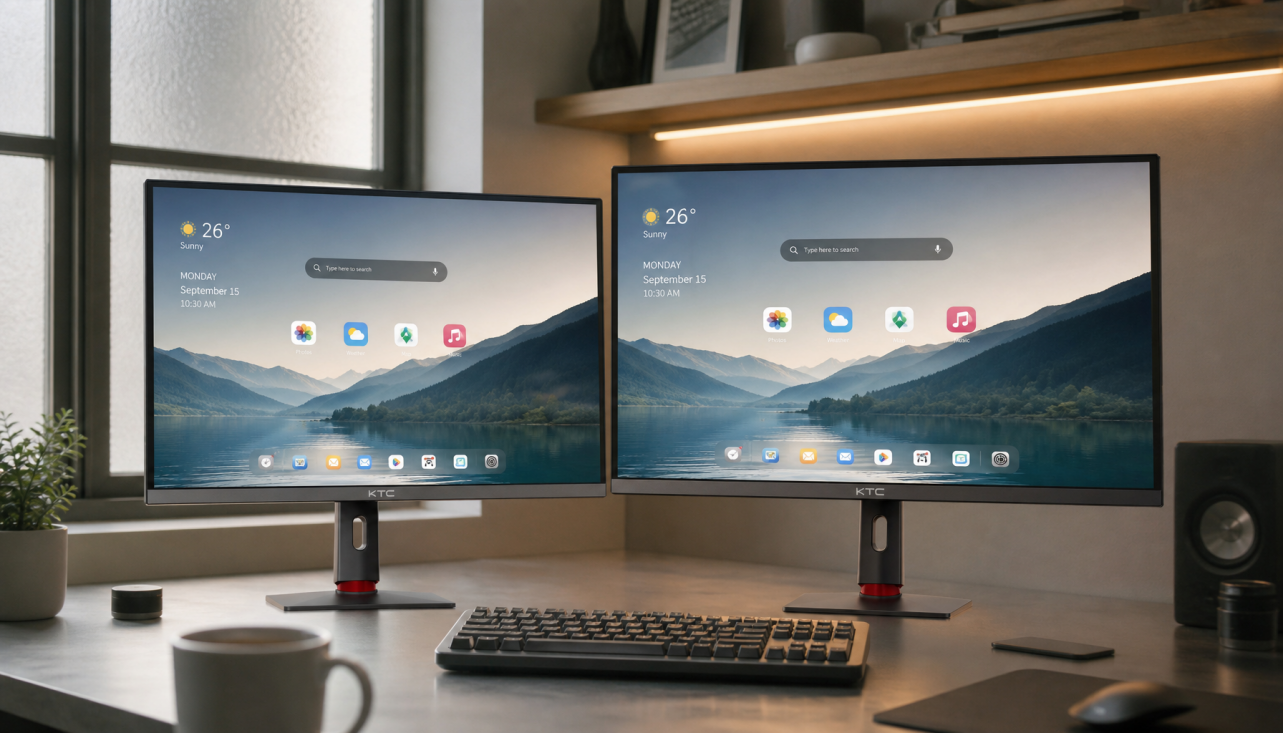
A Practical Setup for a Smaller Gaming Monitor
Once you choose a monitor, set it up for comfort and speed. Place it directly in front of you, not at a sharp angle.
Keep these tips in mind:
• Place the screen about an arm’s length away.
• Center the monitor with your chair and keyboard.
• Keep the top edge at, or slightly below, eye level.
• Use a stable refresh rate setting in your operating system.
• Turn on adaptive sync if your monitor and graphics card support it.
• Use a frame rate limit when it helps keep performance stable.
• Adjust the field of view carefully in each game.
Avoid sitting extremely close to a small monitor. Closer is not always better. If you can see pixels easily or feel eye fatigue, move the screen back or lower the brightness.
Common Mistakes When Buying a Smaller Gaming Monitor
Many buyers make the same errors. Avoiding them can save money and frustration.
• Buying 1080p at 27 inches without checking sharpness preferences
• Choosing a high refresh rate that the computer cannot use
• Trusting the advertised response time without reviewing tests
• Ignoring display ports and cable limits
• Forgetting height adjustment
• Using an unsuitable scaling level
• Picking a monitor only because it is small
A monitor should match your full setup. A 24-inch display with poor motion handling may perform worse than a 27-inch display with excellent response time. Features and real measurements matter more than size alone.
Frequently Asked Questions About Why Are Smaller Monitors Better for Gaming
Why are smaller monitors better for competitive gaming?
Smaller monitors can keep more game action within your central vision. This may reduce eye movement and make it easier to track targets, especially in fast shooters.
Is a 24-inch monitor better than a 27-inch monitor for gaming?
A 24-inch monitor may be better for esports and tight desks, while a 27-inch monitor offers more immersion and workspace. The best choice depends on your viewing distance, resolution, and game type.
Are smaller monitors better for gaming at 1080p?
Often, yes. A 24-inch 1080p monitor usually looks sharper than a 27-inch 1080p monitor because its pixels are packed more closely together.
Do smaller monitors improve reaction time?
A smaller monitor does not directly improve reaction time. It may help you notice important action with less eye movement, but practice, connection quality, frame rate, and input delay also affect results.
What is the best small monitor size for PC gaming?
For many PC gamers, 24 to 25 inches is a strong choice. A 27-inch monitor is better if you want more detail, more workspace, or a more immersive experience.
Are smaller monitors better for gaming consoles?
They can be useful for desk-based console gaming and competitive titles. Check that the monitor supports your console’s resolution, refresh rate, HDMI standard, and variable refresh features.
Conclusion
Smaller monitors can be better for gaming because they keep action close to your central vision, fit small desks, support sharp images at common resolutions, and often make high refresh rates easier to reach. They are especially useful for competitive shooters and players who sit close to the screen.
Still, a larger monitor may be the better choice for immersive adventures, racing games, strategy titles, and multitasking. Focus on resolution, refresh rate, response performance, viewing distance, and comfort before choosing a size.
Measure your desk, check your PC’s performance, and compare tested monitor specifications. Then choose the display that fits the way you actually play. Explore more gaming display guides, and share your preferred monitor size in the comments.