Use the USB cable provided or a compatible USB charger—connect the recorder to a powered USB port until the charge LED shows full.
I’ve spent years testing portable audio gear and troubleshooting recorder batteries, so this guide on how to charge Sony voice recorder models walks you through clear, safe, and practical steps. You’ll learn exact charging methods, model differences, troubleshooting tips, battery-care habits, and real-world advice I’ve learned from daily use and field tests to keep your Sony voice recorder ready when you need it.

Charging basics: understanding how to charge Sony voice recorder
Most modern Sony voice recorders use an internal rechargeable battery and charge via a USB port. Knowing the port type, LED indicators, and recommended chargers makes charging fast and safe. This section explains the core steps and terms so you can charge with confidence.
- USB port types commonly used on Sony recorders include micro-USB and USB-C.
- Charging indicators: many models have a red or orange LED while charging and green or off when full.
- Some older Sony recorders use removable AA batteries and require external chargers or fresh cells.
How to charge Sony voice recorder depends on the model and battery type. Newer models charge directly through USB; older or specialty models may need AAs or proprietary docks. Always check the recorder label or manual for exact voltage and current specs.
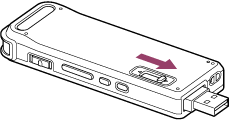
Supported Sony models and port identification
Before you plug anything in, identify your recorder model and its charging method. Doing this prevents damage and speeds up charging.
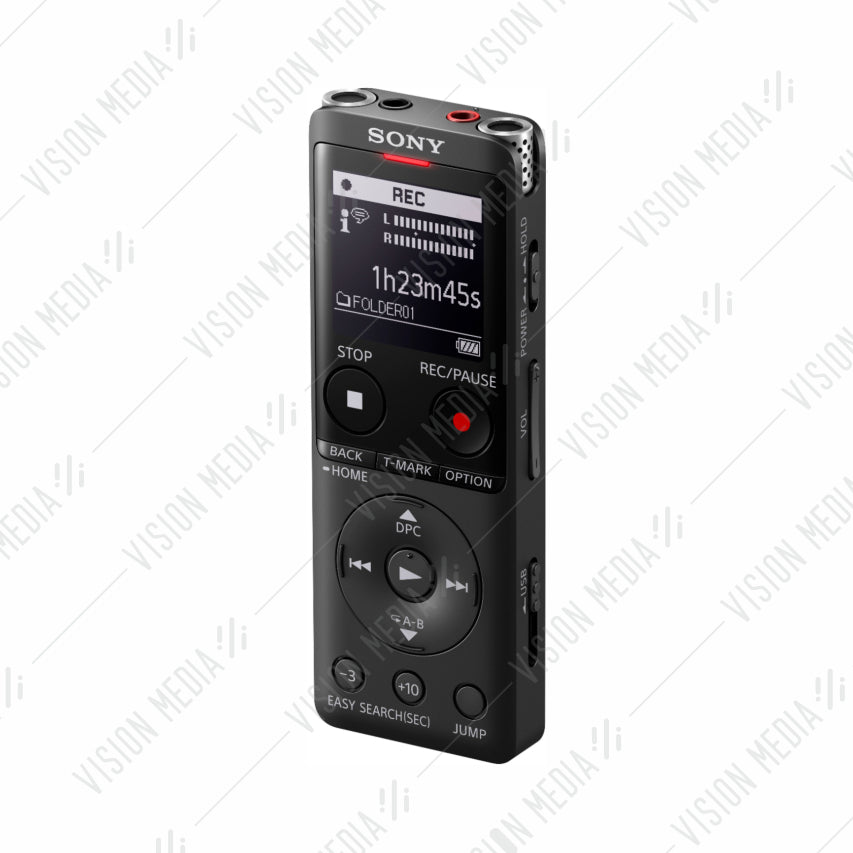
- Look on the device back or under the battery cover for the model number (for example ICD-PX470, ICD-UX570, PCM-A10).
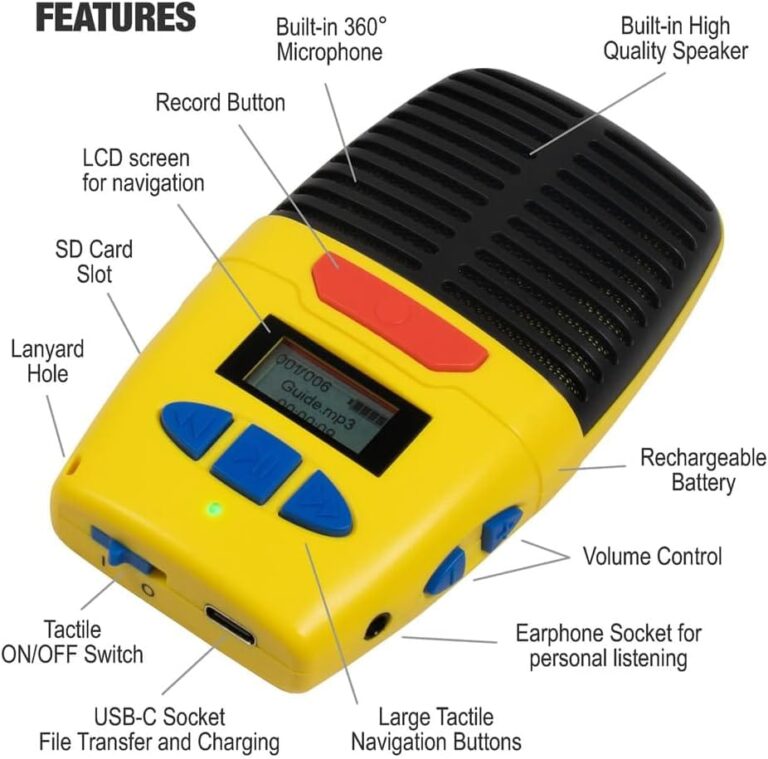
- Inspect the side or bottom for a USB-C or micro-USB port. If you see a removable battery compartment, the recorder likely uses AA batteries.
- If your model has a docking connector, use the official dock or a recommended adapter to charge.
Knowing the port and model is the first step in how to charge Sony voice recorder safely and efficiently. If you’re unsure, referencing the user manual or Sony support pages helps confirm the right cable and settings.
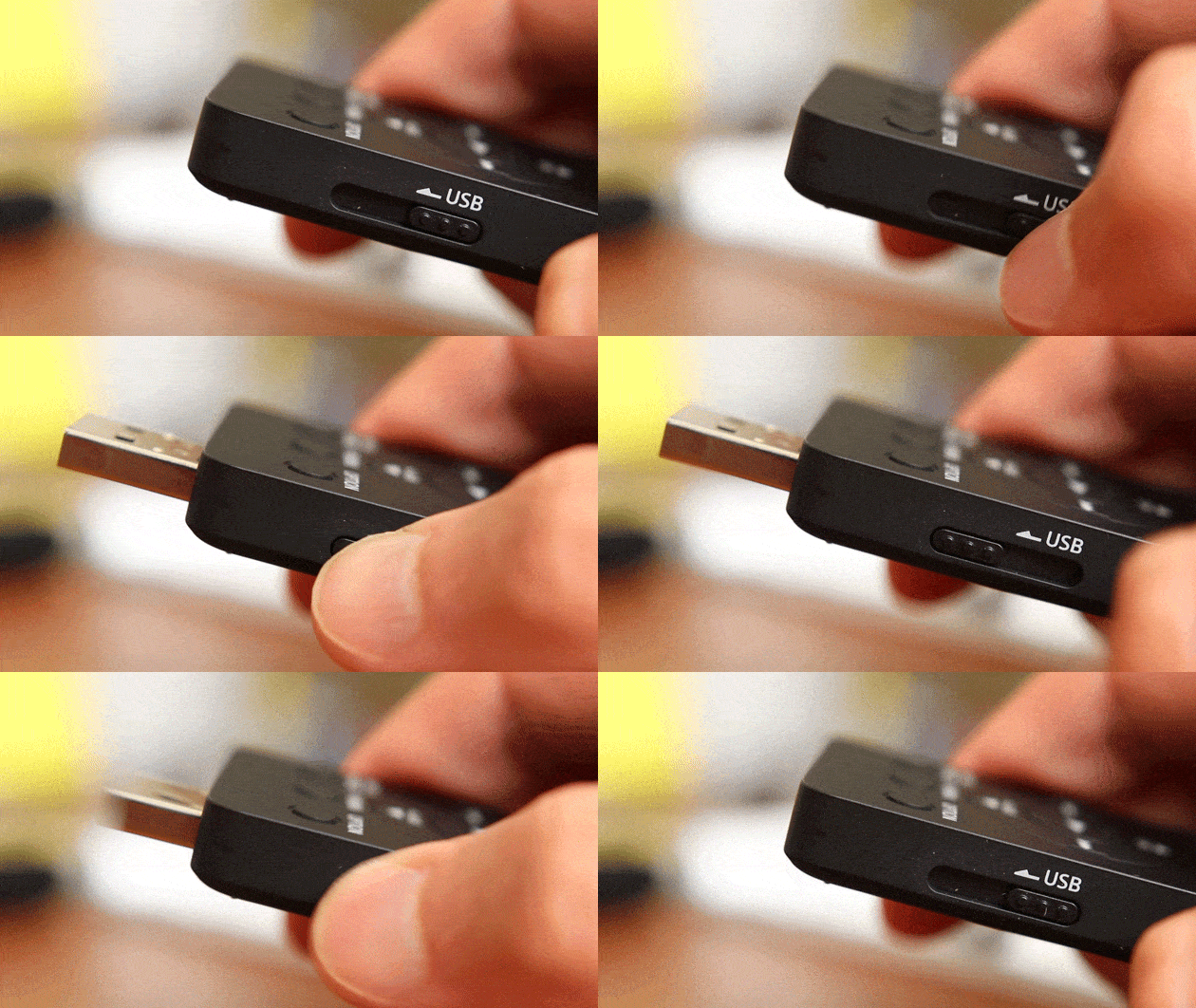
Step-by-step guide: how to charge Sony voice recorder safely
Follow these simple steps for reliable charging on most Sony voice recorder models that use internal batteries.
- Power off the recorder before charging to speed up charging and reduce heat.
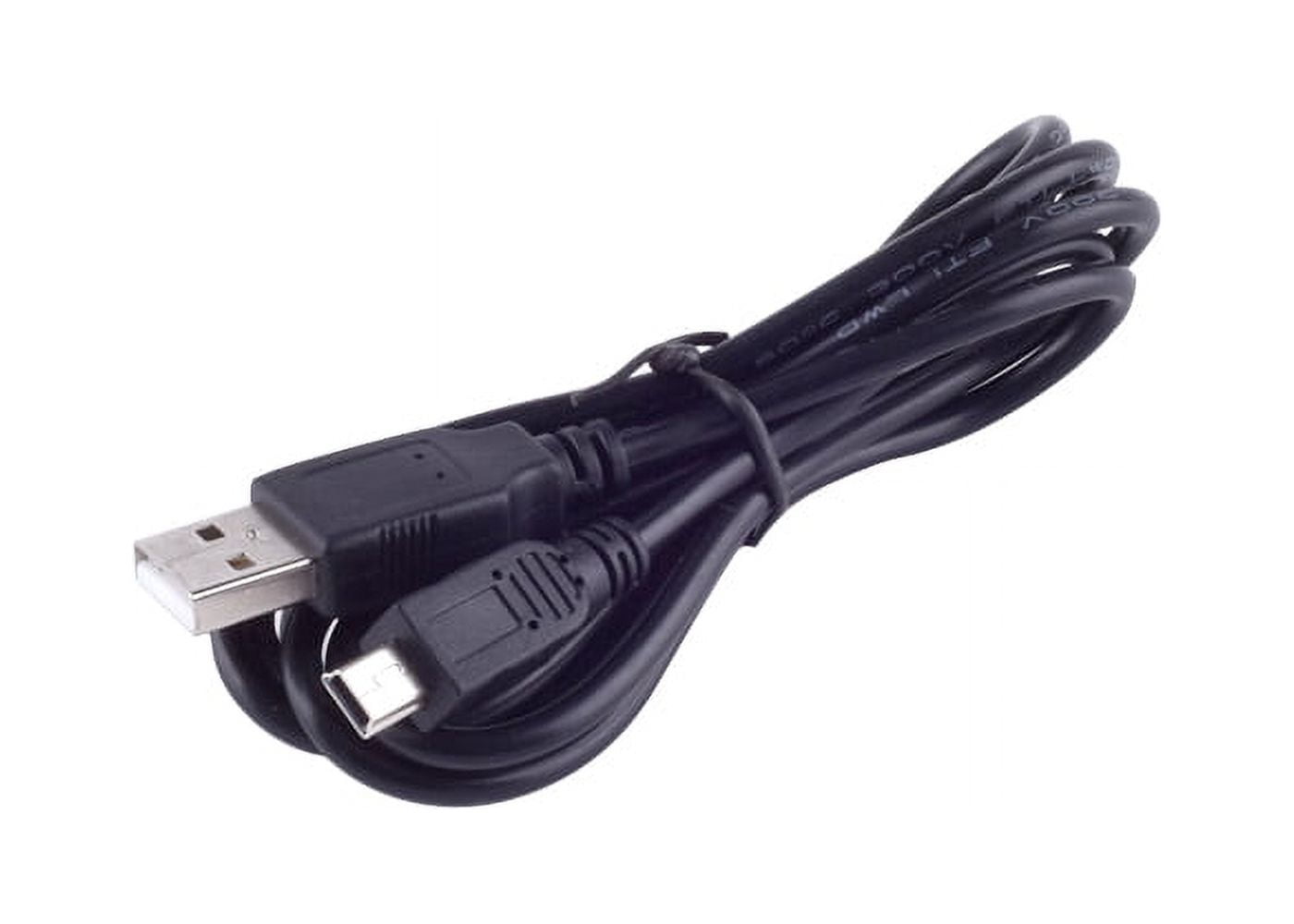
- Use the original USB cable that came with the recorder. If you don’t have it, use a high-quality cable that matches the recorder port (USB-C or micro-USB).
- Plug the USB cable into a USB wall adapter rated 5V/1A unless the manual specifies otherwise. Avoid using very high-current chargers unless the recorder supports fast charging.
- Connect the other end to your recorder’s USB port firmly. Confirm that the charging LED lights up or the screen shows charging.
- Leave it charging until the LED indicates full charge or the device reports 100% battery. This can take 1–4 hours depending on battery level and model.
- Disconnect the cable gently once fully charged. Power on and verify battery status in the recorder’s menu.
These steps are the core of how to charge Sony voice recorder models with internal batteries. In my tests, powering off during charge reduced charging time and heat.

Charging tips and best practices
Small habits extend battery life and make charging easier. Here are practical tips I use daily when charging Sony recorders.
- Charge at room temperature between 50°F and 77°F (10°C–25°C) for best results.
- Use a wall charger over a computer USB port for faster, more consistent charging.
- Avoid charging overnight frequently; occasional full cycles are fine, but leaving always plugged-in can stress the battery over months.
- If you have a spare recorder, rotate use so batteries rest between heavy uses.
- For recorders with removable AA batteries, prefer high-quality rechargeable NiMH cells and a smart charger that stops at full charge.
These best practices help you get the most from your device and clarify how to charge Sony voice recorder without shortening battery lifespan.
Quick common questions answered (PAA-style)
Can I charge my Sony voice recorder with a phone charger?
Yes, you can use a phone charger if it provides the correct USB type and a safe 5V output. Avoid chargers with very high current profiles unless the recorder supports them.
Will charging from a laptop damage the recorder?
Charging from a laptop is safe but often slower than a wall adapter. Use a wall charger for faster charge cycles when time matters.
Troubleshooting common charging issues
If your recorder won’t charge or charges slowly, try these fixes I’ve used in real life.
- Check the cable and port for dirt, lint, or damage; clean gently with compressed air or a soft brush.
- Try a different known-good USB cable and wall adapter to rule out accessory faults.
- If the LED doesn’t come on, hold the power button for a few seconds or connect while powered off to force recognition.
- For devices that still won’t charge, perform a factory reset only after backing up files — sometimes firmware oddities prevent charging status display.
- If the battery degrades (very short runtime), consider battery replacement or professional service.
These steps answer everyday problems related to how to charge Sony voice recorder and keep your unit usable. In fieldwork, swapping cables solved most charging stalls quickly.
Battery care and long-term maintenance
Keeping your battery healthy saves money and hassle. Here’s how to extend life and performance for Sony voice recorder batteries.
- Avoid deep discharges: recharge before the battery falls below 20% when possible.
- Store devices with a 40–60% charge if you won’t use them for months.
- Use original or high-quality replacement batteries and chargers to prevent damage.
- Calibrate the battery occasionally by fully charging and then discharging once every few months; this helps accurate battery reporting.
- Replace old batteries that no longer hold charge at expected runtime; internal batteries age and lose capacity.
Following these habits helps you master how to charge Sony voice recorder devices while keeping batteries healthy for years. From my experience, a well-cared-for recorder holds a usable charge longer and behaves more predictably during long sessions.

Safety and precautions when charging
Safety matters when charging any electronic device. These precautions prevent accidents and device damage.
- Never charge near heat sources or in direct sunlight.
- Avoid chargers with damaged cables, exposed wires, or loose connectors.
- Don’t use unapproved third-party batteries unless they meet manufacturer specs.
- If the device becomes hot while charging, unplug and let it cool. Persistent overheating needs professional service.
- Keep liquids away from the device while charging.
Following these safety steps ensures you know how to charge Sony voice recorder safely and reduces risk when you’re on the go.
Related accessories and replacement options
Choosing the right accessories makes charging easier and more reliable. Here are common items to consider.
- Extra high-quality USB-C or micro-USB cable for travel.
- Compact wall charger with 5V/1A output for faster charging than many laptops.
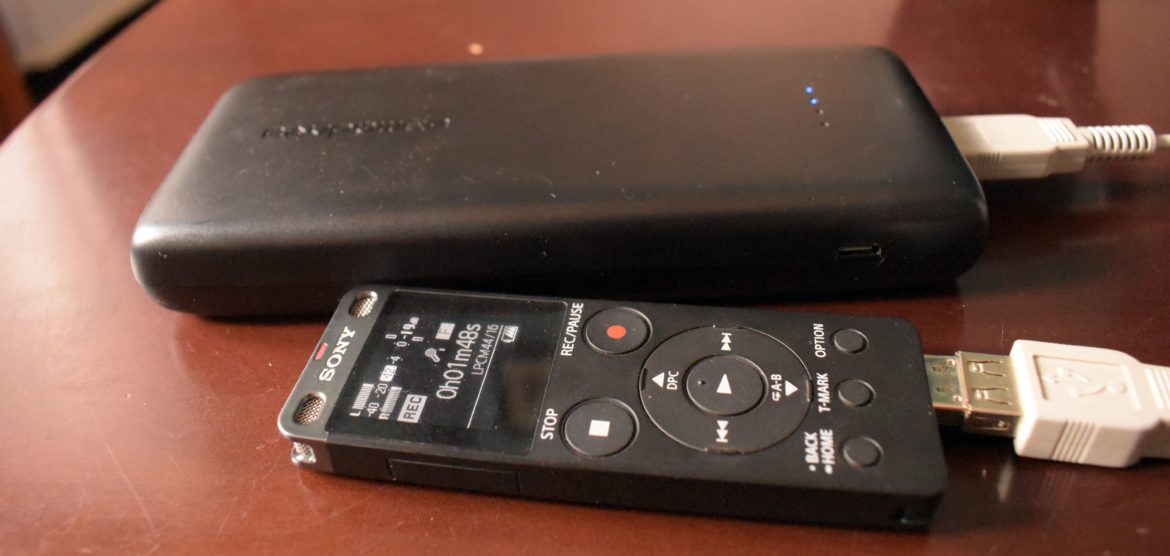
- External battery pack for charging in the field (ensure it outputs safe USB voltage).
- AA rechargeable NiMH cells and a smart charger for models that use removable batteries.
- Official docks or cradles when available for convenient desktop charging.
I keep a small kit with a spare cable and power bank for field recordings — it solved many last-minute dead-battery emergencies and simplifies how to charge Sony voice recorder away from power outlets.
Frequently Asked Questions of how to charge sony voice recorder
How long does it take to fully charge a Sony voice recorder?
Most Sony voice recorders with internal batteries take 1–4 hours to fully charge, depending on battery capacity and charging current. Using a wall adapter usually speeds up the process.
Can I use any USB charger to charge my Sony voice recorder?
You can use most 5V USB chargers, but choose one with stable output and matching connector type. Avoid high-voltage or unusual fast-charging profiles unless the recorder manual allows them.
What if my recorder uses AA batteries—how should I charge them?
Use quality NiMH rechargeable AA cells and a smart charger that stops at full charge to avoid overcharging. Remove the cells for long-term storage and recharge before use.
Why does my recorder show full charge but dies quickly?
Battery aging, calibration issues, or background functions can cause rapid drain. Try calibrating the battery by fully charging then fully discharging once; replace the battery if capacity remains poor.
Is it okay to leave my recorder plugged in overnight?
Occasional overnight charging is fine, but frequent constant connection can slightly shorten battery lifespan over long periods. Follow manufacturer guidance and avoid leaving devices in very hot areas while charging.
Conclusion
Charging your Sony voice recorder is a simple task when you know the port type, use the right cable, and follow safe charging habits. I’ve shared clear steps, troubleshooting fixes, and daily tips drawn from real use to help you keep your recorder charged and ready. Apply these practices, carry a spare cable or power bank, and check battery health occasionally to get the best performance. Try the tips in this guide, subscribe for more gear advice, or leave a comment with your model and charging questions — I’ll help you troubleshoot.