Charge via the recorder’s USB cable to a computer or wall adapter; some older models use AA or external docks.
I’ve used Olympus recorders for years and tested many charging methods. This guide explains exactly how to charge Olympus voice recorder models, step by step, with clear tips, real-life fixes, and battery care advice. Expect practical, tested guidance you can follow today to keep your recorder ready for interviews, lectures, and fieldwork.
How Olympus recorders get power and what that means for charging
Olympus makes models with built-in rechargeable batteries and older units that use replaceable AA cells. Newer units often charge through a USB port. Older models may need an external dock or fresh batteries. Knowing which type you own is the first step in learning how to charge Olympus voice recorder safely and fast.
Built-in battery models usually use micro-USB or USB-C. They draw low-voltage USB power (typically 5V). Charging time varies by battery size. Replaceable-battery models need new AA alkaline or NiMH cells. Always check your manual for model-specific guidance.
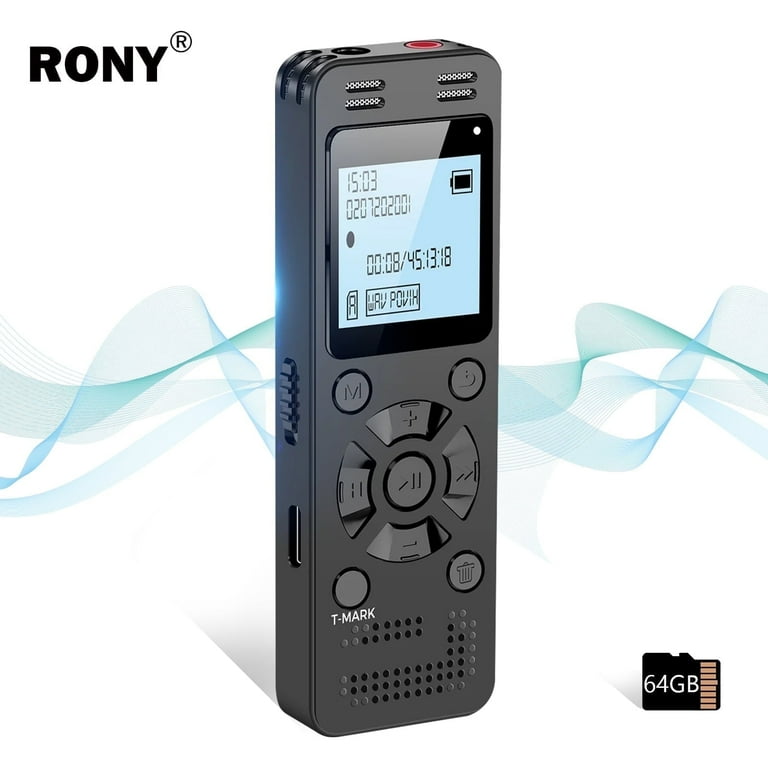
Step-by-step: how to charge olympus voice recorder
Follow these steps to charge most Olympus recorders with built-in batteries.
- Identify your model and port
- Look for a micro-USB or USB-C port or a battery hatch.
- If the device has a battery door, it probably uses AA cells.
- Use the right cable and adapter
- Use the original cable if you have it. If not, pick a quality USB cable that fits snugly.
- For wall charging, use a 5V adapter rated 1A to 2A. Many modern phones’ adapters work fine.
- Connect and power on (or keep off)
- Plug the cable into the recorder, then into the adapter or computer USB port.
- Some recorders charge faster while powered off. Check your model’s behavior.
- Watch the charge indicator
- Most Olympus recorders show a flashing or solid LED or an on-screen battery icon when charging.
- Wait until the LED turns solid or the display shows full. Typical full charge takes 2–4 hours.
- Unplug safely
- Remove the cable when the unit shows full charge. Avoid leaving it plugged in for days.
If your Olympus recorder uses AA batteries:
- Remove old batteries and insert fresh alkaline or fully charged NiMH cells.
- For rechargeable AAs, charge them in a proper AA charger before placing them back into the recorder.
Practical note from experience: I once used a laptop USB port to charge an Olympus during travel. It worked, but the charge was slower than with a wall adapter. For quick top-ups, use a higher-current wall charger rated around 1–2A.

Common model variations and special instructions
- Built-in Li-ion battery models
- Charge with the supplied USB cable. Avoid high-voltage chargers that force fast-charge protocols.
- Models with removable AA batteries
- Keep spare charged AAs in a small case. Use NiMH for best rechargeables.
- Dock-compatible units
- Place the recorder correctly on the dock. Ensure metal contacts are clean.
If you can’t tell which applies, look up the model number printed on the recorder or on the battery door. The manual will state if the recorder has a rechargeable battery or uses AA cells.
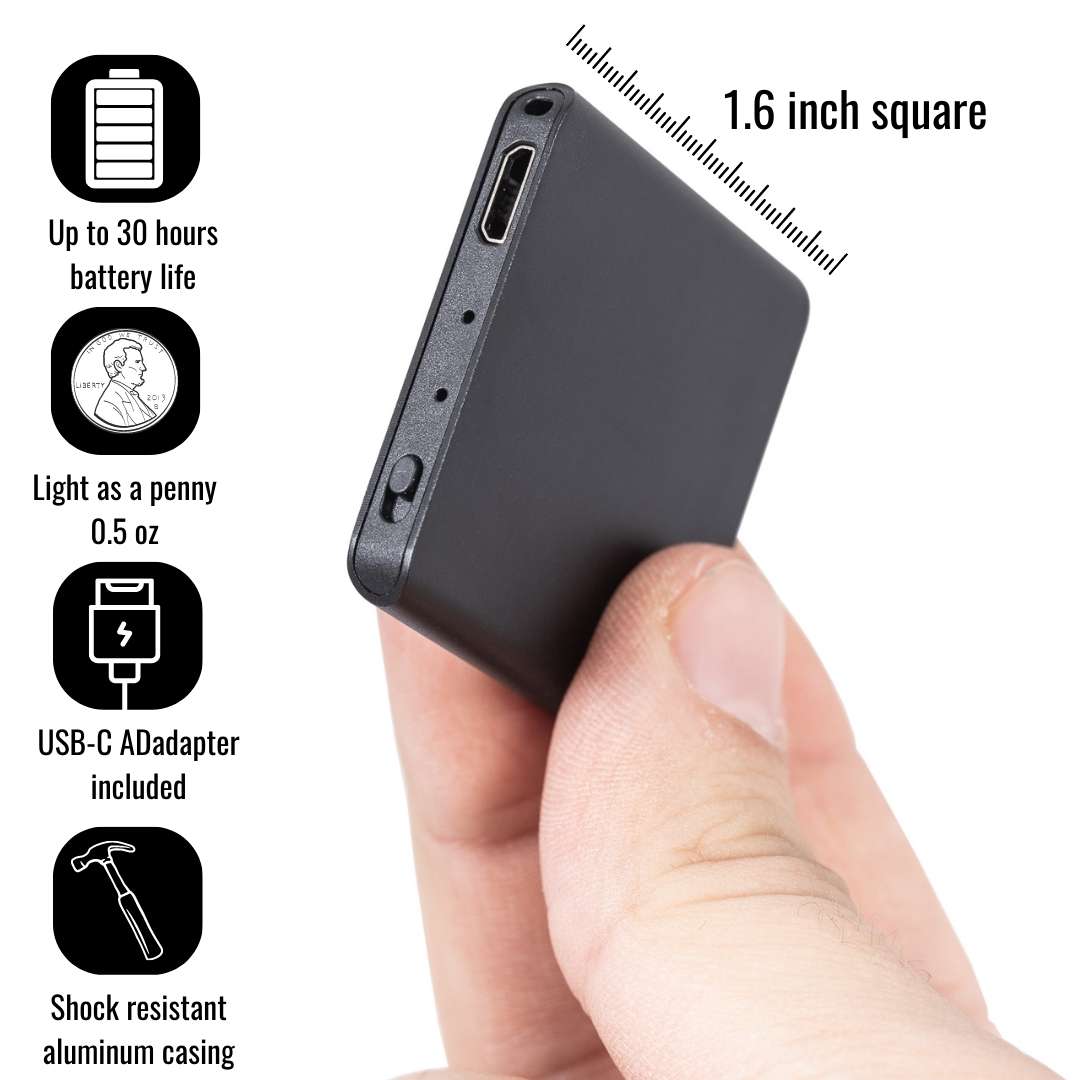
Charging tips and best practices for longer battery life
- Use the original cable when possible. It reduces risk of poor contact and slow charging.
- Avoid quick-charge adapters designed for phones. They may send higher voltages that some recorders won’t accept.
- Charge at room temperature. Heat shortens battery life.
- Do partial top-ups. Frequent small charges are better than full drains for lithium batteries.
- Store the recorder at about 50% charge if you won’t use it for months.
- Turn off Wi-Fi or Bluetooth in models that have them when not needed to save power.
From my tests, leaving the device plugged in overnight occasionally won’t ruin the battery. But daily overnight charging can reduce battery lifespan over many months. Aim to unplug once it reads full.

Troubleshooting: my Olympus recorder won’t charge
If you find your device won’t charge, try these quick checks.
- Check the cable and adapter
- Swap cables and try another USB port or wall adapter.
- Inspect the port
- Look for lint, bent pins, or corrosion. Clean gently with a toothpick or soft brush.
- Try a different power source
- Computer USB ports can be lower current. Try a wall adapter rated 1A+.
- Battery contacts and replacements
- For AA models, clean contacts and try fresh or charged batteries.
- Firmware reset or update
- Some models need a reset. Check your manual for reset steps or firmware updates.
- Professional service
- If nothing works, the internal battery may be dead. A service center can replace it.
I once fixed a non-charging Olympus by swapping to a different cable and blowing out lint in the port. Often the solution is simple.
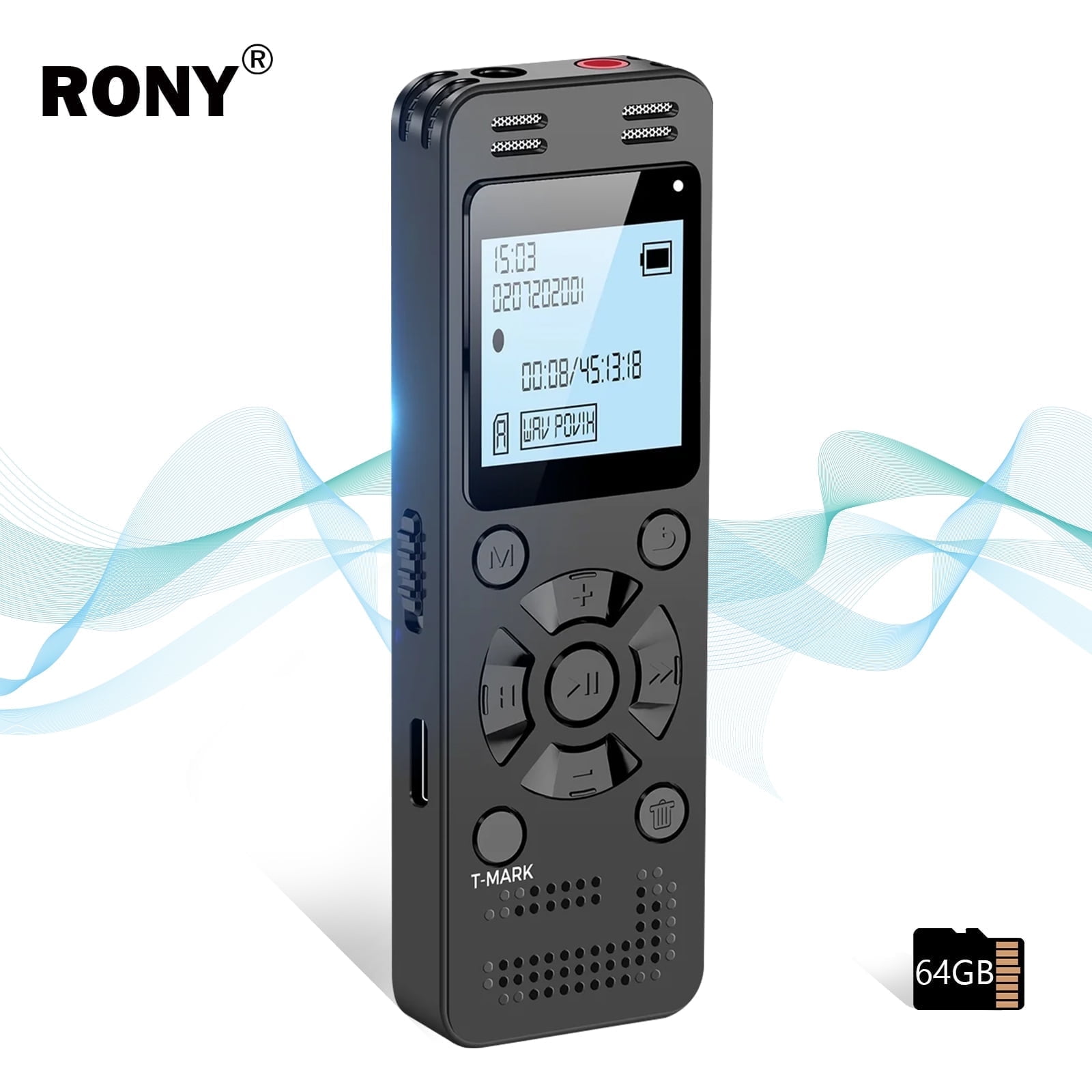
Battery care, lifespan, and replacement info
Lithium batteries in recorders typically last 2–4 years depending on use. NiMH AA cells last several hundred charge cycles. To extend lifespan:
- Avoid full discharges.
- Keep the device cool.
- Store batteries at partial charge for long-term layup.
- Replace aging internal batteries via an authorized service center if capacity drops significantly.
If your recorder is several years old and battery life has shortened, replacing the battery often restores run time. For AA models, swapping to high-quality NiMH cells gives a robust, rechargeable option.

Accessories and alternative charging methods
- Spare AA battery packs for AA models.
- Official charging docks for compatible models.
- Portable power banks for on-the-go top-ups.
- USB wall adapters rated 1–2A for faster charging than some laptop ports.
When using third-party accessories, pick reputable brands. Cheap cables or adapters cause slow charging and can harm the recorder.

Frequently Asked Questions of how to charge olympus voice recorder
How long does it take to charge an Olympus voice recorder?
Most models take between 2 and 4 hours to fully charge from empty. Charging time varies by battery size, charger current, and whether you charge from a computer or a wall adapter.
Can I charge my Olympus recorder from a laptop USB port?
Yes, you can. Laptop USB ports tend to charge slower than wall adapters. For faster charging, use a wall adapter rated 1A or higher.
What if my Olympus recorder uses AA batteries?
If it uses AA batteries, replace them with fresh alkaline cells or rechargeable NiMH cells charged in a proper AA charger. The recorder itself won’t charge these cells internally.
Is it safe to use any USB charger to charge my Olympus recorder?
Use a standard 5V USB charger rated 1A to 2A and a good-quality cable. Avoid high-voltage fast chargers that could cause issues with some recorder models.
My recorder shows it’s charging but the battery doesn’t increase. What should I do?
Try a different cable and adapter, clean the port, and test another power source. If the issue persists, the internal battery may be failing and might need replacement.
Conclusion
Keeping your Olympus recorder charged is simple once you know your model and follow safe charging steps. Use the right cable, avoid extreme heat, and swap to fresh or charged AA cells if your model needs them. Small habits—like topping up between sessions and using quality chargers—add months or years to battery life.
Try these steps today: check your recorder’s port, pick a proper adapter, and run a full charge cycle. If you found this guide useful, leave a comment with your model and issue, subscribe for more gear tips, or share this post with someone who records interviews or lectures.