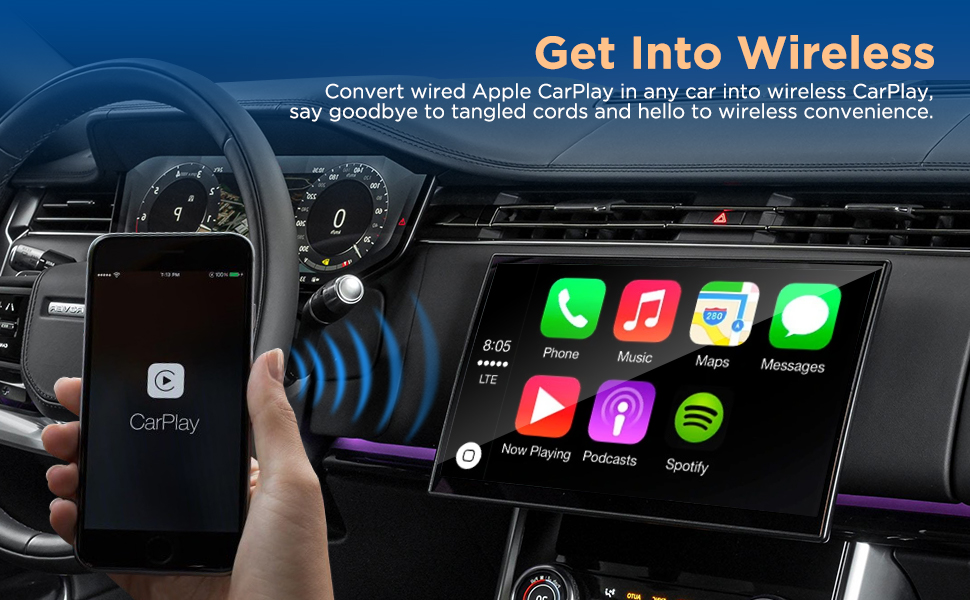
Wireless CarPlay works by using Bluetooth to start the connection between an iPhone and a compatible vehicle, then switching to a direct Wi-Fi connection to transfer audio, apps, navigation data, and interface controls without requiring a USB cable.
In the United States, many newer vehicles from manufacturers such as Ford, Honda, Toyota, General Motors, BMW, and others offer Apple CarPlay as part of their factory infotainment systems. Wireless CarPlay removes the need to plug an iPhone into the dashboard every time by creating a wireless connection between the phone and the vehicle’s display system.
Wireless CarPlay is not simply Bluetooth streaming. Bluetooth handles the initial pairing process, while Wi-Fi provides the higher-speed connection needed for the full CarPlay interface. This allows drivers to use Apple Maps, messages, phone calls, music apps, and Siri through the vehicle screen while keeping the iPhone in their pocket.
Source: linkedin.com
What Is Wireless CarPlay?
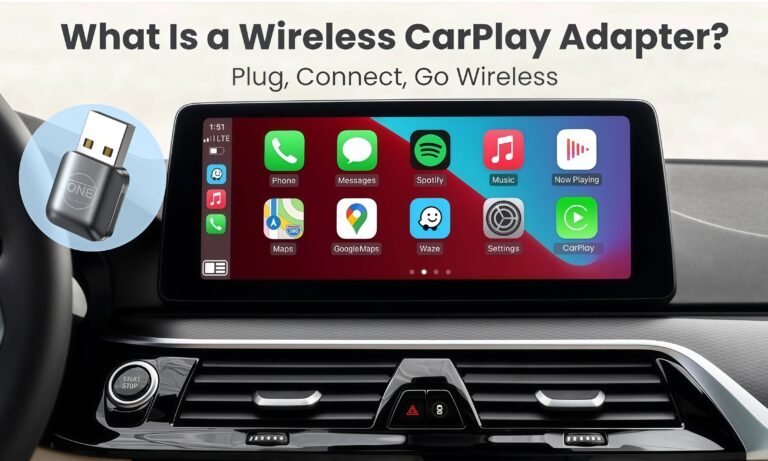
Wireless CarPlay is Apple’s vehicle integration system that allows an iPhone to communicate with a car’s infotainment system without a physical Lightning or USB-C cable. It mirrors supported iPhone features onto the vehicle display so drivers can access important functions with less distraction.
The system is designed around hands-free use. Instead of handling the phone while driving, users can control navigation, calls, music, and messages through the touchscreen, steering wheel controls, or Siri voice commands.
Source: ottocast.com
Compatible iPhone
Wireless CarPlay requires a compatible iPhone model running a supported version of iOS.
Compatible vehicle system
The car must have built-in wireless CarPlay support or a compatible adapter connected to a wired CarPlay system.
How Does Wireless CarPlay Connect Your iPhone to Your Car?
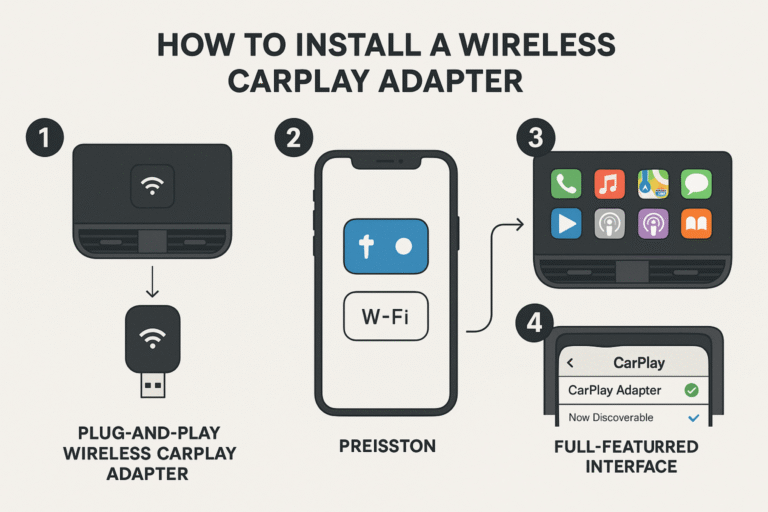
Wireless CarPlay uses a two-stage communication process. First, Bluetooth helps the car identify and authenticate the iPhone. After the initial handshake, the system creates a private Wi-Fi connection between the phone and the vehicle.
The Wi-Fi connection provides enough bandwidth for the CarPlay interface, including maps, music artwork, app information, and touch-control responses. This is why ordinary Bluetooth audio alone cannot provide the complete CarPlay experience.
Source: amazon.com
Step 1: Bluetooth discovery
The vehicle detects the iPhone and begins the pairing process.
Step 2: Wireless authentication
The iPhone and vehicle confirm that they can establish a CarPlay session.
Step 3: Wi-Fi data connection
A direct Wi-Fi connection transfers CarPlay information between the devices.
Why Does Wireless CarPlay Need Wi-Fi?
CarPlay requires more data than Bluetooth can reliably provide. Wi-Fi allows faster communication so the vehicle can display navigation maps, app screens, and other interactive information with lower delays.
Higher bandwidth
Wi-Fi can handle the larger amount of data needed for the full CarPlay interface.
Lower cable dependence
The driver can keep the phone stored while still using CarPlay features.
How to Set Up Wireless CarPlay
Setting up wireless CarPlay usually takes only a few minutes if both the iPhone and vehicle support the feature. The exact menu names vary between vehicle manufacturers, but the general process is similar.
Source: jp.herilary.com
Check compatibility
Confirm that the vehicle supports wireless CarPlay and that the iPhone meets Apple’s requirements.
Enable Bluetooth
Turn on Bluetooth and Wi-Fi on the iPhone before starting the pairing process.
Pair the devices
Select the vehicle from the iPhone Bluetooth settings or the vehicle’s infotainment menu.
Allow CarPlay access
Accept the prompts that allow CarPlay to connect while the phone is locked.
Signs That Wireless CarPlay Is Working Correctly
A successful connection usually opens the CarPlay interface automatically after starting the vehicle. The touchscreen should show CarPlay apps, and steering wheel controls should operate supported functions.
Automatic connection
The iPhone reconnects when entering the vehicle after initial setup.
Stable controls
Navigation, audio, calls, and Siri commands respond normally.
Wireless CarPlay vs Wired CarPlay: What Is the Difference?
Wireless and wired CarPlay provide the same main features, but they differ in connection method, convenience, and power usage. Wired CarPlay uses a physical cable, while wireless CarPlay relies on Bluetooth and Wi-Fi.
Source: carlinkitcarplay.com
Convenience
Wireless CarPlay is easier for short trips because no cable connection is required.
Battery charging
Wired CarPlay can charge an iPhone during use, while wireless CarPlay typically requires separate charging.
Connection reliability
A wired connection can sometimes be more stable because it avoids wireless interference.
Common Wireless CarPlay Problems and How to Fix Them
Most wireless CarPlay issues come from connection settings, software compatibility, or vehicle-specific limitations. Checking the simplest causes first usually resolves the problem faster.
Source: ottocast.com
CarPlay does not appear
Check that Bluetooth and Wi-Fi are enabled, then remove and reconnect the vehicle pairing.
Connection drops frequently
Restart the iPhone, update iOS, and check for vehicle infotainment updates.
Slow response or lag
Wireless interference, outdated software, or adapter limitations may affect performance.
Battery drains quickly
Use a vehicle charging port or wireless charger during longer trips.
Frequently Asked Questions
Q
Does wireless CarPlay use Bluetooth or Wi-Fi?
Wireless CarPlay uses both. Bluetooth is used for the initial connection and authentication, while Wi-Fi handles the main data transfer needed for the CarPlay interface.
Q
Can I add wireless CarPlay to a car that only has wired CarPlay?
Yes, some vehicles with factory wired CarPlay can be converted using compatible wireless CarPlay adapters. Compatibility depends on the vehicle’s infotainment system and the adapter specifications.
Q
Does wireless CarPlay work without cellular data?
Wireless CarPlay can display many phone-based functions without cellular service, but apps such as online navigation, streaming music, and real-time traffic information may require an internet connection.
Q
Why does wireless CarPlay drain my iPhone battery faster?
Wireless CarPlay keeps a Wi-Fi connection active while also running apps and communication features. This generally uses more battery than a wired connection that can charge the phone at the same time.
Q
Is wireless CarPlay better than wired CarPlay?
Wireless CarPlay is more convenient because it removes the cable, while wired CarPlay can provide more consistent performance and charging. The better option depends on whether convenience or power management matters more to the driver.
✦ Wrapping Up
Conclusion
Wireless CarPlay works by combining Bluetooth pairing with a Wi-Fi connection to deliver Apple’s in-car interface without a physical cable. The technology allows drivers to access navigation, entertainment, communication, and Siri features through the vehicle display.
Before using wireless CarPlay, confirm vehicle compatibility, keep software updated, and understand that wireless convenience may come with higher battery use compared with wired connections.
💡 Key Takeaway
If your vehicle supports wireless CarPlay, enable Bluetooth and Wi-Fi on your iPhone, complete the initial pairing process, and test the connection before relying on it during daily driving.
Learn how to connect Apple CarPlay wirelessly using Bluetooth and Wi-Fi, check compatibility, complete setup steps, and fix common connection problems.