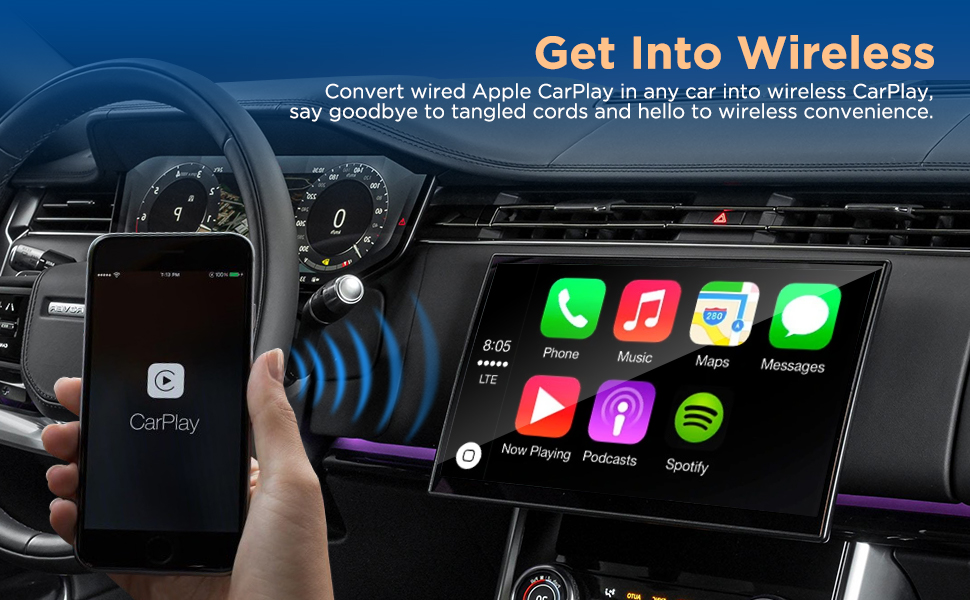
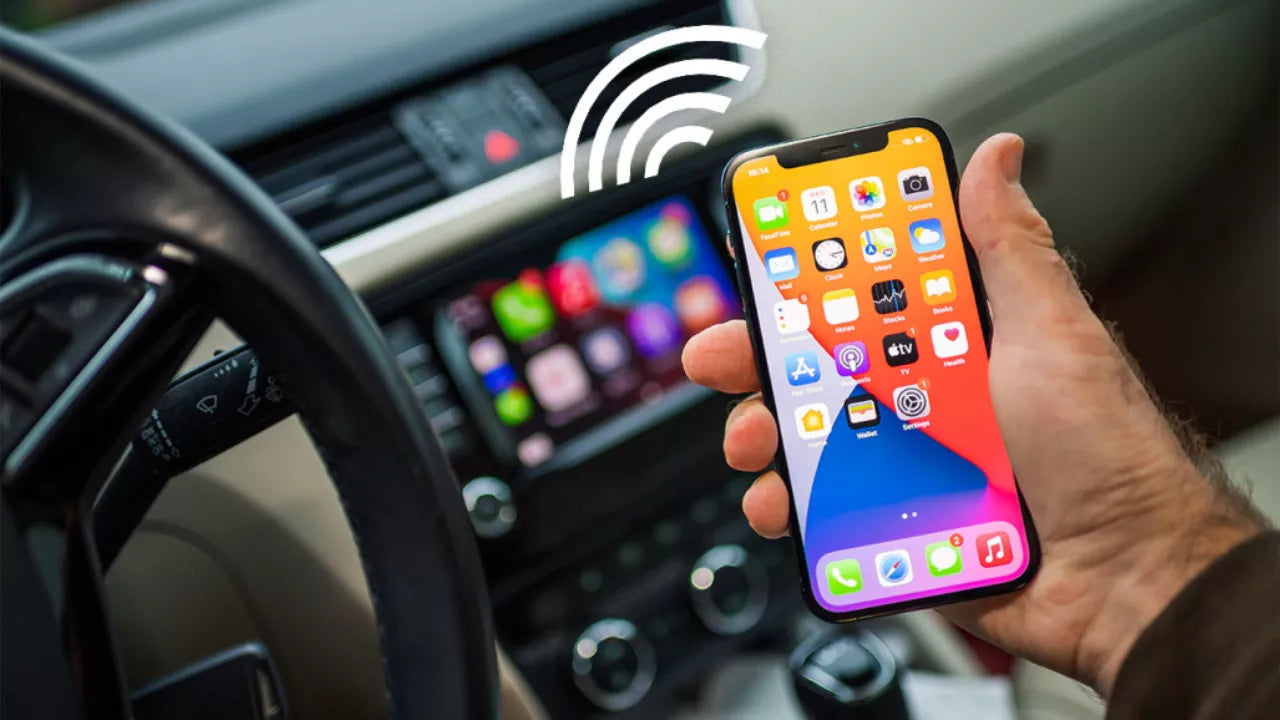
Wireless CarPlay is Apple CarPlay technology that connects an iPhone to a compatible vehicle infotainment system without requiring a USB cable. It uses Bluetooth for the initial connection and Wi-Fi for transferring data between the iPhone and the car display.
In the United States, many newer vehicles from brands such as Ford, Honda, Toyota, BMW, Hyundai, and others include Apple CarPlay as a standard or optional infotainment feature. Wireless CarPlay allows drivers to access navigation, music, phone calls, messages, and compatible apps from an iPhone while keeping the phone cable-free inside the vehicle.
Unlike traditional wired Apple CarPlay, which requires an iPhone to be physically connected through a USB port, wireless CarPlay creates a direct wireless connection between the phone and the car system. This can make daily driving more convenient, although compatibility depends on the vehicle model, infotainment system, and iPhone version.
Source: amazon.com
What Is Wireless CarPlay and How Does It Work?
Wireless CarPlay is a version of Apple CarPlay that removes the need for a wired USB connection between an iPhone and a car’s infotainment system. It allows drivers to use selected iPhone features through the vehicle’s built-in display, steering wheel controls, and voice commands.
The connection process usually begins with Bluetooth, which helps the car and iPhone recognize each other. After pairing, the system switches to a Wi-Fi connection because Wi-Fi provides the faster data transfer needed for audio, navigation information, and app communication.
Source: oemautointegration.com
Bluetooth pairing
Bluetooth helps establish the initial connection between the iPhone and the vehicle system.
Wi-Fi data transfer
A dedicated wireless connection allows CarPlay features such as maps, music streaming, and app information to appear on the vehicle screen.
Car display integration
Compatible CarPlay features can be controlled through the touchscreen, steering wheel buttons, or Siri voice commands.
Wireless CarPlay vs Wired CarPlay
The main difference between wireless and wired CarPlay is the connection method. Wired CarPlay uses a USB cable, while wireless CarPlay connects through Bluetooth and Wi-Fi.
Both versions provide access to similar CarPlay functions, including Apple Maps, Apple Music, phone calls, messages, and supported third-party apps. The choice mainly depends on convenience, reliability, and vehicle compatibility.
Wireless CarPlay
Provides cable-free operation and allows the iPhone to remain in a pocket or charging area.
Wired CarPlay
Usually provides a more consistent connection and can charge the iPhone while connected.
What Do You Need to Use Wireless CarPlay?
To use wireless CarPlay, you need three main components: a compatible iPhone, a vehicle infotainment system that supports wireless CarPlay, and an active Bluetooth and Wi-Fi connection between the devices.
Many vehicles produced in recent years support Apple CarPlay, but not every CarPlay-equipped vehicle supports wireless operation. Some vehicles only support wired CarPlay through a USB port.
Source: amazon.ca
Compatible iPhone
Most modern iPhones that support Apple CarPlay can connect to wireless CarPlay systems.
Compatible vehicle
The vehicle must have built-in wireless Apple CarPlay support or a compatible adapter.
Updated software
Keeping the iPhone and vehicle infotainment software updated can improve compatibility and connection reliability.
Can You Add Wireless CarPlay to an Older Car?
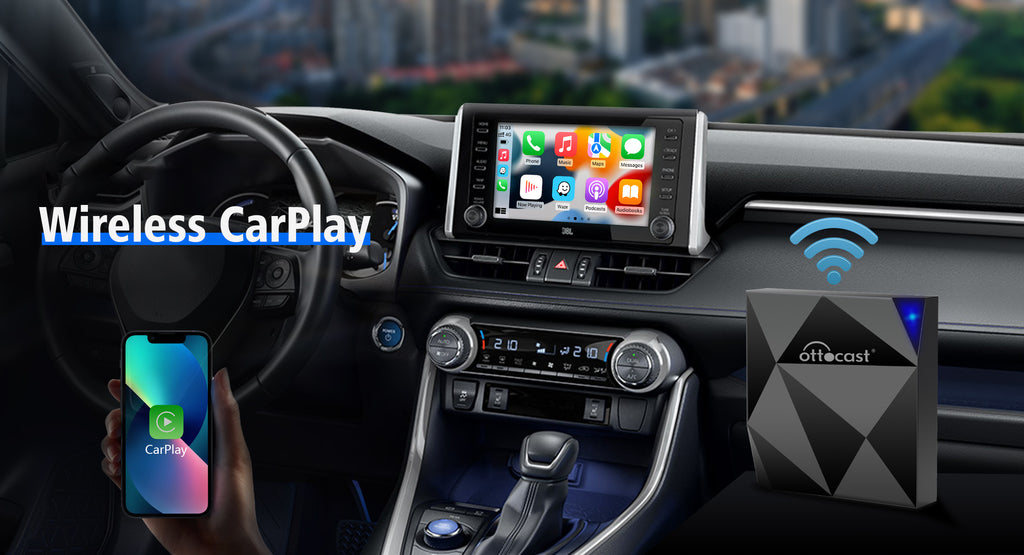
Some older vehicles that already support wired Apple CarPlay can be upgraded with a wireless CarPlay adapter. These small devices connect to the vehicle’s USB CarPlay port and convert the wired connection into a wireless one.
A wireless adapter does not add full CarPlay capability to a vehicle that does not already support Apple CarPlay unless the vehicle system is replaced with an aftermarket infotainment unit that includes the feature.
Wired CarPlay vehicle
A wireless adapter may convert the existing wired connection into wireless CarPlay.
No CarPlay vehicle
An infotainment upgrade may be required before using Apple CarPlay.
How to Set Up Wireless CarPlay in Your Vehicle
Setting up wireless CarPlay usually requires pairing the iPhone with the vehicle’s infotainment system. The exact menu names may differ between vehicle manufacturers, but the general process is similar.
Source: ottocast.com
Step 1: Start the vehicle
Turn on the vehicle and make sure the infotainment system is ready for pairing.
Step 2: Enable Bluetooth and Wi-Fi
Turn on Bluetooth and Wi-Fi on the iPhone before beginning the connection process.
Step 3: Pair the iPhone
Select the vehicle from the iPhone Bluetooth menu or CarPlay setup screen.
Step 4: Approve CarPlay access
Allow CarPlay permissions when prompted on the iPhone and vehicle display.
Signs That Wireless CarPlay Is Working Correctly
A successful connection allows the CarPlay interface to appear automatically on the vehicle screen after the iPhone and car are paired. The driver should be able to open navigation, play audio, make calls, and use Siri commands without connecting a cable.
Automatic connection
The iPhone connects when entering the vehicle without manually plugging in a cable.
CarPlay interface appears
The familiar CarPlay dashboard displays on the infotainment screen.
Benefits and Limitations of Wireless CarPlay
Wireless CarPlay is designed mainly for convenience. Removing the cable makes short trips easier because drivers do not need to connect their iPhone every time they enter the vehicle.
However, wireless CarPlay is not always better in every situation. Wired connections can still be useful because they typically provide charging and may offer a more stable connection in some vehicles.
Wireless connection, easier daily use, cleaner cabin setup, and automatic pairing after initial setup.
Limitations
Possible connection delays, increased iPhone battery use, and compatibility differences between vehicles.
Common Wireless CarPlay Problems and Fixes
Most wireless CarPlay problems are related to pairing, software, or network settings. Checking the simplest causes first can often restore the connection.
CarPlay will not connect
Restart the iPhone, restart the infotainment system, and remove old Bluetooth pairings if necessary.
Connection drops frequently
Check for software updates and make sure other wireless devices are not interfering with the connection.
Slow response
A weak connection, outdated software, or overloaded infotainment system may affect performance.
Is Wireless CarPlay Worth Using?
Wireless CarPlay is worth considering for drivers who frequently use navigation, music, and hands-free phone features and want to avoid connecting a cable every trip.
Drivers who need constant charging, maximum connection stability, or who use older vehicles may prefer wired CarPlay or a wired connection with a charging solution.
Source: ottocast.com
Best fit for
Drivers with compatible vehicles who value convenience and frequently use CarPlay features.
Yes. Wireless CarPlay uses Bluetooth for initial pairing and Wi-Fi for the main data connection between the iPhone and vehicle system.
Q
Can any car use wireless CarPlay?
No. The vehicle must support wireless Apple CarPlay or use a compatible adapter if it already has wired CarPlay support.
Q
Does wireless CarPlay drain an iPhone battery faster?
Wireless CarPlay can use more battery because the iPhone maintains wireless connections and transfers data continuously. Drivers on longer trips may want a charging option.
Q
Is wireless CarPlay better than wired CarPlay?
Wireless CarPlay is more convenient because it removes the cable, while wired CarPlay can provide charging and may offer a more consistent connection depending on the vehicle.
Q
Can I install wireless CarPlay in an older vehicle?
If the vehicle already supports wired Apple CarPlay, a wireless adapter may add wireless functionality. Vehicles without CarPlay usually need an infotainment upgrade.
✦ Wrapping Up
Conclusion
Wireless CarPlay allows compatible iPhones to connect to a vehicle infotainment system without a USB cable. It provides access to important driving features such as navigation, music, calls, and messages while reducing cable clutter.
The right choice depends on the vehicle, iPhone compatibility, and personal priorities. Before buying an adapter or upgrading equipment, confirm whether the vehicle supports wired or wireless Apple CarPlay.
💡 Key Takeaway
Check your vehicle manual or infotainment settings to confirm CarPlay compatibility before choosing a wireless CarPlay solution.
Learn why your Ford Escape shows a tire pressure monitor fault message, common causes, troubleshooting steps, reset methods, and when sensor replacement may be needed.
Learn how to use a smart weight scale effectively to track your fitness goals. Follow these simple steps to sync your data and maximize your health insights.