To reset a Chevy tire pressure monitoring system, first adjust all tires to the recommended pressure, then use the vehicle’s TPMS relearn procedure through the dashboard menu or a TPMS relearn tool depending on the model year.
Across the United States, many Chevrolet owners rely on the Tire Pressure Monitoring System (TPMS) to warn them when a tire loses air pressure. When the TPMS warning light stays on after correcting tire pressure, the system may need to be reset or relearned so the vehicle can recognize the current tire sensor positions and readings.
The exact reset process depends on the Chevrolet model, trim level, and model year. Some Chevy vehicles allow a TPMS reset through the driver information display, while others require a relearn procedure using a TPMS activation tool. This guide explains the common methods, preparation steps, and troubleshooting checks needed to safely reset a Chevy TPMS system.
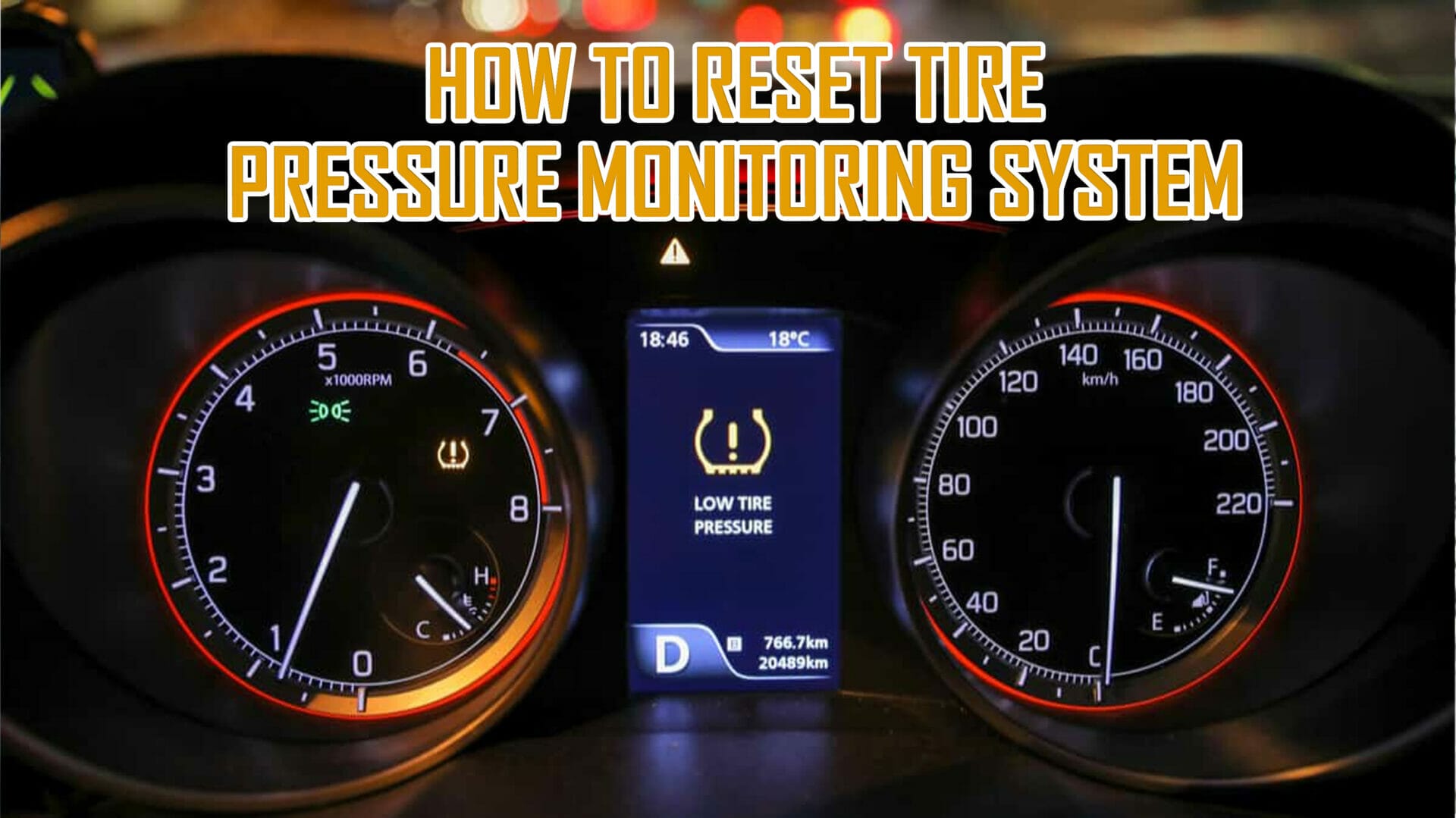
Source: e7yp5tq4unz.exactdn.com
What You Need Before Resetting a Chevy TPMS System
Before resetting the tire pressure monitoring system on a Chevy vehicle, confirm that the tire pressures are correct. A TPMS reset does not repair an underinflated tire; it only allows the vehicle computer to update sensor information.
Check the recommended tire pressure listed on the driver-side door jamb label rather than using the maximum pressure printed on the tire sidewall. Tire pressure specifications can differ between Chevrolet models, wheel sizes, and tire types.
Source: tirepressurefault.com
Check tire pressure
Use a reliable tire pressure gauge to measure all four tires and inflate them to the manufacturer-recommended PSI.
Turn off electrical accessories
Keep the ignition available for the reset process and avoid unnecessary battery drain.
Identify the vehicle procedure
Confirm the correct reset method for your Chevy model year because procedures are not identical across all vehicles.
Why Tire Pressure Must Be Correct First
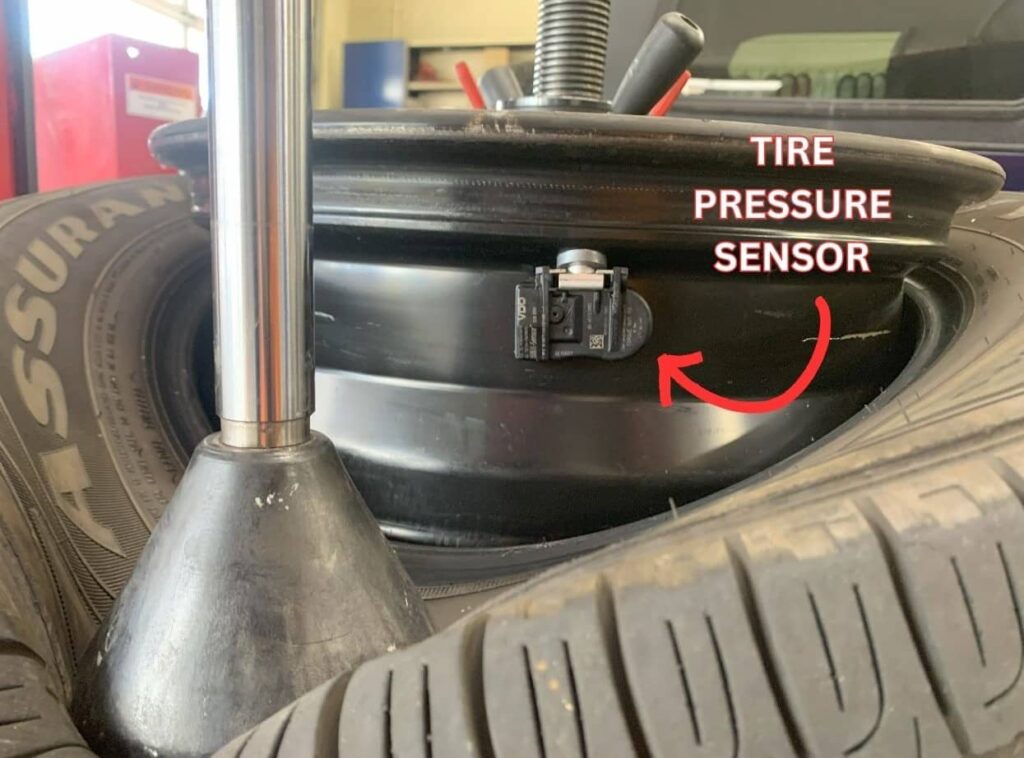
The TPMS monitors tire pressure values from sensors installed inside the wheels. If tires are not properly inflated before resetting, the vehicle may store incorrect baseline information and continue showing warnings.
Safety priority
Correct tire pressure helps maintain handling, braking performance, and tire life.
How to Reset Tire Pressure Monitoring System Chevy
The Chevy TPMS reset process usually involves putting the vehicle into relearn mode and allowing the system to identify each tire sensor. The steps below describe common procedures, but the owner’s manual should be used for model-specific instructions.
Many newer Chevrolet vehicles provide TPMS information through the driver information center, while older models may require a manual relearn process.
Source: autotoride.com
Step 1: Adjust tire pressure
Inflate or deflate each tire until it matches the recommended pressure shown on the vehicle information label.
Step 2: Start TPMS relearn mode
Use the vehicle menu system or ignition sequence to activate the relearn function if supported.
Step 3: Activate tire sensors
Follow the vehicle sequence, which may require activating each sensor in a specific order.
Step 4: Confirm completion
The vehicle may sound a horn alert or display a confirmation message when relearning is complete.
Using the Driver Information Center
Some Chevrolet models allow drivers to access TPMS settings through the dashboard controls. The exact menu names vary, but the process generally involves selecting the tire pressure monitoring option and confirming a relearn command.
Model variation
Not every Chevy vehicle includes the same dashboard reset options.
Using a TPMS Relearn Tool
Certain Chevrolet vehicles require a TPMS activation tool that communicates with the tire sensors. The tool triggers each sensor so the vehicle computer can record its location.
When it is needed
A relearn tool is commonly needed after replacing sensors, rotating tires, or changing wheel positions on compatible vehicles.
Chevy TPMS Reset Methods by Situation
The correct TPMS reset approach depends on why the warning light appeared. A simple pressure adjustment may solve some warnings, while sensor replacement or relearning may be required for others.
Source: tpmsreset.com
After adding air to tires
Drive the vehicle for a short distance if the system automatically updates after detecting correct pressure.
After tire rotation
Some Chevy vehicles require sensor position relearning because each sensor location may change.
After replacing a TPMS sensor
The new sensor usually needs programming or relearning before the warning light disappears.
Resetting After a Tire Rotation
A tire rotation changes the physical location of wheels equipped with TPMS sensors. If the vehicle cannot automatically determine the new positions, a relearn procedure may be required.
Expected result
A successful relearn allows the vehicle to display accurate tire pressure information for each wheel location.
Why the Chevy TPMS Light May Not Reset
If the tire pressure monitoring system warning remains after completing the reset process, the issue may be related to the tires, sensors, or vehicle communication system rather than the reset procedure itself.
Source: tpmsreset.com
Low tire pressure remains
A tire may still be below the recommended PSI or may have a slow leak.
Sensor battery failure
TPMS sensors use internal batteries that eventually lose power and may require replacement.
Damaged sensor
A sensor can become damaged during tire service or stop transmitting correctly.
Incorrect relearn process
Using the wrong procedure for the vehicle model may prevent successful calibration.
When Professional Diagnosis Is Recommended
A qualified technician may be needed if the TPMS warning continues after correct tire inflation and a proper relearn attempt. Diagnostic equipment can identify communication problems or failed sensors.
Seek assistance
Professional inspection is recommended when multiple warning lights appear or tire pressure information is missing.
Common Chevy TPMS Reset Mistakes to Avoid
Many failed TPMS resets happen because the underlying tire condition is ignored or the wrong reset procedure is used for the vehicle.
Source: e7yp5tq4unz.exactdn.com
Resetting before checking pressure
The TPMS cannot compensate for incorrect tire inflation.
Ignoring sensor replacement needs
A reset will not restore communication from a failed sensor.
Using incorrect instructions
Chevy models from different years may have different relearn requirements.
How to Know the Reset Worked
A successful reset usually results in the TPMS warning light turning off and the vehicle displaying accurate tire pressure information after the relearn process or driving cycle is completed.
Successful signs
No warning message, normal tire pressure readings, and proper sensor recognition indicate the system is functioning.
Frequently Asked Questions
Q
How long does it take to reset a Chevy TPMS system?
A Chevy TPMS reset can take only a few minutes when the correct procedure is available. Some vehicles may require additional driving time after relearning before the system updates completely.
Q
Do I need a tool to reset Chevy tire pressure sensors?
Some Chevy models require a TPMS relearn tool, while others allow the system to be reset through vehicle controls or an automatic relearn process.
Q
Why is my Chevy tire pressure light still on after filling tires?
The warning light may remain because the system has not updated yet, a tire still has incorrect pressure, or one of the TPMS sensors may have a problem.
Q
Can I drive with the TPMS warning light on?
You should check tire pressure as soon as possible when the TPMS light appears. Driving with incorrect tire pressure can affect handling, tire wear, and safety.
Q
Does disconnecting the battery reset Chevy TPMS?
Disconnecting the vehicle battery usually does not reset TPMS sensor programming because the system stores sensor information separately in the vehicle computer.
✦ Wrapping Up
Conclusion
Resetting a Chevy tire pressure monitoring system starts with confirming proper tire inflation and identifying the correct relearn method for the vehicle model. Some Chevrolet vehicles reset through dashboard controls, while others require sensor activation with a TPMS tool.
If the TPMS warning remains after a correct reset attempt, inspect for tire leaks, damaged sensors, or communication issues. A reset is only effective when the tire pressure system components are working properly.
💡 Key Takeaway
Check tire pressure first, follow the correct Chevy TPMS relearn procedure for your model year, and seek professional diagnosis if the warning light does not clear.
Learn how to use a smart weight scale effectively to track your fitness goals. Follow these simple steps to sync your data and maximize your health insights.