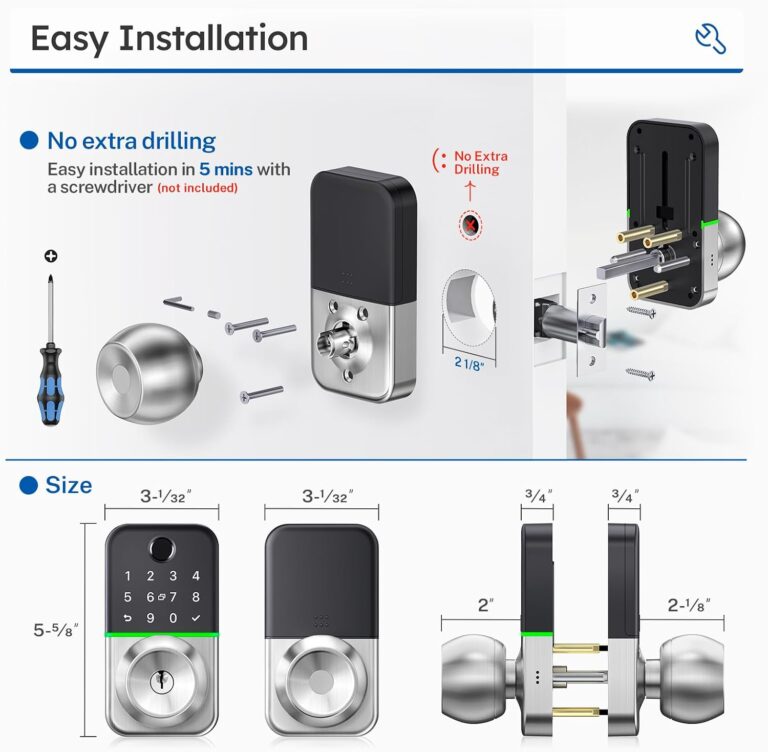
You can open a Lockly smart lock by entering your PIN on the touchscreen keypad, scanning a registered fingerprint, using the Lockly smartphone app, or using the physical backup key when available.
Across homes in the United States, smart locks are becoming a common upgrade for homeowners who want keyless entry and better control over who can access their doors. A Lockly smart lock is designed to provide multiple unlocking methods, including a digital keypad, fingerprint access, mobile app control, and emergency key access depending on the model.
Opening a Lockly smart lock is usually a simple process, but the exact steps depend on the model, setup status, and available access method. This guide explains the documented ways to unlock Lockly devices, what to check when the lock does not open, and how to avoid common access problems.
Source: Bing
How to Open a Lockly Smart Lock
The fastest way to open a Lockly smart lock is to use one of the access methods already configured during installation. Most Lockly models allow users to unlock the door through the touchscreen keypad, fingerprint reader, or Lockly mobile app.
Before attempting to unlock the door, make sure the lock has power and that your access credentials have already been registered. A newly installed lock may require setup through the Lockly app before digital unlocking features work.
Source: Bing
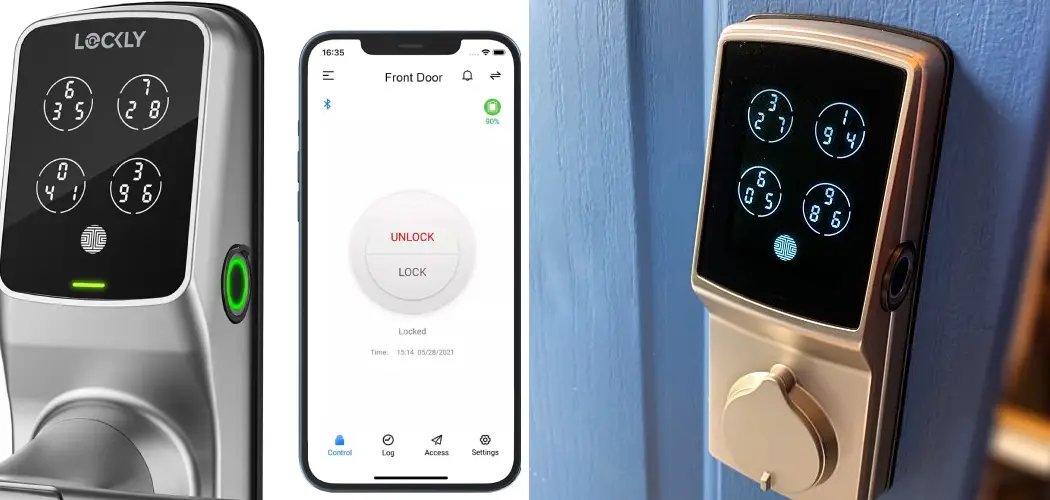
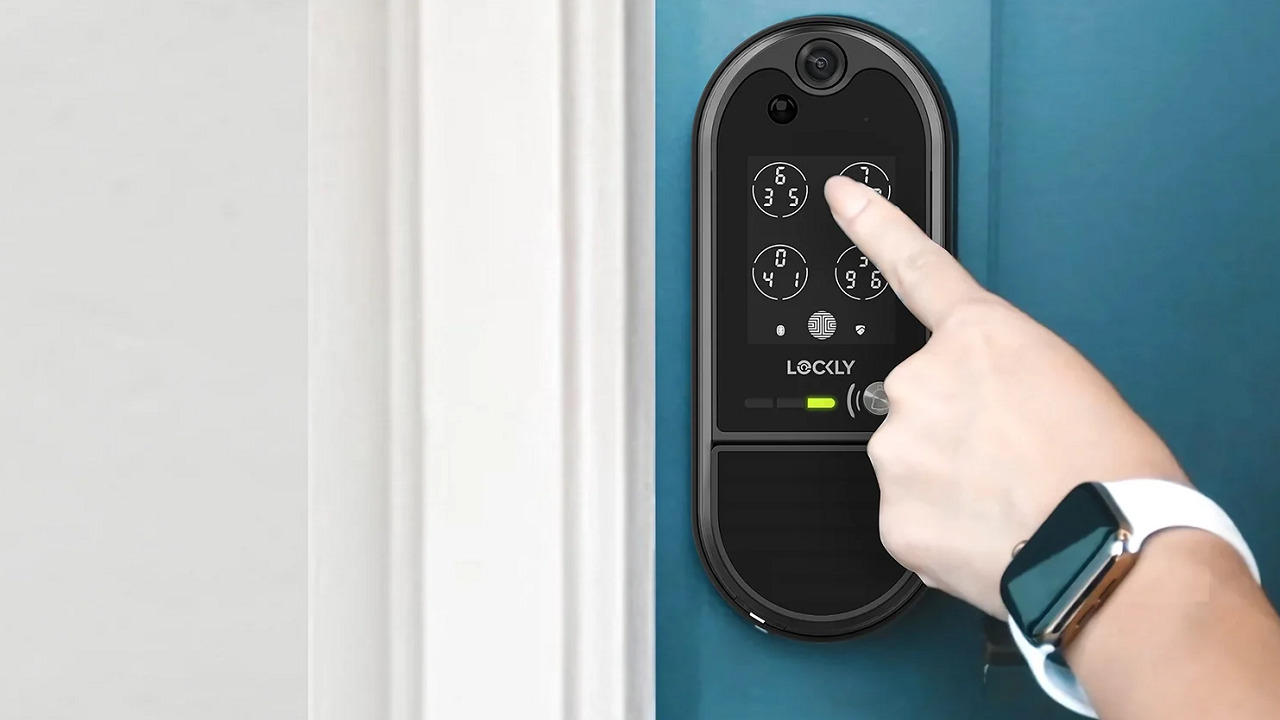
Use the touchscreen keypad
Wake the touchscreen, enter your registered PIN code, and confirm the entry according to your Lockly model instructions.
Use fingerprint access
Place a registered finger on the fingerprint sensor until the lock verifies your fingerprint and allows entry.
Use the smartphone app
Open the Lockly app, connect to your lock, and use the unlock control if your device and permissions allow remote or Bluetooth unlocking.
Opening Lockly With a PIN Code
The PIN method is one of the most common ways to open a Lockly smart lock. Enter the correct user code on the touchscreen keypad. Lockly models with a Secure Link or PIN Genie system may display changing keypad positions to reduce the risk of someone observing your code.
Successful unlock sign
The lock motor activates and the deadbolt retracts after the correct PIN is accepted.
Opening Lockly With a Fingerprint
Fingerprint unlocking requires that your fingerprint was previously enrolled in the lock. Place the registered finger correctly on the sensor and wait for verification.
If fingerprint fails
Clean the sensor, reposition your finger, and confirm that the fingerprint profile was saved correctly.
How to Open Lockly Smart Lock With the Mobile App
The Lockly app allows authorized users to manage access and unlock compatible Lockly smart locks from a smartphone. The exact app features depend on the Lockly model, connection type, and account setup.
To use app unlocking, the lock must be paired with the correct account and have enough battery power. Some models require Bluetooth proximity, while others may support additional connectivity features through compatible accessories.
Source: Bing
Open the Lockly app
Sign in to the account connected with the smart lock.
Select the lock
Choose the correct Lockly device from the app dashboard.
Send the unlock command
Use the available unlock option and wait for the lock mechanism to respond.
When App Unlocking Does Not Work
App problems are often caused by connection issues rather than a mechanical failure. Check Bluetooth, phone permissions, account access, and lock battery status before attempting a reset.
Connection issue
Move closer to the lock and confirm Bluetooth or network settings are enabled.
Account issue
Verify that the correct Lockly account has access to the device.
How to Open a Lockly Smart Lock When It Does Not Respond
When a Lockly smart lock does not open, start with the simplest causes first. Battery power, incorrect credentials, and door alignment problems are common reasons a smart lock may appear to be locked or unresponsive.
Avoid forcing the deadbolt because mechanical pressure can damage the lock components. Follow a safe troubleshooting order before considering a reset or professional assistance.
Source: Bing
Check battery power
Replace or recharge batteries according to your Lockly model instructions if the touchscreen does not activate or the motor does not respond.
Confirm access information
Verify that the PIN, fingerprint, or app account permission is correct.
Check door alignment
Make sure the door is fully closed and the deadbolt is not being blocked by pressure from the frame.
Using the Physical Backup Key
Many Lockly models include a physical key option for emergency access. If your model includes a keyhole, use the supplied backup key according to the manufacturer instructions.
Use only the correct key
Do not force another key into the lock because it may damage the cylinder.
Common Lockly Smart Lock Opening Problems and Solutions
Different symptoms usually point to different causes. Identifying the exact problem helps avoid unnecessary resets or replacement.
Source: Bing
Touchscreen is blank
The batteries may be depleted, or the lock may need a power check.
PIN is rejected
The code may be incorrect, deleted, or entered incorrectly.
Motor turns but door stays locked
The deadbolt may be misaligned with the door frame.
Mistakes to Avoid When Opening a Lockly Smart Lock
Most Lockly access problems can be prevented by maintaining the device and keeping account information updated.
Source: Bing
Ignoring low battery warnings
Replace batteries before they become completely depleted to avoid emergency lockouts.
Sharing permanent PIN codes
Use temporary access codes when available instead of sharing your main user code.
Skipping firmware updates
Keep compatible Lockly devices updated according to official manufacturer guidance.
Frequently Asked Questions
Q
How do I open a Lockly smart lock without the app?
You can usually open a Lockly smart lock without the app by using a registered PIN code, fingerprint, or physical backup key if your model includes one.
Q
Why is my Lockly smart lock not opening with the PIN?
A Lockly lock may reject a PIN because the code is incorrect, the user was removed, the touchscreen input failed, or the lock battery is low.
Q
Can I open a Lockly smart lock remotely?
Remote unlocking depends on the Lockly model, available connectivity features, and how the device was configured.
Q
How do I open a Lockly lock when the battery dies?
Depending on the model, emergency access may be possible through a physical key or emergency power method described in the product manual.
Q
Do all Lockly smart locks open the same way?
No. Different Lockly models may have different features, including fingerprint sensors, app controls, keypad designs, and backup access options.
✦ Wrapping Up
Conclusion
Opening a Lockly smart lock is usually straightforward when the device is properly installed and configured. The main unlocking options are the keypad PIN, fingerprint reader, smartphone app, and backup key where supported.
If your Lockly lock does not open, check power, access permissions, connection settings, and door alignment before taking further action. Regular battery maintenance and updated access settings can help prevent future lockouts.
💡 Key Takeaway
Start with your registered PIN or fingerprint, then troubleshoot battery, connection, and alignment issues if the Lockly smart lock does not respond.
Kimberly ensures every piece of content is clear, helpful, and user-friendly. She focuses on creating guides that are easy to read while maintaining accuracy and trust.
Learn how to turn off wireless CarPlay on your iPhone or vehicle system. Follow simple steps to disable automatic connections, remove cars, and fix unwanted CarPlay behavior.
Learn how to connect Apple CarPlay wirelessly using Bluetooth and Wi-Fi, check compatibility, complete setup steps, and fix common connection problems.
Learn how to use the KUCACCI smart door lock manual with step-by-step setup instructions, keypad programming, WiFi connection guidance, troubleshooting tips, and maintenance advice.