To use a Yale smart lock, install the lock correctly, create a master PIN code, add user access codes, connect the lock to the Yale Access app if supported, and use PIN, smartphone, key, or smart home controls depending on your model.
For homeowners across the United States, Yale smart locks provide a way to replace traditional key-based entry with electronic access methods such as PIN codes, mobile app control, and connected home integrations. The exact features depend on the Yale model, module, and smart home platform being used.
Using a Yale smart lock successfully requires more than simply entering a code. Users need to understand setup steps, battery maintenance, access management, and troubleshooting procedures to keep the lock reliable and secure. This guide explains the general process for Yale smart locks, including popular models such as Yale Assure and Yale Approach, while noting that menus and features can vary by version.
Source: Bing
What Is a Yale Smart Lock and How Does It Work?
A Yale smart lock is an electronic door lock that allows users to unlock and manage access without relying only on a traditional key. Depending on the model, Yale smart locks can support keypad entry, Bluetooth smartphone control, Wi-Fi connectivity, and integration with smart home platforms.
The lock works by using electronic components powered by batteries. When a valid PIN code, mobile command, or authorized credential is detected, the internal motor moves the locking mechanism to open or secure the door.
Source: Bing
Keypad access
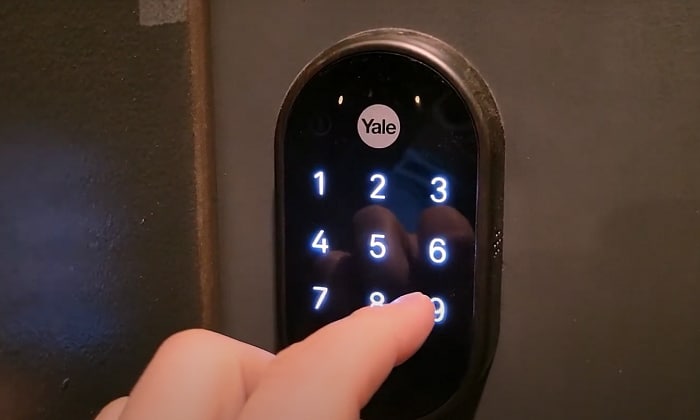
Users enter a programmed PIN code directly on the lock keypad to unlock the door.
Mobile app control
Compatible Yale models can connect with the Yale Access app for features such as remote management and digital keys.
Smart home connection
Some models support platforms such as Amazon Alexa, Google Home, or Apple Home depending on the installed module and configuration.
Common Yale Smart Lock Components
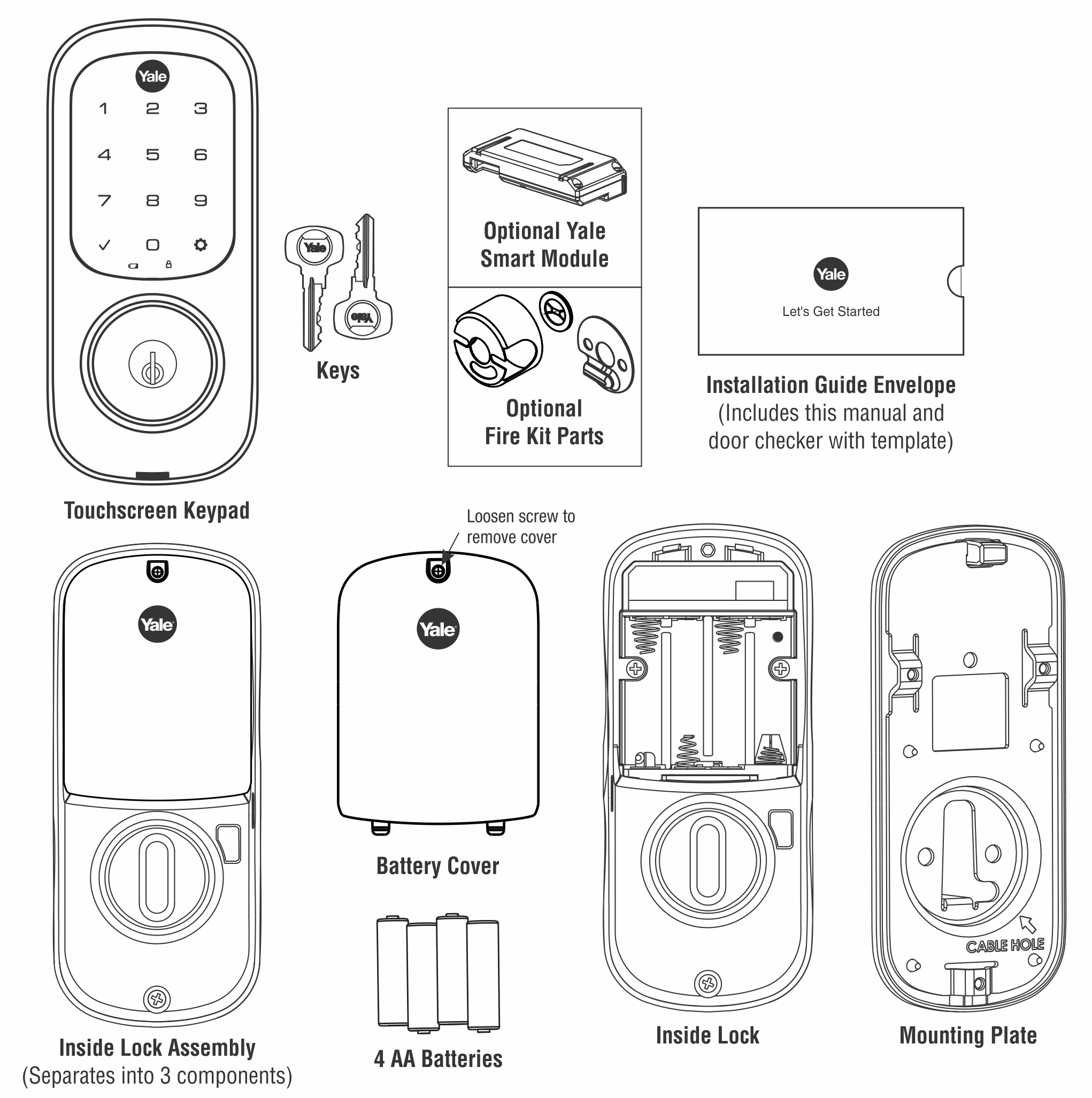
Most Yale smart locks include an exterior keypad or touchscreen, interior lock assembly, batteries, mounting hardware, and optional connectivity modules. Understanding these parts helps users operate and maintain the lock properly.
Exterior keypad
The outside interface allows PIN entry and status interaction.
Interior assembly
The inside unit contains the motor, electronics, and battery compartment.
How to Set Up a Yale Smart Lock Before Using It
Before using a Yale smart lock, complete the initial setup process. A properly configured lock reduces access problems and ensures that users can operate it safely.
Although steps differ slightly between models, most Yale smart locks follow a similar setup sequence after installation.
Source: Bing
Install batteries
Insert fresh batteries according to the polarity markings inside the battery compartment.
Create the master PIN
The master PIN is used to manage settings and add or remove user codes.
Test manual operation
Confirm that the door closes, locks, and unlocks smoothly before relying on electronic access.
Connecting Yale Smart Lock to the Yale Access App
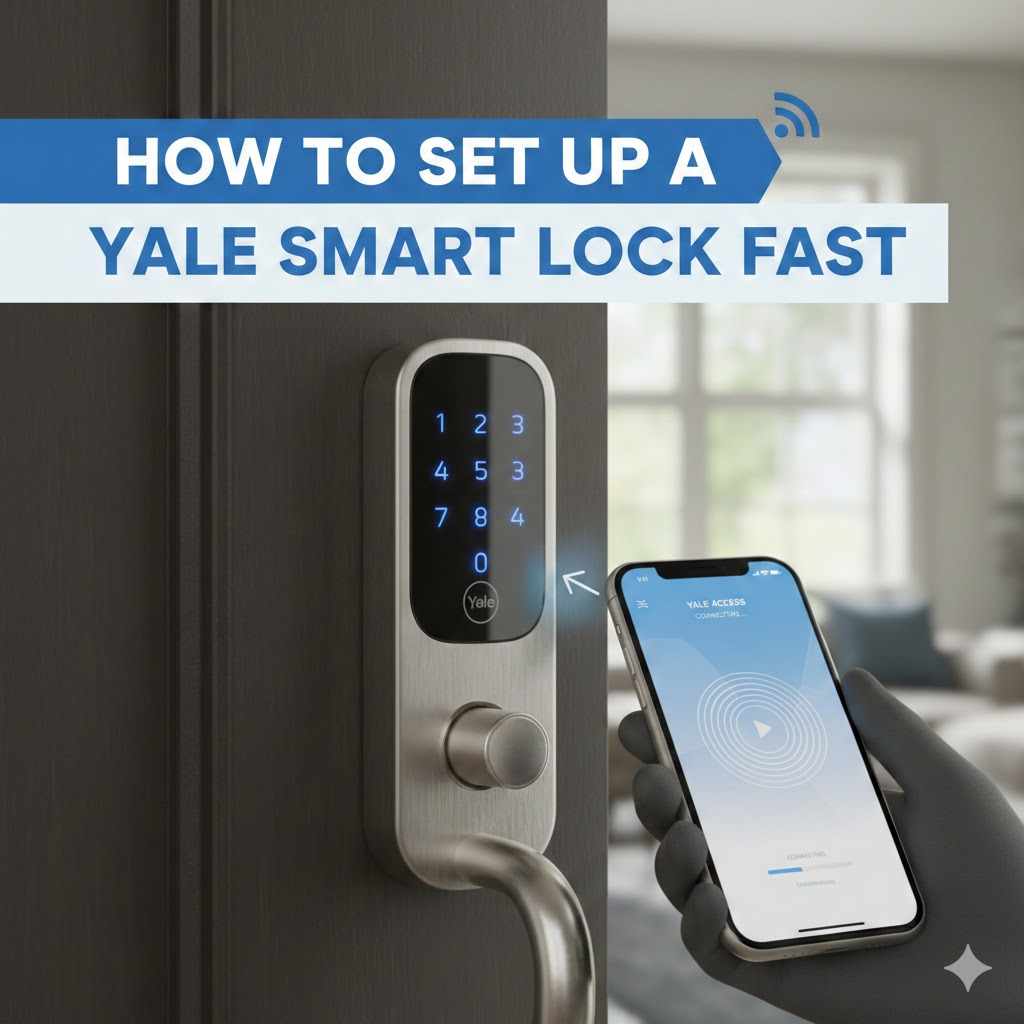
If your Yale lock supports app connectivity, download the Yale Access app, create an account, and follow the in-app pairing instructions. Bluetooth-enabled models usually require the phone to be near the lock during setup.
A compatible Wi-Fi bridge or module may be required for remote access features. Availability depends on the specific Yale lock model and region.
Enable Bluetooth
Keep Bluetooth enabled on the smartphone during the pairing process.
Complete calibration
Allow the app and lock to recognize the locked and unlocked positions.
How to Unlock and Lock a Yale Smart Lock
Most Yale smart locks can be used in several ways. The available options depend on the model and connected accessories.
After setup, users should test every available unlocking method they plan to use, especially before giving access to family members or guests.
Source: Bing
Using a PIN code
Enter an approved PIN on the keypad and confirm the command according to the lock model instructions.
Using a smartphone
Open the Yale Access app and use the lock control feature when your model supports app unlocking.
Using a physical key
Some Yale smart locks include a key cylinder as a backup entry method.
How to Add or Remove User Codes
User codes allow different people to access the home without sharing the master PIN. Add codes through the lock keypad or Yale Access app depending on the model.
Remove old codes when a person no longer needs access, such as after a temporary guest stay or service appointment.
Create separate codes
Use different PINs for different household members when possible.
Yale Smart Lock Troubleshooting: Common Problems and Fixes
Most Yale smart lock issues are related to batteries, door alignment, incorrect codes, or connectivity problems. Start with the simplest checks before changing settings or reinstalling the lock.
If a problem continues after basic troubleshooting, consult the manual for the exact Yale model because programming steps differ between products.
Source: Bing
Lock does not respond
Replace batteries if the keypad is inactive or the motor does not operate.
PIN code does not work
Confirm the code was created correctly and that the correct user profile is being used.
Door does not lock smoothly
Check whether the door closes correctly and whether the deadbolt moves without resistance.
When to Contact Support or a Professional
Professional help may be appropriate when the lock has physical damage, installation problems, electrical issues, or repeated failures after following manufacturer troubleshooting steps.
Installation problems
A misaligned door or improperly fitted hardware can prevent correct operation.
Best Practices for Maintaining a Yale Smart Lock
Regular maintenance helps a Yale smart lock remain dependable. Battery replacement schedules vary based on usage, model, and environmental conditions.
Users should periodically review access codes, update connected apps, and check that the lock hardware remains properly aligned.
Replace batteries when low-power alerts appear rather than waiting for complete failure.
Protect account access
Use strong account passwords and avoid sharing digital access credentials unnecessarily.
Keep software updated
Update compatible apps and connected devices when updates are provided.
Understanding Yale Smart Lock Limitations
Smart locks improve convenience but do not remove every security concern. A smart lock still depends on proper installation, secure account management, and reliable batteries.
Battery dependency
Electronic locks require working batteries to operate normally.
Model differences
Features such as remote access and smart home compatibility vary by Yale product.
Frequently Asked Questions
Q
How do I unlock a Yale smart lock without a key?
Depending on the model, you can unlock a Yale smart lock using a PIN code, Yale Access app, connected smart home system, or backup key if available.
Q
How many user codes can a Yale smart lock store?
The number of stored PIN codes depends on the specific Yale model. Check the product manual for the exact storage capacity.
Q
Why is my Yale smart lock not responding?
Common causes include depleted batteries, incorrect setup, connectivity problems, or mechanical resistance from the door. Check batteries and door alignment first.
Q
Can I use Yale smart lock with Alexa or Google Home?
Some Yale smart locks support voice assistants through compatible modules or integrations. Compatibility depends on the exact lock version and accessories.
Q
How often should I change Yale smart lock batteries?
Battery life depends on usage and model. Replace batteries when the lock provides a low-battery warning or shows reduced performance.
✦ Wrapping Up
Conclusion
Learning how to use Yale smart lock systems is straightforward once the lock is correctly installed and configured. Most daily use involves entering a PIN, using the Yale Access app, or managing authorized users.
The most reliable experience comes from choosing the correct model, maintaining batteries, keeping access information updated, and following the instructions provided for the specific Yale lock version.
💡 Key Takeaway
Start by creating a master PIN, test every unlocking method, and review user access settings regularly to keep your Yale smart lock working properly.
Kimberly ensures every piece of content is clear, helpful, and user-friendly. She focuses on creating guides that are easy to read while maintaining accuracy and trust.
Learn how an ergonomic mouse for index finger pain may help reduce strain, improve hand posture, and make computer use more comfortable. Explore mouse types, features, setup tips, and common mistakes.
Learn how to reset the tire pressure monitoring system on a Chevy Silverado. Follow step-by-step TPMS relearn methods, troubleshooting tips, and common fixes.
Learn how to install a Kwikset Halo smart lock with this detailed guide covering tools, preparation, installation steps, app setup, troubleshooting, and common mistakes.