To use a smart weight scale correctly, you must stand barefoot on the metal sensors so bioelectrical impedance can measure your body composition accurately.
I’ve seen a lot of people get mixed results from a smart scale. The problem is usually how they use it. With the right setup and simple habits, a smart scale can track more than weight — it can show body fat trends, muscle changes, and hydration shifts with useful consistency.
If your smart scale gives different readings, or you’re unsure how to read the numbers, this guide walks you through using one like a pro. I’ll share what I’ve learned from testing devices and using them daily.
Quick Answer: How to Use a Smart Weight Scale
- Stand barefoot on the sensors
- Place the scale on a hard, flat surface
- Weigh yourself at the same time every day
- Keep your feet slightly moist for better conductivity
- Sync the scale with its mobile app
- Focus on long-term trends, not daily changes
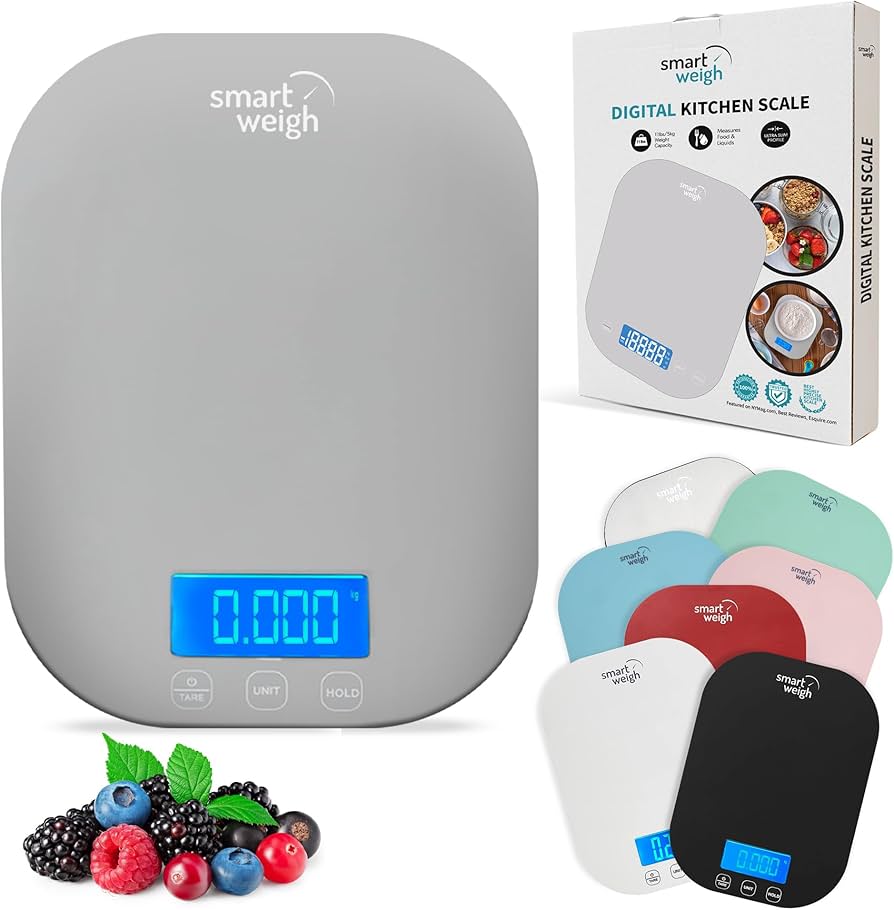
How to Set Up a Smart Weight Scale for Accurate Results
Proper setup matters. Small steps make readings more consistent. I follow a short checklist each time I set up or move a scale. It cuts out most errors.
1. Download the Official App
Install the manufacturer’s app first. The app links the scale to your profile and stores trends. Most smart scales use Bluetooth or Wi‑Fi to sync. Without the app you miss useful features like trend graphs, historical data, and syncing with health platforms.
2. Place on a Hard Surface
Avoid carpets or soft mats. They change how weight spreads under the scale. Use a solid floor such as:
- Tile
- Hardwood
- Concrete
A firm, level surface improves smart scale accuracy. If you must place it on a rug, put a thin, rigid board under the scale to stabilize it.
3. Enter Your Correct Profile
In the app, add accurate:
- Height
- Age
- Gender
These details feed the scale’s formulas for body fat percentage, muscle mass, and basal metabolic rate (BMR). I always double-check these values after setup. Small errors here skew body composition outputs.
4. Calibrate the Scale
Step on once to let it zero, then step off. Do this after moving the scale or replacing batteries. Some models have a calibration option in the app. Calibration ensures the sensors and load cell read correctly.
For a deeper explanation, read are smart scales accurate and what affects readings.
5. Connect to Other Health Apps (Optional)
If you use Apple Health, Google Fit, Fitbit, or MyFitnessPal, link them in the scale’s app. This pulls weight and composition data into your broader health record. It also helps with long-term trend analysis and goal tracking.
7 Best Practices for Accurate Smart Scale Readings
Consistency beats perfection. I treat my smart scale like a lab tool: the same routine every time. That minimizes normal daily noise and gives meaningful trends.
1. Measure at the Same Time Daily
Best time:
Morning (after bathroom, before eating). Daily timing controls for food and fluid effects. I weigh myself within 10 minutes of waking for the most consistent baseline.
2. Always Stand Barefoot
Smart scales use bioelectrical impedance analysis (BIA). BIA sends a tiny electrical signal through your feet to estimate fat, muscle, and water. Direct skin contact is required for the signal to pass correctly.
3. Position Your Feet Correctly
- Align feet with metal sensors
- Distribute weight evenly
- Stand still
Small changes in foot placement change the current path and the reading. I step on the same way each day and keep my feet centered on the pads.
4. Keep Feet Slightly Moist
Dry skin can block the electrical signal. A quick dab of water or damp washcloth on the soles improves conductivity. Don’t overdo it — just slightly moist is enough.
5. Wear Minimal Clothing
Heavy clothing adds weight and noise. For reliable weight tracking, weigh in light clothes or underwear. For absolute consistency, weigh naked if you are comfortable doing so.
6. Avoid Measuring After Exercise
Exercise changes body water and blood flow. This can shift BIA estimates and short-term weight. Wait at least a few hours, ideally until the next morning.
7. Use the Same Scale Every Time
Different brands use different BIA algorithms and sensor placements. That yields different results. Track trends on one device for consistent comparisons.
While smart scales provide useful estimates, their accuracy can vary. For more details, see this guide on body fat scale accuracy.
How to Read Smart Scale Results (Body Fat, Muscle & Water)
A smart scale gives more than weight. It estimates your body composition: fat, muscle, and body water. The numbers are useful when you treat them as trends, not exact values.
Focus on Trends, Not Daily Numbers
Weight and composition change day to day because of:
- Water retention
- Food intake
- Hormones
Track weekly or monthly averages. That smooths short-term noise and shows real progress. In my experience, three- to four-week trends give the clearest signal for fat loss or muscle gain.
Understand Body Fat Percentage
Body fat % is a key metric for health and fitness. BIA estimates lean mass versus fat mass by how the electrical current moves through your body. Use the percentage to see if fat is going up or down over time, not as a single-day verdict.
Track Muscle Mass
Muscle weighs more than fat per volume. If you’re strength training, body weight might stay the same while fat drops and muscle rises. Look at muscle mass trends alongside weight and body fat % to understand real composition change.
Monitor Body Water Levels
BIA is sensitive to hydration. If your body water reads unusually low, you may be dehydrated. If it reads unusually high, you might be retaining fluid. Use hydration numbers to help interpret sudden jumps or drops in weight.
Daily weight changes are normal due to hydration and food intake. For more background, see Medical News Today.
New: How to Compare Scale Metrics to Other Methods
Smart scales give estimates. If you want confirmation, compare BIA results to other methods such as calipers, DEXA scans, or hydrostatic weighing. DEXA is the clinical gold standard. I use DEXA every few months when possible and rely on my smart scale to track daily trends between scans.
Smart Scale Accuracy Factors
| Factor | Impact on Accuracy |
|---|---|
| Time of day | High |
| Hydration level | Very High |
| Foot contact | Critical |
| Surface type | High |
| Recent exercise | High |
Source: amazon.com
New: Other Technical and User Factors
Beyond the basics, a few more things can affect readings:
- Battery level — weak batteries can cause erratic numbers.
- Clutter under the scale — dust or objects can tilt it slightly.
- Recent alcohol or high-sodium meals — these change fluid balance.
- Body temperature — very cold or hot feet can alter conductivity.
I check batteries and keep the area around my scale clear. It’s small habits like this that keep the data reliable.
Common Smart Scale Mistakes (Avoid These)
Many users get frustrated because of simple mistakes. I see these over and over:
- Using the scale on carpet
- Wearing socks
- Measuring at different times daily
- Ignoring hydration levels
- Switching between different scales
Fixing these errors improves accuracy instantly. Start with the checklist above and you’ll see cleaner trends within a week.
Smart Scale vs Regular Scale: What’s the Difference?
| Feature | Smart Scale | Regular Scale |
|---|---|---|
| Weight tracking | ✅ | ✅ |
| Body fat % | ✅ | ❌ |
| Muscle mass | ✅ | ❌ |
| App tracking | ✅ | ❌ |
| Trend analysis | ✅ | ❌ |
A smart scale is ideal for long-term fitness tracking. It gives context, like body composition and trends, that a regular scale can’t. If you only need weight, a regular scale works. But for progress on fat loss, muscle gain, or hydration control, a smart scale adds useful insights.
For a deeper breakdown, check this full smart scale vs regular scale guide.
Why Your Smart Scale Gives Different Readings
If your readings seem inconsistent, it’s usually due to:
- Hydration changes
- Time of measurement
- Poor foot contact
- Device calibration issues
- Algorithm differences
This is normal — the numbers move. The key is to watch trends, not single readings. When you follow a consistent routine, the trends tell the real story.
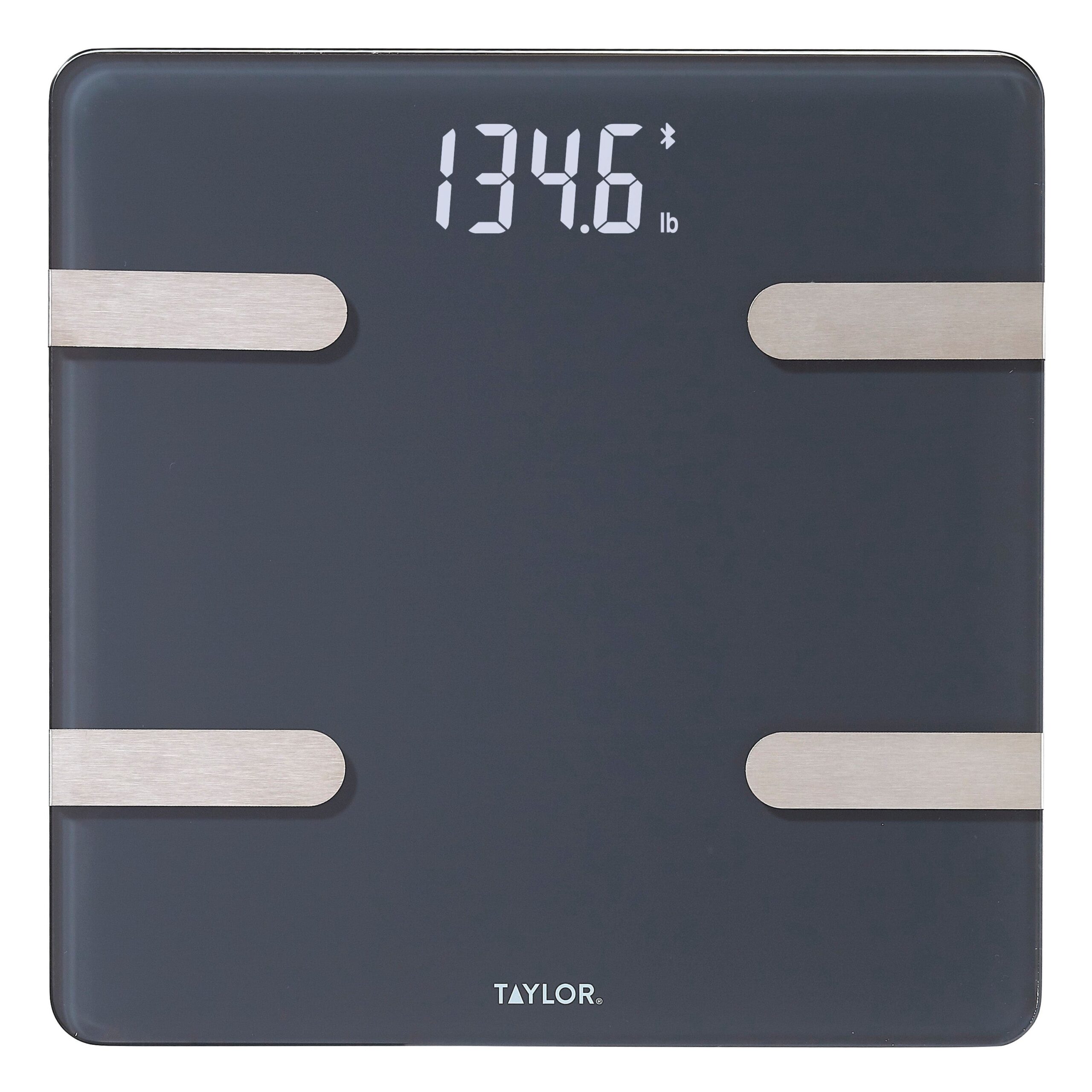
Source: taylorusa.com
Frequently Asked Questions of How to use a smart weight scale
Is it necessary to stand barefoot on a smart scale?
Yes. Without direct skin contact, the scale cannot perform bioelectrical impedance analysis.
Are smart scales safe for people with pacemakers?
No. People with pacemakers or medical implants should avoid using smart scales with electrical current.
Why does my weight fluctuate throughout the day?
Weight changes due to food, water, and activity levels. This is completely normal.
How often should I weigh myself?
Once daily (morning) or a few times per week for consistent tracking.
Are smart scales accurate for body fat measurement?
They provide estimates. While not perfect, they are useful for tracking trends over time.
Expert Insight
From years of testing smart scales and fitness trackers, the biggest mistake people make is expecting perfect daily accuracy.
In reality, smart scales are trend tools—not precision medical devices. When used correctly and consistently, they become incredibly powerful for tracking long-term changes in body composition.
Conclusion
Using a smart weight scale correctly is simple — but consistency is key.
To get accurate results:
- Stand barefoot
- Measure at the same time daily
- Use a hard surface
- Track trends instead of daily numbers
Follow these steps and your smart scale will become a reliable tool for monitoring health, fitness, and progress over time. I rely on this routine myself, and it turns noisy daily numbers into clear, actionable trends.
Last Updated: April 2026