A touch screen laptop adds fast, natural control, flexible use, and tablet-style convenience to everyday computing.
Choosing why buy a touch screen laptop can feel confusing when traditional laptops often cost less. The best choice depends on how you work, study, create, and travel. This guide explains the real benefits, limits, features, and buying tips so you can decide with confidence.

What Is a Touch Screen Laptop?
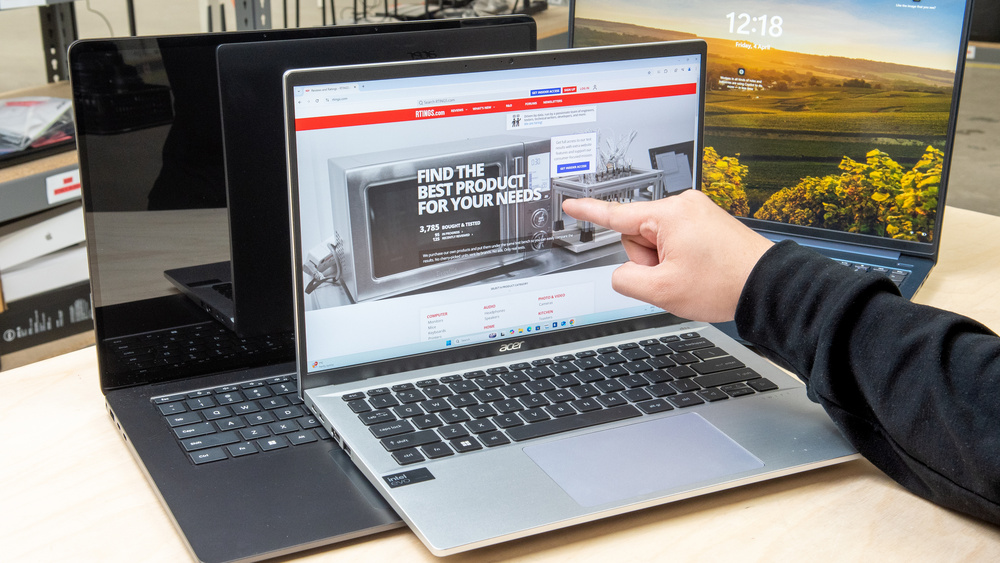
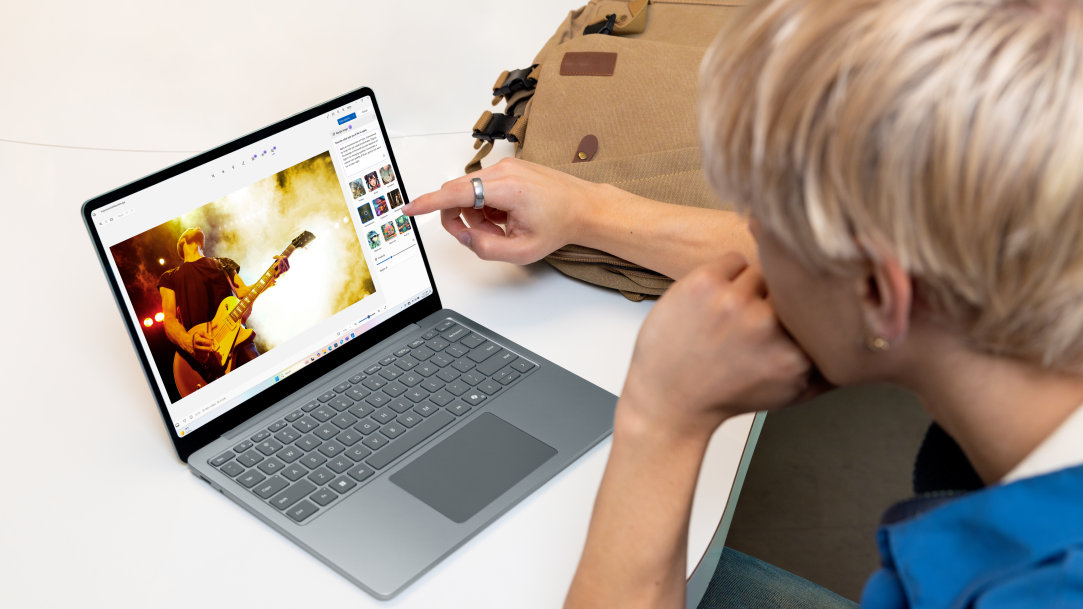
A touch screen laptop has a display that responds to finger taps, swipes, and gestures. It works like a normal laptop, but it also lets you control apps directly on the screen.
Most touch screen laptops use a capacitive panel. This is the same basic touch technology found in smartphones and tablets. Some models also support an active stylus for writing, drawing, and note-taking.
You can find touch screens in several laptop designs:
• Clamshell laptops open like standard notebooks.
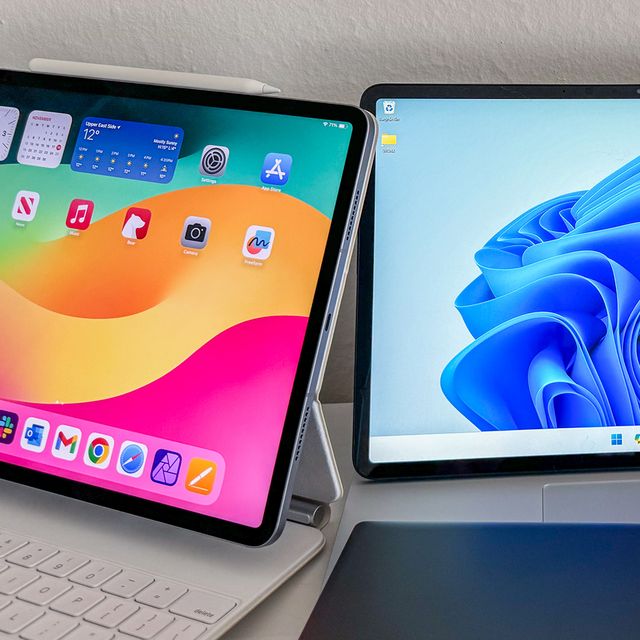
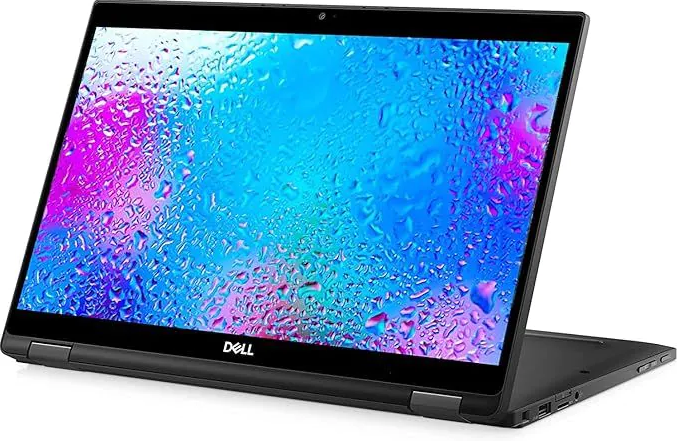
• 2-in-1 laptops fold into tablet, tent, or stand modes.
• Convertible laptops often include a 360-degree hinge.
• Detachable laptops separate from their keyboards.
Understanding these designs helps explain why buy a touch screen laptop for different needs. A student may want a device for handwritten notes, while a business user may prefer quick screen controls during meetings.

Why Buy a Touch Screen Laptop?
The main reason to buy a touch screen laptop is flexibility. You can use the keyboard and trackpad for detailed work, then switch to touch control when it feels faster or more natural.
Here are the most useful benefits.
Faster Navigation
Touch control can speed up simple tasks. You can tap a button, scroll through a page, or zoom into a photo without moving your hand to the trackpad.
This feels useful when browsing recipes, viewing maps, reading articles, or checking a long document. A quick tap can feel more direct than moving a cursor across the screen.
Better Tablet-Like Use
A convertible laptop can act like a tablet when you fold the keyboard behind the display. This makes it easy to read in bed, watch a movie on a plane, or browse while sitting on the couch.
This is one of the clearest answers to why buy a touch screen laptop. You get the power of a laptop with some of the comfort of a tablet.
Easier Drawing and Handwriting
Many touch screen laptops support a pressure-sensitive pen. This can help artists, designers, students, and people who prefer handwritten notes.
A stylus may let you:
• Sketch ideas during a meeting.
• Mark up PDFs.
• Sign digital forms.
• Write math equations.
• Create diagrams and mind maps.
• Edit photos with more control.
A finger works for basic input, but a compatible active pen usually provides better accuracy. Check whether the stylus comes with the laptop. Some brands sell it separately.
Improved Accessibility
Touch input can help people who find a trackpad or mouse difficult to use. Large buttons, screen magnification, and direct tapping may make common tasks easier.
Touch screens are not ideal for every user, and accessibility needs vary. Still, Windows and other operating systems offer tools such as voice access, magnification, high contrast, and touch settings that can support different work styles.
More Flexible Presentations
A 2-in-1 laptop can sit in tent or stand mode during a presentation. You can tap through slides, show images, or share a design without keeping the keyboard in front of you.
This can make the laptop feel less like a machine and more like a digital whiteboard. It is useful for teachers, sales teams, consultants, and remote workers.
Touch Screen Laptop Benefits for Work and School
A touch screen laptop can fit many work and school routines. Its value comes from small moments that happen throughout the day, not just from one major feature.
For students, touch control can make online learning more active. A student can highlight a textbook, write notes beside a diagram, or solve a problem with a pen. This may feel more natural than typing every thought.
For office work, touch input can help with quick tasks. You can scroll through spreadsheets, review documents, and move between browser tabs with simple gestures. However, a keyboard and mouse remain better for long writing and precise spreadsheet work.
For creative work, the display can become a direct canvas. Designers may enjoy using a stylus in drawing apps, while photographers can make quick edits with touch sliders and gestures.
For travel, a convertible laptop can save space. Instead of packing both a laptop and tablet, you may carry one device that handles both roles.
A few practical examples include:
• A college student folds the laptop into tablet mode to read lecture notes.
• A graphic designer uses a pen to draw small edits on a photo.
• A real estate agent uses touch to scroll through property photos with a client.
• A manager uses tent mode to display a presentation during a small meeting.
• A parent uses tablet mode to read with a child.
Touch Screen Laptop vs. Traditional Laptop
The choice between a touch screen and a traditional laptop depends on your habits. Neither option is automatically better for everyone.
A traditional laptop often offers a lower price, longer battery life, and less weight. It may also have a matte display that reduces reflections. If you mainly type, code, or work with spreadsheets, you may not gain much from touch input.
A touch screen laptop provides more control options. You can use touch, a trackpad, a mouse, a keyboard, or a pen. That flexibility can be worth the extra cost if you often switch between tasks.
Consider this simple comparison:
| Feature | Touch Screen Laptop | Traditional Laptop |
|---|---|---|
| Touch control | Yes | Usually no |
| Tablet-style use | Common on 2-in-1 models | Rare |
| Stylus support | Available on many models | Limited |
| Battery life | Often slightly lower | Often better |
| Display reflections | More common on glossy screens | Varies |
| Price | Often higher | More budget-friendly |
| Best for | Flexible, visual, and mobile work | Typing, coding, and basic tasks |
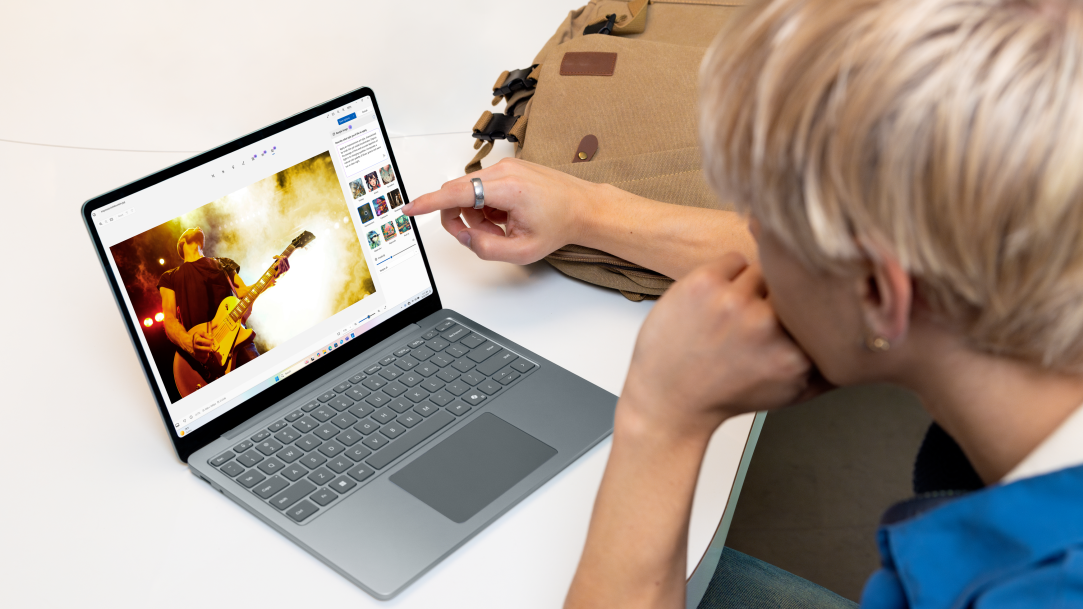
A common mistake is buying a touch screen laptop because it sounds exciting, then using it like a standard laptop every day. Before you buy, think about your real habits. If you rarely touch your phone or tablet while working, touch may not change your routine much.
Drawbacks of Touch Screen Laptops
A balanced answer to why buy a touch screen laptop must include its limits. Touch input adds value, but it also brings trade-offs.
Higher Cost
Touch displays and convertible hinges can raise the price. A touch model may cost more than a similar laptop with the same processor, memory, and storage.
Compare the full specifications rather than focusing only on the display. A non-touch laptop with more RAM or a stronger processor may serve you better for demanding work.
Shorter Battery Life
Touch hardware can use extra power. Bright displays, digitizers, and pen support may affect battery life, although the difference depends on the model and settings.
Screen brightness often has a larger effect than touch alone. Lowering brightness, using battery saver mode, and closing unused apps can help.
More Reflections
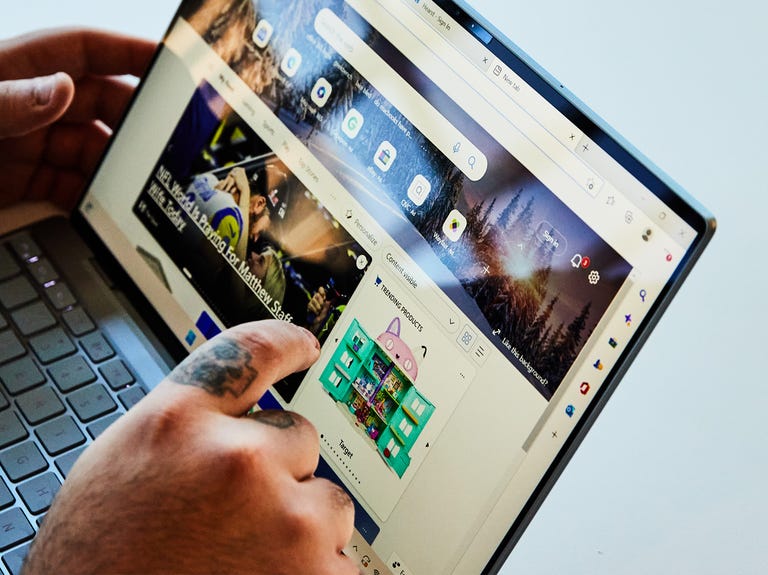
Many touch screens use glossy glass. Glossy panels can make colors look rich, but they may reflect windows and overhead lights.
If you work outdoors or near bright lights, look for a screen with strong brightness and an anti-reflective coating. A matte screen protector can help, but it may affect sharpness or touch response.
Fingerprints and Smudges
Touch screens collect marks. This is a small issue, but it can become annoying during daily use.
Use a clean microfiber cloth. Avoid harsh cleaners and never spray liquid directly onto the screen. Follow the care instructions from the laptop maker.
Extra Weight and Thickness
A convertible hinge, glass panel, and stronger frame can make some models heavier than standard laptops. This matters if you carry the device all day.
Check the listed weight before buying. A difference of one pound may not seem large in a store, but it can feel noticeable in a backpack.
Limited Value for Some Tasks
Touch input is not a replacement for every control method. A mouse is usually better for precise design work, and a physical keyboard is better for long documents.
Touch is best viewed as an extra tool, not a complete replacement for the keyboard and trackpad.
Who Should Buy a Touch Screen Laptop?
A touch screen laptop makes sense for people who will use touch often. The feature is most helpful when it matches your work or hobbies.
You may benefit from one if you are:
• A student who takes handwritten notes.
• An artist who wants a portable drawing display.
• A teacher who uses digital lessons.
• A frequent traveler who wants one flexible device.
• A business user who presents information often.
• A reader who enjoys tablet mode.
• A professional who reviews and signs documents.
• A Windows user who likes direct screen control.
A touch screen laptop may not be the best fit if you:
• Type for most of the day.
• Use a desktop monitor and external keyboard.
• Need the longest possible battery life.
• Have a strict budget.
• Work in bright places with strong glare.
• Prefer a lightweight laptop with a matte display.
One useful lesson from comparing laptops is to judge the feature by frequency of use. A feature you use ten times each day can justify a higher price. A feature you use once a month may not.
How to Choose the Best Touch Screen Laptop
Knowing why buy a touch screen laptop is only the first step. You also need to check the hardware, design, and support.
Choose the Right Form
A 2-in-1 convertible is best if you want laptop and tablet modes. A standard clamshell touch laptop may cost less and feel more stable on a desk.
A detachable model is useful for light travel and reading. However, its keyboard may not feel as comfortable for long typing.
Check Display Quality
Look at more than screen size. Important display features include:
• Resolution, such as Full HD or higher.
• Brightness, measured in nits.
• Color accuracy.
• Viewing angles.
• Refresh rate.
• Glare control.
A 13- or 14-inch display often gives a good balance of portability and workspace. A 15- or 16-inch model offers more room but may weigh more.
Pick Enough Performance
For web browsing, documents, video calls, and streaming, a modern midrange processor with 8GB of memory may be enough. For creative work, coding, or heavy multitasking, 16GB of memory is a safer choice.
Solid-state storage is now standard on most new laptops. Choose at least 256GB for basic use, but 512GB gives you more room for apps, photos, and school files.
Check Pen Support
Do not assume every touch screen supports a stylus. Look for terms such as active pen support, pressure sensitivity, palm rejection, or a named pen protocol.
Also check whether the pen is included. A laptop may support a pen while requiring you to buy it separately.
Review Ports and Wireless Features
A thin 2-in-1 may have fewer ports. Check for the connections you need:
• USB-A for older devices.
• USB-C for charging and accessories.
• HDMI for an external display.
• A headphone jack.
• A memory card reader.
Wi-Fi 6 or newer can help with busy home and office networks. Bluetooth is useful for wireless mice, headphones, and keyboards.
Consider Repair and Warranty Support
Hinges, screens, and batteries can be costly to repair. Look at the warranty, repair options, and availability of replacement parts.
A strong warranty does not make a weak laptop good, but it can reduce risk. This is especially important for students and people who depend on one computer for work.
Tips for Using a Touch Screen Laptop
A few habits can make the experience smoother.
-
Keep the screen at a comfortable angle. This reduces neck strain and limits glare.
-
Use touch for short actions. Switch to the keyboard or mouse for long work.
-
Clean the display with a soft microfiber cloth.
-
Turn on palm rejection when writing with a stylus.
-
Use a protective sleeve during travel.
-
Keep the hinge clear of bags, cables, and other objects.
-
Adjust display brightness to protect battery life.
-
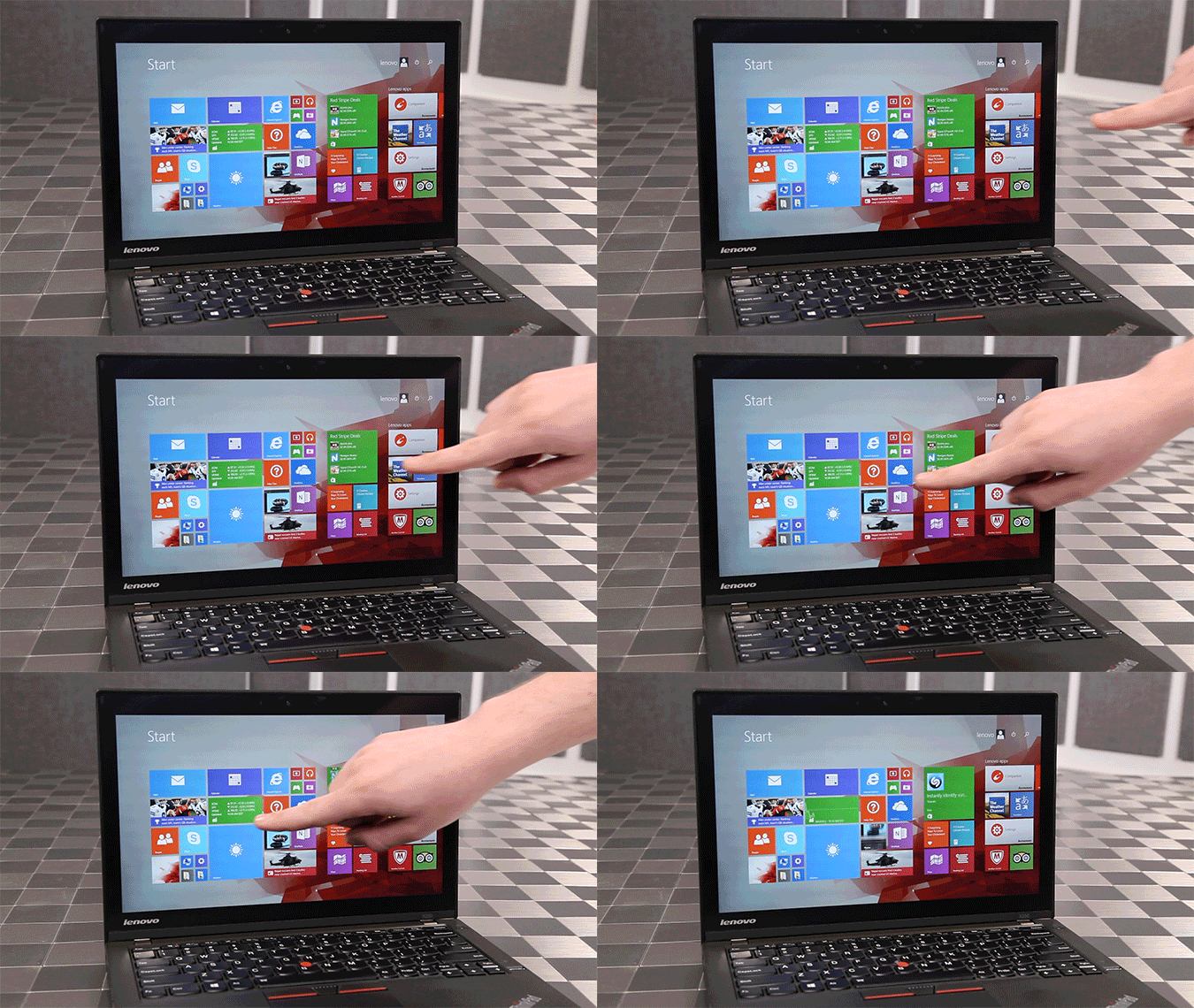
Test touch gestures in your operating system settings.
-
Store the pen in a safe place so it does not get lost.
-
Use a stand or external keyboard for long tablet-mode sessions.
One practical mistake is trying to type on a folded laptop for hours. Tablet mode is great for reading, drawing, and short notes, but it is not always comfortable for long documents.
Is a Touch Screen Laptop Worth It?
A touch screen laptop is worth it when flexibility matters more than the lowest price. It can replace some tablet tasks while keeping the power, ports, and keyboard of a laptop.
The value becomes stronger when the device includes good pen support, a reliable hinge, a bright display, and enough battery life. A cheap touch screen with a poor hinge or dim panel may disappoint.
Think about your daily routine:
• Do you mark up documents?
• Do you draw or write by hand?
• Do you travel often?
• Do you present work to others?
• Do you enjoy reading in tablet mode?
If you answer yes to several questions, buying a touch screen laptop may be a smart choice. If your answer is no, a traditional laptop may give you better value.
Frequently Asked Questions About Why Buy a Touch Screen Laptop
What is the main reason to buy a touch screen laptop?
The main reason is flexibility. You can use touch, a keyboard, a trackpad, a mouse, or a stylus based on the task.
Are touch screen laptops better than regular laptops?
Not always. Touch screen laptops are better for drawing, tablet-style use, presentations, and direct navigation, while regular laptops may offer lower prices, lighter designs, and longer battery life.
Does a touch screen laptop use more battery?
It can use more power, but battery life depends on the display, processor, brightness, and software settings. Lowering screen brightness can often improve battery life.
Can I use a stylus with every touch screen laptop?
No. The laptop must support active pen input for accurate writing and drawing. Check the product specifications and confirm whether the compatible pen comes with the device.
Are touch screen laptops good for students?
They can be very useful for students who take handwritten notes, read textbooks, draw diagrams, or use tablet mode. Students who mainly type essays may not need the extra cost.
Do touch screen laptops support tablet mode?
Only models with a suitable hinge or detachable design support true tablet mode. A standard clamshell touch laptop may support touch input but cannot fold flat.
Are touch screen laptops good for gaming?
Touch input is usually not important for gaming. Gaming performance depends more on the processor, graphics hardware, cooling system, display refresh rate, and memory.
How do I clean a touch screen laptop?
Turn off the laptop and wipe the display gently with a dry microfiber cloth. For stubborn marks, follow the manufacturer’s cleaning guidance and avoid spraying liquid directly onto the screen.
Conclusion
A touch screen laptop can make computing feel more natural and flexible. It supports quick navigation, tablet-style use, digital writing, drawing, presentations, and easier document control.
The best reason to buy a touch screen laptop is that it matches your routine. Check the display, hinge, battery, pen support, ports, weight, and warranty before you buy. If touch will help you every day, the extra cost may be worthwhile; if not, a traditional laptop may be the smarter choice.
Compare a few models, test the keyboard and hinge when possible, and choose the device that fits your real work. Explore more laptop guides, share your experience, or leave a comment about the features you value most.