A Microsoft Surface offers a clean Windows experience, flexible designs, strong portability, and useful tools for work, school, and creativity.
If you are asking why buy a Microsoft Surface, the answer depends on how you work, study, and travel. Surface devices combine Microsoft software and hardware in one polished package, but they also have limits. This guide explains the main benefits, costs, models, and buying tips so you can choose with confidence.
Why buy a Microsoft Surface?
The main reason to buy a Microsoft Surface is balance. Surface devices aim to offer the ease of a laptop, the flexibility of a tablet, and the close connection of Microsoft 365 and Windows 11.
Microsoft makes several Surface types. The Surface Laptop is a classic notebook. The Surface Pro is a detachable 2-in-1. Other models may target business users, creators, or people who want a larger screen.
Here are the main reasons people choose Surface:
• Clean Windows 11 software with few extra apps
• Slim designs that are easy to carry
• Touchscreens on many models
• Strong support for Microsoft 365, OneDrive, Teams, and Windows features
• Good keyboard and trackpad quality on laptop models
• Flexible use for work, study, travel, and home tasks
• Premium materials and a simple, modern look
A Surface is not always the fastest or cheapest Windows computer. Yet it can feel like a well-planned tool rather than a collection of parts. That smooth experience is often the real answer to why buy a Microsoft Surface.
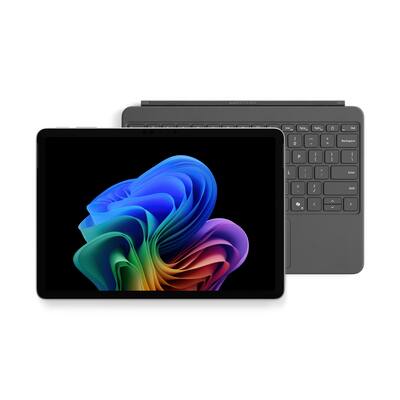
Surface Laptop: Best for everyday work
Surface Laptop is the best fit for most people who want a traditional notebook. It has a built-in keyboard, a touchpad, a bright display, and a simple clamshell design.
It works well for:
• Writing papers and reports
• Browsing the web
• Video calls
• Streaming shows
• Managing email
• Using Microsoft Office apps
• Light photo work
• Business and school tasks
Recent Surface Laptop models may include modern Intel or Qualcomm Snapdragon processors, depending on the version and market. Some newer configurations are Copilot+ PCs, which include special hardware for certain Windows artificial intelligence features.
Battery life can be a key benefit, especially on models with efficient processors. Real battery life still depends on screen brightness, apps, video calls, network use, and power settings. Always check independent reviews of the exact model before buying.
One lesson I have seen often is that buyers sometimes choose a laptop with more power than they need. If your work is mostly documents, browser tabs, meetings, and media, a midrange Surface Laptop may offer a better value than a top-tier configuration.
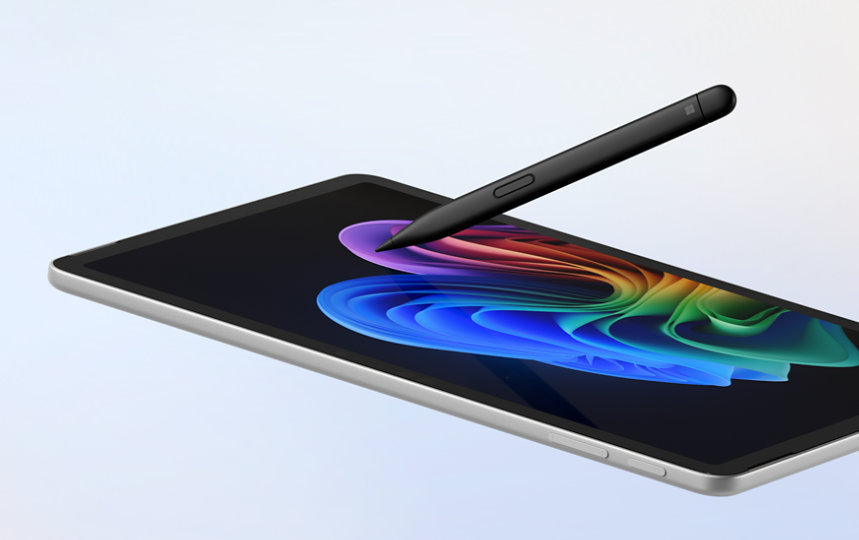
Surface Pro: Best for tablet and laptop flexibility
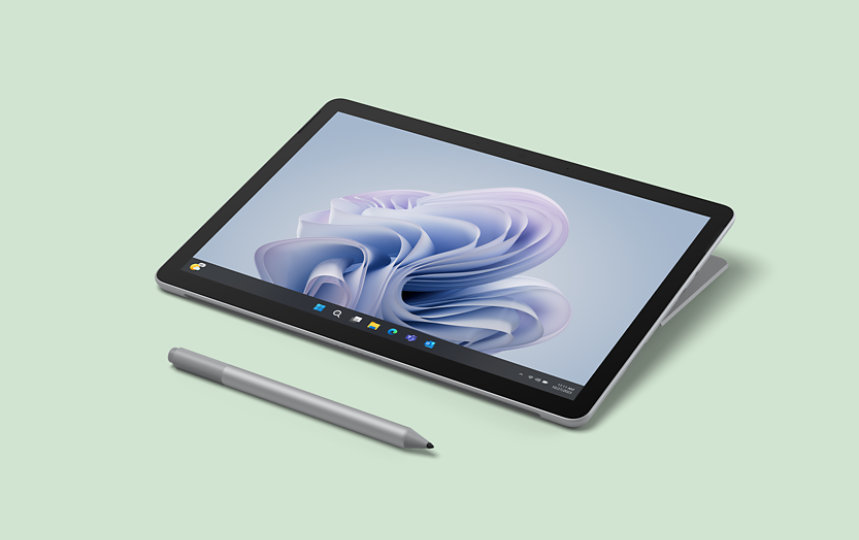
The Surface Pro is a 2-in-1 Windows computer. You can use it as a tablet, attach a keyboard for laptop work, or place it on a desk with its built-in kickstand.
This design suits people who:
• Take handwritten notes
• Read documents in portrait mode
• Draw or mark up files
• Travel often
• Want one device for work and entertainment
• Prefer a lighter computer
• Use touch controls during meetings or presentations
The Surface Pro is useful because it can change shape with your needs. You might use it as a tablet on the couch, a laptop at a café, and a second screen while traveling.
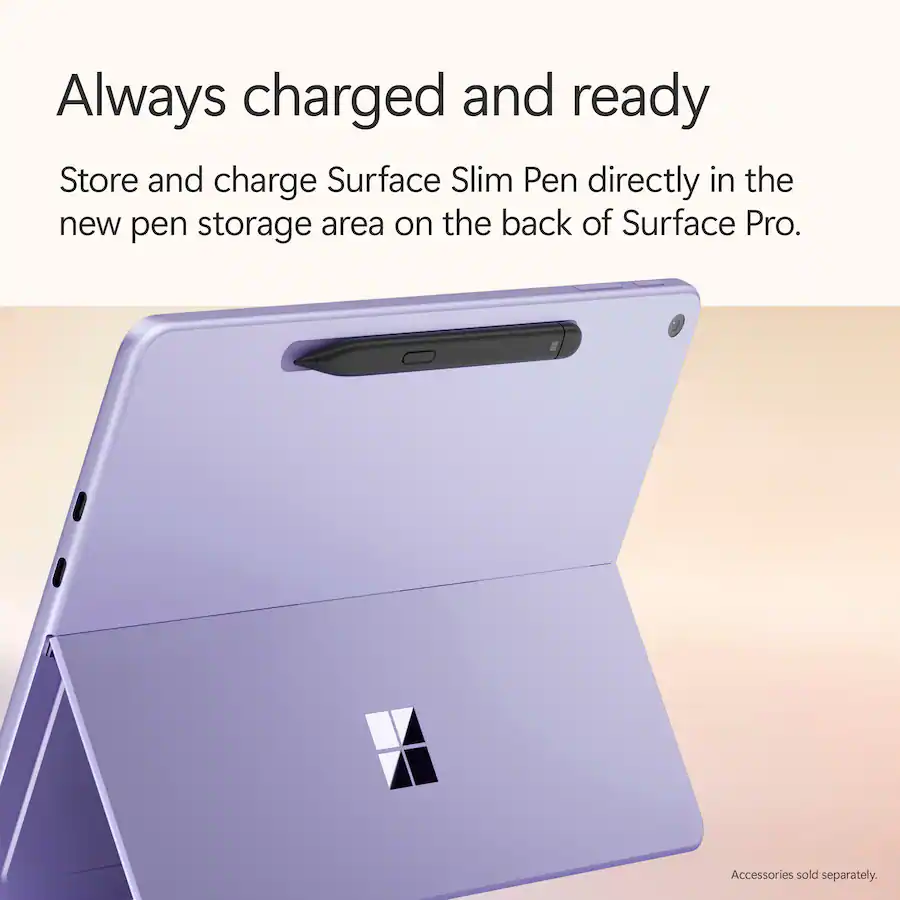
However, remember that the keyboard and pen may cost extra, depending on the bundle. This is one of the most important details when considering why buy a Microsoft Surface. A device that looks affordable at first may cost much more after adding the accessories you need.
The keyboard also sits flatter than a regular laptop keyboard. Many people enjoy it, but others prefer the firm feel of a traditional notebook. Try one in person if typing comfort matters to you.
A polished Windows 11 experience
Microsoft designs Surface hardware to work closely with Windows. This can make setup and daily use feel simple.
Windows 11 provides access to a huge software library. You can use Microsoft 365, Adobe apps, web browsers, communication tools, games, and many business programs. Surface computers also support features such as Windows Hello on supported models, which can make sign-in faster.
Surface devices can also connect smoothly with Microsoft services:
• OneDrive can sync files across devices
• Microsoft 365 supports documents, spreadsheets, and presentations
• Teams supports meetings and group work
• Outlook handles email and calendars
• Phone Link can connect some Android phones to Windows
• Windows Backup can help restore selected settings and files
This ecosystem is a major reason why buy a Microsoft Surface instead of choosing a device from a brand that does not make the operating system. Microsoft controls both sides of the experience.
That does not mean Surface is free from software issues. Windows updates, drivers, and app compatibility can still cause problems. Also, some newer ARM-based models may not run every older app in exactly the same way as Intel-based computers. Check compatibility if you depend on specialist software.
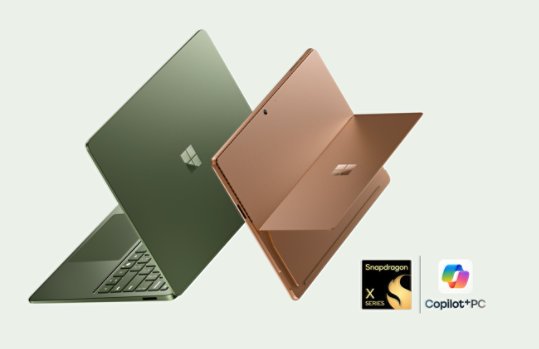
Design, size, and portability
Surface products are known for slim bodies, clean lines, and restrained branding. They often feel more like premium office tools than bulky machines.
Portability matters in daily life. A lighter computer is easier to carry to class, work, a library, or a coffee shop. It also takes less room on a small desk or airplane tray.
Still, the best size depends on your needs:
• Smaller models are easier to carry and hold
• Medium screens offer a strong balance for work
• Larger screens help with spreadsheets, design, and split-screen use
• Detachable models are useful for reading and drawing
• Traditional laptops often feel better for long typing sessions
A slim design can bring trade-offs. Thin devices may have fewer ports, less room for cooling, or limited upgrade options. Check the port selection before buying. You may need a USB hub, dock, or adapter for monitors, memory cards, wired internet, or older accessories.
Performance for work, school, and creative tasks
Surface performance depends on the exact processor, memory, storage, and software platform. Do not judge a device by its name alone.
For general work, aim for:
• At least 8GB of memory for basic tasks
• 16GB for heavier multitasking and longer useful life
• A solid-state drive for fast startup and file access
• Enough storage for your apps, photos, and offline files
• A processor suited to your main workload
Students may find 8GB sufficient for writing, browsing, and video calls. For professional work, 16GB is often a safer choice. Large design files, software development tools, virtual machines, and video editing may need more memory.
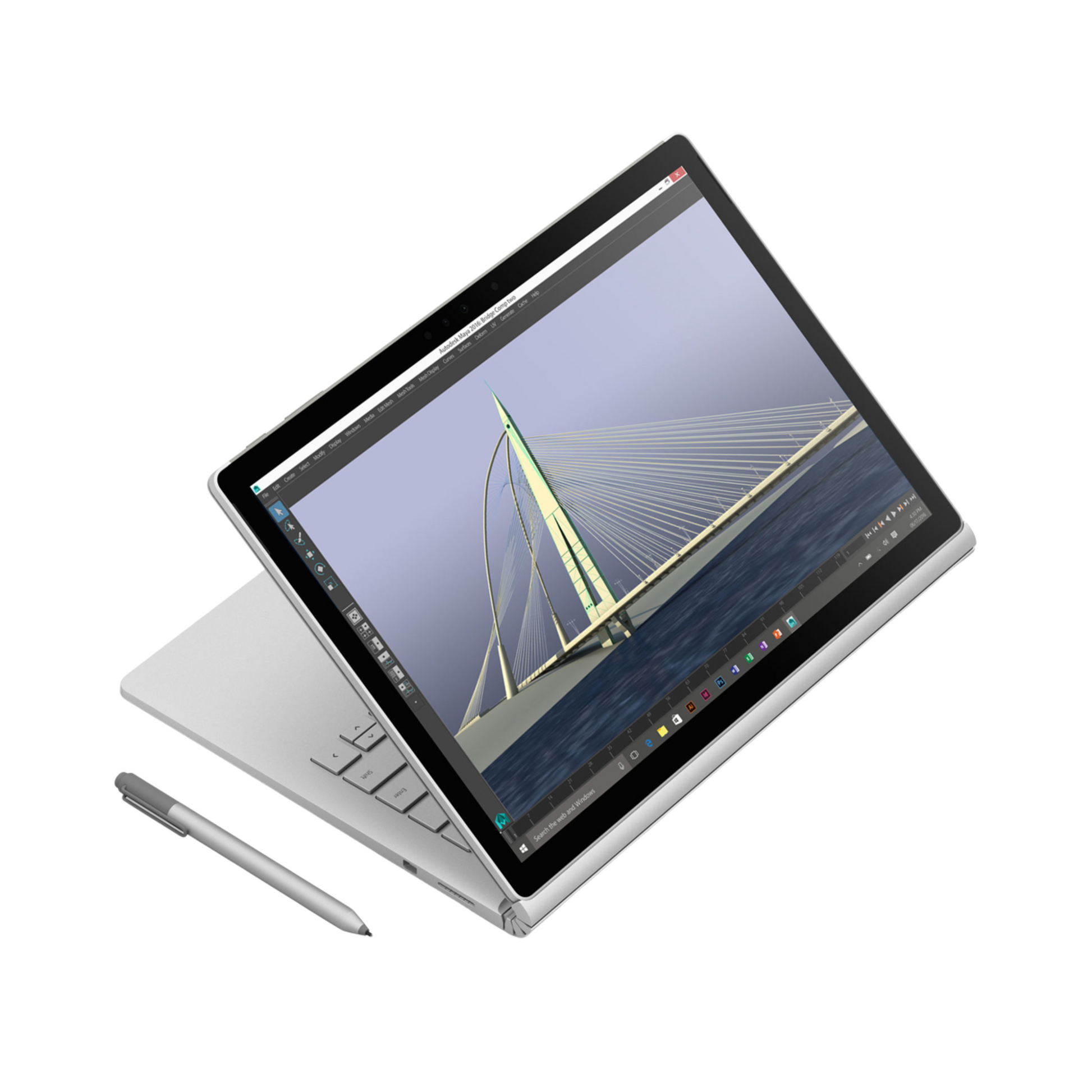
Surface devices can handle many creative tasks, but they are not all designed for high-end 3D work. A Surface Laptop may suit photo editing and light video editing. A demanding game or professional 3D project may require a dedicated graphics card, stronger cooling, or a workstation-class PC.
This is where practical buying advice matters. List your five most-used apps before you shop. Then check their Windows and processor requirements. That simple step can prevent an expensive mistake.
Touch, pen, and accessibility features
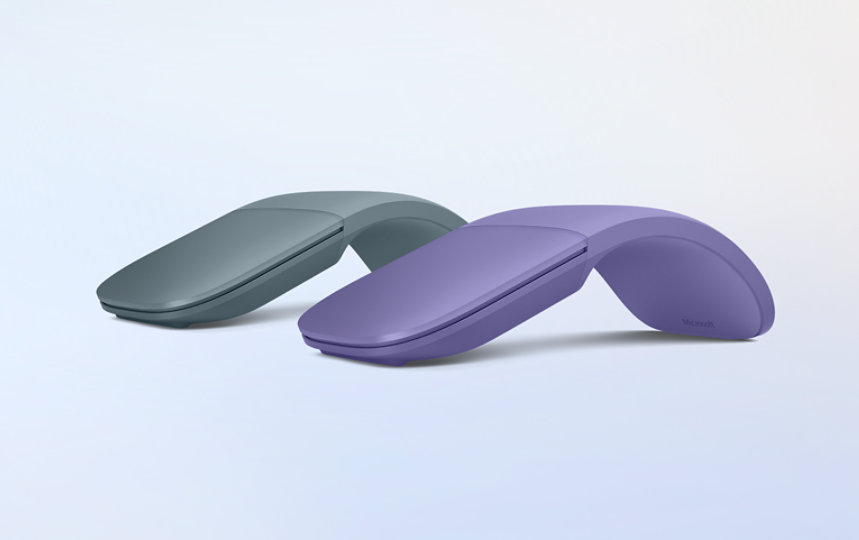
Touch support can change how you use a computer. You can scroll through long pages, zoom into maps, sign forms, and tap controls without reaching for a mouse.
A Surface Pro adds more value for people who write or draw by hand. With a compatible Surface Pen, you can take notes, sketch ideas, highlight documents, or annotate slides.
Touch and pen input can also help people who find a mouse difficult to use. Windows includes accessibility tools such as screen magnification, captions, voice access, narrator features, and adjustable text size.
The experience depends on the app. Some apps support pen pressure and smooth writing better than others. A pen is also not always included, so check the box contents before placing an order.

Microsoft Surface for work and business
Surface devices can fit well into small businesses, schools, and larger organizations. Their Windows base makes them familiar to many IT teams.
Business benefits may include:
• Easy access to Microsoft 365
• Support for Windows security tools
• Compatibility with common business software
• Simple integration with Teams and OneDrive
• Device management options for organizations
• Professional designs for client meetings
Businesses should review the exact support plan and warranty. Commercial buyers may need stronger service, longer support coverage, or replacement options. Consumer and business versions can differ in warranty terms and configuration.
Security also depends on good setup. Use a strong sign-in method, install updates, turn on device encryption when available, and back up important files. A premium laptop cannot protect careless account habits.
Battery life and charging
Battery life is one of the most searched reasons why buy a Microsoft Surface. A portable device only helps if it lasts through your day.
Many Surface models offer useful battery life for web work, documents, and light media. Qualcomm-based Copilot+ models may provide especially strong efficiency in some tasks. Intel models can offer wider app compatibility, while battery results vary by generation.
Your real results may be lower than the number listed by the manufacturer. Video calls, bright screens, external displays, games, and many browser tabs can drain power quickly.
For better battery life:
• Lower screen brightness when possible
• Close apps you do not use
• Use battery saver during travel
• Keep Windows and drivers updated
• Avoid leaving many high-use tabs open
• Carry a compatible charger or power bank when needed
Battery life should support your routine, not define it. If you spend all day near an outlet, you may value performance, ports, or screen size more.

Surface disadvantages to consider
A fair answer to why buy a Microsoft Surface must include the drawbacks. No computer is perfect.
Common limitations include:
• Higher prices than many competing Windows laptops
• Some accessories sold separately
• Limited port selection on certain models
• Few repair and upgrade options
• Differences in app support on ARM-based devices
• Premium models that may not include the strongest graphics
• Keyboard covers that may feel less comfortable for some users
Surface devices can also be difficult to repair compared with older, thicker laptops. Check repair programs, warranty terms, and local service options before buying.
Another concern is value. A competing laptop may offer more memory, storage, ports, or processing power for the same price. Surface is often strongest when design, portability, touch, and Windows integration matter more than raw specifications.
Do not buy a Surface only because it looks attractive. Compare the full package, including the charger, keyboard, pen, warranty, and required software.
Microsoft Surface compared with other devices
The right comparison depends on your priorities.
Surface versus MacBook
Surface offers Windows flexibility, touch options, and a wider range of form factors. MacBook models often appeal to people who prefer macOS, long battery life, strong build quality, and Apple device integration.
Choose Surface if you need Windows-only software, a detachable tablet, or deeper Microsoft 365 integration. Choose a MacBook if your work already depends on macOS and Apple devices.
Surface versus Dell XPS or Lenovo Yoga
Dell, Lenovo, HP, and other brands often provide more model choices. They may offer stronger gaming hardware, more ports, or lower prices.
Surface can stand out with its consistent design and direct Microsoft ecosystem. A competing brand may win if you need a specific port, a larger selection of processors, or easier upgrades.
Surface versus iPad
An iPad is excellent for media, drawing, casual work, and mobile apps. Surface Pro is closer to a full PC because it runs Windows desktop software.
Choose an iPad for a simple tablet-first experience. Choose Surface Pro when you need desktop programs, file management, or a more complete laptop replacement.
Which Microsoft Surface should you buy?
Use your daily tasks as your guide.
Choose Surface Laptop if:
• You type for long periods
• You want a traditional laptop
• You need a stable keyboard
• You prefer simple setup
• You do not need a detachable tablet
Choose Surface Pro if:
• You want tablet and laptop modes
• You take handwritten notes
• You draw or mark up documents
• You travel often
• You value a light, flexible device
Consider a business model if:
• Your company manages Windows devices
• You need commercial support
• You require stronger security controls
• You want business-focused warranty options
Before buying, follow these steps:
-
Write down your main apps and tasks.
-
Choose the screen size that fits your work.
-
Select at least 16GB of memory if you multitask heavily.
-
Check whether the keyboard and pen are included.
-
Confirm processor compatibility with your key apps.
-
Compare the full price with similar laptops.
-
Review the return policy and warranty.
This process gives you a more useful answer to why buy a Microsoft Surface than a simple list of features.
Tips for getting the best Surface deal
Surface prices can change during school sales, holiday events, and product refreshes. Older models may offer excellent value after a new generation launches.
Look for:
• Certified refurbished units
• Student and educator discounts
• Business purchase programs
• Bundles with keyboards or pens
• Extra storage at a small price difference
• Extended warranty options
Avoid buying an old model only because the discount looks large. Check its Windows support period, battery condition, processor age, and accessory availability.
A common buying mistake is choosing the cheapest storage option. Cloud storage helps, but local space still matters for apps, photos, games, and offline files. Another mistake is buying a high-end model for basic work while ignoring a better keyboard or larger screen.
Frequently Asked Questions About Why Buy a Microsoft Surface
Is Microsoft Surface worth buying?
Microsoft Surface can be worth buying if you value portability, clean Windows software, touch input, and Microsoft 365 integration. It may not be the best value for buyers who want maximum performance, many ports, or easy upgrades at the lowest price.
Is a Surface better than a regular laptop?
A Surface is not automatically better than a regular laptop. It may be better for people who want premium design, touch support, or a detachable tablet, while another laptop may offer more power or features for less money.
Can Microsoft Surface replace a laptop?
Surface Laptop can replace a traditional laptop for most work, school, and home tasks. Surface Pro can also replace a laptop, but you may need to buy a keyboard separately and adjust to its detachable design.
Is Microsoft Surface good for students?
Surface is a strong option for students who need writing, research, video calls, and Microsoft Office apps. Surface Pro is especially useful for handwritten notes, but students should include the cost of the keyboard and pen in their budget.
Can you play games on a Microsoft Surface?
Some Surface models can run casual games and less demanding PC titles. For modern high-end games, choose a computer with a dedicated graphics card and stronger cooling instead of a thin Surface model.
Does Microsoft Surface work with Microsoft Office?
Yes. Surface devices run Windows and support Microsoft 365 apps such as Word, Excel, PowerPoint, Outlook, and Teams. A Microsoft 365 subscription may be required for full access to some features.
Are Surface devices easy to repair or upgrade?
Many Surface devices offer limited user upgrades compared with some traditional laptops. Check the repair options, storage design, warranty, and service support for the exact model before buying.
Conclusion
The best reason why buy a Microsoft Surface is its balanced experience. You get Windows 11, Microsoft 365 support, modern design, strong portability, and flexible options such as touch and pen input.
Surface Laptop is a practical choice for everyday work. Surface Pro is better for people who want a tablet and laptop in one. Still, compare processor compatibility, memory, storage, accessory costs, repair options, and competing laptops before you decide.
Make a short list of your real tasks, choose the model that fits them, and compare the complete price. Explore current Surface options, read reviews of the exact configuration, and share your own experience or questions in the comments.