To reset the Honda Odyssey tire pressure monitoring system, first adjust all tires to the recommended pressure shown on the driver’s door label, then use the vehicle settings menu to start TPMS calibration on models equipped with a calibration function.
Honda Odyssey owners across the United States may see the TPMS warning light appear after a tire rotation, seasonal temperature change, tire replacement, or pressure adjustment. The warning does not always mean a sensor has failed; many Odyssey models require a calibration procedure after tire pressure has been corrected.
The exact reset process depends on the Odyssey model year and trim level. Newer Honda Odyssey vehicles typically use the touchscreen or instrument panel settings to begin TPMS calibration, while some older vehicles may have different menu layouts. Always confirm the recommended tire pressure and follow the instructions in the owner’s manual for the specific vehicle.
Source: i.ytimg.com
What the Honda Odyssey Tire Pressure Monitoring System Does
The Honda Odyssey tire pressure monitoring system (TPMS) monitors tire inflation conditions and alerts the driver when the system detects a pressure issue. Maintaining correct tire pressure helps support safe handling, tire life, and fuel efficiency.
Honda Odyssey models generally use an indirect TPMS system that calculates tire pressure changes by monitoring wheel speed through the vehicle’s anti-lock braking system sensors. Because the system measures differences rather than reading pressure directly from each tire valve, calibration is necessary after pressure changes or tire service.
Source: tpmsreset.com
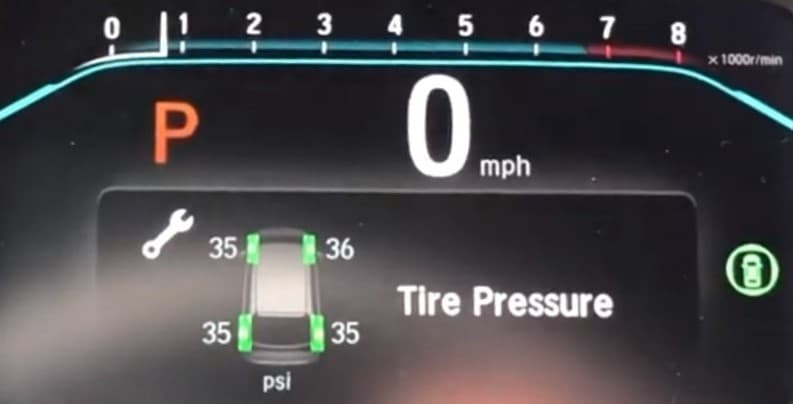
Low tire pressure warning
A steady TPMS warning light often means one or more tires may need inflation correction.
Calibration requirement
The vehicle may need to relearn normal tire conditions after pressure adjustments, rotations, or replacements.
When You Should Reset the TPMS System
A TPMS calibration should usually be performed after adjusting tire pressure to the recommended specification, replacing tires, rotating tires, or correcting a tire-related warning.
A reset may help the system recognize the new tire condition after maintenance.
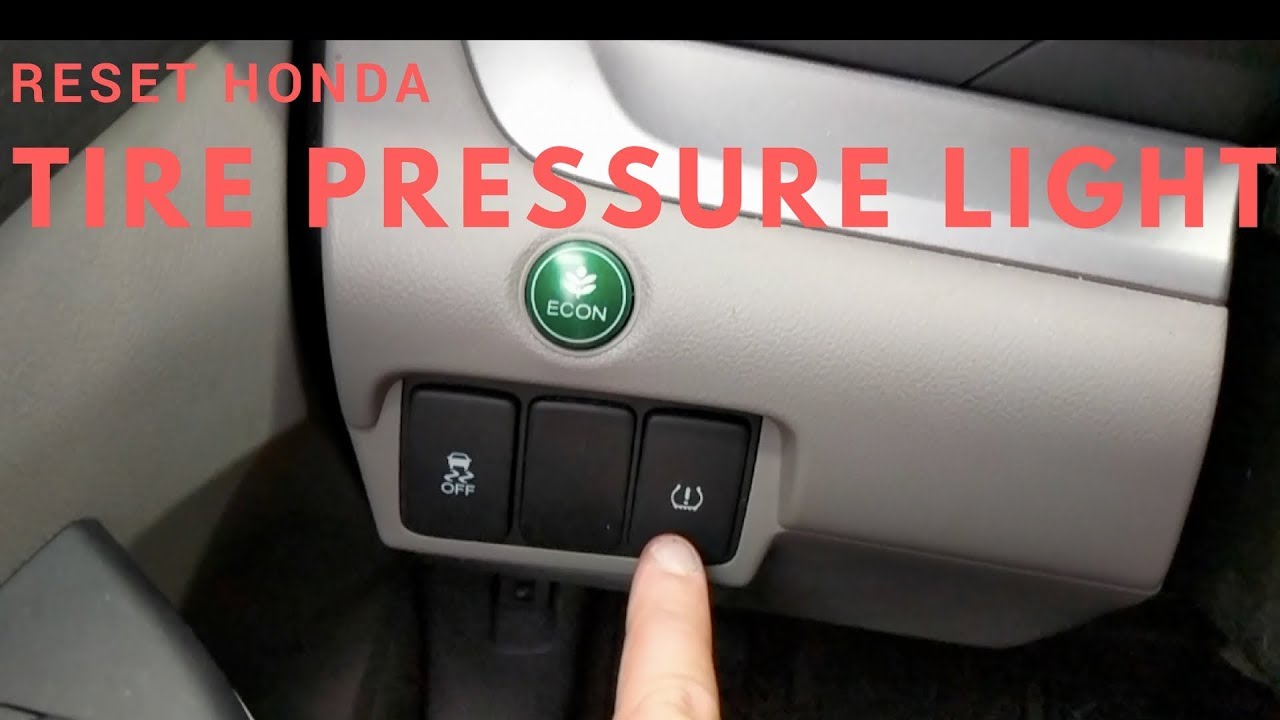
How to Reset Tire Pressure Monitoring System on a Honda Odyssey
The Honda Odyssey TPMS reset process begins with checking tire pressure and then starting calibration through the vehicle controls. The vehicle must be parked safely, and all tires should be properly inflated before calibration begins.
The following steps apply broadly to many newer Honda Odyssey models sold in the United States. Menu names may vary slightly depending on model year and trim.
Source: i.ytimg.com
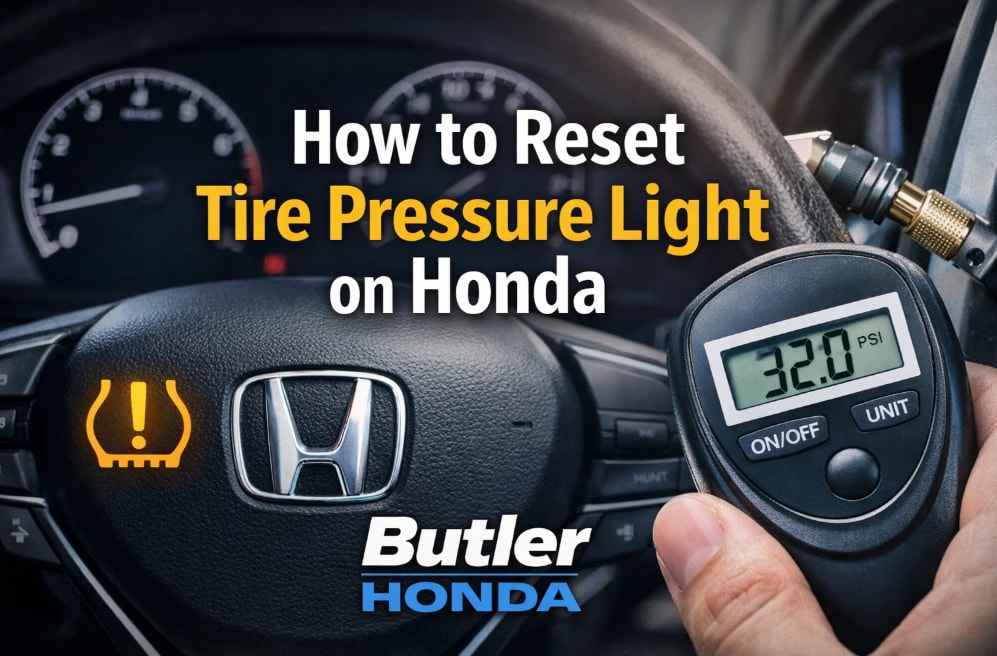
Step 1: Check tire pressure
Use a reliable tire pressure gauge and inflate each tire to the pressure listed on the driver’s side door jamb label.
Step 2: Turn on the vehicle
Switch the ignition on and access the vehicle settings menu.
Step 3: Open TPMS calibration settings
Select Vehicle Settings, Maintenance, or TPMS Calibration depending on the Odyssey model.
Step 4: Start calibration
Confirm the calibration command and allow the vehicle to complete the relearning process while driving normally.
How to Know the Reset Worked
A successful TPMS reset means the warning light should turn off after the vehicle completes calibration. Some Honda Odyssey models require several miles of driving before the system finishes learning.
Normal result
The TPMS warning light disappears after calibration is complete.
Possible problem
A warning that remains on may indicate incorrect tire pressure, a sensor issue, or a system fault.
Honda Odyssey TPMS Reset Problems and Solutions
If the TPMS warning light stays on after calibration, check the most common causes before replacing parts. Many warnings are caused by incorrect tire pressure or incomplete calibration rather than a failed sensor.
A flashing TPMS indicator is different from a steady warning light. Flashing often points to a system malfunction that may require further inspection.
Source: i.ytimg.com
Warning light stays on
Verify all tire pressures, repeat calibration, and check whether the vehicle has completed the learning cycle.
TPMS light flashes
A flashing light may indicate a sensor or system communication problem.
Resetting the TPMS system before correcting tire pressure is one of the most common mistakes. Calibration teaches the vehicle what normal tire conditions look like, so starting with incorrect pressure can cause inaccurate monitoring.
Ignoring the door label
Use the manufacturer’s recommended pressure rather than the maximum pressure printed on the tire sidewall.
Replacing sensors unnecessarily
A warning light does not always mean the sensor needs replacement.
Honda Odyssey TPMS Reset Differences by Model Year
Honda has changed the TPMS interface and calibration process across different Odyssey generations. A 2023 Honda Odyssey may use touchscreen menus, while older models may have different dashboard controls.
Before starting a reset, identify the Odyssey model year and follow the instructions designed for that vehicle. Using the wrong procedure may prevent calibration from starting.
Source: pictures.dealer.com
Newer Odyssey models
Often use touchscreen-based vehicle settings for TPMS calibration.
Older Odyssey models
May have different instrument panel controls or menu layouts.
Frequently Asked Questions
Q
How long does it take to reset a Honda Odyssey TPMS system?
The calibration setup usually takes only a few minutes, but the vehicle may need to be driven for several miles before the system completes the learning process.
Q
Why is my Honda Odyssey TPMS light still on after adding air?
Adding air may correct the pressure issue, but many Odyssey models still require TPMS calibration. If the light remains after calibration, inspect tire pressure again and consider a system diagnosis.
Q
Can I reset the Honda Odyssey TPMS without a tool?
Many Honda Odyssey models allow owners to start TPMS calibration through the vehicle menu without using a special scan tool.
Q
Why is my Honda Odyssey TPMS light flashing?
A flashing TPMS light commonly indicates a system malfunction rather than normal low tire pressure. The vehicle may need sensor or electrical system inspection.
Q
Do I need to reset TPMS after rotating tires on a Honda Odyssey?
Because Honda Odyssey TPMS calibration depends on learned tire conditions, performing calibration after tire rotation can help the system monitor changes correctly.
✦ Wrapping Up
Conclusion
Resetting the Honda Odyssey tire pressure monitoring system usually involves correcting tire pressure and starting the TPMS calibration procedure through the vehicle settings. The exact steps depend on the model year and equipment level.
If the TPMS warning remains after proper calibration, avoid ignoring the issue. Check tire pressure again and seek professional assistance if the system continues to report a problem.
💡 Key Takeaway
Before resetting your Honda Odyssey TPMS, confirm correct tire pressure first, then complete the calibration process and monitor the warning light during normal driving.