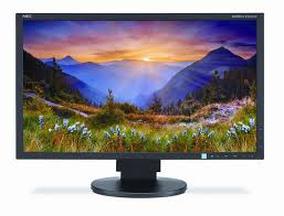
A monitor is an output device because it receives computer data and shows the results as images, text, and video.
Understanding why is a monitor an output device helps you see how computers communicate with people. A monitor does not send commands into the computer; it presents processed information in a form you can view and use. This guide explains the process with clear examples, simple comparisons, and practical tips.
What Is an Output Device?
An output device is a hardware tool that receives data from a computer and presents the result to the user. The result may appear as text, images, sound, video, or printed material.
Common output devices include:
• Monitors, which display visual information
• Printers, which create paper copies
• Speakers, which produce sound
• Headphones, which deliver private audio
• Projectors, which enlarge images onto a surface
A computer processes data inside its processor and memory. It then sends the finished result to an output device. The output device acts like a messenger between the computer and the person using it.
For example, when you open a photo, the computer reads the image file and processes its data. The monitor then displays the photo as colored pixels. This is the basic reason why is a monitor an output device: it gives information to you instead of collecting commands from you.
Why Is a Monitor an Output Device?
A monitor is an output device because it receives signals from a computer and converts them into visible information. It does not create the main instructions that control the computer. Instead, it shows the results of those instructions.
When you move a mouse, click an icon, or type a sentence, the computer processes your actions. The monitor then updates its display. You may see a new window, a typed letter, a menu, or a moving game character.
The process usually follows these steps:
- An input device sends a command to the computer.
- The processor and software interpret the command.
- The computer creates visual data.
- The graphics system sends that data to the monitor.
- The monitor shows the result on its screen.
This process explains why is a monitor an output device in a direct and practical way. The monitor receives information and presents it to your eyes.
A useful comparison is a television. A television receives a signal and turns it into pictures and sound. A computer monitor works in a similar way, but it usually receives signals from a computer, game console, or another digital source.

How a Monitor Produces Visual Output
A monitor does not display computer data in its original form. Computer data is made of electrical signals and binary values. The monitor converts those signals into light and color that human eyes can understand.
Modern displays use pixels. A pixel is a tiny point of color on the screen. Millions of pixels work together to form letters, photographs, icons, videos, and animations.
Each pixel can show different levels of red, green, and blue. These three colors are known as RGB. By changing their brightness, the monitor creates many other colors.
The main parts of this process include:
• The graphics processing unit prepares the image.
• The video cable carries the image signal.
• The monitor receives and interprets the signal.
• The display panel lights its pixels.
• Your eyes see the completed image.
A monitor may use an LCD, LED, OLED, or another display technology. These technologies differ in how they create light and color, but their main purpose remains the same. They show information from a computer or another source.
This visual conversion is another important reason why is a monitor an output device. The monitor changes machine-readable data into human-readable content.
Monitor Output Compared With Computer Input
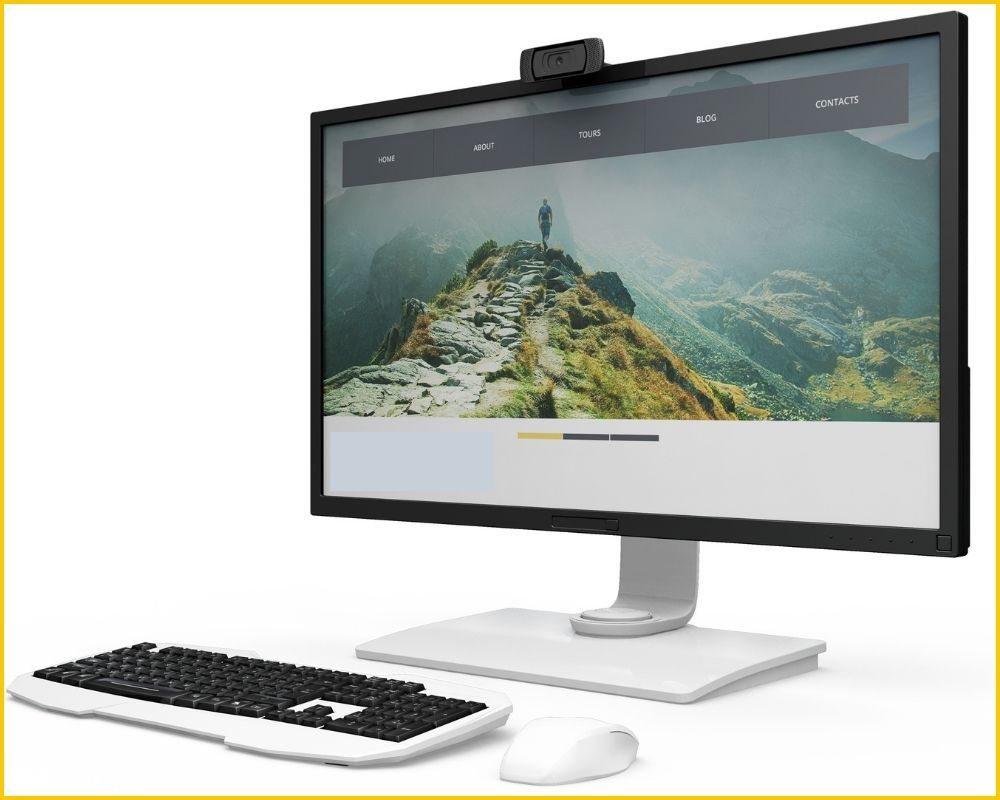
Input devices send information to a computer. Output devices receive information from a computer and present it to the user.
A keyboard is an input device because it sends letters, numbers, and commands into the computer. A mouse is also an input device because it sends movement and click information.
A monitor works in the opposite direction. It receives display data and shows the result. That is why why is a monitor an output device is different from asking whether a keyboard or mouse is an output device.
| Device | Main role | Example |
|---|---|---|
| Keyboard | Input | Sends typed letters |
| Mouse | Input | Sends clicks and movement |
| Microphone | Input | Sends recorded sound |
| Monitor | Output | Shows text and images |
| Printer | Output | Produces paper documents |
| Speakers | Output | Produces sound |
Some devices can handle both input and output. A touchscreen is a good example. Its screen displays images, so it provides output. Its touch layer detects finger movement, so it also provides input.
A standard monitor without touch features is mainly an output device. It displays information but does not normally send user commands back to the computer.
Examples of Monitor Output
A monitor can display many forms of output. The output depends on the computer program and the task you are performing.
Common examples include:
• Text in a word processor
• Images in a photo editor
• Web pages in a browser
• Charts in a spreadsheet
• Video from a streaming service
• Game scenes from a graphics engine
• Notifications from the operating system
• Menus and icons on the desktop
Suppose you type a report. The keyboard sends your keystrokes to the computer. The word processor processes them, and the monitor displays the words on the page.
Now imagine watching a movie. The computer processes the video file and sends image data to the monitor. The monitor displays each frame in order, creating the appearance of motion.
In a video game, the graphics processing unit creates new images many times each second. The monitor displays those images based on your actions. This example makes why is a monitor an output device easy to understand because the screen shows the results of your commands.
Is a Monitor a Soft Copy Output Device?
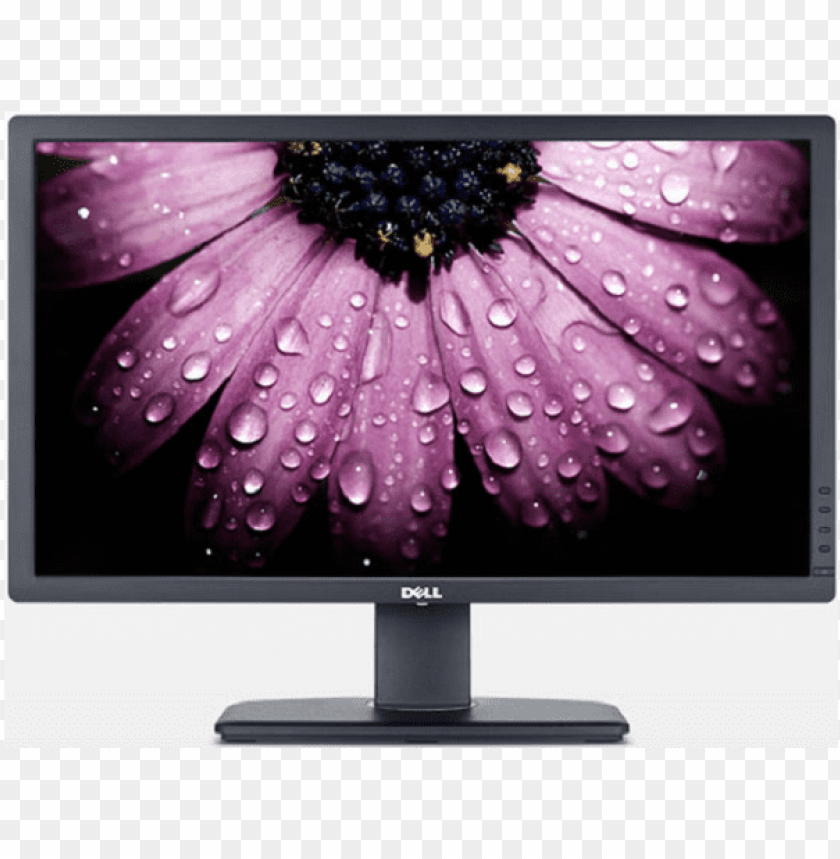
Yes. A monitor provides soft copy output because it displays information electronically instead of producing a permanent physical copy.
A soft copy is temporary or digital. You can view it on a monitor, but it does not automatically exist on paper. If you close the file or turn off the monitor, the visible display disappears, although the file may remain saved on the computer.
A printer creates hard copy output. Its output appears on paper and can be held, stored, or shared without a screen.
The difference is simple:
• Soft copy output appears on a screen.
• Hard copy output appears on a physical material.
A monitor is useful when you need to read, edit, compare, or watch information. A printer is better when you need a physical record. Both are output devices, but they present information in different forms.

Benefits of Using a Monitor as an Output Device
Monitors are one of the most useful output devices because they provide fast and clear visual feedback.
Important benefits include:
• Immediate feedback: You can see changes as soon as you type, click, or edit.
• Easy interaction: Menus, buttons, and icons help you control software.
• Rich detail: High-resolution displays can show sharp text and fine image details.
• Flexible use: One monitor can support work, study, entertainment, and communication.
• Low paper use: Digital documents reduce the need to print every file.
• Support for color: Designers, photographers, and video editors can work with visual color.
• Multitasking: A large screen can show several windows at once.
In my experience with computer setup and troubleshooting examples, many problems blamed on the computer are actually display problems. A loose video cable, incorrect input source, or low brightness can make a working computer appear broken.
A simple lesson is to check the monitor connection before replacing computer parts. Confirm that the monitor has power, the correct input is selected, and the cable is firmly connected.
Limitations of a Monitor
A monitor is useful, but it also has limits. It needs electrical power and usually depends on a computer or another signal source.
Common limitations include:
• It cannot show information without a valid video signal.
• It may cause eye strain during long sessions.
• Its display can be difficult to see in strong sunlight.
• Screen size limits how much information fits at once.
• Broken pixels or panel damage can reduce image quality.
• Color accuracy may vary between different models.
• A monitor does not create a permanent copy of displayed information.
The quality of output also depends on several technical features. Resolution affects image detail. Refresh rate affects how smoothly motion appears. Brightness and contrast affect visibility. Response time can affect fast-moving images.
These features do not change why is a monitor an output device. They only affect how well the monitor presents the output.
Monitor Types and Their Output
Different monitor types provide visual output in different ways.
LCD and LED Monitors
LCD monitors use liquid crystals to control light. Many models use LED backlighting, which is why they are often called LED monitors. They are common in homes, schools, offices, and stores.
OLED Monitors
OLED monitors use pixels that produce their own light. They can provide deep black levels and strong contrast. They are often used for premium entertainment, creative work, and gaming.
Touchscreen Monitors
A touchscreen monitor is both an input and output device. Its display shows information, while its touch surface detects taps, swipes, and other actions.
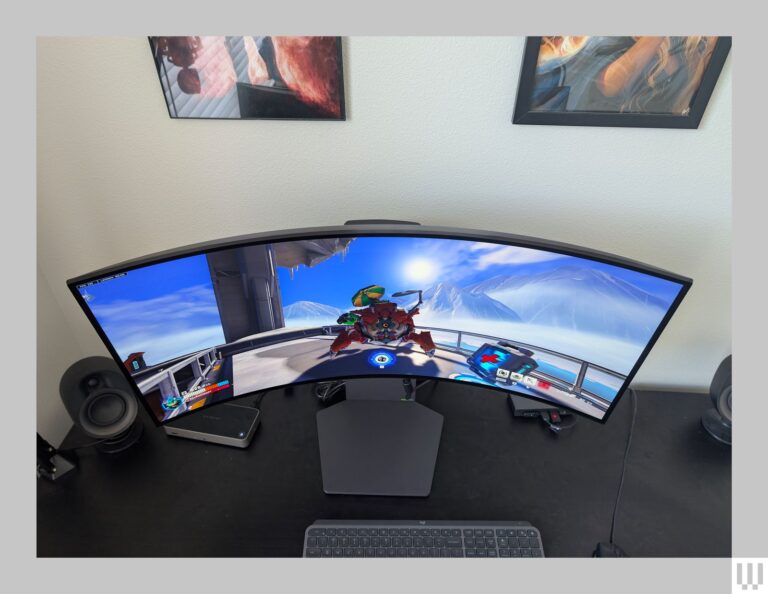
Curved and Ultrawide Monitors
Curved and ultrawide monitors can provide a wider viewing area. They are popular for productivity, simulation games, video editing, and multitasking.
High Refresh Rate Monitors
A high refresh rate monitor updates the image more often each second. This can make motion look smoother, especially in games and fast video.
No matter the panel type, each monitor still performs its basic output role. It receives visual data and presents that data to the user.
Common Mistakes About Monitors
Some learners confuse a monitor with an input device because they interact with it. However, looking at a screen or using a displayed menu is not the same as sending data into the computer.
Another mistake is assuming that every screen is only an output device. A touchscreen has two roles. It displays information and detects touch, so it combines output and input functions.
People also sometimes think the monitor stores files. In most computer setups, the monitor does not store your documents, photos, or programs. It only displays the information sent to it.
Keep these points in mind:
• A monitor normally displays data.
• A keyboard normally enters data.
• A touchscreen can enter and display data.
• A monitor does not usually process files by itself.
• A monitor does not normally save your work.
These distinctions make why is a monitor an output device easier to remember for school tests, technical training, and everyday computer use.
How to Check Monitor Output Problems
When a monitor shows no image, the computer may still be working. Use this simple checklist before assuming the system has failed.
- Check that the monitor power light is on.
- Confirm that the power cable is connected.
- Select the correct input source, such as HDMI or DisplayPort.
- Reseat the video cable at both ends.
- Test another cable if one is available.
- Check whether the computer is running.
- Try another monitor or display port.
- Restart the computer and monitor.
If the screen says “No Signal,” the monitor may be working correctly. That message often means it has power but is not receiving usable video data.
A blank screen can also result from a faulty graphics card, incorrect display settings, damaged cable, or sleep mode. Testing one part at a time helps you find the cause without spending money too soon.
Frequently Asked Questions About Why Is a Monitor an Output Device
Why is a monitor called an output device?
A monitor is called an output device because it receives processed data from a computer and displays that data visually. It shows text, images, video, and other results for the user.
Is a monitor an input or output device?
A standard monitor is an output device. A touchscreen monitor is both an output device and an input device because it displays content and detects touch commands.
What type of output does a monitor provide?
A monitor provides soft copy visual output. Its output may include text, graphics, photographs, video, animation, and software controls.
Does a monitor process computer data?
A monitor interprets the video signal needed to create an image, but the computer and graphics hardware perform most data processing. The monitor mainly presents the finished visual result.
Is a monitor a peripheral device?
Yes, a monitor is usually considered a computer peripheral. It connects to a computer and extends the system’s ability to communicate information to the user.
What is the difference between a monitor and a printer?
A monitor provides temporary soft copy output on a screen. A printer creates hard copy output on paper or another physical material.
Can a monitor work without a computer?
Some monitors can display signals from devices such as game consoles, streaming boxes, or cameras. However, a standard monitor usually needs a compatible video source to show useful content.
Conclusion
A monitor is an output device because it receives computer-generated data and turns it into visible information. It displays text, pictures, video, menus, and other results in a form people can understand.
The key idea is simple: input devices send commands to the computer, while output devices show the computer’s response. A standard monitor performs the second job, although a touchscreen can provide both input and output.
Next time you use a screen, notice the communication path: your input goes into the computer, the computer processes it, and the monitor shows the result. Explore more computer basics, share this guide with a learner, or leave a comment with your questions.