HP laptops can seem bad because some models cut costs in build quality, cooling, displays, and long-term support.
The question “why are HP laptops bad” has no single answer. HP makes everything from low-cost school laptops to powerful business workstations, so the experience can change a lot by model. After comparing common HP designs, repair concerns, user reports, and hardware trade-offs, this guide explains where HP laptops fall short, which models may still be worth buying, and how to avoid a poor choice.
Why Are HP Laptops Bad for Some Users?
The main reason some people ask why are HP laptops bad is that budget HP models often use basic parts. A low price can mean a weaker processor, a dim screen, a small battery, or a plastic body. These limits may not show in a short store test, but they become clear after weeks of daily use.
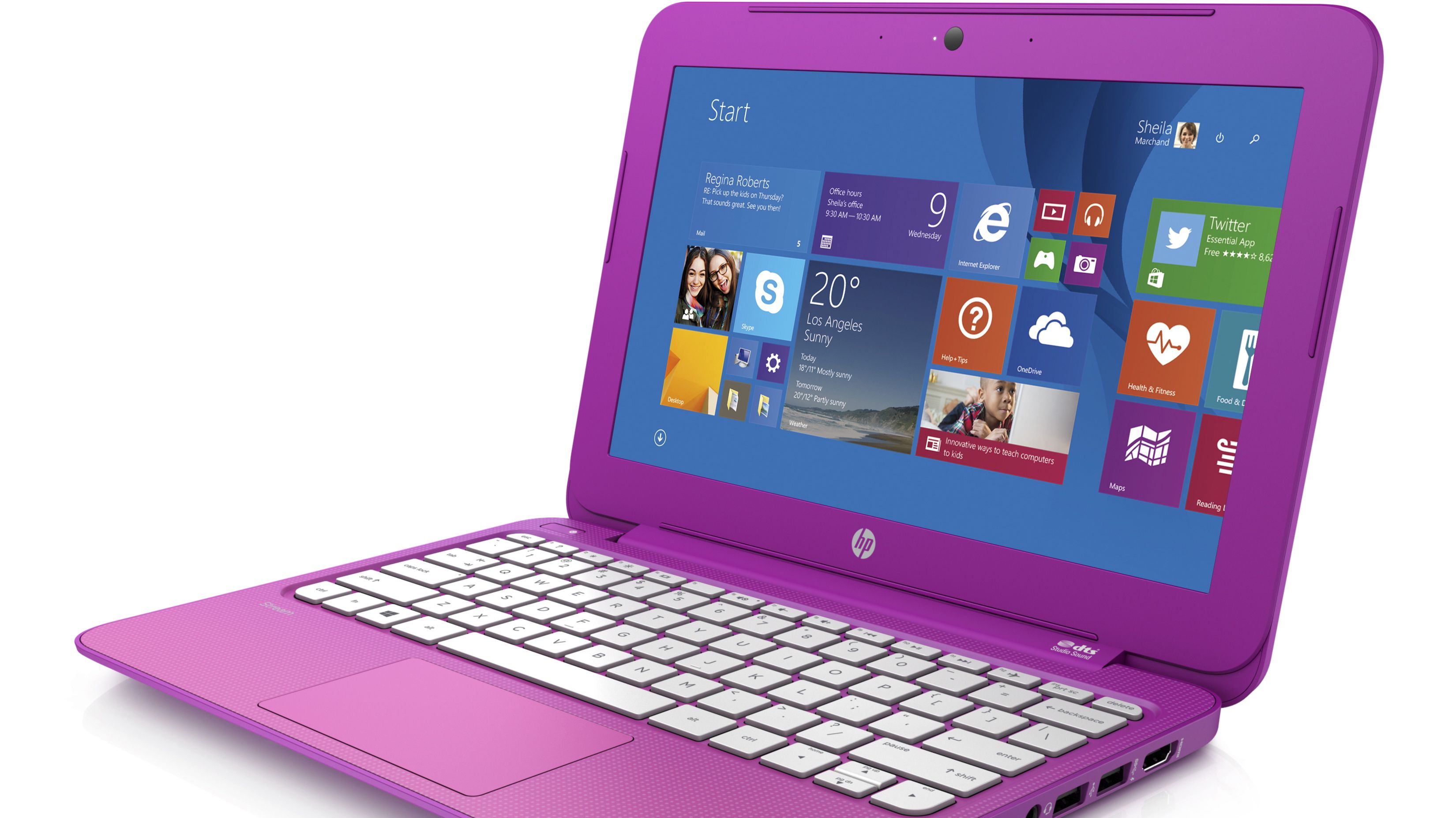
HP is not one single laptop line. Its families include Pavilion, Stream, Chromebook, ENVY, Spectre, ProBook, EliteBook, and OMEN. A $300 Pavilion should not be judged by the same standard as a $1,500 EliteBook.
Common complaints include:
• Slow performance after several months
• Short battery life
• Weak hinges or flexible plastic
• Low-quality displays
• Fan noise and heat
• Limited upgrade options
• Difficult repairs on some models
• Too much preinstalled software
• Confusing model names and specifications
These problems do not affect every HP laptop. They are more common when buyers focus only on price, RAM, or storage without checking the full specification sheet.

Build Quality and Durability Concerns
One major reason behind the search query why are HP laptops bad is build quality. Many entry-level HP laptops use thin plastic. Plastic is not always poor, but very flexible panels can make a laptop feel fragile.
A weak lid may bend when opened from one corner. A loose hinge may also place stress on the display cable. Over time, this can lead to a cracked bezel, screen flicker, or a lid that no longer stays in place.
The keyboard deck matters too. If it bends while you type, the laptop may feel cheap and tiring to use. This is especially noticeable for students, writers, and office workers who type for many hours.
A fair test is simple:
- Open the lid with one hand.
- Check whether the hinge feels smooth.
- Press lightly near the keyboard.
- Look for large gaps around the case.
- Inspect the bottom for easy access to screws and vents.
HP’s business laptops often use stronger materials and better hinge designs than its cheapest consumer models. The lesson is not to reject HP as a brand. The lesson is to inspect the exact series and price class.
Weak Displays on Budget HP Laptops
A poor screen is another answer to why are HP laptops bad. Many inexpensive laptops still use a 1366 × 768 display. This resolution can look cramped on a 14-inch or 15.6-inch screen.
Some budget panels also have:
• Low brightness
• Narrow viewing angles
• Washed-out colors
• Slow response times
• Poor outdoor visibility
• Limited color coverage
A screen with low brightness may be fine in a dim room. It becomes frustrating near a window or outdoors. Narrow viewing angles can also make colors look different when you move your head.
For most buyers, a 1920 × 1080 IPS display is a better starting point. If you edit photos, design graphics, or watch a lot of video, look for strong color coverage and at least 300 nits of brightness.
Do not assume that “Full HD” means the screen is excellent. Resolution tells you how many pixels exist. It does not tell you how bright, accurate, or responsive the panel will be.
Performance Problems and Slow Everyday Use
When people ask why are HP laptops bad, they often mean, “Why did my laptop become slow?” In many cases, the issue is not HP itself. It is a low-power processor paired with limited memory and slow storage.
A laptop with 4GB of RAM can struggle with modern web browsers. Many browsers keep several tabs active in the background. Video calls, cloud apps, and office software add even more demand.
An older hard disk drive can make the problem worse. Windows may take a long time to start, and apps may pause while the drive reads data. A solid-state drive is much faster and should be preferred for nearly every new Windows laptop.
Before buying, check for:
• At least 8GB of RAM for basic work
• At least 16GB for heavier multitasking
• A modern Intel Core or AMD Ryzen processor
• An NVMe solid-state drive
• Enough storage for your files and apps
• A cooling system suited to the processor
Some HP laptops have soldered RAM. This means you cannot increase memory later. A cheap laptop may look like a bargain until you need more power and discover that an upgrade is impossible.
Battery Life Is Often Less Than Expected
Battery life is another common reason for asking why are HP laptops bad. Advertised battery estimates are usually measured under controlled conditions. Real use is harder, especially with high brightness, video calls, many browser tabs, and background updates.
A small battery may be used to keep the laptop light and affordable. That choice can reduce runtime. A powerful processor can also consume more energy when the cooling system is working hard.
Battery performance depends on:
• Battery capacity in watt-hours
• Processor efficiency
• Display brightness and refresh rate
• Wi-Fi strength
• Number of background apps
• Battery age
• Power mode settings
A practical buyer should look for independent battery tests rather than relying only on HP’s estimate. For school or travel, aim for a laptop that can manage a full workday under realistic use.
You can also improve runtime by lowering brightness, closing unused apps, using battery saver mode, and keeping the laptop cool. However, software changes cannot fully fix a battery that is too small for the hardware.

Heat, Fan Noise, and Throttling
Some HP laptops run hot because their cooling systems are small. Thin designs leave less space for heat pipes, fans, and vents. When the processor becomes hot, it may reduce its speed. This behavior is called thermal throttling.
Thermal throttling protects the laptop, but it can make performance feel uneven. A laptop may work well for five minutes and then slow down during a long video export, game, or software build.
Signs of a cooling problem include:
• A hot area near the center of the keyboard
• Loud fans during simple tasks
• Sudden drops in performance
• A warm charger or charging port
• Lag during long workloads
Keep vents clear and use a hard surface rather than a bed or couch. Cleaning dust can help older laptops, but opening the case may affect warranty service. If heat remains high under light use, the design may simply be too weak for the processor.
Gaming laptops need special attention. A strong graphics chip inside a thin case can produce heat, noise, and short battery life. That is not unique to HP, but it is important when comparing HP OMEN or Victus models with competing gaming laptops.

Repairability and Upgrade Limits
Repairability helps determine whether a laptop is a good long-term investment. Some HP laptops allow users or repair shops to replace the SSD, battery, or wireless card. Others use glued parts or soldered memory.
Limited upgrades are a key part of why are HP laptops bad for people who want long-term value. If the RAM is fixed at 8GB, the laptop may become difficult to use as software grows more demanding.
Before buying, search for the official maintenance and service guide. Check whether it explains how to replace:
• The battery
• The SSD
• The RAM
• The cooling fan
• The keyboard
• The display
A laptop that is easy to open is usually easier and cheaper to maintain. This also reduces electronic waste because users can repair or upgrade the device instead of replacing it.
Some repairs are still best handled by an authorized technician. Batteries can swell, display cables are delicate, and incorrect repairs can damage the motherboard.

Software, Drivers, and Customer Support
HP laptops often include extra utilities and trial software. Some tools are useful, such as driver updates and hardware checks. Others may run in the background or send frequent notices.
Too much preinstalled software can cause:
• Slower startup
• More background activity
• Unwanted notifications
• Confusing update messages
• Reduced storage space
A clean Windows installation can improve the experience, but it should be done carefully. Back up personal files first, and download drivers from HP’s official support page if Windows does not install them correctly.
Customer support also varies by region and warranty plan. Business customers may receive better service options than individual buyers. Before purchasing, read the warranty terms and check whether parts, labor, shipping, and accidental damage are covered.
User reviews can reveal patterns, but they also have limits. People are more likely to post after a serious problem than after years of normal use. Look for repeated complaints about the exact model, not just comments about HP as a whole.

Confusing HP Model Names
A major source of buyer regret is HP’s large and confusing product range. Two laptops may both say “HP Pavilion” while using very different processors, displays, batteries, and build materials.
This confusion helps explain why are HP laptops bad in some reviews but good in others. The brand name does not tell you enough.
Use the full model number and compare these details:
• Processor generation and model
• RAM type and capacity
• Storage type
• Screen resolution and brightness
• Battery size
• Weight
• Port selection
• Warranty length
• Upgrade options
Avoid buying from a title that says only “HP laptop, 15-inch, 8GB RAM.” The same memory amount can appear in a fast modern laptop or an outdated system with a weak processor.
Read the small print. Some listings use “up to” language for memory or storage. Others describe a refreshed model with a similar name but different internal parts.
Are HP Laptops Always Bad?
No. The claim that HP laptops are always bad is too broad. HP makes reliable business laptops, capable premium models, affordable student systems, and powerful gaming machines.
The strongest HP choices often include features such as:
• A solid metal or reinforced chassis
• A bright IPS or OLED display
• A modern Ryzen or Core processor
• At least 16GB of RAM
• A fast NVMe SSD
• A replaceable battery or SSD
• A clear warranty
• Good independent review results
EliteBook and ProBook models are often designed for business use, where durability, security, and service matter. ENVY and Spectre models may offer better screens and materials than basic Pavilion systems. HP’s premium and business lines are not perfect, but they usually avoid many entry-level weaknesses.
The best decision depends on your needs. A basic HP Chromebook may be enough for web browsing and school tasks. It may be a poor choice for video editing, gaming, or professional software.
How to Choose a Good HP Laptop
If you still want an HP laptop, use a simple buying process. This can prevent most regrets and answer why are HP laptops bad before you spend money.
- Set a realistic budget. Do not expect premium build quality from an entry-level price.
- Choose the workload first. Browsing, school, design, gaming, and programming need different hardware.
- Select at least 8GB of RAM. Choose 16GB if you multitask or want several years of use.
- Choose an SSD. Avoid a traditional hard drive in a new laptop.
- Prefer a 1080p IPS display. Check brightness if you work near windows.
- Read independent reviews. Look for battery, heat, noise, and performance tests.
- Check upgrade options. Soldered parts can reduce future value.
- Confirm the exact model number. Similar names can hide large hardware differences.
- Review the return policy. A return window gives you time to test the screen, keyboard, battery, and fan.
- Compare competing brands. Lenovo, Dell, Acer, ASUS, and Apple may offer a better fit for your budget.
In practical testing, the first week is important. Run your normal apps, join a video call, test the ports, use the keyboard, and check whether the fan becomes distracting. A laptop that feels fine for ten minutes may feel very different after a full day.
Common Mistakes to Avoid
Many buyers do not actually buy a bad HP laptop. They buy a laptop that does not match their needs. Avoid these common mistakes:
• Choosing the cheapest model without checking the processor
• Buying 4GB of RAM for modern multitasking
• Ignoring screen brightness
• Trusting battery claims without reading test conditions
• Assuming all Pavilion or ENVY models are alike
• Forgetting to check the return policy
• Buying a gaming laptop for long battery life
• Expecting a Chromebook to run full Windows software
• Ignoring repair and upgrade limits
• Judging a laptop only by its brand
One useful habit is to write down your top three needs before shopping. For example, you may need a quiet fan, a bright screen, and ten hours of battery life. This list is more useful than simply searching for the most popular brand.
Frequently Asked Questions About Why Are HP Laptops Bad
Why are HP laptops bad compared with other brands?
Some low-cost HP laptops use basic screens, plastic bodies, small batteries, and entry-level processors. These issues can also appear in budget laptops from other brands, so the exact model matters more than the logo.
Are HP laptops reliable for everyday work?
Many HP laptops are reliable for browsing, documents, school, and video calls when they have suitable hardware. Business models and well-reviewed midrange systems are usually safer choices than the cheapest options.
Why does my HP laptop become slow?
Limited RAM, a slow storage drive, too many startup apps, heat, and an aging battery can all reduce performance. Upgrading to an SSD or adding RAM may help if the model supports those changes.
Do HP laptops overheat?
Some thin or powerful HP laptops can run hot, especially during gaming or demanding work. Keep the vents clear, use a hard surface, and check independent thermal tests before buying.
Are HP laptops good for students?
HP laptops can be good for students if the model has at least 8GB of RAM, an SSD, a comfortable keyboard, and dependable battery life. Avoid very cheap models with 4GB of RAM and low-resolution screens if you need several years of use.
Is HP better than Dell or Lenovo?
No brand is best in every category. HP, Dell, and Lenovo each make strong and weak models, so compare the processor, display, battery, build quality, warranty, and repair options.
Should I avoid buying an HP laptop?
You do not need to avoid HP completely. Instead, avoid poorly reviewed configurations and focus on the exact model, hardware quality, service terms, and long-term value.
Conclusion
The answer to why are HP laptops bad usually comes down to a mismatch between price, hardware, and expectations. Budget models may suffer from weak screens, limited memory, plastic builds, heat, short battery life, or difficult upgrades. Premium and business HP laptops can offer much better materials, performance, security, and support.
Treat the model number as more important than the HP logo. Check independent tests, choose an SSD and enough RAM, inspect the display, and confirm the return policy before buying. Use these steps to compare your next HP laptop with competing models, and share your own experience if you have found a model that worked well or caused problems.