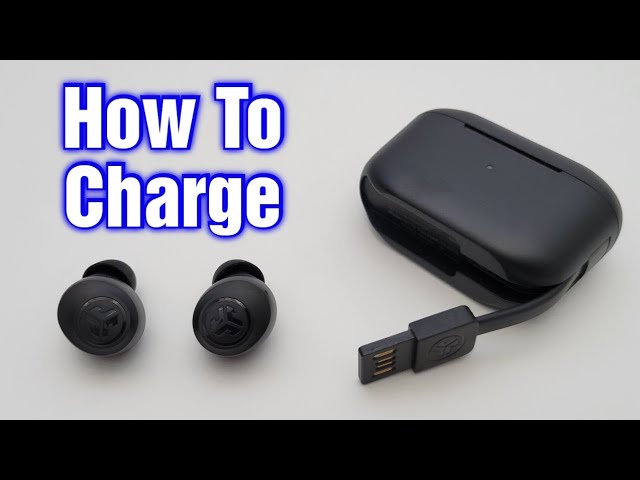
Press and hold either earbud for about 2 seconds or toggle Aware in the JLab app to turn it off.
I’ve worked with JLab earbuds for years and helped many users manage features like Be Aware mode. This guide explains how to turn off Be Aware mode on JLab earbuds step by step, covers app and hardware options, troubleshooting tips, and real-life advice so you can switch modes fast and confidently. If you need quick, reliable steps or deeper fixes when the mode won’t turn off, you’ll find tested methods here.
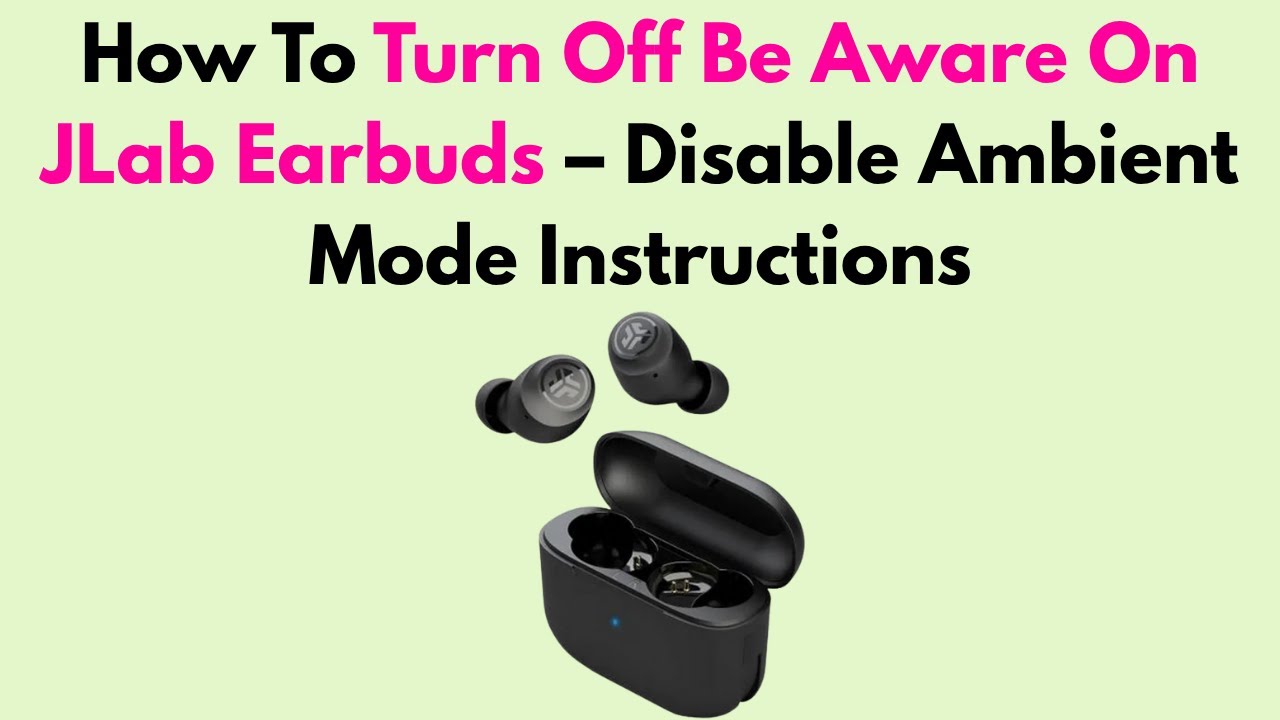
How Be Aware Mode Works on JLab Earbuds
Be Aware mode (also called Aware or Ambient mode) mixes outside sound with your audio. It uses microphones to let traffic, conversations, or announcements come through while you listen. This keeps you safer outdoors and more aware in public places.
Knowing how Be Aware mode works helps you decide when to use it and why you might want to turn it off. For example, turning off Be Aware mode gives you clearer sound and better passive isolation for focus or privacy.

Which JLab Models Include Be Aware Mode
Many recent JLab true wireless and ANC models include a Be Aware or Aware option. Models often updated with this feature include higher-end and sport variants, plus some midrange earbuds. If your JLab earbuds support active noise control or ambient features, they likely support Be Aware mode.
If you’re unsure, check the quick start guide, product page, or the JLab app. The app usually lists available listening modes and controls for your connected model.

Step-by-step: Turning Off Be Aware Mode on JLab Earbuds
Below are reliable methods used across JLab models. Try them in order until your Be Aware mode turns off.
- Use touch controls on the earbud
- Press and hold one earbud for about 2 seconds to toggle Aware mode off or on.
- If that doesn’t work, try pressing and holding the opposite earbud or both at once.
- Use the JLab app
- Open the JLab app on your phone.
- Select your earbuds from the device list.
- Toggle off the Aware or Ambient mode in the listening mode or ANC settings.
- Use your phone’s audio settings
- Some phones show ANC/Aware toggles in Bluetooth device settings when the earbuds are connected.
- Open Bluetooth settings, tap the connected JLab device, and switch Aware off if shown.
- Use physical buttons (non-touch models)
- Press and hold the multi-function button on one earbud until you hear the voice prompt indicating Aware is off.
- Restart your earbuds and phone
- Turn Bluetooth off and on, or reconnect the earbuds after placing them back in the charging case for a few seconds.
If you need exact presses for your model, consult the manual, but the press-and-hold method and app toggle solve most cases.

Troubleshooting: If Be Aware Mode Won't Turn Off
If Be Aware mode won’t turn off, try these fixes.
- Check battery level
- Low battery can stop features from responding. Charge both earbuds fully and retry.
- Update firmware
- Open the JLab app and check for updates. A firmware bug can block mode changes.
- Re-pair the earbuds
- Forget the earbuds on your phone, then pair them again to reset the connection and controls.
- Reset touch controls
- Some models allow toggling touch settings in the app. Make sure touch controls are enabled and set properly.
- Factory reset the earbuds
- If nothing else works, perform a reset to restore defaults. Back up any paired-device info as needed.
These steps remove common software and connection issues that block how to turn off Be Aware mode on JLab earbuds.

Resetting Your JLab Earbuds (Safe Factory Reset)
A reset can clear persistent problems. General reset steps used by many models:
- Put both earbuds in the charging case and close the lid for 10 seconds.
- Open the case, then press and hold the earbud sensors or buttons for about 10 to 15 seconds until LED flashes or you hear a voice prompt.
- Forget the earbuds in your phone’s Bluetooth list, then re-pair them.
If your model uses a different reset method, check the quick start guide. Resetting often restores touch control behavior and resolves stuck modes like Be Aware.

Tips and Best Practices for Using Aware Mode
- Use Aware outdoors for safety and traffic awareness.
- Turn off Aware for focused listening, calls, or low-noise settings.
- Keep firmware current to avoid glitches with Aware mode.
- Customize touch controls in the JLab app to reduce accidental toggles.
- Check voice prompts—JLab earbuds often announce mode changes so you know the state.
These simple habits make switching between Aware and normal modes easy and reliable.

Personal Experience: What I Learned Managing Aware Mode
I’ve used JLab earbuds daily for commuting and workouts. I found accidental presses happen during exercise. To avoid this, I customized touch controls in the app and set the case to store earbuds when not in use. Firmware updates fixed one case where Aware stuck on after calls. If you follow app updates and keep a routine reset plan, you’ll rarely need deeper fixes.

Frequently Asked Questions of how to turn off be aware mode on jlab earbuds
How do I quickly disable Be Aware mode on JLab earbuds?
Normally press and hold one earbud for about 2 seconds or use the JLab app to toggle the Aware setting off. If that fails, try restarting the earbuds or re-pairing with your phone.
Can I turn off Be Aware mode from my phone without the JLab app?
Some phones show ANC or ambient toggles in Bluetooth device settings while the earbuds are connected. For full controls and firmware updates, the JLab app is recommended.
Why does Be Aware mode turn back on by itself?
Automatic mode changes can come from firmware bugs, accidental touch inputs, or app profiles. Update firmware, check touch control settings, and disable auto-switch features in the app if available.
Will resetting my earbuds remove custom settings and fix Aware problems?
Yes. A factory reset clears custom settings and often resolves stuck modes. You will need to re-pair your earbuds and reconfigure any app preferences.
Is Be Aware mode safe to use when running or biking?
Be Aware mode improves safety by letting ambient sounds in, which helps detect traffic or warnings. Use it when you need awareness, and turn it off when you need maximum noise isolation.
Conclusion
Turning off Be Aware mode on JLab earbuds is usually quick: press and hold an earbud or use the JLab app to toggle the ambient setting. If it doesn’t respond, update firmware, recharge, re-pair, or reset the earbuds. Use Aware mode for safety and disable it for focus or privacy.
Try the steps now on your earbuds and see which method works best for your model. If you found this helpful, subscribe for more tips, or leave a comment with your earbud model and issue so I can help further.