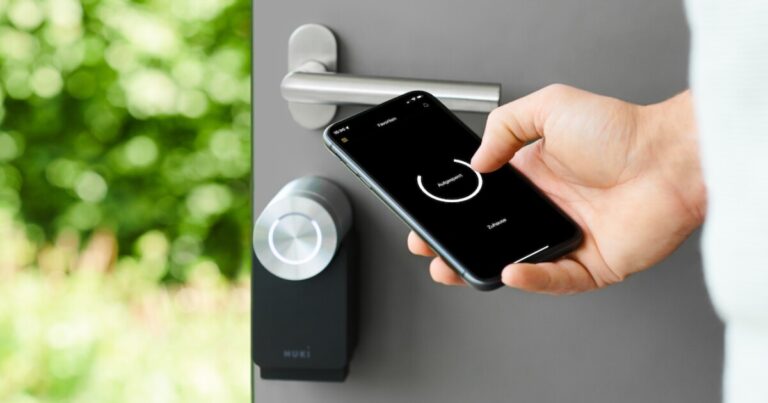
A SimpliSafe Smart Lock that is not responding is usually caused by depleted batteries, connection problems, keypad issues, incorrect installation, or a temporary system error. Start by checking the batteries, confirming the lock has power, and verifying communication with your SimpliSafe system.
For homeowners in the United States, a non-responsive smart lock can be frustrating because it affects everyday access and home security. A SimpliSafe Smart Lock may stop responding when the lock cannot communicate properly with the keypad, mobile app, Base Station, or its internal power source.
The safest troubleshooting approach is to begin with simple checks that do not affect your security settings. Battery inspection, connection checks, and basic resets often resolve common problems. If the lock remains unresponsive after these steps, the issue may require official SimpliSafe support or hardware inspection.
Source: Bing
Why Is My SimpliSafe Smart Lock Not Responding?
A SimpliSafe Smart Lock may fail to respond when it does not receive enough power, loses communication with connected devices, or encounters a software or configuration problem. The exact cause depends on what you observe, such as a dead keypad, delayed app commands, or a lock that does not move.
Understanding the symptom helps narrow down the solution. A lock with no lights or sounds usually points toward a power issue, while a lock that works manually but ignores app commands may indicate a communication problem.
Source: Bing
Battery failure
Weak or improperly installed batteries can prevent the motor, keypad, or wireless components from operating correctly.
Wireless communication problems
The lock may not respond if it cannot communicate reliably with the SimpliSafe system components.
A misaligned door, bolt, or mounting component can stop the lock from completing its movement.
Temporary software issue
A restart or reconnection process may resolve occasional system communication errors.
Common Symptoms and Possible Causes
Different symptoms often point to different causes. Identifying the exact behavior before changing settings can save time and prevent unnecessary resets.
Keypad does not light up
Usually related to battery power, battery placement, or a hardware problem.
App command does not unlock the door
Often related to communication between the mobile app, Base Station, and lock.
Lock makes noise but does not open
May indicate a mechanical alignment issue with the deadbolt or door frame.
Check the SimpliSafe Smart Lock Batteries First
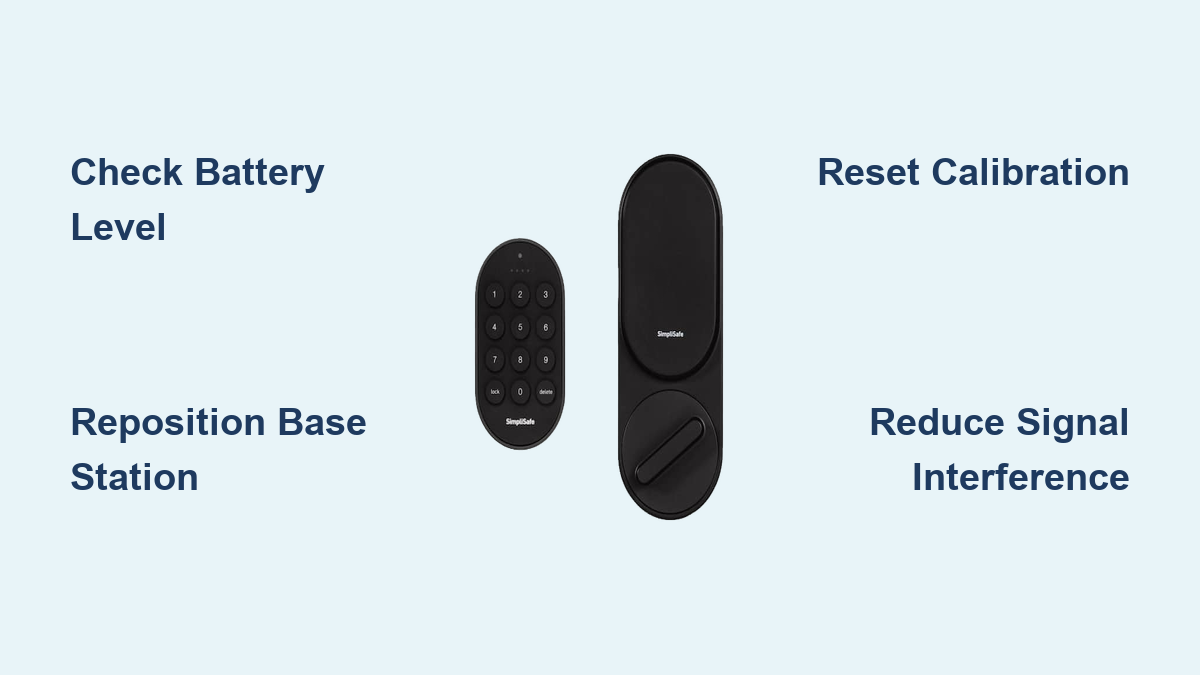
Battery problems are one of the quickest issues to rule out when a SimpliSafe Smart Lock is not responding. Smart locks depend on consistent power to operate the keypad, motor, and wireless communication features.
Replace batteries if they are old, leaking, damaged, or showing signs of reduced performance. After replacing them, confirm that the lock powers on and responds normally.
Source: Bing
Inspect battery installation
Make sure batteries are inserted according to the polarity markings inside the battery compartment.
Use compatible replacement batteries
Use the battery type recommended by SimpliSafe for your specific lock model.
Test after replacement
Check keypad lights, lock movement, and app communication after installing fresh batteries.
Signs That Batteries May Be the Problem
A weak battery issue may appear as delayed responses, a dim keypad, failure to complete locking movements, or no response at all.
Slow operation
The lock motor may move slower than normal when battery power is low.
No keypad activity
A completely inactive keypad may indicate insufficient power.
Reconnect and Check SimpliSafe Smart Lock Communication
If the lock has power but does not respond through the app or keypad, the next step is checking communication. Smart locks depend on wireless connections between components, and interruptions can prevent commands from reaching the lock.
Confirm that your SimpliSafe system is powered on and that connected devices are communicating normally before performing a reset.
Source: Bing
Check the SimpliSafe app
Open the app and verify whether the lock appears connected or reports an error.
Restart system components
A restart may refresh communication between devices without removing your settings.
Check distance and interference
Wireless interference or distance from connected components may affect reliability.
When a Reset May Help
A reset can help after temporary software or communication problems. Before resetting, understand that some settings may need to be configured again depending on the process used.
Use reset as a later step
Try battery and connection checks first to avoid unnecessary reconfiguration.
Check Door Alignment and Mechanical Problems
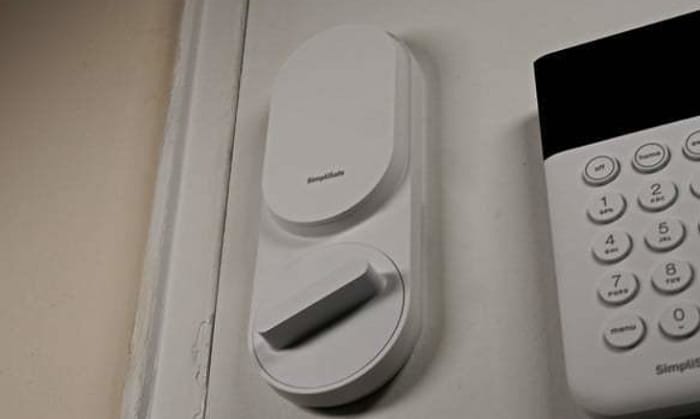
A SimpliSafe Smart Lock can appear unresponsive when the motor cannot move the bolt because of physical resistance. Smart locks require the deadbolt to move freely through the strike plate and door frame.
Try manually locking and unlocking the door. If the bolt feels tight or requires force, correct the door alignment issue before continuing with electronic troubleshooting.
Source: Bing
Inspect the deadbolt movement
The bolt should extend and retract smoothly without pressure on the door.
Check the strike plate
A misaligned strike plate can prevent the lock from completing its operation.
Mistakes to Avoid When Fixing a Non-Responsive Smart Lock
Troubleshooting a smart lock requires careful changes. Incorrect resets or installation adjustments can create additional problems, especially if access settings are changed without preparation.
Source: Bing
Avoid skipping battery checks
Many smart lock problems can be resolved quickly by confirming power first.
Avoid forcing the lock
Applying excessive pressure can damage internal components or the door hardware.
Avoid deleting settings too early
A factory reset should generally be considered after simpler troubleshooting steps fail.
When to Contact SimpliSafe Support
Contact SimpliSafe support if the lock remains unresponsive after power, connection, and mechanical checks. Professional assistance may be needed for suspected hardware failure or installation-related problems.
Persistent failure
The lock remains inactive despite fresh batteries and confirmed system communication.
Physical damage
Visible damage to the lock components may require repair or replacement.
Frequently Asked Questions
Q
Why is my SimpliSafe Smart Lock keypad not working?
A non-working keypad is commonly caused by depleted batteries, incorrect battery installation, communication problems, or a hardware issue. Check power first before attempting advanced troubleshooting.
Q
How do I fix a SimpliSafe Smart Lock that is not responding in the app?
Confirm that the lock has power and that your SimpliSafe system is connected. Restarting system components and checking communication status may restore app control.
Q
Can a dead battery stop my SimpliSafe Smart Lock from working?
Yes. A weak or empty battery can prevent the keypad, motor, and wireless functions from responding.
Q
Should I reset my SimpliSafe Smart Lock if it stops responding?
A reset may help with some software problems, but it should usually be attempted after checking batteries, connections, and physical alignment.
Q
What should I do if my SimpliSafe Smart Lock still does not respond?
If basic troubleshooting does not solve the problem, contact SimpliSafe support or consider professional inspection for possible hardware issues.
✦ Wrapping Up
Conclusion
A SimpliSafe Smart Lock that is not responding is usually caused by a manageable issue such as low batteries, communication problems, or door alignment. Following a logical troubleshooting order helps identify the cause without making unnecessary changes.
Start with power checks, then verify connections, inspect the mechanical parts, and only consider resets or support assistance when simpler solutions fail.
💡 Key Takeaway
Check the batteries first, confirm your SimpliSafe system connection, and inspect the lock movement before performing advanced troubleshooting steps.
Kimberly ensures every piece of content is clear, helpful, and user-friendly. She focuses on creating guides that are easy to read while maintaining accuracy and trust.
Is a wireless mouse good for gaming? Learn how modern wireless gaming mice compare with wired models for latency, battery life, accuracy, reliability, and competitive gaming performance.
Learn how the 2012 Honda Accord tire pressure monitoring system works, how to reset the TPMS light, identify sensor problems, and maintain proper tire pressure.
Learn how Home Assistant smart locks work, which technologies support integration, how to set them up, common issues, and what to consider before choosing a smart lock.
Learn how to install a Yale smart lock with this detailed guide covering preparation, installation steps, setup, troubleshooting, and common mistakes for US homeowners.