Samsung Voice Recorder has no fixed time limit; you can record until storage or battery ends.
I’ve used Samsung Voice Recorder on several Galaxy phones for interviews, lectures, and long meetings. I will explain exactly how long can i record on samsung voice recorder, what limits you’ll face, and how to get the longest possible recordings. You’ll find clear examples, simple math to estimate time, settings that matter, common pitfalls, and real tips from my hands-on experience.
How Samsung Voice Recorder handles recording length
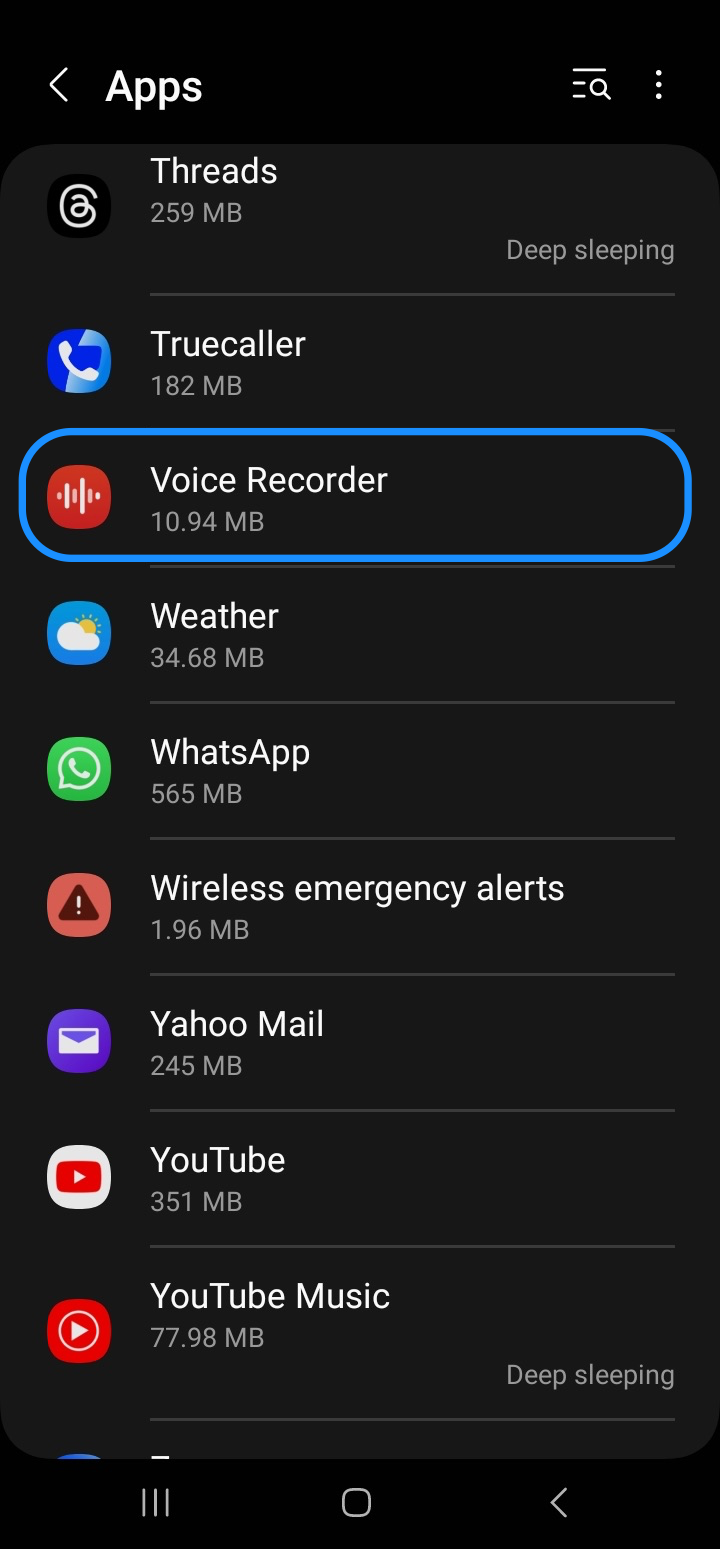
Samsung Voice Recorder is designed for everyday and professional use. It does not impose a hard, built-in time cap in most versions. Instead, recording length depends on other factors like storage space, battery life, chosen file format, and phone thermal or system limits. When you ask how long can i record on samsung voice recorder, the practical answer is usually “as long as your phone and storage allow.”
Key points
- The app itself typically has no fixed minute/hour cap.
- Recording stops when storage is full, battery dies, or the system halts the app.
- Android OS or some carrier/firmware builds can add limits on certain devices.

Factors that determine how long can i record on samsung voice recorder
Understanding these factors helps you plan long recordings. Each factor affects the final duration differently.
Storage
- Internal storage and SD card capacity set the raw limit.
- Large recordings in WAV/PCM use far more space than compressed formats.
Battery
- Phone battery life determines continuous recording time.
- External power or airplane mode can extend usable time.
File format and quality
- Higher sample rates and bitrates increase file size.
- Compressed formats like AMR or AAC use much less space.
System and app behavior
- Background task managers may stop recording to save power.
- Older phones may overheat and throttle or stop recording.
File system limits
- SD cards formatted with FAT32 have a 4 GB file size limit. This can break or split long recordings.
- Using exFAT or internal storage avoids that 4 GB boundary.

How to calculate recording time (examples)
You can estimate how long you can record using simple math. Here’s an easy method and examples.
Simple formula
- Hours = (Storage in GB × 8,000) ÷ Bitrate in kbps
Examples
- At 128 kbps (typical decent compressed audio), 1 GB ≈ 17 hours of audio.
- At 64 kbps, 1 GB ≈ 34 hours.
- At WAV/PCM 1,411 kbps (CD quality), 1 GB ≈ 1.6 hours.
Practical example for planning
- If you have 32 GB free and record at 128 kbps:
- Hours ≈ (32 × 8,000) ÷ 128 = 2,000 hours ÷ 128 = 15.6 hours.
- Always leave some buffer space for system files and other apps.

Tips to maximize how long can i record on samsung voice recorder
These steps helped me record long lectures and multi-hour interviews reliably.
Optimize settings
- Use a compressed format like MP4 or AAC when you need long time.
- Lower bitrate if acceptable for your use case.
Manage power
- Plug into a charger during long sessions.
- Turn on airplane mode to reduce background wakeups.
- Disable battery optimizations for the recorder app.
Prepare storage
- Use a high-capacity SD card formatted in exFAT if supported.
- Clear unnecessary files and leave at least 10% free as buffer.
Reduce interruptions
- Turn off notifications or enable Do Not Disturb.
- Keep screen on or use a reliable lock screen; some phones stop background recording when sleeping.
Test before the real event
- Do a short trial at your chosen settings to confirm file size and stability.
- Check that the app resumes or saves correctly after a pause.
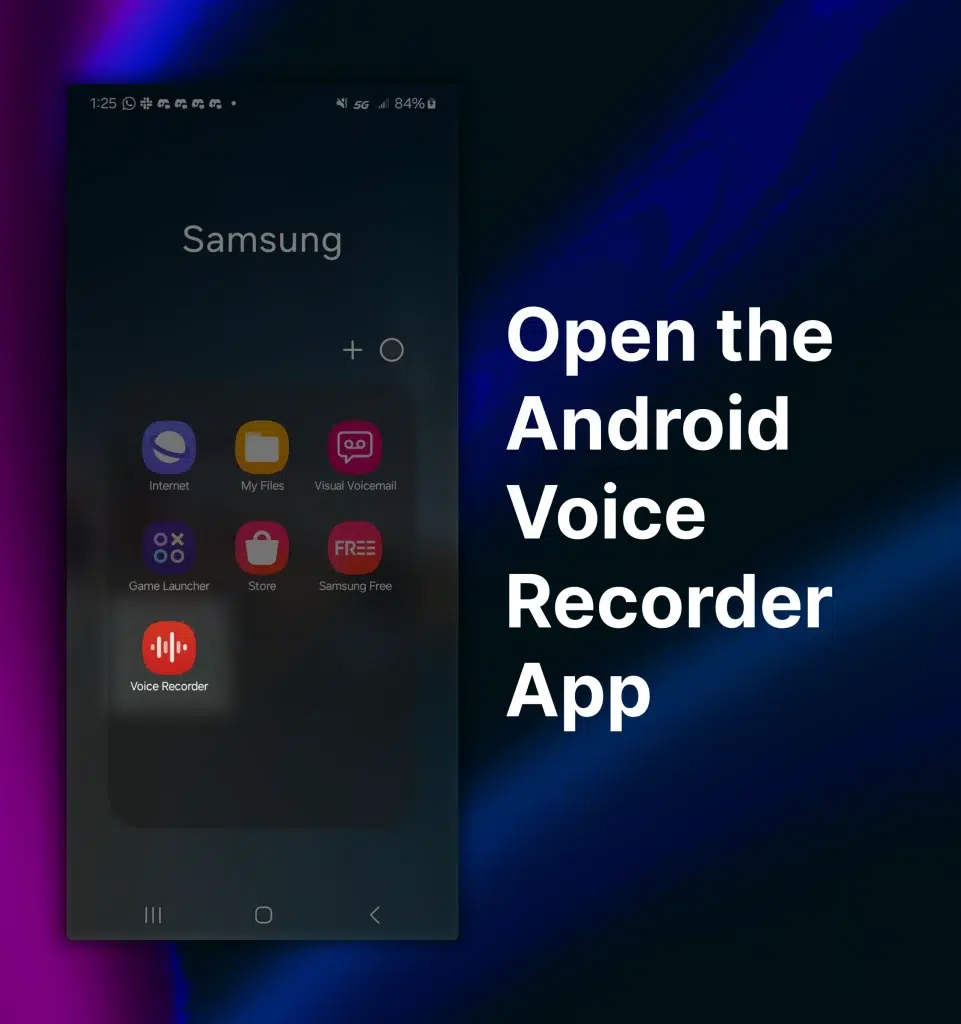
File formats and quality settings that affect recording length
Understanding formats helps you pick the right balance of quality and time.
Common formats in Samsung Voice Recorder
- AMR: Very small files, low quality. Good for voice notes.
- AAC/MP4: Good quality with efficient compression. Great for interviews.
- WAV/PCM: Highest quality, much bigger files. Use for music or studio needs.
Choosing the right format
- For long meetings or lectures, choose AAC/MP4 at 64–128 kbps.
- For best audio fidelity, use WAV but plan for large storage needs.

Troubleshooting if recordings stop or fail
If you wonder why your recording ended early, check these common causes.
Storage full or file limit
- Running out of storage is the most common cause.
- FAT32 SD cards can hit a 4 GB per-file limit and stop a long recording unexpectedly.
Battery or thermal shutdown
- Phones can heat up and throttle or shut down to protect hardware.
- Battery saver or aggressive OS cleaners may stop background tasks.
App crashes or permissions
- Ensure Samsung Voice Recorder has microphone and storage permissions.
- Update the app and system software to reduce bugs.
Recovery tips
- Save shorter segments intentionally and merge later if needed.
- Use an external audio recorder as a backup for very important events.

Personal experience and practical lessons
I once recorded a six-hour workshop using Samsung Voice Recorder on a Galaxy phone. Here’s what I learned from real use.
What worked
- Recording in AAC at 96 kbps saved space and sounded fine for speech.
- Plugging the phone into power and enabling Do Not Disturb prevented interruptions.
What went wrong
- On another phone, an SD card formatted as FAT32 split a file near 4 GB and caused playback issues.
- I once forgot to disable battery optimization and the OS paused the app mid-recording.
Practical takeaway
- Run a short test with your chosen settings before any long session. That catches limits early.

Frequently Asked Questions of how long can i record on samsung voice recorder
How long can i record on samsung voice recorder without running out of storage?
It depends on your free storage and chosen format. Use the storage × bitrate formula from the article to estimate hours for your settings.
Does Samsung Voice Recorder have a built-in time limit?
Most versions do not set a hard time limit. Recordings stop because of storage, battery, file system limits, or OS interruptions.
Will the app stop recording if my phone heats up?
Yes. If your phone overheats, the OS may throttle or stop apps, including Samsung Voice Recorder, to protect hardware.
Can I record for more than 4 GB on an SD card?
Only if the SD card is formatted with exFAT or the recording is saved to internal storage. FAT32 limits single files to 4 GB.
How can I ensure a multi-hour recording succeeds?
Use a compressed format at a moderate bitrate, plug in external power, disable battery optimization and notifications, and test beforehand.
Conclusion
You can usually record as long as your phone’s battery and storage allow; Samsung Voice Recorder itself rarely sets a strict time cap. By choosing the right format, managing power and storage, and running a quick test, you can capture multi-hour interviews and lectures reliably. Try the simple calculations in this guide to plan your session, and use the practical tips to avoid common drops. If you found this useful, try a test recording with your ideal settings, subscribe for more tips, or leave a comment sharing your longest recording experience.