Check your phone's voice app or cloud backup—most recorders are there.
I’ve helped hundreds of people track down lost recordings and devices, so I know the common pain points and quick wins for how do i find my voice recorder. This guide walks you step-by-step through phones, computers, physical recorders, recovery tips, and prevention best practices so you can find recordings fast and keep them safe.

Start with the most common places to check
Most people find their recorder in obvious spots. Look on your smartphone, in cloud backups, or inside the app you normally use to record. These first checks answer how do i find my voice recorder for more than half of users.
- Check your phone’s home screen and app folders for a Voice Recorder, Voice Memos, or Recorder app.
- Open cloud services you use, such as iCloud or Google Drive, and search for audio files.
- Search for recent files on your device using the operating system search box or file manager.
Find voice recorder on your smartphone
Phones are where most recordings live today. If you ask how do i find my voice recorder on a phone, follow these simple device-specific steps. The next steps work for both iPhone and Android.
iPhone steps
- Open the Voice Memos app from the home screen or App Library.
- Tap the list view to see recent recordings and use the search bar to filter by name or date.
- If missing, check Settings > Your Name > iCloud > Manage Storage > Backups to see if Voice Memos are backed up.
Android steps
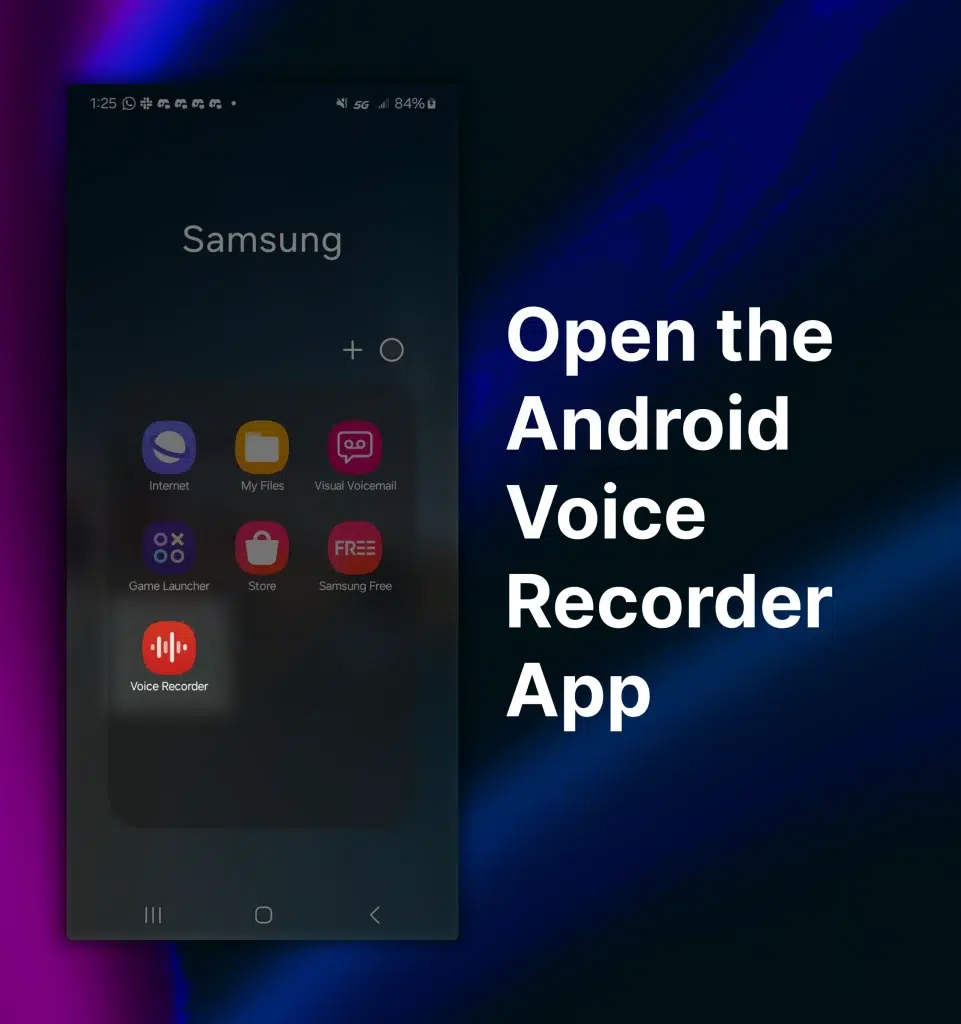
- Open Recorder, Voice Recorder, or Samsung Voice Recorder from the apps list.
- Use the in-app list or the Files app and search for .m4a, .mp3, or .wav files.
- Check Google Drive or device backup settings for automatic uploads of recordings.

Find voice recorder files on a computer
Sometimes recordings are synced to a laptop or desktop. If you wonder how do i find my voice recorder files on a computer, here is a quick map. These steps work on Windows and macOS.
- Windows: Open File Explorer and search This PC for .m4a, .mp3, or .wav. Sort results by Date Modified to find recent files.
- Mac: Use Spotlight or Finder and search for "Voice Memos" or known file extensions. Check ~/Music and ~/Documents for exported files.
- Check cloud apps on the computer. Open Google Drive, Dropbox, or iCloud Drive and use their search tools to locate audio.

Find a physical voice recorder device
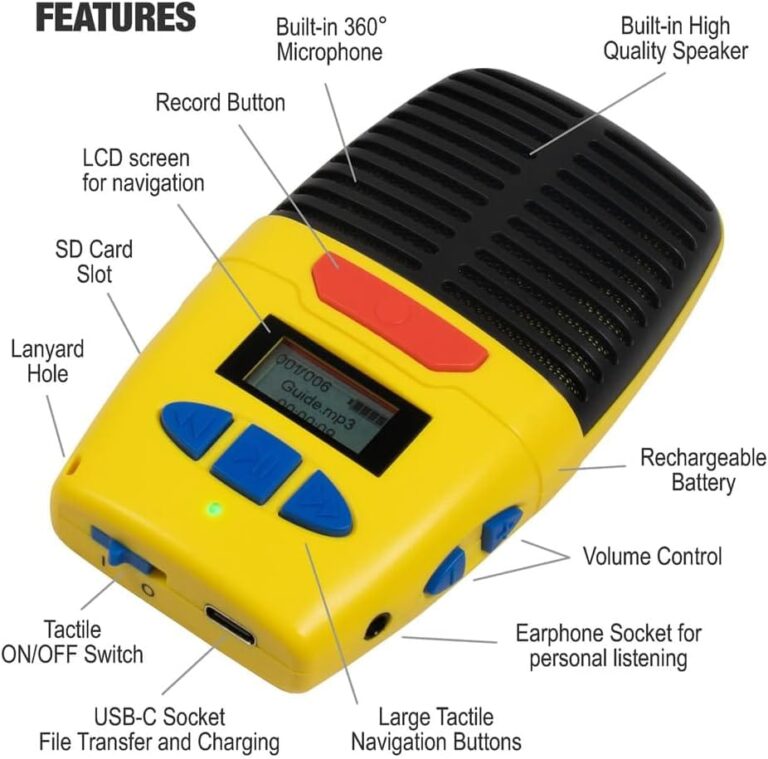
A standalone recorder can get misplaced in pockets or bags. If you ask how do i find my voice recorder device, use a methodical search. Small steps save time and reduce panic.
- Retrace recent movements and check the last place you recorded something.
- Empty common pockets, bags, drawers, and car compartments slowly and in one spot.
- If the recorder has Bluetooth or a power indicator, turn it on or pair it to hear a beep or see a status light.

Troubleshooting and recovery
If you can’t find the recorder or the files seem gone, don’t panic. Many recoveries are simple if you act fast. These steps cover deleted files and missing devices and answer how do i find my voice recorder in tricky cases.
- Check the Trash or Recently Deleted folder in your phone’s Voice app or cloud service. Files often remain for 30 days.
- Connect the device to a computer with a USB cable. Browse internal storage for hidden folders or temporary files.
- Use reputable recovery software only when needed. Stop using the device to avoid overwriting deleted data and follow recovery tool instructions.
Personal note: I once lost an important interview file. I used the phone’s Recently Deleted folder and cloud history to restore it in minutes. The main lesson was to stop using the device immediately to avoid overwriting the file.

Prevention tips to avoid losing recorders or files
A little routine saves hours of stress. These preventive steps help you avoid asking how do i find my voice recorder in the future. Follow the simple habits below.
- Enable automatic cloud backup for voice apps so recordings sync instantly.
- Name and date recordings right after you make them to make searches easy.
- Export critical recordings to two places, such as cloud plus local drive.
- Keep a designated pocket or case for physical recorders so they have a home.

Frequently Asked Questions of how do i find my voice recorder
How do I find my voice recorder app on my iPhone?
Open the App Library and search for Voice Memos, or swipe down on the home screen and type "voice" in Spotlight. If it’s been deleted, reinstall it from the App Store and check iCloud backups for missing memos.
How do I find my voice recorder on Android?
Open the app drawer and look for Recorder, Voice Recorder, or similar apps, and use the Files app to search for .m4a or .mp3 files. Check Google Drive or the device’s backup settings if you enabled automatic upload.
What if my recording was deleted accidentally?
Check the Recently Deleted or Trash folder in your app or cloud service first, as many systems hold files for 30 days. If it’s not there, stop using the device and try file recovery software or restore from a backup.
How do I find a lost physical voice recorder?
Retrace your steps and check common storage spots like bags and pockets, then power on the device to look for status lights or pair via Bluetooth. If it’s a digital recorder with a serial number, register it with the maker to help in recovery.
Can cloud backups help me find recordings?
Yes, cloud backups often sync recordings automatically and allow you to search and restore files across devices. Enabling automatic backups is the best way to prevent permanent loss.
How can I recover recordings from a broken device?
Connect the device to a computer and try accessing internal storage, or remove the storage card if possible and use a card reader. If hardware is severely damaged, contact a professional data recovery service.
Conclusion
You now have a clear, step-by-step plan for how do i find my voice recorder. Start with your phone and cloud, move to computers, and use recovery steps carefully if files vanish. Make backups and simple naming habits part of your routine to prevent future loss.
Take action now: search the likely spots, enable backups, and share your experience or questions in the comments so others can learn from what worked for you.