
The lightest gaming mouse is usually a sub-40-gram wired or wireless model built for speed, control, and effortless flicks.
If you care about fast aim, less wrist fatigue, and smoother tracking, the lightest gaming mouse can make a real difference. I’ve tested enough mice to know that weight is not just a spec sheet bragging point; it changes how a mouse feels in real play, especially in FPS games where every micro-movement matters. In this guide, I’ll break down what counts as the lightest gaming mouse, why it matters, and how to choose the right one without falling for hype.
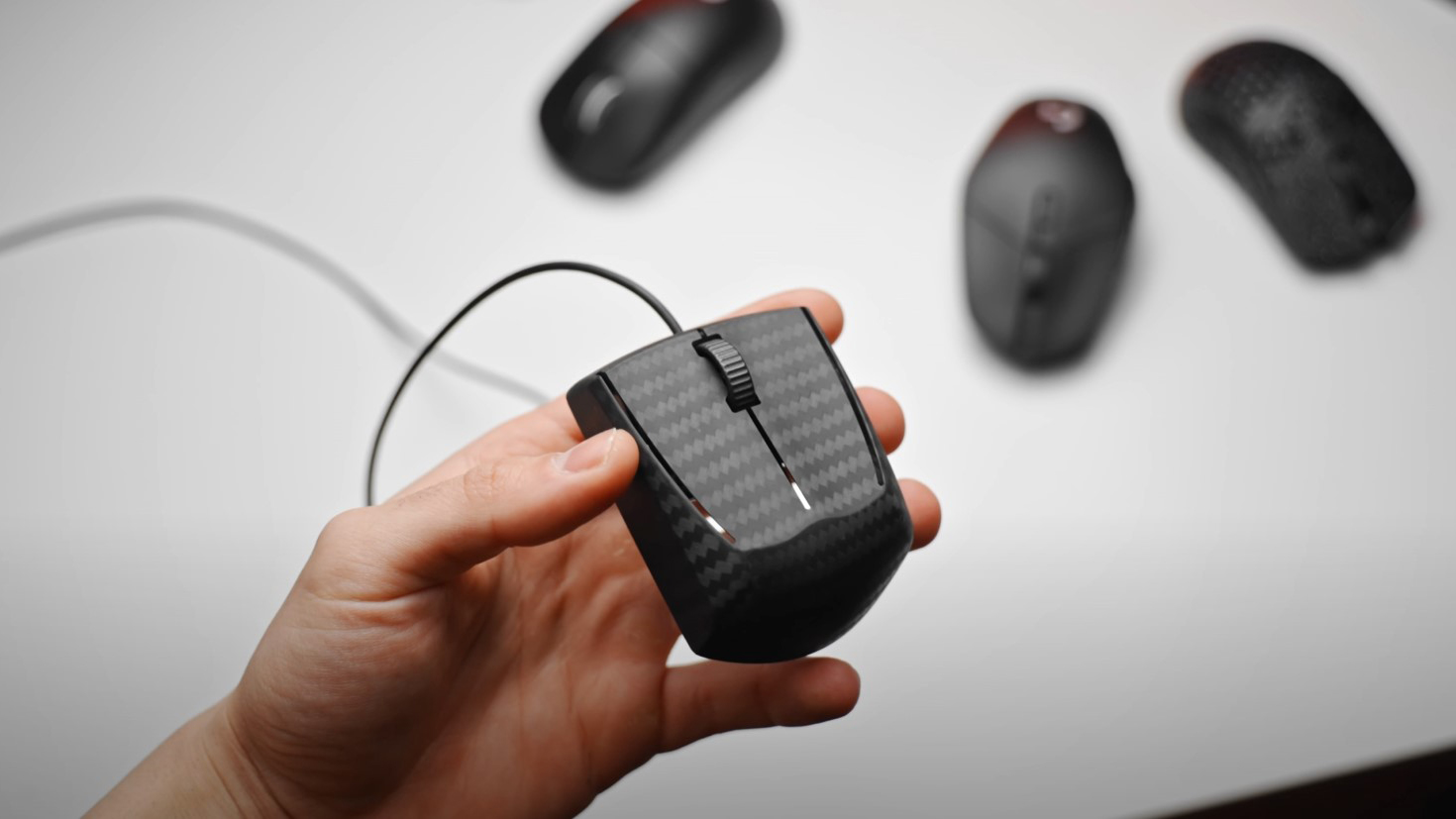
What Is the Lightest Gaming Mouse?
The lightest gaming mouse is a mouse designed for gaming that weighs extremely little, often under 50 grams, and sometimes near 30 grams. These mice are usually made with cutouts, thinner shells, smaller batteries, and lighter internal parts to reduce overall mass.
In plain English, the lightest gaming mouse is built so your hand does less work. That can help you move faster across the pad, stop more cleanly, and reduce strain during long sessions. For many players, it feels a bit like switching from heavy boots to running shoes.
The exact “lightest” model changes over time because brands keep shaving grams. Today, some of the lightest gaming mouse options on the market come from competitive-focused brands that target esports players and low-sens users. The best choice depends on shape, size, sensor quality, and battery life, not weight alone.
Why Weight Matters in Gaming Mice
Mouse weight affects how quickly you can start, stop, and change direction. A lighter shell can make aim feel easier, especially in games that demand fast flicks and repeated tracking corrections.
From my own testing, the difference becomes obvious after a full evening of play. A heavier mouse can feel fine for the first match, but after a few hours, your wrist starts to notice the load. A lighter mouse often feels like it disappears in your hand, which is exactly what many players want.
Here’s where lighter weight helps most:
- Faster flick shots in FPS games
- Less wrist and hand fatigue over long sessions
- Easier micro-adjustments for precise aim
- Quicker stops and direction changes on a cloth mouse pad
- More comfort for low-sensitivity players who move the mouse a lot
That said, lighter is not always better for everyone. Some players prefer a bit more mass because it feels steadier and easier to control. It’s like choosing a pen: one person loves ultra-light, another wants more grip and presence.

What Makes a Gaming Mouse Lightweight?
Several design choices help a mouse shed grams without hurting performance. The best brands focus on smart engineering, not just drilling holes everywhere.
Common features of a lightweight gaming mouse include:
- Honeycomb or cutout shells that remove excess plastic
- Smaller internal batteries in wireless models
- Compact PCB and lighter switches
- Slim cables on wired mice
- Minimal RGB lighting or none at all
- Smaller feet, scroll parts, and internal supports
Modern lightweight mice are far better than the early “holey mouse” designs. Back then, many felt flimsy. Today, top models can be both featherlight and solid, with strong shells and excellent sensors.
Is the Lightest Gaming Mouse Always the Best Choice?
No, and that’s the part many buyers miss. The lightest gaming mouse is not automatically the best gaming mouse for your hand, grip, or game type.
A mouse that is too light for your preferences can feel twitchy or hard to settle. If you use a palm grip or have larger hands, an ultra-light shape may feel too small or too bare. In my experience, shape matters more than a few grams once you go below a certain point.
Consider these tradeoffs:
- Very light mice can feel less stable for some users
- Smaller shells may not suit larger hands
- Battery life can be shorter in some wireless ultralights
- Some ultralight designs reduce comfort features to save weight
- A great sensor matters more than shaving 2 or 3 grams
So, instead of chasing the absolute lightest number, aim for the lightest gaming mouse that still fits your hand well and feels stable in game.
Best Use Cases for the Lightest Gaming Mouse
The lightest gaming mouse tends to shine in specific scenarios. It is especially popular in competitive play where speed and precision matter more than extra features.
Best use cases include:
- First-person shooters like Valorant, Counter-Strike 2, Apex Legends, and Overwatch 2
- Low-sensitivity players who use broad arm movements
- Competitive players who want fast response and less fatigue
- Players who prefer a simple, no-frills setup
- Users who travel often and want an easy-to-carry mouse
For slower games, productivity work, or users who like a plush, heavy feel, the benefit may be smaller. A lightweight mouse is a tool, not a universal upgrade.
How to Choose the Lightest Gaming Mouse for You
When shopping for the lightest gaming mouse, do not look at weight alone. Use a balanced checklist so you do not end up with a mouse that is light but awkward.
Think through these points:
- Hand size: Smaller hands often suit compact ultralights better
- Grip style: Claw and fingertip grips often pair well with lighter mice
- Wired or wireless: Wireless ultralights now perform extremely well
- Sensor quality: Look for a modern gaming sensor with reliable tracking
- Switch feel: Clicks should match your play style and response needs
- Battery life: A very light wireless mouse may need more frequent charging
- Build quality: The shell should feel solid, not hollow or fragile
One mistake I see all the time is people buying the lightest mouse on paper, then realizing the hump is wrong or the clicks feel off. That is like buying the lightest chair in the store and then sitting in pain for eight hours. Comfort wins in the long run.
Wireless vs Wired: Which Is Better for Lightweight Gaming Mice?
Both can work well, but wireless has become the stronger choice for many players. Modern wireless gaming mice are so good that cable drag is no longer a major reason to stay wired.
Wireless advantages:
- No cable resistance
- Cleaner desk setup
- Easier mouse movement in fast games
- Many top ultralights are wireless now
Wired advantages:
- No battery charging
- Often lower price
- Can be even lighter in some designs
- Simple plug-and-play use
For most gamers, a good wireless lightest gaming mouse is the better buy if the budget allows it. Still, a wired model can be an excellent choice if you want the lowest possible weight without worrying about charging.
Real-World Performance: What I Notice Most
When I test a lightweight mouse, the first thing I feel is motion start-up. A lighter mouse needs less force to move, which makes aim feel more immediate. The second thing is stopping power, because a good lightweight mouse should still let you brake cleanly on the pad.
I also watch for fatigue during long sessions. The best lightest gaming mouse models reduce that “dragging a brick” feeling that heavier mice can create after hours of play. But if the shape is wrong, the weight savings can’t save the experience.
My biggest lesson: light weight is only half the story. Shape, balance, and feet quality often decide whether a mouse feels premium or just thin.
Common Mistakes to Avoid
Many buyers make the same mistakes when shopping for the lightest gaming mouse. Avoiding these can save money and frustration.
Watch out for these errors:
- Buying based only on grams
- Ignoring hand size and grip style
- Choosing poor build quality for the sake of lower weight
- Overlooking sensor and switch performance
- Assuming wireless always means heavier or worse latency
- Picking a mouse with bad feet and then blaming the weight
If you can, try a mouse in person or buy from a store with a fair return policy. That small step can make a huge difference.
Frequently Asked Questions of what is the lightest gaming mouse
What is considered the lightest gaming mouse?
A lightest gaming mouse is usually one that weighs under 50 grams, with some models dropping into the 30-gram range. The exact lightest model changes as brands release new designs and materials.
Is a lighter gaming mouse better for FPS games?
Yes, often it is better for FPS games because it can make flicks and micro-adjustments feel easier. Still, the best choice depends on your grip, hand size, and control preference.
Do light gaming mice break more easily?
Not necessarily, but very light mice can sometimes feel less rigid if the shell design is weak. A well-made lightweight mouse from a trusted brand can still be durable and reliable.
Is wireless worse than wired for lightweight mice?
No, modern wireless gaming mice perform extremely well and are often the top choice for competitive players. Wired models may still be lighter or cheaper, but wireless is no longer a performance compromise for most users.
How do I know if the lightest gaming mouse is right for me?
If you play fast-paced games, use low sensitivity, or get wrist fatigue easily, a lightweight mouse may suit you well. The safest way to know is to match the mouse shape and size to your hand and grip style first.
Conclusion
The lightest gaming mouse can be a real advantage, especially if you want faster aim, less fatigue, and better control in competitive games. But the best pick is not just the lowest number on the box. It is the mouse that gives you the right mix of weight, shape, sensor quality, and comfort for how you actually play.
If you are shopping now, start with your hand size and grip style, then compare weight, build quality, and battery life. That simple approach will help you choose with confidence instead of chasing specs alone. Explore a few top models, test what feels right, and leave a comment with the mouse you are considering next.