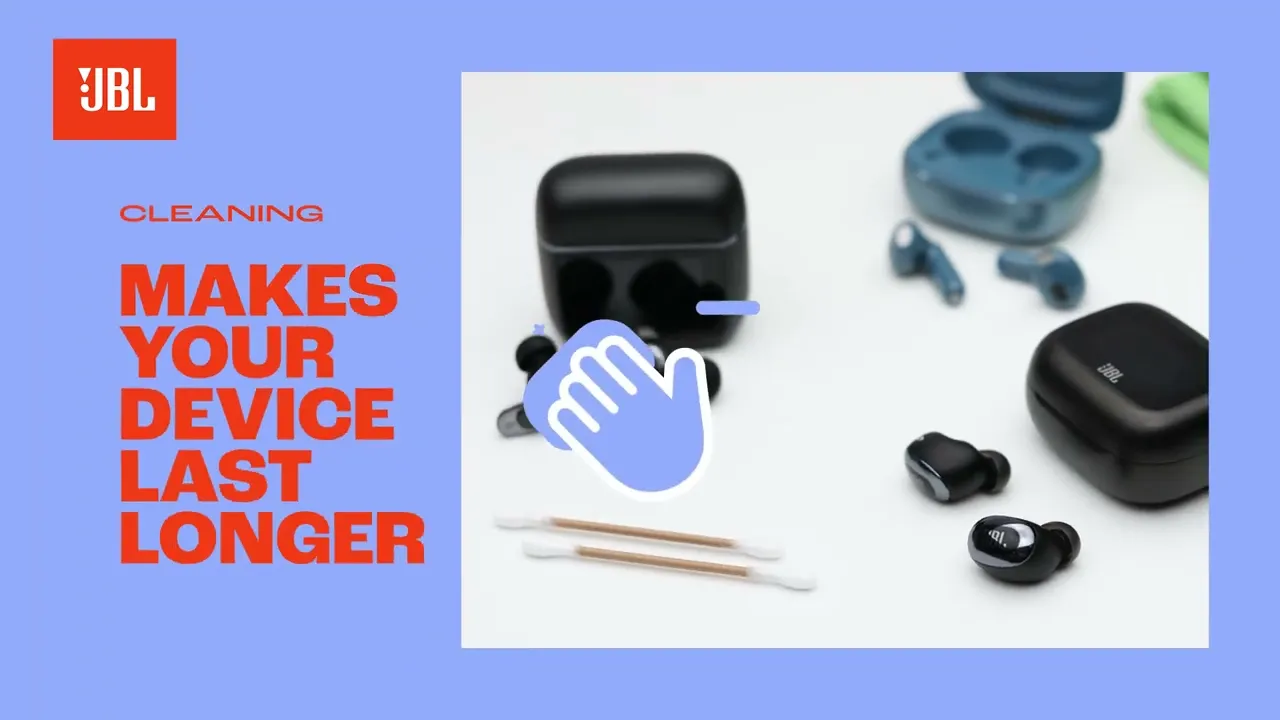
Clean JBL earbuds using soft cloth, isopropyl wipes, and a gentle brush; avoid water in drivers.
I’ve cleaned dozens of earbuds and helped friends restore sound and hygiene. This guide explains how to clean JBL earbuds safely, step by step. You’ll get clear tools lists, simple routines, troubleshooting tips, and real-life lessons from hands-on experience so you can keep your earbuds sounding and smelling fresh.

Why cleaning matters for your JBL earbuds
Dirty earbuds lose sound quality. Earwax, dust, and sweat block the mesh and reduce volume and bass. Regular cleaning prevents irritation and ear infections. It also keeps the charging contacts working and prolongs battery life. Knowing how to clean JBL earbuds helps you protect your investment and enjoy clear sound every time.

Tools and supplies you need before you clean JBL earbuds
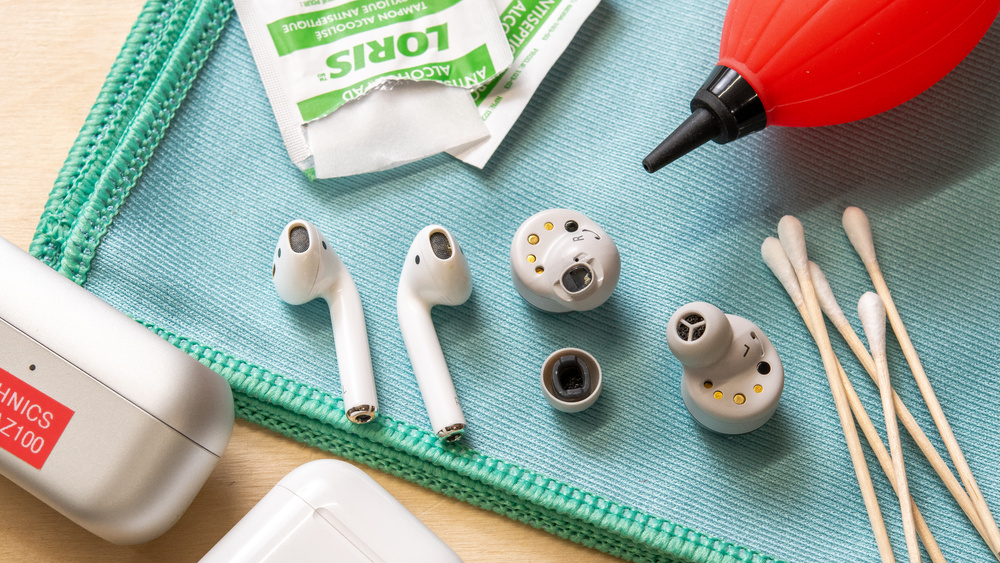
Prepare safe, gentle tools. Use small items to reach mesh and crevices. Here’s what I use and recommend:
- Soft microfiber cloth: For wiping housings and cases.
- Cotton swabs: For gentle, controlled cleaning of small parts.
- Soft-bristled brush or interdental brush: To remove built-up wax from mesh.
- Isopropyl alcohol 70%: For disinfecting external surfaces and ear tips only.
- Warm water and mild soap: For cleaning silicone tips and removable parts.
- Toothpick or wooden stick: For careful scraping of tight spots.
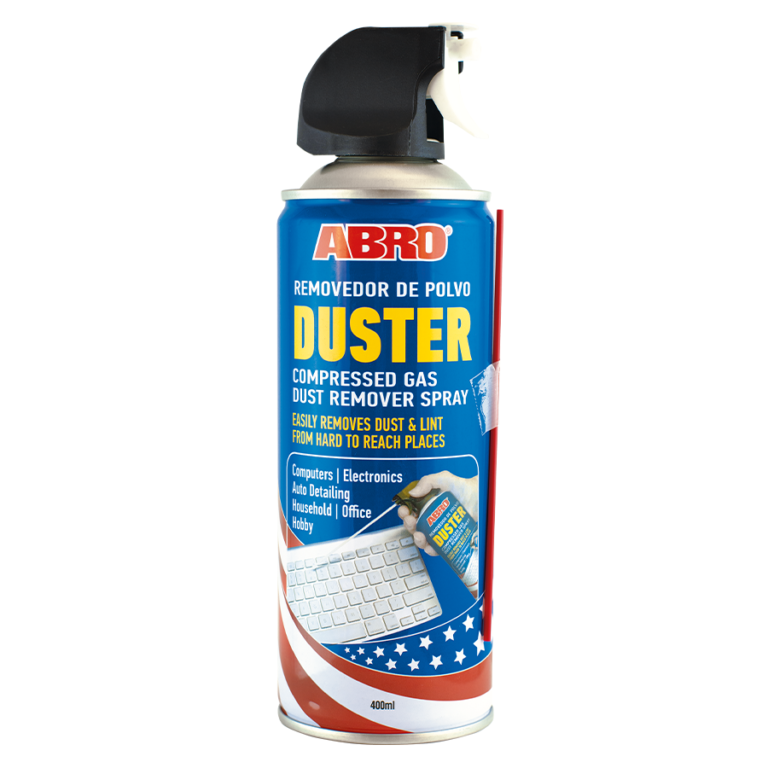
- Compressed air (short bursts): To clear loose debris from ports.
- Small bowl and clean towel: For washing and drying tips.
Having these ready makes the process quick. When you know how to clean JBL earbuds, the right tools make the job safe and effective.
Step-by-step: how to clean JBL earbuds safely
Follow this ordered routine. Work slowly. Take care around the speaker mesh and charging contacts.
- Prepare and power down
- Turn off the earbuds and remove them from the case.
- Disconnect from devices and keep the case open to air out.
- Remove and clean silicone ear tips
- Gently pull tips off. Wash tips in warm water with mild soap for one minute.
- Rinse thoroughly and dry on a towel for at least 30 minutes before reattaching.
- For foam tips, follow manufacturer guidance; often they need only a light wipe and air dry.
- Clean the earbud housings
- Use a dry microfiber cloth to wipe surfaces.
- Dampen a cotton swab with a drop of isopropyl alcohol to clean stubborn grime. Avoid excess liquid.
- If debris sits on seams, use a toothpick gently to lift it out.
- Clean the mesh and speaker nozzle
- Use a dry, soft brush to sweep away wax from the mesh.
- If mesh is removable, follow JBL instructions to detach and clean separately.
- Avoid pushing wax deeper. Repeat brushing until clear.
- Clean the charging case
- Remove loose debris with a soft brush or compressed air (short bursts).
- Dampen a microfiber cloth with a tiny amount of isopropyl alcohol and wipe the interior and lid.
- Use a dry cotton swab to clean charging pins gently. Make sure contacts are completely dry before use.
- Drying and reassembly
- Allow every part to dry fully. Moisture in the drivers or charging ports damages the earbuds.
- Reattach tips and power on. Test audio at low volume first.
Knowing how to clean JBL earbuds like this protects drivers and keeps sound true. Repeat the core steps regularly to maintain performance.

Deep cleaning, precautions, and what to avoid
Deeper cleaning helps but carries risk. If you open or disassemble parts you can void warranty. Follow these rules:
- Don’t submerge earbuds or cases in water. Water can ruin drivers and circuits.
- Avoid strong cleaners and household solvents. They can strip coatings and damage plastic.
- Don’t use high-pressure compressed air near the mesh. It can force wax deeper.
- Be cautious with alcohol near speaker mesh. Use minimal amounts and never pour liquid into openings.
- If earbuds stop working after cleaning, let them dry for 24–48 hours before retrying.
If you’re unsure, contact JBL support or a qualified repair service. Learning how to clean JBL earbuds safely reduces the risk of accidental damage.
How often to clean and quick troubleshooting tips
Regular care keeps performance stable. Here’s a simple schedule that I use and recommend:
- After heavy workouts: Wipe housings and tips immediately.
- Weekly: Brush mesh and wipe the case.
- Monthly: Wash silicone tips and do a thorough case clean.
Common problems and fixes:
- Low volume on one side — likely wax build-up. Clean the mesh and nozzle.
- Charging fails — clean case contacts and earbud pins with a dry swab.
- Muffled sound — remove tips and check for blocked vents or debris.
PAA-style quick questions:
How often should I clean my JBL earbuds?
Clean tips weekly and wipe housings after sweaty sessions. Do a full clean monthly.
Can I use alcohol to clean JBL earbuds?
Use 70% isopropyl alcohol sparingly on housings and case. Avoid soaking the mesh or electronic parts.
What to do if one earbud won’t charge?
Check and clean the charging contacts in the case and on the earbud. Ensure the case battery is charged and dry.

Personal experience, mistakes to avoid, and pro tips
I used to use too much liquid early on. That led to a damp earbud and a shorted circuit. From that mistake I learned to use dry tools first. Here are practical tips from hands-on use:
- Tip swap: Keep a spare set of tips. Replace them if they lose shape.
- Small brush habit: A tiny brush after each week keeps wax from hardening.
- Don’t force: If a mesh won’t come off, stop. Forcing parts can break clips.
- Dry time patience: Always wait until parts are fully dry. Quick tests can lead to permanent damage.
- Storage: Store earbuds in their case only when both earbuds are clean and dry.
These habits have kept my gear working longer. They will help you too when learning how to clean JBL earbuds.

Frequently Asked Questions of how to clean jbl earbuds
How do I clean the speaker mesh without damaging it?
Use a soft-bristled brush and short, gentle strokes. Avoid pushing wax into the mesh and never pour liquid directly onto it.
Are cotton swabs safe for charging contacts?
Yes, when dry or very lightly dampened with isopropyl alcohol. Make sure contacts are fully dry before closing the case or charging.
Can I use earbud cleaners or sprays?
Only use products designed for electronics and earbuds. Many household sprays contain solvents that can damage finishes and seals.
What if my ear tips smell bad after cleaning?
Wash silicone tips with mild soap and let them air dry completely. If odor persists, replace the tips; they are inexpensive and restore freshness.
Will cleaning void my JBL warranty?
Cleaning following manufacturer care instructions typically won’t void a warranty. Avoid disassembling sealed parts. If in doubt, check JBL’s warranty terms.
Conclusion
Regular, careful upkeep keeps your earbuds sounding clear and lasting longer. Use simple tools, follow safe steps, and learn from small mistakes. Start a short cleaning routine this week and you’ll hear the difference. If this guide helped, leave a comment, share your tip, or subscribe for more practical audio-care guides.