Connect your recorder, move audio to a computer, then transcribe with software or by hand.
I’ve transcribed hours of interviews, lectures, and notes from pocket recorders. I know how do you transcribe from a digital voice recorder step by step. This guide walks you from a raw audio file to a clean, accurate transcript. You’ll get clear steps, tool picks, editing tips, and real-world tricks I learned on the job.

Why transcribe from a digital voice recorder?
Transcription turns spoken words into text. It makes interviews searchable, meeting notes shareable, and content easier to edit. Many people ask how do you transcribe from a digital voice recorder to save time and make audio useful.
Good transcripts help research, legal work, content creation, and accessibility. They also protect facts and quotes. I’ll show both manual and automated ways so you can pick the best path for your needs.

Prepare your recorder and files
Start clean. Back up your files. Know your recorder’s format and settings.
- Charge the recorder and use fresh batteries or a full charge.
- Record in a quiet place to cut noise.
- Use WAV or high-bit-rate MP3 for the best results.
- Label files with date and short notes so you can find the right clip.
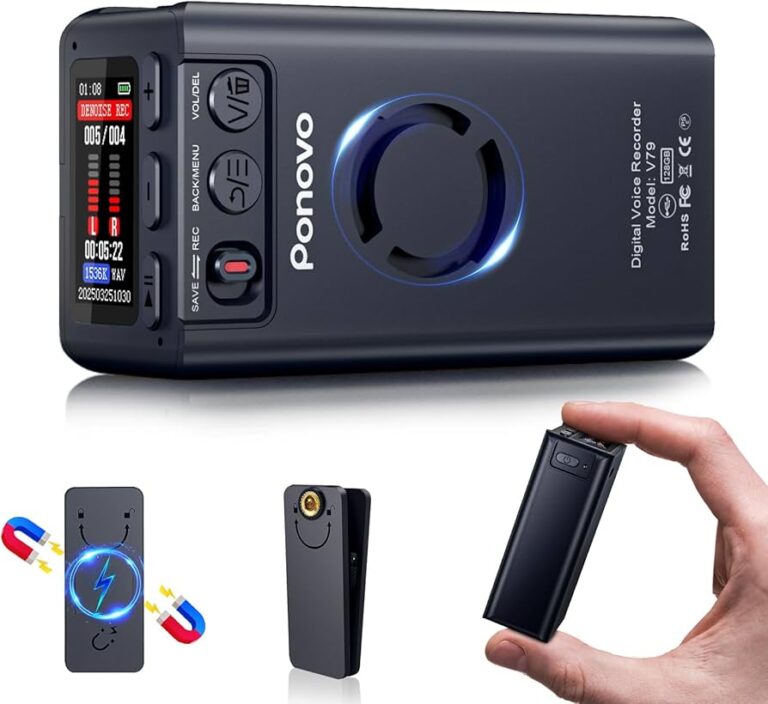
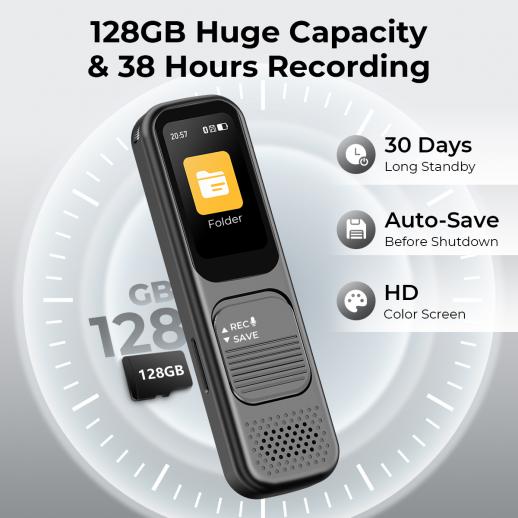
- Transfer audio using the USB cable or SD card reader.
When you know how do you transcribe from a digital voice recorder, file prep saves hours of cleanup. Good audio means better transcripts and fewer edits.
Step-by-step: Manual transcription process
Manual transcription is slow but precise. Here is a clear, repeatable workflow.
- Open the audio file on your computer.
- Choose a transcription app or text editor.
- Use a player with pause, rewind, and speed controls.
- Play short segments and type what you hear.
- Mark unclear words with timestamps like [00:02:15].
- Do a full pass for content, then another for punctuation and speaker labels.
Tips from my experience:
- Slow the audio to 0.8x for hard accents.
- Use a foot pedal if you transcribe often—hands stay on the keyboard.
- Save drafts often to avoid lost work.
Manual work gives accuracy. If you are asking how do you transcribe from a digital voice recorder for precise quotes, manual is reliable.

Use automatic transcription tools
Automation speeds things up. Many tools offer near-instant transcripts. Here’s how to use them well.
- Upload your audio to a trusted transcription service or app.
- Choose language and speaker detection if available.
- Let the tool process the file and download the raw transcript.
- Review the automated output and correct errors.
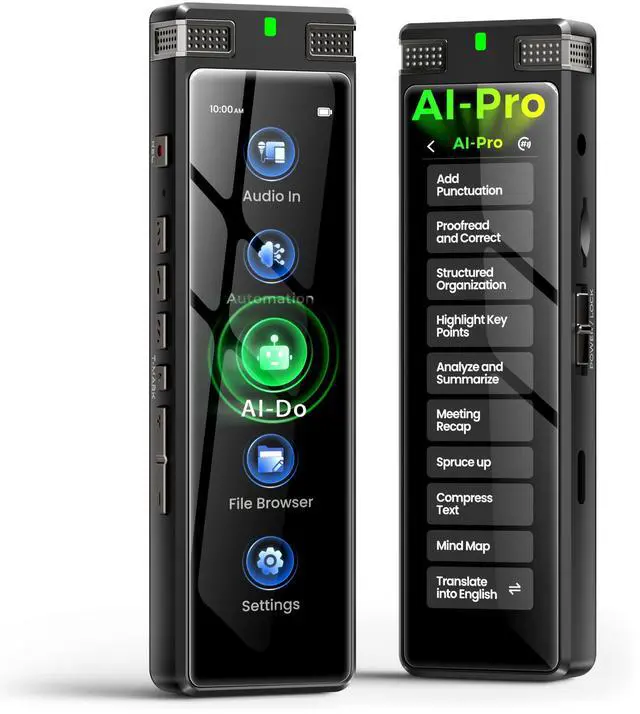
Common workflows mix automation and manual editing. I run auto-transcripts first. Then I correct names, jargon, and timestamps. This hybrid approach answers how do you transcribe from a digital voice recorder quickly and with good quality.
Edit, proofread, and format transcripts
A raw transcript needs care. Good editing makes text useful and accurate.
- Read through once to fix big errors.
- Verify names, numbers, and dates with the audio.
- Add speaker labels like Speaker 1, Speaker 2, or real names.
- Insert timestamps at key points if the transcript will be used for reference.
- Format for readability: short paragraphs, bullet lists, and headers.
A clean transcript is easy to scan. My rule is two passes: first for meaning, second for grammar and format. This method helps when people ask how do you transcribe from a digital voice recorder and need publish-ready text.

Exporting, saving, and sharing
Choose the right export format for your use case.
- Use TXT for quick edits and search.
- Use DOCX for client delivery and review.
- Use SRT or VTT for captions and video timing.
- Save a master copy and export backups to cloud storage.
Label files with client, date, and version. This saves confusion when multiple takes or edits exist. Proper export keeps your work safe and usable.
Tips, common problems, and troubleshooting
Noise, accents, and poor recording can cause errors. Here are fixes and small tricks that helped me.
- If audio is noisy, use noise reduction tools before transcribing.
- For overlapping speakers, slow playback and isolate each voice if possible.
- If names repeat, create a name list and replace phonetic guesses with correct spelling.
- If a tool falters on jargon, add custom vocabulary or glossary entries.
- Keep short, named files rather than one long file to speed processing.
PAA-style questions (short answers)
How accurate are automatic transcripts?
Automatic tools can reach 80–95% accuracy on clear audio. Accuracy drops with noise or strong accents.
Can I transcribe without a computer?
Yes. Some recorders have built-in transcription apps on mobile. But a computer gives more editing power and storage.
Is manual or automatic transcription cheaper?
Automatic is cheaper for time, manual is cheaper for accuracy. A mix often gives the best value.

Personal experience and mistakes to avoid
I once transcribed a three-hour focus group in one file. The audio had two people speaking at once. It took me twice as long to split speakers and correct timestamps. Now I record each speaker on a separate track when possible.
Lessons I learned:
- Record separate channels when you can.
- Label files right away.
- Do a quick review after recording to catch major issues early.
These simple steps cut my edit time by half. They also answer how do you transcribe from a digital voice recorder in a way that saves time later.
Tools and software recommendations
Pick tools that match your budget and needs. Here are common choices and when to use them.
- Use a simple text editor for manual work and short clips.
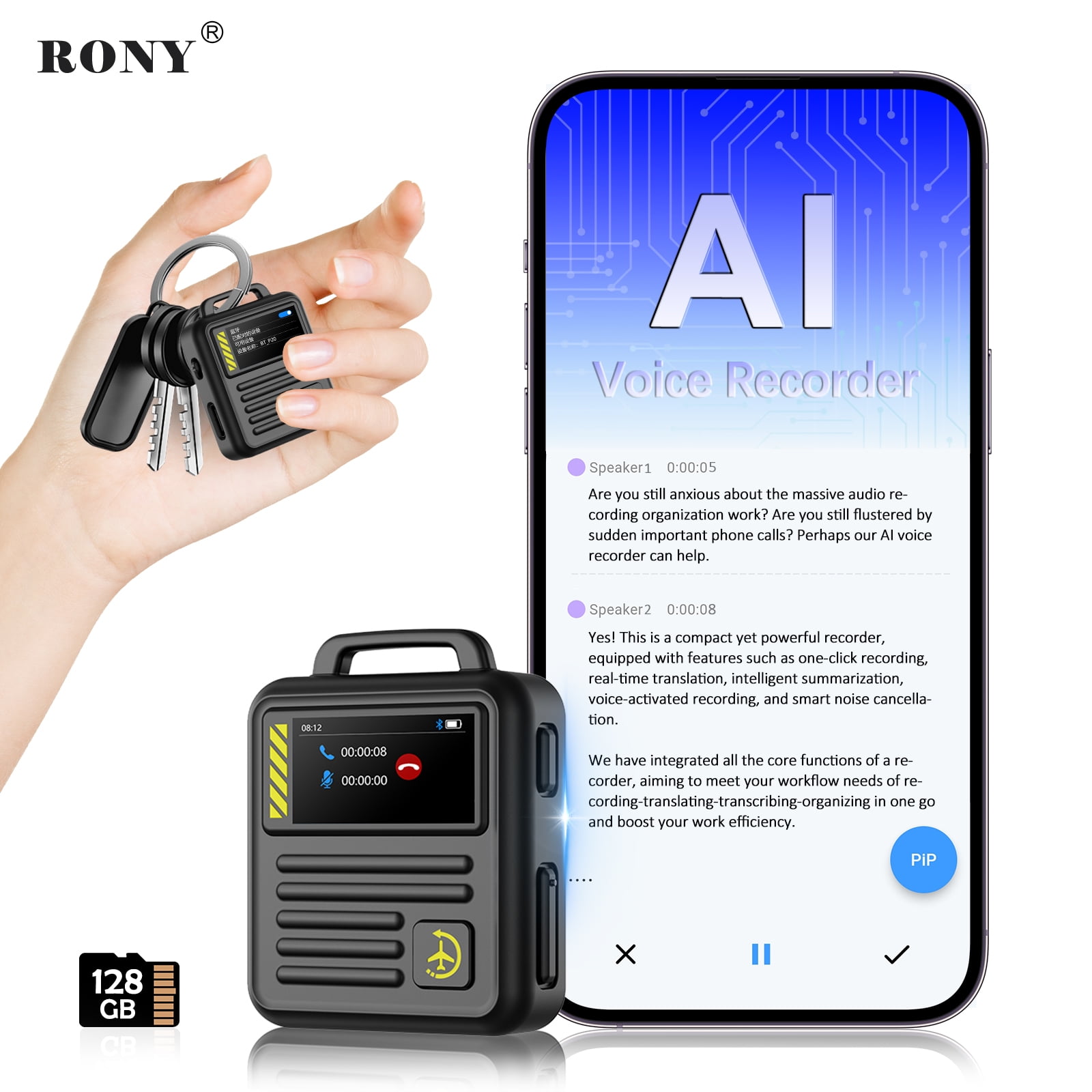
- Pick a dedicated transcription app with playback control for long sessions.
- Use automated services for bulk jobs or rough drafts.
- Consider noise reduction software if you often record in the field.
Try a few free trials. Pick what feels fast and accurate for your workflow. I test tools on a short sample to see real results before committing.
Legal, privacy, and accuracy considerations
Respect privacy and legal rules when you transcribe. Always get consent when required.
- Check local laws on recording and consent.
- Secure audio and transcripts with encryption or password protection.
- Redact or anonymize sensitive data when sharing.
- Note limits of automated tools on sensitive or legal transcripts.
Transparency about accuracy is wise. Tell clients if a transcript is automated draft or human-checked. This builds trust and avoids surprises.
Frequently Asked Questions of how do you transcribe from a digital voice recorder
How long does transcription take per hour of audio?
Manual transcription often takes 3 to 6 hours per recorded hour. Automated tools return results in minutes but need editing.
What audio format is best for transcription?
WAV or high bitrate MP3 is best. They keep clear sound and improve both manual and automatic accuracy.
Can I transcribe an interview with multiple speakers?
Yes. Label speakers during editing. Use speaker separation if your recorder supports multiple tracks to speed the process.
How do I improve accuracy for poor audio?
Use noise reduction, a better mic next time, and slow playback. Manual proofreading after automation also fixes many errors.
Is it OK to use free transcription tools for client work?
You can, but review output carefully. For sensitive or legal work, use vetted professional services and secure storage.
Conclusion
You can transcribe from a digital voice recorder in many ways. Start with good audio, pick a workflow, and use the right tools for the job. I recommend a hybrid approach: use automatic transcription to save time, then edit manually for accuracy. Try the steps here on one short file to build confidence.
Take action today: test a short clip, compare a manual pass with an automated result, and refine your process. Share your experience or questions below, or subscribe for more tips on transcription and audio workflows.