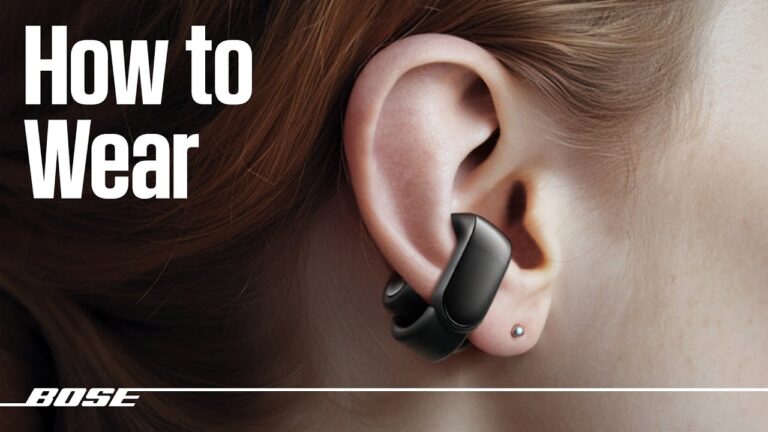
Turn on ANC by holding the earbud touch/button or toggling ANC in the JLab Sound app.
I’ve spent years testing earbuds and helping people get clear sound fast. This guide explains exactly how to turn on noise cancelling on JLab earbuds, covers model differences, app controls, troubleshooting tips, and real-life tricks I learned from daily commuting and work calls. Read on to get ANC working reliably, whether you own true wireless JLab buds or a newer ANC model.

Why noise cancelling matters on JLab earbuds
Noise cancelling helps you hear music, calls, and podcasts clearly. It cuts background hum so you focus on what matters. Knowing how to turn on noise cancelling on JLab earbuds gives you better calls, fewer distractions, and a calmer commute.
Many JLab earbuds offer active noise cancellation, ambient modes, or simple passive isolation. ANC reduces low-frequency noise like buses and air conditioners. It can also improve perceived audio quality at lower volume. Learning the exact controls for your JLab model makes ANC quick to use and saves battery life.

Which JLab earbuds have noise cancelling
Not every JLab model has ANC. Confirm your model before trying controls. Common JLab models with ANC include many newer true wireless and sport earbuds.
- JLab models likely to have ANC include higher-end True Wireless models and versions with "ANC" in the name.
- Budget or older JLab buds may only use passive noise isolation from the ear tips.
- The JLab Sound app can show whether your pair supports ANC and let you toggle modes.
Check your product box or the JLab app to confirm. If you are unsure which model you own, look at the case or pairing name on your phone and compare it to the JLab listing.

Step-by-step: How to turn on noise cancelling on JLab earbuds
Below are clear, model-agnostic steps to turn on noise cancelling on JLab earbuds. I include options for touch controls, physical buttons, and the JLab app.
- Prepare the earbuds and phone
- Charge both earbuds and the case above 30 percent.
- Pair the earbuds to your phone and confirm audio plays.
- Use touch or button controls
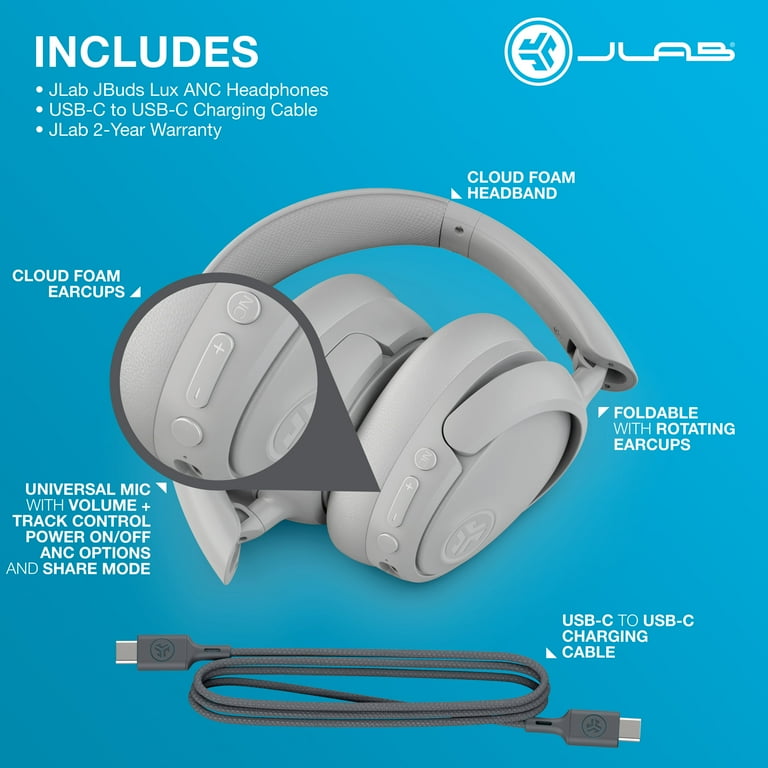
- Press and hold the left or right earbud for 2–3 seconds to cycle modes. This commonly toggles ANC, Ambient, and Off.
- If your buds have a physical button, press and hold the button on the left earbud to activate ANC.
- Watch audio prompts or listen for tones. Most JLab earbuds speak the mode aloud.
- Use the JLab Sound app
- Install the JLab Sound app on iOS or Android.
- Open the app with the earbuds paired. The app shows an ANC toggle when your model supports it.
- Tap ANC on or select ANC level or ambient mode as available.
- Firmware and settings checks
- Update firmware in the JLab app if an update is listed. Firmware fixes often improve ANC behavior.
- Reset the earbuds if ANC won’t toggle. A reset often restores default button mapping.
- Confirm ANC is active
- Listen for a subtle decrease in background hum.
- Use a noisy environment to test. If you hear less low-frequency noise, ANC is on.
These steps cover most scenarios for how to turn on noise cancelling on JLab earbuds. Exact hold times can vary by model, so consult your manual if a single hold doesn’t work.
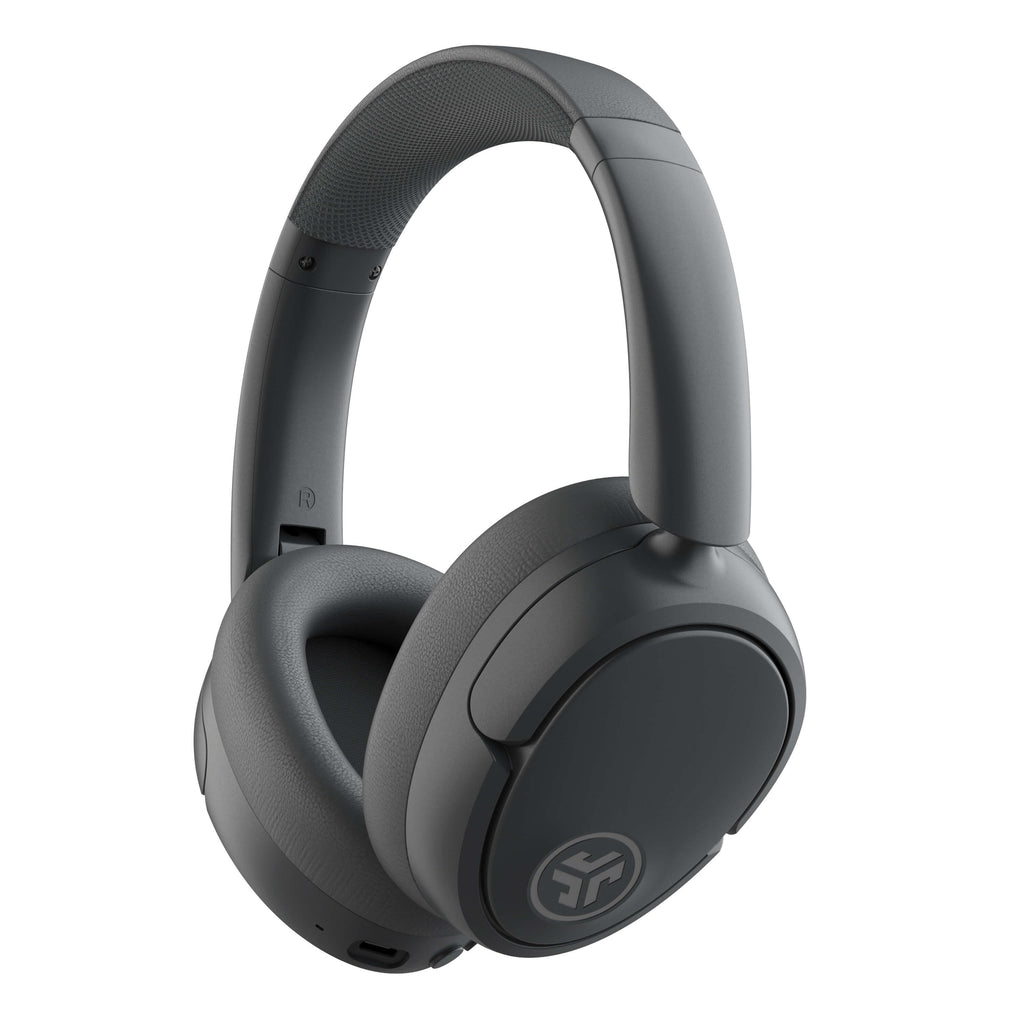
Troubleshooting and tips when ANC won't turn on
If ANC won’t activate, try these quick fixes I use when testing earbuds.
-
Check battery level
-
Low battery often disables ANC. Charge both buds and the case fully before trying again.
-
Confirm model supports ANC
-
Some JLab earbuds look similar but lack active noise cancelling. Verify in the app or manual.
-
Update firmware and app
-
Install the latest firmware and app updates. I’ve had ANC start working after a firmware patch.
-
Reset and re-pair
-
Reset the earbuds if controls act odd. Re-pair them to clear software glitches.
-
Try different ear tips
-
Poor seal reduces ANC effectiveness. Use foam or correct silicone tips for a tight fit.
-
Avoid false assumptions
-
Noise cancelling primarily removes steady, low-frequency sounds. It won’t block sudden loud noises like sirens.
If none of these help, contact JLab support or check warranty options. These steps usually fix common issues when trying to turn on noise cancelling on JLab earbuds.
Best practices and real-life tips from experience
I use JLab buds daily. Here are practical tips I learned that make ANC more reliable and useful.
- Use firmware updates right away. They fix button logic and ANC stability.
- Learn the touch pattern. I mapped the button that toggles ANC so I don’t fumble during calls.
- Keep one earbud in ambient mode when you need to hear announcements. It’s faster than turning ANC off.
- Use a snug ear tip. In my commute tests, swapping to memory-foam tips improved ANC dramatically.
- Manage battery carefully. ANC drains battery faster, so charge before long trips.
These habits make the process of how to turn on noise cancelling on JLab earbuds smooth and predictable. Small changes like tip choice and app updates have big effects.

Quick answers to likely questions while using your JLab earbuds
- How can I toggle between ANC and ambient modes quickly? Usually press and hold the designated earbud for 2–3 seconds, or use the JLab app to switch instantly.
- Will ANC work with one earbud only? Most JLab models need both buds connected for ANC to function optimally.
- Does ANC use more battery? Yes, active noise cancelling increases power use, so expect shorter playtime when ANC is on.
These snippets help when you just need a fast fix for how to turn on noise cancelling on JLab earbuds.

Frequently Asked Questions of how to turn on noise cancelling on jlab earbuds
How do I activate ANC on my JLab earbuds?
Most JLab earbuds activate ANC by pressing and holding the touch surface or button on an earbud for 2–3 seconds. You can also toggle ANC in the JLab Sound app when your model supports it.
Why won’t my JLab earbuds show ANC in the app?
If ANC doesn’t appear, your model may not support active noise cancelling. Also check that the earbuds are paired, the app is up to date, and firmware is installed.
Can I use ANC with calls on JLab earbuds?
Yes, ANC usually works during calls, but headset mics may use different noise processing. If call quality drops, try toggling ANC off or switching to ambient mode.
My ANC sounds weak. What should I try?
Try different ear tips, ensure a snug seal, update firmware, and make sure both earbuds are connected. ANC works best with a tight in-ear fit.
How do I reset my JLab earbuds if ANC won’t toggle?
Reset methods vary by model, but common steps include holding both earbuds in the case button for several seconds or following the reset sequence in the manual. After reset, re-pair your device and check ANC again.
Conclusion
Knowing how to turn on noise cancelling on JLab earbuds makes listening cleaner and more focused. Start by confirming your model, updating firmware, and learning the touch/button controls or using the JLab Sound app. Use a good ear tip fit and keep batteries charged to get the most from ANC. Try these steps today, and leave a note about which JLab model you use or what fixed your ANC—your experience can help others.